
Parking Kitty


Skip the kiosks and manage your parking session with a tap. Pay, extend your time, and get ‘meow’ notifications before your time runs out—it’s the official, stress-free way to navigate the city.
Publisher
Category
LifestyleDownloads
1M+User Rating
Total Ratings
9K+Locales
3Discover the interface used by 1M+ users.
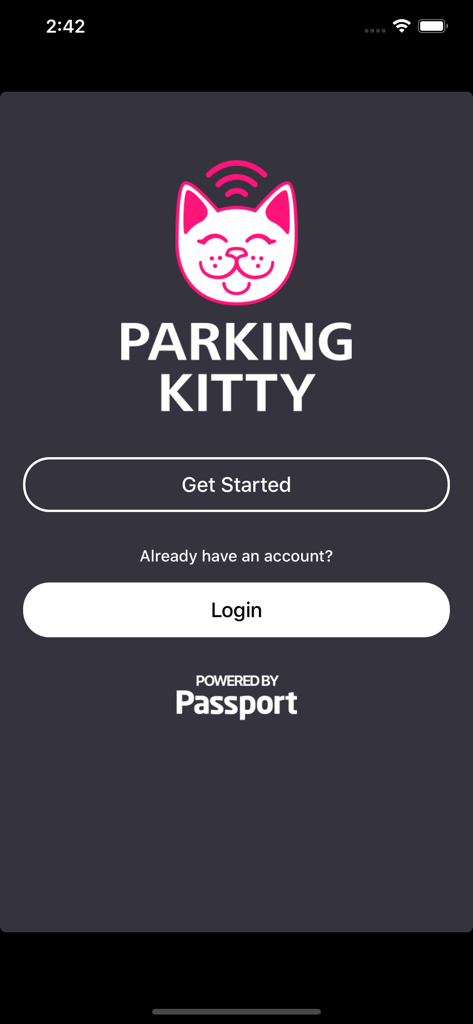
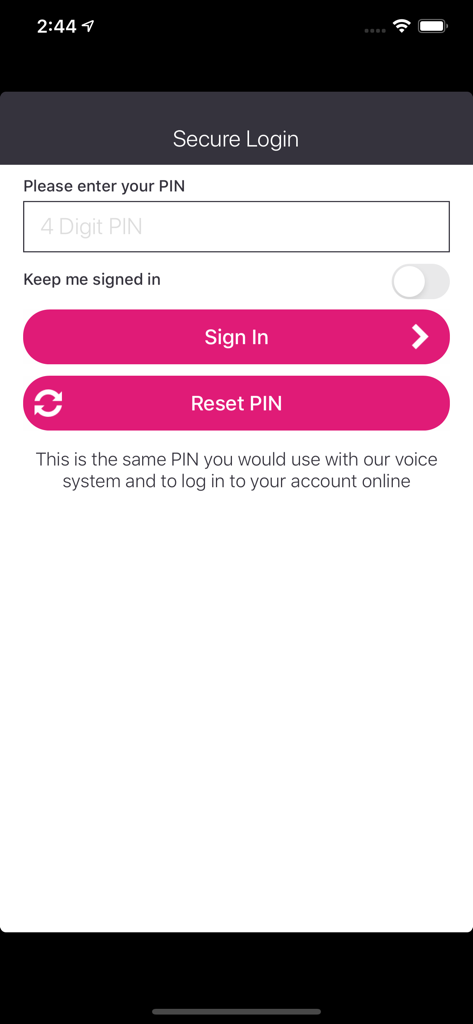
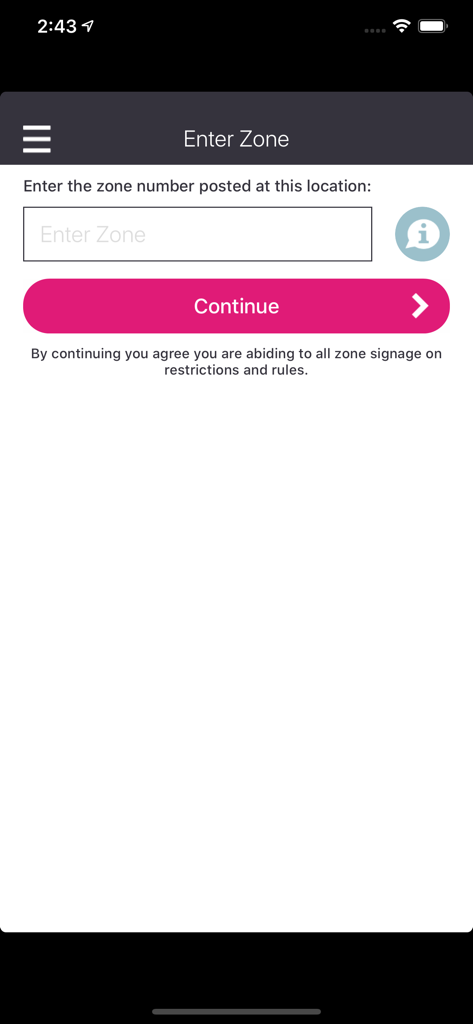
The tools that make this app stand out, trusted by 1M+ users.
Forget looking for coins or kiosks. Securely pay for your parking spot in seconds without ever leaving your seat.
Meetings running late? Get 'meow' notifications and extend your session from anywhere with a single swipe.
Keep your records organized with automated email receipts and a full digital history of every parking session.
Trusted by 1M+ people who love this app.
"Parking Kitty is a total game-changer for my daily commute into the Pearl District. I love being able to extend my parking time right from my phone when meetings run late. Plus, the 'meow' notification is both adorable and incredibly helpful for avoiding those pesky tickets!"
"Finally, an official app that actually works and matches Portland's unique personality. It’s so much faster than using the physical kiosks, especially in the rain. Being able to track all my receipts in one place has made my business expense reporting a breeze."
Everything you need to know about Parking Kitty.
Description
Latest Version
1.4.2
Size
64.1 MB
First Released
May 18, 2017
Join over 1 million Portlanders who trust the city’s official app for a frictionless parking experience. Download Parking Kitty today and make every trip the cat’s meow.
Everything you need to know about Parking Kitty
Parking Kitty is the official mobile parking app for the City of Portland. It enables users to park, pay, extend, and manage their parking sessions directly from their smartphone.
Parking Kitty simplifies parking by allowing users to manage the entire process from their phone. This includes parking, paying, extending sessions, receiving low-time notifications, and accessing email receipts and parking history.
Yes, users can extend their parking session directly through the Parking Kitty app. The app also sends "meow" notifications when the parking session time is low, prompting extensions.
To begin using Parking Kitty, download the free app. Then, park where you see the Parking Kitty signs and pay for your parking session directly from your phone.
Parking Kitty provides "meow" notifications. These alerts inform users when their parking session time is running low, helping them manage their parking and avoid potential violations.
Yes, Parking Kitty provides email receipts automatically at the conclusion of each parking session. Users can also manage and view their complete parking history within the mobile app.
Users log in to the Parking Kitty app by entering their 4-digit PIN on the secure login screen. This same PIN is valid for the voice system and online account access.
To initiate a parking session, users must enter the specific zone number displayed at their parking location into the app. Users must also adhere to all posted zone signage and rules.
Apps with similar features and user experience

Parkmobile USA, Inc

Easy Park AS

SpotHero, Inc.

ParkWhiz, Inc.
RingGo Ltd

Metropolis Technologies, Inc.

Agence de mobilite durable de Montreal

SWM Services GmbH

Parkmobile USA, Inc