
Paychex Flex




Empowering employers and employees with secure, on-the-go access to pay stubs, 401(k) balances, and essential HR tools.
Publisher
Category
BusinessDownloads
9M+User Rating
Total Ratings
569K+Locales
1Discover the interface used by 9M+ users.
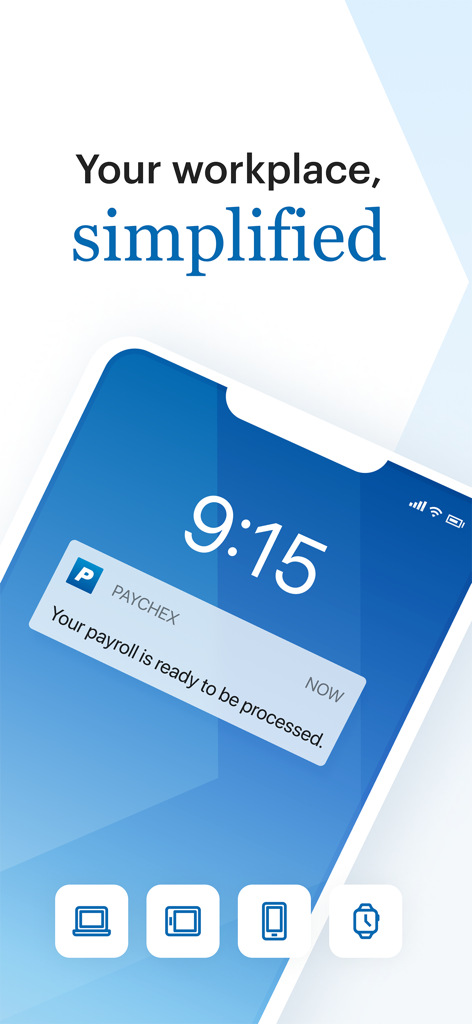
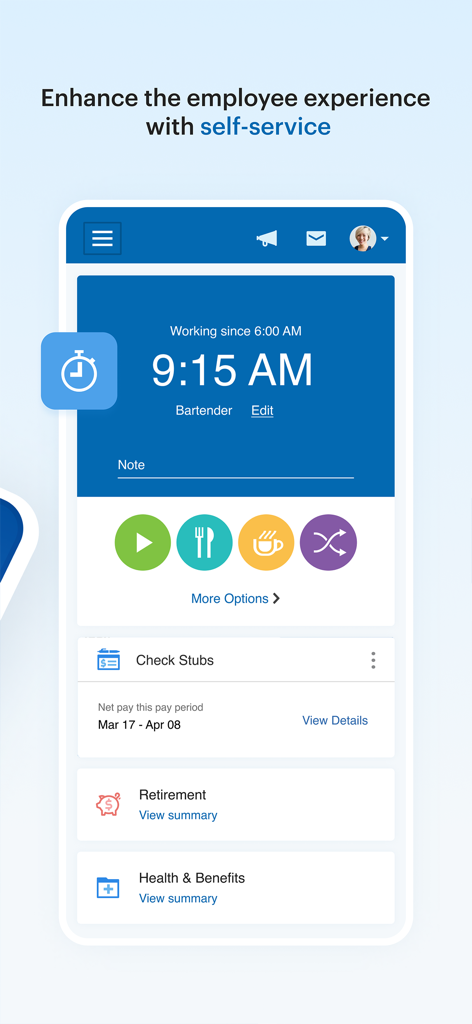
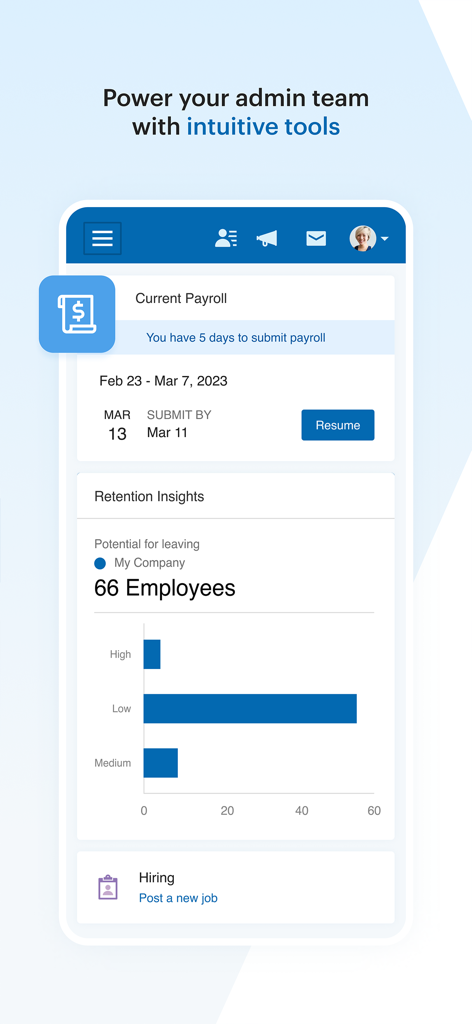
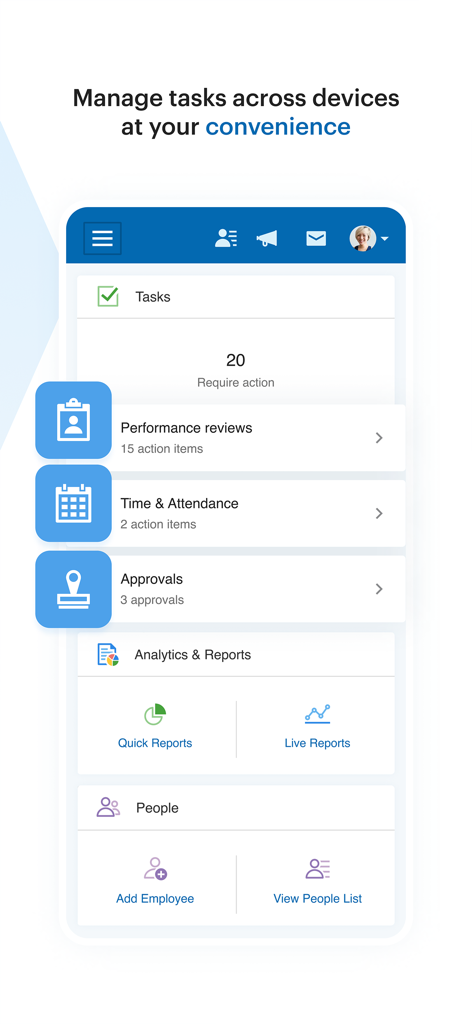
The tools that make this app stand out, trusted by 9M+ users.
Log in quickly and safely using Face ID or Touch ID to protect your sensitive financial and personal data.
Submit payroll on the go, review cash requirements, or download your W-2s and pay stubs in seconds.
Manage your 401(k) contributions, track FSA claims, and view health insurance details without the paperwork.
Trusted by 9M+ people who love this app.
"Being able to check my paystubs and track my 401k contributions on my commute has been a total game changer. The FaceID integration makes it feel just as secure as my banking app, and I love having all my health benefits info in one place."
"This app is a lifesaver for a small business owner like me. I can review and submit payroll from the field or while traveling, which gives me so much freedom. Having instant access to cash requirements and tax documents directly on my phone is indispensable."
Insights from user reviews.
Sentiment Score
Summary
The Paychex mobile app receives overwhelmingly negative feedback, primarily due to severe performance issues such as extremely slow loading times, frequent buffering, and general unresponsiveness, even on strong Wi-Fi connections or new devices. Many users report critical functionality failures, including punches not registering, inability to sign in, and features like time and attendance or 401K loan options not working or crashing the app. While a few businesses praise its reliability and ease of use for payroll and HR services, employees commonly describe it as a 'nightmare' that causes significant frustration and extra work. Recent updates have exacerbated these problems, with multiple users reporting the app stopped working or loading entirely after the latest version.
Common Themes
Everything you need to know about Paychex Flex.
Description
Latest Version
7.69
Size
310.1 MB
First Released
Jun 11, 2012
Join over 9 million professionals who manage payroll, benefits, and retirement with the security of FaceID. Download Paychex Flex and take control of your work-life balance today.
Everything you need to know about Paychex Flex
The Paychex Flex app is designed for previously registered users of Paychex Flex (paychexflex.com). The specific features available depend on the user's company plan options.
Employers can enter, review, and submit payroll on the go using the Paychex Flex app. They can also resume payrolls initiated on a tablet or desktop, as suggested by Screenshot #3.
Yes, employees can access their check stubs and W2s through the Paychex Flex app. Screenshot #2 visually confirms the "Check Stubs" feature for employees.
Yes, the Paychex Flex app supports biometric authentication. Both employers and employees can use Touch ID and Face ID for secure and convenient access to the application.
Employees can access retirement balances, contributions, returns, and loan information. They also have the ability to update their retirement contributions and investments within the app.
Employers can access employee profiles, compensation details, and time-off balances. Screenshot #4 also shows features to "Add Employee" and "View People List" for workforce management.
Yes, employers can access various reports through the Paychex Flex app. This includes payroll reports, cash requirements, and options for "Quick Reports" and "Live Reports," as shown in Screenshot #4.
Employees can view health, dental, and life insurance benefit details, including deductions and contact information. FSA contributions, balances, claims, and reimbursement activities are also accessible.
Yes, employers can manage and approve tasks within the Paychex Flex app. Screenshot #4 clearly shows an "Approvals" section, indicating this functionality.
Apps with similar features and user experience

Paylocity Corporation

Paycom Payroll, LLC

Gusto, inc.

AMZN Mobile LLC

TaxDome LLC

Walmart

Peninsula Online Services Limited

Senior Sistemas S/A

Buk SPA
