PDF to Photos - JPG / PNG

PDF to Photos - JPG / PNG

Download on App Store
Spark by MWM logo
Logo of PDF to Photos - JPG / PNG
PDF to Photos - JPG / PNG: Turn Any PDF Into Crystal Clear Images Instantly

The fastest way to convert documents into high-resolution JPGs and PNGs. Perfect for students and professionals who need professional quality on the go in just three easy taps.

Download on App Store

Publisher

Dropouts Technologies LLP

Category

Utilities

Downloads

54K+

User Rating

4.9/5

Total Ratings

0

Locales

14

Simplicity in Every Frame

Discover the interface used by 54K+ users.
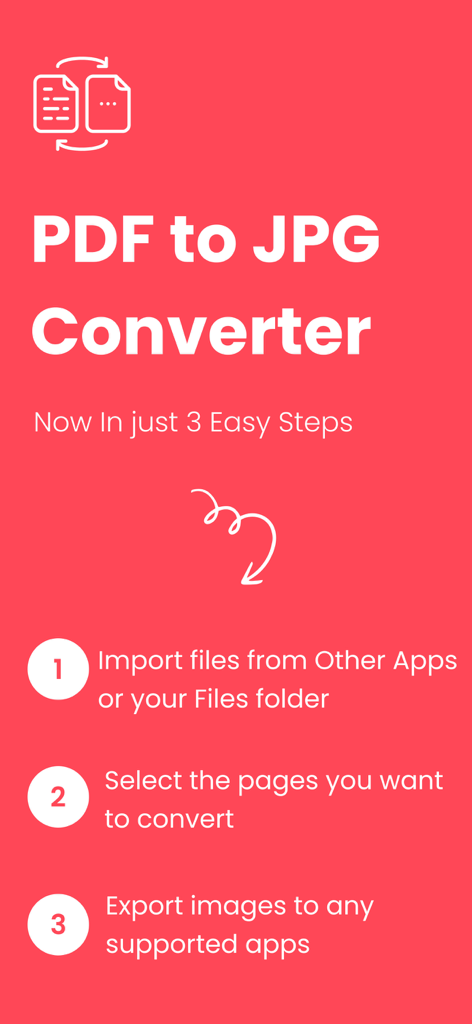
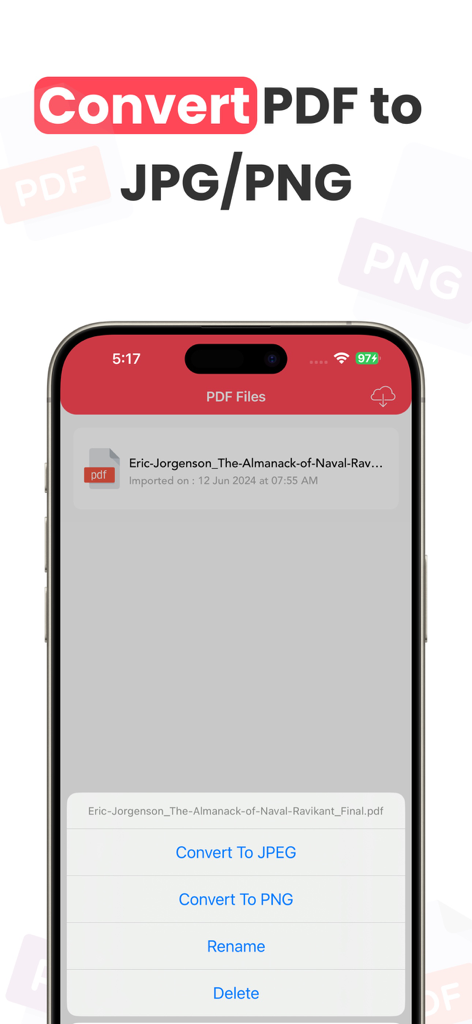
A graphic showing the three easy steps to convert PDF documents into high quality JPG images

A graphic showing the three easy steps to convert PDF documents into high quality JPG images

iPhone screen showing options to convert a PDF file to JPEG or PNG format

iPhone screen showing options to convert a PDF file to JPEG or PNG format

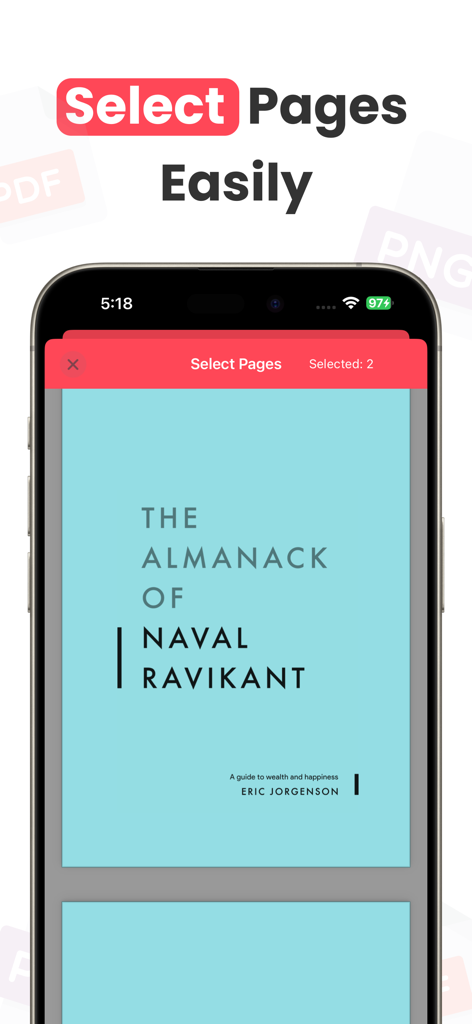
Smartphone screen showing the select pages interface of the PDF to Photos app for easy conversion

Smartphone screen showing the select pages interface of the PDF to Photos app for easy conversion

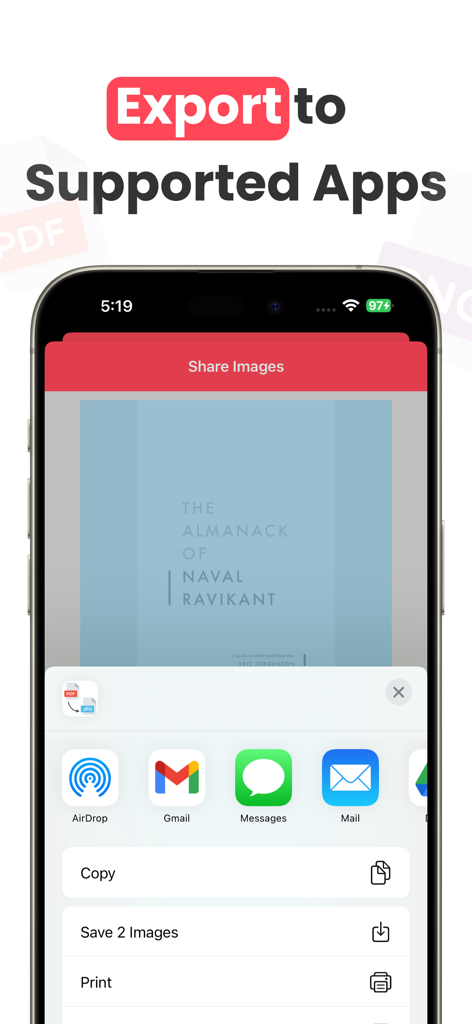
PDF to Photos app interface showing the iOS share sheet with options to export converted images to Gmail Messages and AirDrop

PDF to Photos app interface showing the iOS share sheet with options to export converted images to Gmail Messages and AirDrop

Efficiency in Every Tap

The tools that make this app stand out, trusted by 54K+ users.

Lightning-Fast 3-Step Flow

Select, convert, and export. Get the job done in under 60 seconds without ever needing to open a laptop.

💎

Crystal Clear Quality

Ditch blurry screenshots. Extract pixel-perfect JPGs and PNGs that look professional on social media, Slack, or in your notes.

☁️

Seamless Cloud Integration

Import directly from Google Drive, Dropbox, or Box. Access your documents and repurpose your content wherever you are.

Loved by users worldwide

Trusted by 54K+ people who love this app.

"

"This app is a lifesaver for my social media workflow! I often get brand assets as PDFs and need to turn them into high-quality JPGs for Instagram stories. It's so much better than taking blurry screenshots. The Google Drive integration makes it incredibly fast to pull files and convert them in seconds."

Sarah Jenkins
"

"I use this on my iPad for all my college notes. Being able to pick specific pages from a 200-page textbook PDF and save them directly to my Photos as clear images is exactly what I needed. The three-step process is effortless and the quality is crystal clear every time."

Marcus Thorne

About the app

Everything you need to know about PDF to Photos - JPG / PNG.

Description

Turn Any PDF Into Crystal Clear Images Instantly. Your go to PDF → JPG/PNG Converter is finally here, designed to be fast, simple, and effortless. Why users love it: • Bring in PDFs from any app and convert them in seconds • Seamless import from Google Drive, Dropbox, Box, and more • Intuitive page picker, choose exactly what you want to export • Save high quality JPG/PNG images directly to Photos • Share your converted images anywhere with just a tap • A smooth 3-step flow: Select → Convert → Export Perfect for students, professionals, designers, and anyone who needs clean image outputs from PDFs, without the hassle. **************** Free Usage Access : > Without Subscription the user can convert only 2 pages into JPG or PNG format from a PDF file for maximum 5 files. Pro User Access ( Subscription Or Lifetime ) > With Subscription the users can convert unlimited pages from unlimited PDF files **************** Privacy Policy Link : https://www.dropouts.in/privacypolicy/privacy-policy.html Terms and Conditions Link : https://www.dropouts.in/privacypolicy/terms-of-use.html

Latest Version

2.0.2

Size

12.9 MB

First Released

Jan 31, 2019

Ready to Transform Your PDFs into Crystal Clear Photos?

Stop settling for low-res screenshots. Join over 54,000 professionals and students who convert, share, and export in seconds. Download now and start your 3-step conversion.

Download on App Store