
Ping - network utility


Get desktop-grade precision on your iPhone with full IPv4/IPv6 support and configurable packets. No ads, no fluff—just the essential tool for network engineers and troubleshooters who demand total control.
Publisher
Category
UtilitiesDownloads
372K+User Rating
Total Ratings
1K+Locales
1Discover the interface used by 372K+ users.
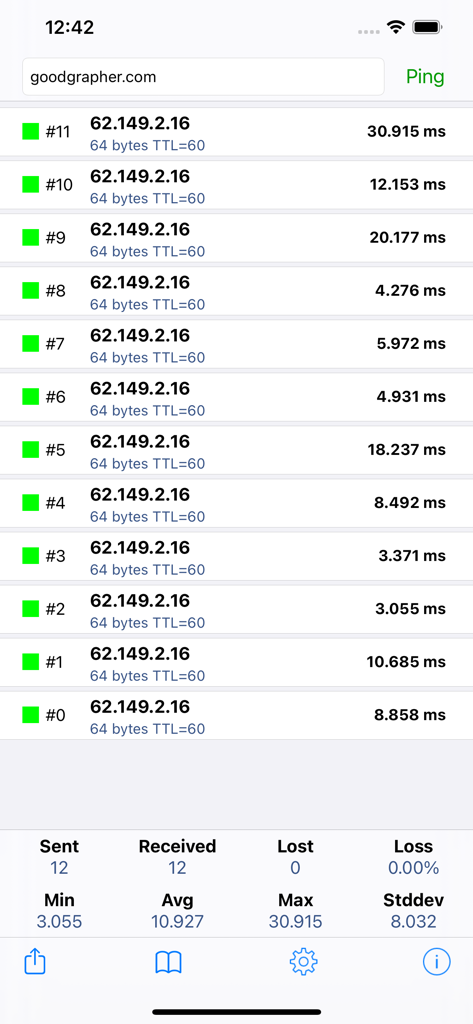
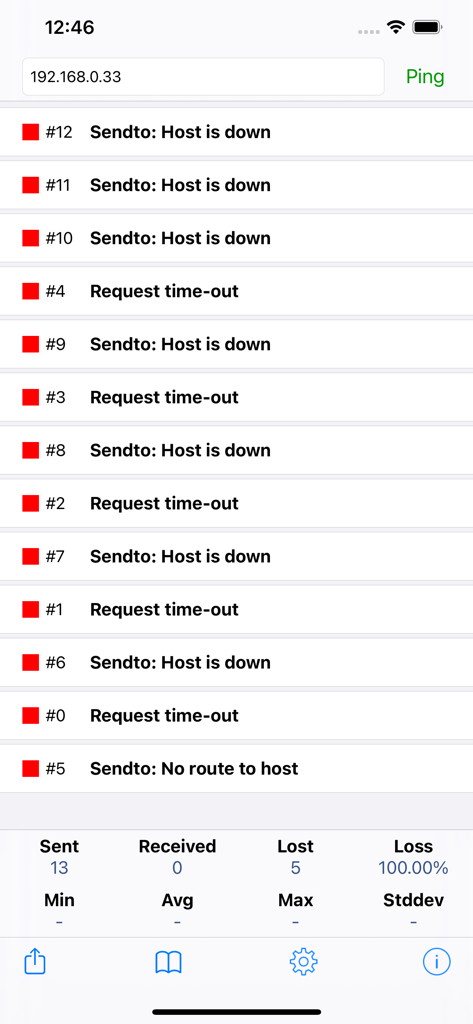
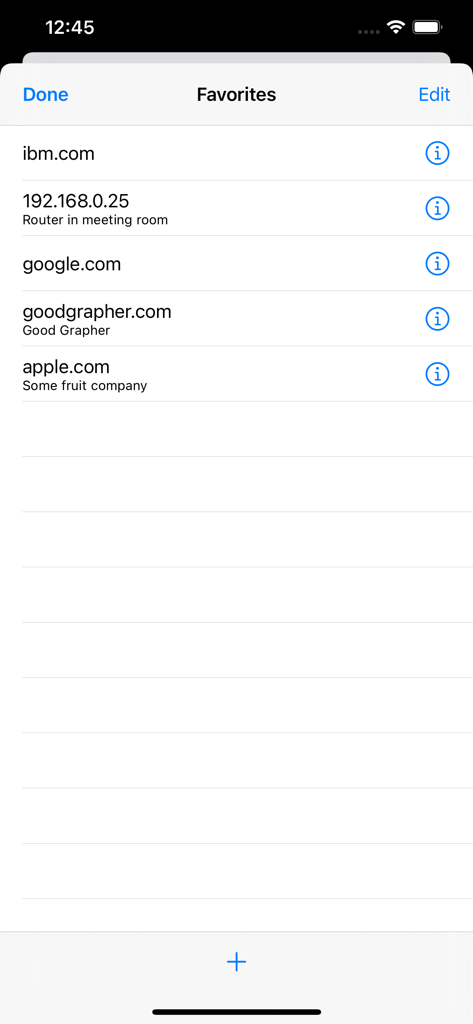
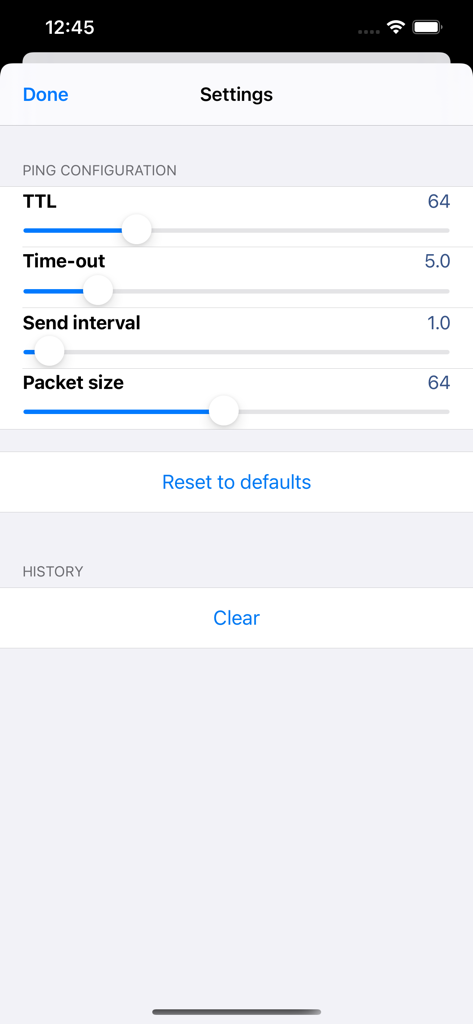
The tools that make this app stand out, trusted by 372K+ users.
Configure TTL, packet size, and send intervals to replicate terminal-level testing and pinpoint complex connectivity issues.
Ensure connectivity across all modern infrastructure with native support for both IPv4 and IPv6 protocols out of the box.
Focus on troubleshooting without distractions. Enjoy a completely free tool with no ads, a favorites library, and background tasking.
Trusted by 372K+ people who love this app.
"Finally, a ping tool that actually respects my time. No ads, no bloat, just the raw data I need. The IPv6 support and configurable packet sizes make it my go-to for server maintenance and quick network diagnostics."
"Essential for on-site troubleshooting. Being able to run a ping in the background while I check physical connections is a lifesaver. It's rare to find such a powerful, professional-grade utility that is truly free and lightweight."
Everything you need to know about Ping - network utility.
Description
Latest Version
2.3.0
Size
7.0 MB
First Released
Nov 13, 2012
Join 370,000+ network experts. Experience precise IPv4/IPv6 diagnostics with zero ads and full configuration control, right from your iPhone.
Apps with similar features and user experience

Ubiquiti Inc.

Fing Limited

Spring Tech Co., Ltd.

Huacen Co., LTD

Mattis Knutsson

Jiri Techet

Jiri Techet

方勇 侯
荣阳 乌