
PrintAssist


Stop struggling with AirPrint limitations. Connect your FileMaker scripts to any label, POS, or industrial printer in minutes—no complex SDK or custom development required.
Publisher
Category
UtilitiesDownloads
2K+User Rating
Total Ratings
0Locales
3Discover the interface used by 2K+ users.
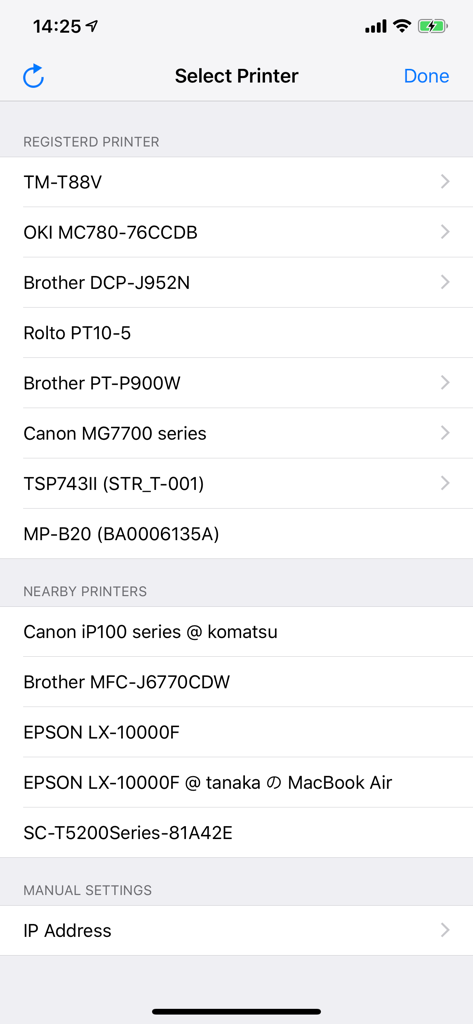
The tools that make this app stand out, trusted by 2K+ users.
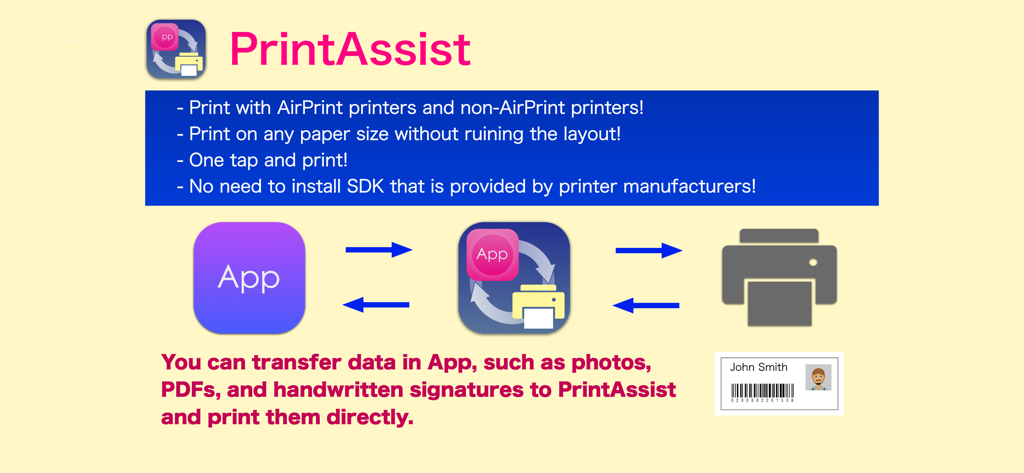
Break free from AirPrint limitations. Connect directly to POS, label, and mobile printers from leading manufacturers like Zebra and Star Micronics.
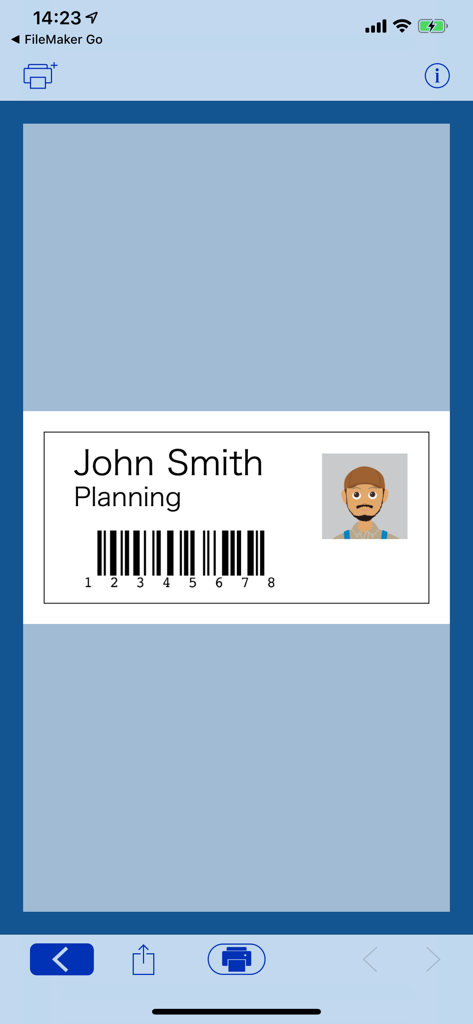
Maintain perfect layouts on any paper size. Generate and print QR codes, barcodes, and signatures directly from your database without scaling issues.
Eliminate the need for complex SDKs. Add professional printing to your FileMaker scripts in minutes, saving weeks of costly developer time.
Trusted by 2K+ people who love this app.
"PrintAssist has been a total game-changer for my FileMaker Go projects. I used to spend weeks wrestling with complex printer SDKs, but now I can integrate specialty label and POS printers in minutes using simple scripts. It is the perfect bridge for any professional iOS workflow that requires precision and non-standard paper sizes."
"We needed a reliable way to print custom barcodes from our iPads to our existing warehouse label printers. PrintAssist worked flawlessly where AirPrint failed us, saving our company thousands in potential hardware upgrades. The one-tap printing feature has significantly boosted our inventory team's daily efficiency."
Everything you need to know about PrintAssist.
Description
Latest Version
2.6.0
Size
13.8 MB
First Released
Dec 15, 2015
Join thousands of operations managers and IT consultants who have eliminated the AirPrint barrier. Connect your FileMaker scripts to any industrial, label, or POS printer in minutes—no SDK required.
Everything you need to know about PrintAssist
PrintAssist is an application that enables printing from FileMaker Go. It supports unusual paper sizes and a wide range of printers, including both AirPrint and non-AirPrint models, without requiring manufacturer SDKs.
Yes, PrintAssist supports printing with both AirPrint supported printers and non-AirPrint printers. This includes particular types such as POS printers and Label printers.
No, PrintAssist eliminates the need for developers to use an SDK provided by printer manufacturers. It simplifies the process of enabling printing functionality from FileMaker Go.
PrintAssist can transfer and print various data from FileMaker Go. This includes photos, PDFs, handwritten signatures, QR codes, and bar codes directly.
Yes, PrintAssist generates and prints QR codes or bar codes. It processes data transferred from FileMaker Go or generates codes directly from within the app for printing.
Yes, PrintAssist is compatible with FileMaker Go. It requires users to write a script within an app like FileMaker Go to utilize its printing capabilities.
To check printer compatibility for PrintAssist, users must verify that their printer works with PrintAssist LITE. Both applications share the same compatible printer list.
No, PrintAssist does not support Bluetooth printing on M1 equipped Mac devices. This limitation is explicitly stated in the application's notes.
Yes, PrintAssist allows printing on any paper size. It ensures that the layout remains intact without being ruined, regardless of the chosen paper dimensions.
Yes, PrintAssist allows users to store frequently printed image data, such as logos. This feature provides flexible use depending on the system's content needs.
Top-ranked apps in the same category

Google LLC

Google LLC

China Mobile Online Services Co., Ltd.

Google LLC

Servicos e Informacoes do Brasil

DEEP FLOW SOFTWARE SERVICES - FZCO

Servicos e Informacoes do Brasil

CHINA TELECOM Corporation Ltd.

Microsoft Corporation