Rekono OnePass

Rekono OnePass

Download on App Store
Spark by MWM logo
Logo of Rekono OnePass

Rekono OnePass: Your Secure All-in-One Digital Identity Hub

Experience frictionless security with lightning-fast push authentication, seamless 3-D Secure payments, and professional document signing—all protected by your biometrics.

Publisher

Rekono d.o.o.

Category

Utilities

Downloads

40K+

User Rating

4.8/5

Total Ratings

5K+

Locales

1

Security at a Glance

Discover the interface used by 40K+ users.
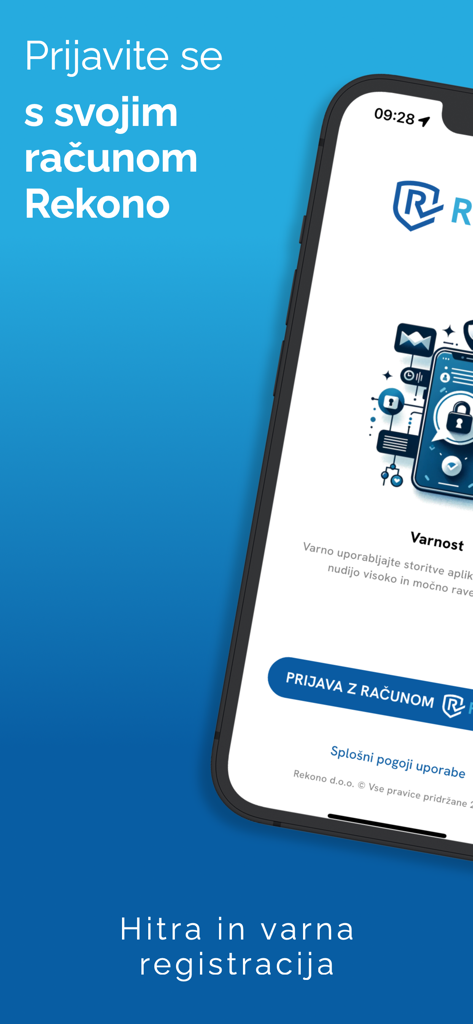
Rekono OnePass mobile app login screen for secure digital identity and authentication

Rekono OnePass mobile app login screen for secure digital identity and authentication

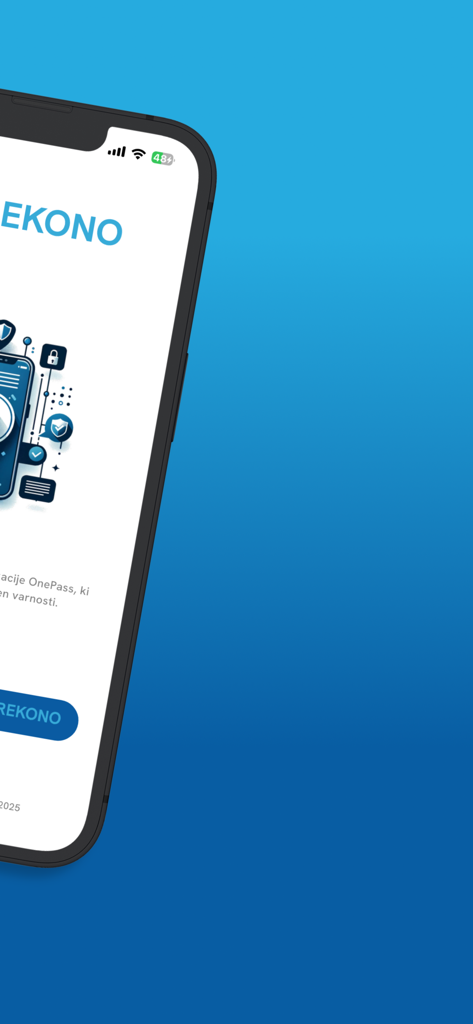
Smartphone screen showing the Rekono OnePass security app welcome interface

Smartphone screen showing the Rekono OnePass security app welcome interface

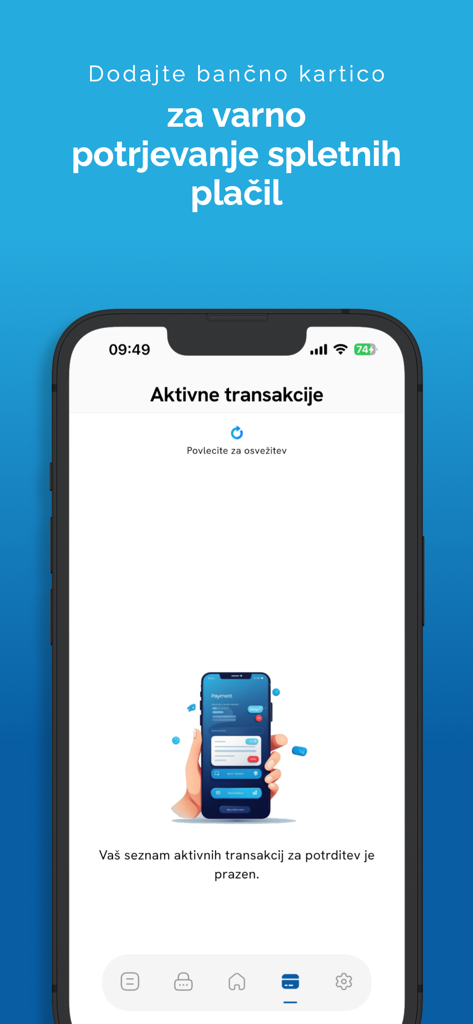
Smartphone displaying the Rekono OnePass app active transactions screen for secure online payments

Smartphone displaying the Rekono OnePass app active transactions screen for secure online payments

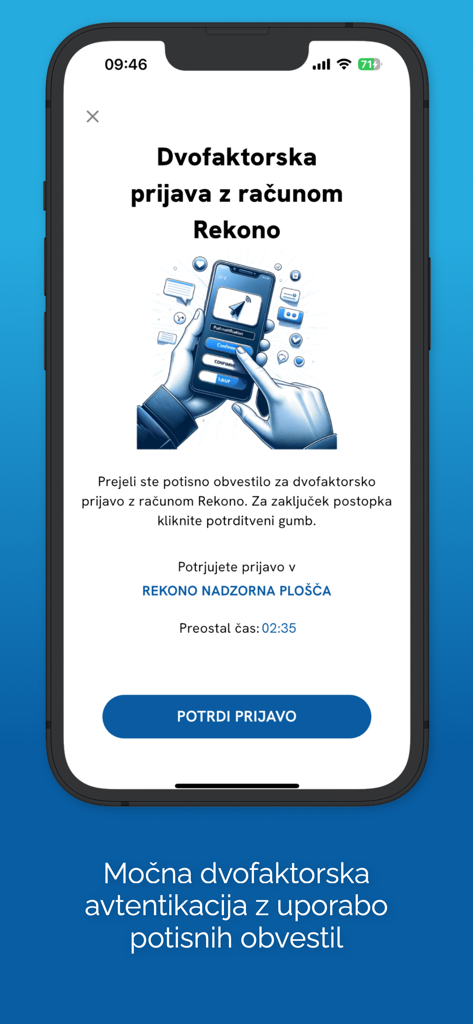
Rekono OnePass app screen displaying a two-factor authentication request with a confirm button on an iPhone.

Rekono OnePass app screen displaying a two-factor authentication request with a confirm button on an iPhone.

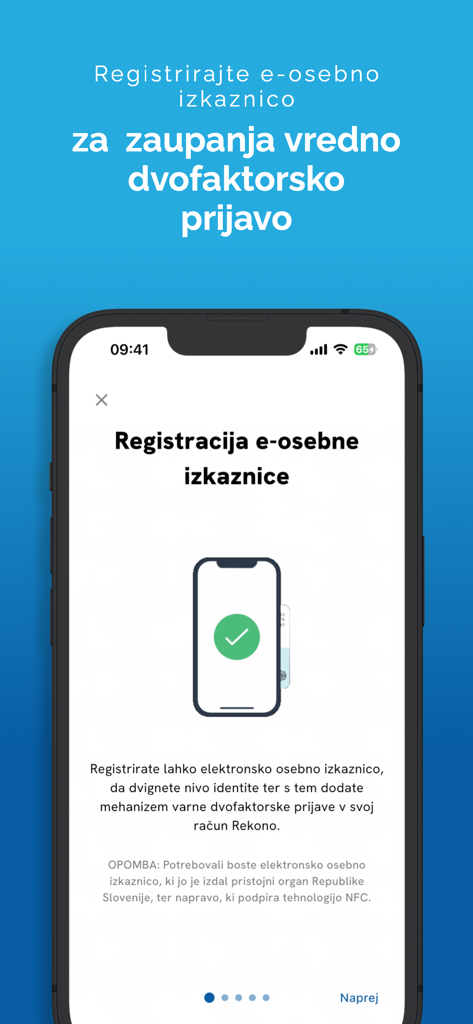
Rekono OnePass app screen for registering an electronic ID card for secure authentication

Rekono OnePass app screen for registering an electronic ID card for secure authentication

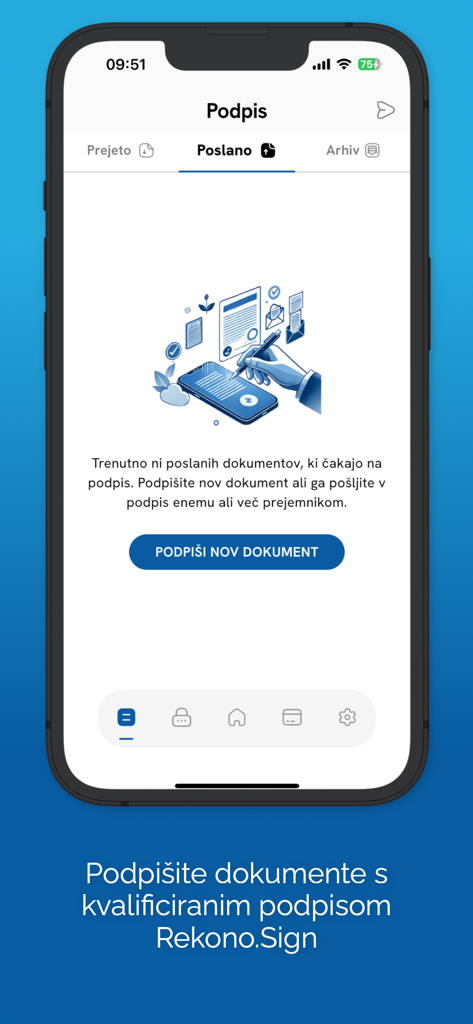
Rekono OnePass mobile app screen showing the digital document signing section with an option to sign new documents using Rekono Sign.

Rekono OnePass mobile app screen showing the digital document signing section with an option to sign new documents using Rekono Sign.

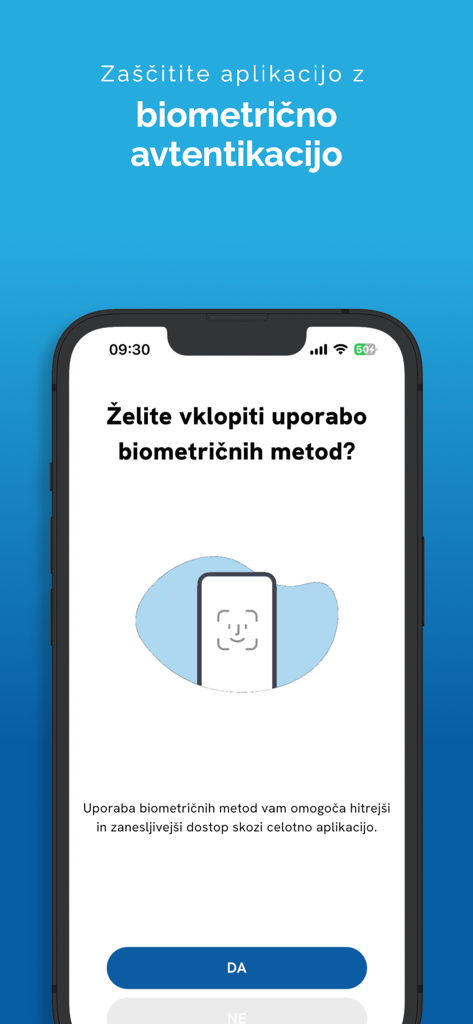
Biometric authentication setup screen on the Rekono OnePass mobile app

Biometric authentication setup screen on the Rekono OnePass mobile app

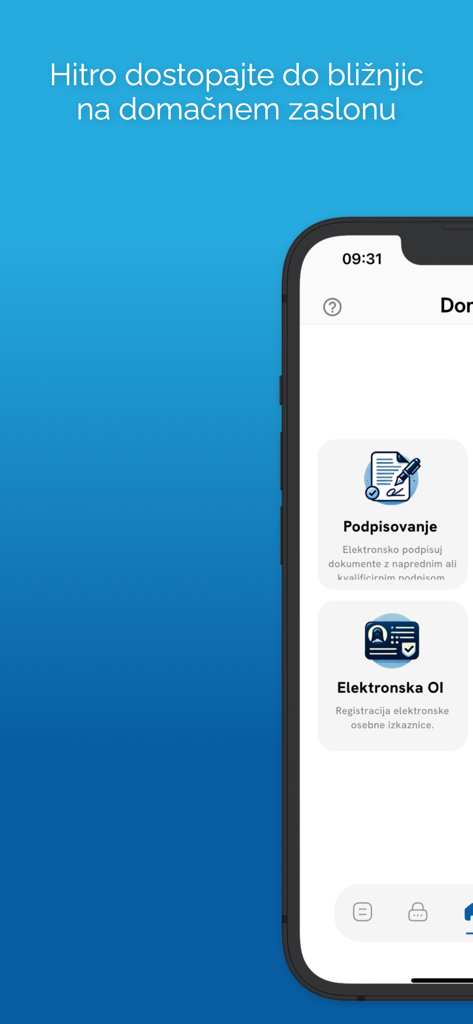
Mobile interface of Rekono OnePass showing digital signature and electronic identity card features

Mobile interface of Rekono OnePass showing digital signature and electronic identity card features

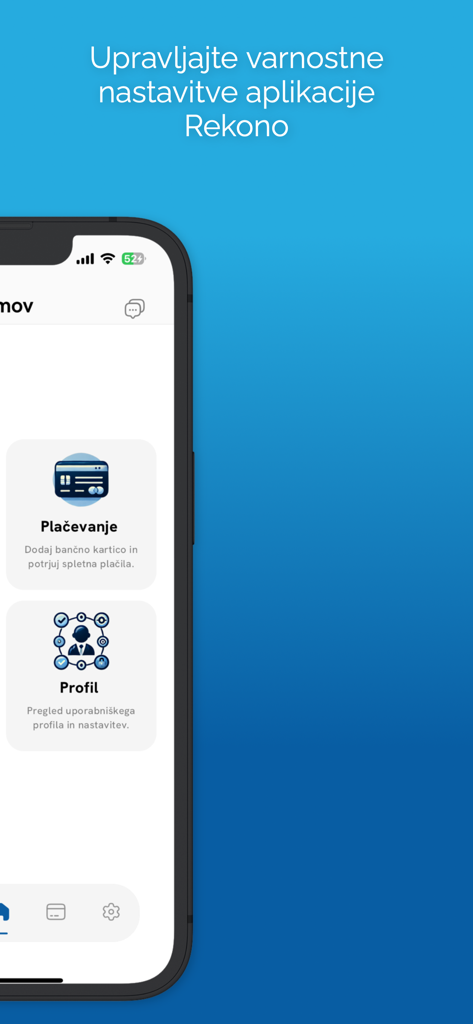
Rekono OnePass mobile app interface showing menu options for payment and profile security settings

Rekono OnePass mobile app interface showing menu options for payment and profile security settings

Master Your Digital Identity

The tools that make this app stand out, trusted by 40K+ users.

One-Tap Authentication

Skip the manual OTP codes. Approve logins instantly through secure push notifications and biometric FaceID or TouchID.

✍️

Legally Binding Signatures

Sign contracts and documents directly from your device's storage. A professional-grade signing solution in the palm of your hand.

🛡️

Shield Your Payments

Take charge of your online transactions with 3-D Secure push alerts. Review and authorize bank payments with total confidence.

Loved by users worldwide

Trusted by 40K+ people who love this app.

"

"As a freelance consultant constantly on the move, Rekono OnePass has been a total lifesaver. Being able to digitally sign contracts and NDAs directly from my iPhone without needing to open my laptop or find a printer has streamlined my workflow immensely. The biometric integration makes everything feel incredibly secure yet effortlessly fast."

Sarah Jenkins
"

"I've tried every 2FA app out there, but Rekono OnePass is by far the most intuitive. The push notification system for confirming online payments and logins is so much better than typing in manual codes. It gives me peace of mind knowing my financial transactions are protected by 3-D Secure without the usual friction of banking apps."

Michael Rivera

About the app

Everything you need to know about Rekono OnePass.

Description

Rekono OnePass application provides easier and faster access to your Rekono account, it’s management, features and usability. It is implemented to support the latest development standards, so it includes and utilizes all of the device’s functionalities and sensors (biometric authentication, QR code scanning using device’s camera, push notifications and other security features). Two-factor PUSH authentication You can now have much more control over your Rekono account as well as an improved and faster 2-factor authentication mechanism. With the implementation of push notifications, you can sign in to your Rekono accounts with your devices by simply clicking a button, which provides faster, if not even the fastest 2-factor authentication mechanism which is thoroughly secured by your device application’s PIN code or biometric authentication, if the device supports it. Rekono OnePass provides a simple and user-friendly design with a comfortable overview of your Rekono account information, OTP codes and settings, which you can freely adapt to your likes and needs. OTPs One-time passwords (OTPs) are now more clearly displayed on the main application screen when you log in to your Rekono account. By default, Rekono OTP code is automatically enrolled the moment you log in to the application and register your device, so OTP code cannot be deleted or erased. OTPs can now be added manually or automatically when scanning QR code with the QR code camera application scanner. This provides a simpler and faster way of adding OTP codes to the Rekono OnePass application. Manually adding OTPs is still supported in the application, when you must add OTP’s issuer shared secret and name with which OTP will be presented on the main screen. Due to various user’s likes and needs, you have the possibility to modify the application settings, themes, languages and security provisions to your own taste. Bank card enrollment using PIN/PAN You will now be able to enroll your bank provider for online transactions in the application by using your bank card credentials. The intuitive process of adding the bank is short and consists of simple understandable steps. 3-D Secure PUSH notifications With Rekono OnePass, you can now confirm online payments within the application, in quick and easy steps. To begin with, you make an online payment at a specific internet provider or merchant. After successfully executing the transaction, you then receive push notification to your device, which you click and navigate to the confirmation screen in the app. You then authenticate yourself with biometrics or a PIN code that you have set up in your application. A few moments later the transaction screen is displayed with all the information about the transaction. By confirming/rejecting the transaction, the 3-D Secure transaction process is completed. Local document signing and signing documents by using Push notifications One of the most prominent features in 2.0.0 release is the document signing. You can now digitally sign local documents right from the device's file system by simply selecting a file or a document from your device's storage and loading it in the app. With a click of a button the document will be securely signed by using Rekono Sign services on our secure servers. By means of PUSH notifications, you will be able to digitally sign documents on-the-fly when a service provider or a customer submits a document to the Rekono.Sign services. A few moments later you will receive a push notification informing you that there are documents waiting to be signed. After interacting with the notification, you will receive a detailed preview of the submitted documents, so you can decide to sign or reject the selected documents. After successful signing, the documents can be downloaded to your device or you can share them across other platforms or applications.

Latest Version

4.5.2

Size

106.1 MB

First Released

Apr 28, 2020

Ready to Streamline Your Secure World?

Join thousands of professionals using Rekono OnePass to authenticate, sign documents, and authorize payments with a single tap. Secure your digital identity today.

Download on App Store