
Remote Control for Samsung TV・


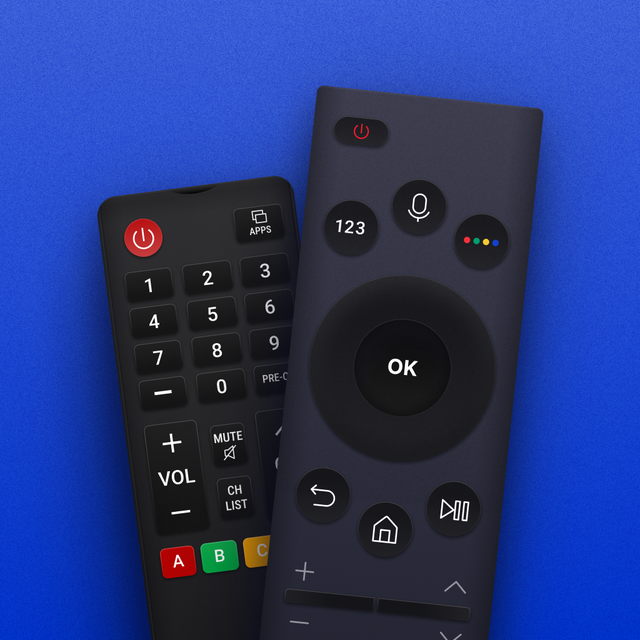
Stop searching for lost remotes and start typing with ease. Take total control of every Samsung TV in your house with a precision touchpad, instant screen mirroring, and a family-ready interface designed for your iPhone.
Publisher
Category
UtilitiesDownloads
54K+User Rating
Total Ratings
2K+Locales
8Discover the interface used by 54K+ users.
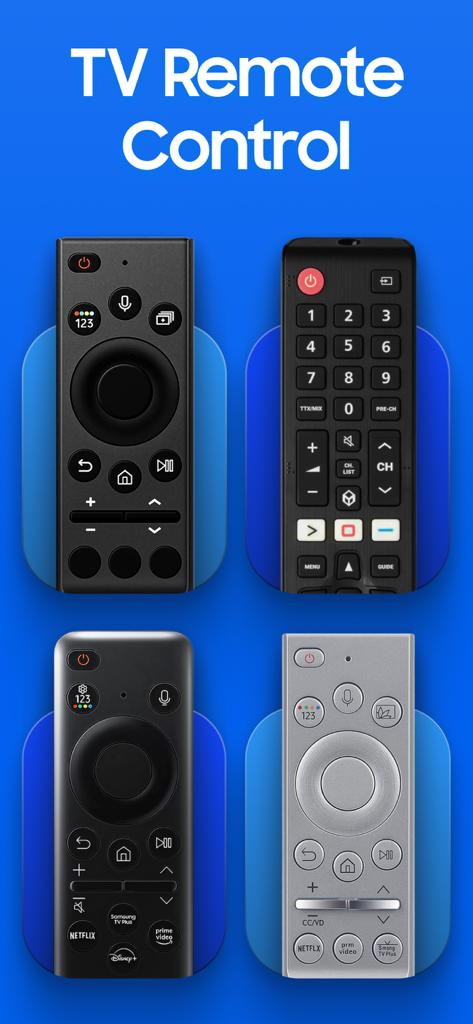
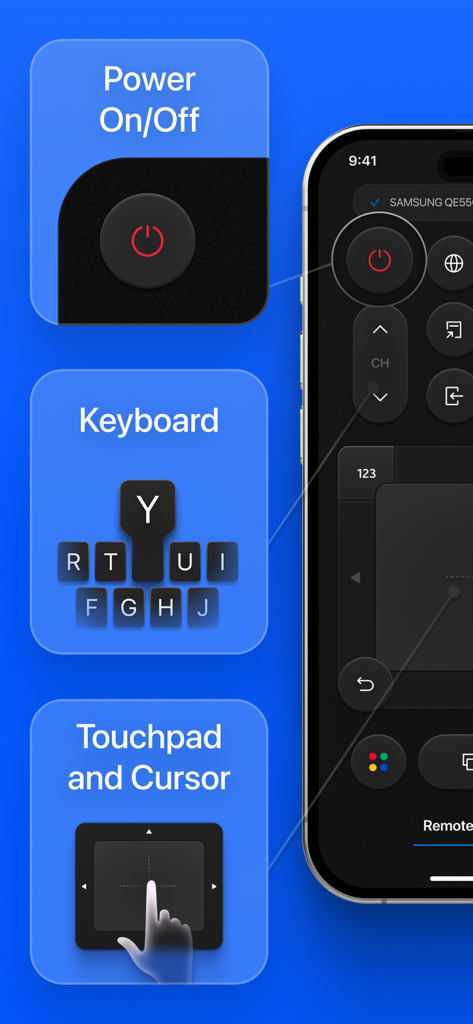
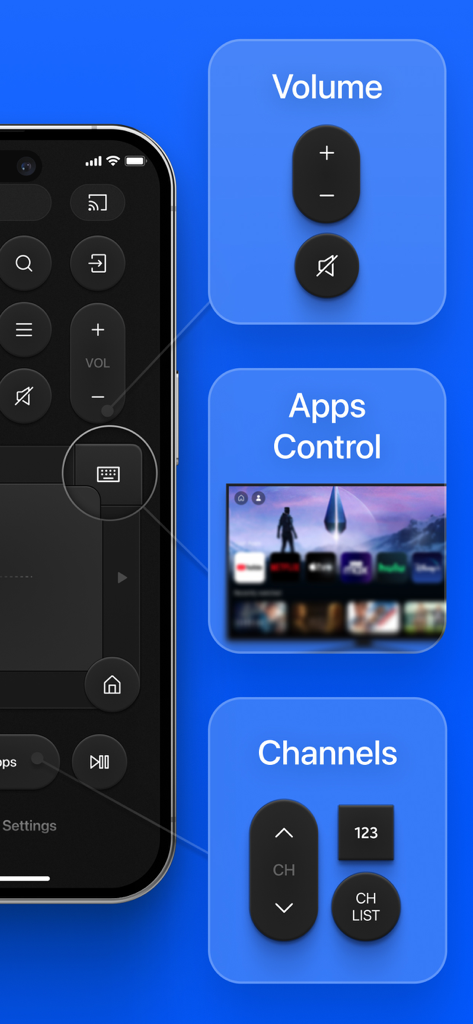
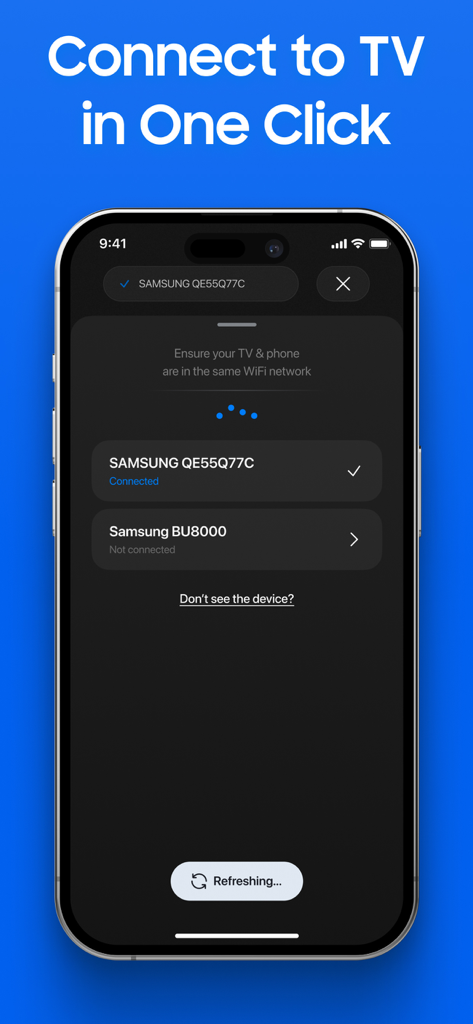
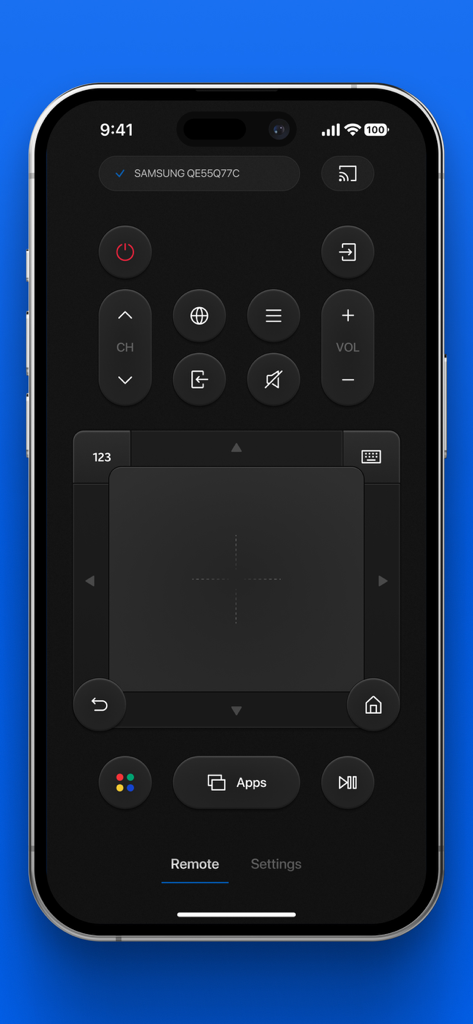
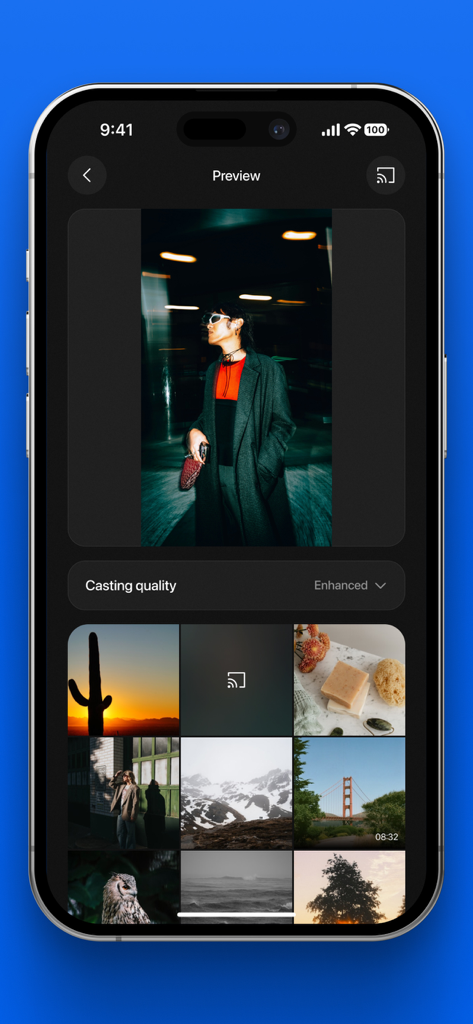
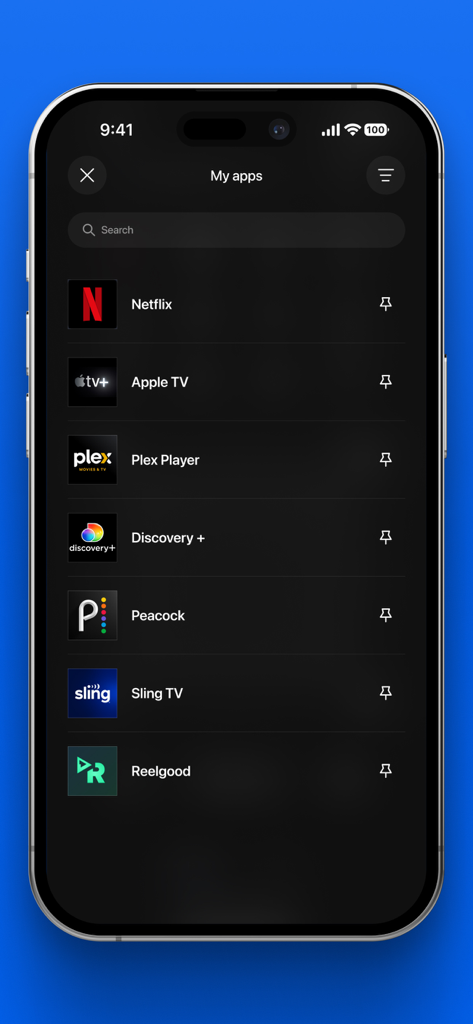
The tools that make this app stand out, trusted by 54K+ users.
Skip the frustration of on-screen keyboards. Use your iPhone to type movie titles, apps, and passwords in a flash.
Easily cast your photos and videos onto the big screen. Perfect for sharing family moments without the mess of cables.
Control multiple TVs from one app. Our family sharing allows everyone in the house to enjoy premium features on their own devices.
Trusted by 54K+ people who love this app.
"In a house with three kids, the physical remote is always missing. This app has been a lifesaver for our movie nights. The family subscription is a game-changer because now everyone has the remote on their own phone, and the built-in keyboard makes searching for shows on Disney+ so much faster than the old directional pad."
"Finally, a remote app that actually feels like a premium iOS experience. The touchpad is incredibly responsive, and the screen mirroring feature is seamless for showing off my travel photos. I love the diagnostic tools too—it is the perfect utility for anyone who wants a more streamlined and modern way to control their Samsung TV."
Everything you need to know about Remote Control for Samsung TV・.
Description
Latest Version
1.2
Size
136.8 MB
First Released
May 12, 2025
Stop searching for lost remotes and say goodbye to frustrating on-screen typing. Join over 54,000 users who have upgraded their home entertainment with the ultimate keyboard, touchpad, and screen mirroring tool for Samsung Smart TVs.
Everything you need to know about Remote Control for Samsung TV・
The "Remote Control for Samsung TV" app transforms your smartphone into a comprehensive remote for Samsung TVs, offering advanced features like a keyboard, touchpad, app navigation, and screen mirroring.
The "Remote Control for Samsung TV" app connects to any Samsung Smart TV via your Wi-Fi network. It establishes a connection in just one click, ensuring both devices are on the same network.
Yes, the "Remote Control for Samsung TV" app includes an integrated keyboard. This feature allows users to type effortlessly on their Samsung TV without struggling with on-screen typing.
Yes, "Remote Control for Samsung TV" supports screen mirroring. You can instantly share photos and videos from your smartphone to your Samsung TV, perfect for family moments and presentations.
Yes, the "Remote Control for Samsung TV" app features Multi-TV Control. It allows users to manage multiple Samsung TVs around their home seamlessly within a single application.
The "Remote Control for Samsung TV" app is compatible with all Samsung Smart TVs that support Wi-Fi connectivity. It ensures broad usability across various Samsung models.
"Remote Control for Samsung TV" offers several in-app purchase options: a 1-week subscription, a 12-month subscription, and lifetime access. Payment is charged to your Apple ID.
You can manage and cancel your "Remote Control for Samsung TV" subscriptions through your Apple ID account settings on the App Store after purchase. Renewal occurs automatically unless canceled.
Yes, "Remote Control for Samsung TV" offers a Family Subscription. This allows you to install the Smart Remote app on all devices owned by you and your family for premium access.
No, "Remote Control for Samsung TV" is an independent third-party application. It is not affiliated with or endorsed by Samsung Electronics Co., Ltd.
Yes, the "Remote Control for Samsung TV" app provides effortless app management. Users can quickly access, launch, and organize their Samsung TV applications for a smoother experience.
Dedicated support for "Remote Control for Samsung TV" is available through the app or via email at support@redpaket.net. Their team assists with setup, troubleshooting, and feature inquiries.
Apps with similar features and user experience

Glimpse LLC.

nadi digital indonesia, pt

Aleh Piashkou

Thorley Industries LLC

Electro Cirkel Retail BV

Pol Nadal Serra

YONGXING JIN

Jonathan Reed
Tinybyte Apps LLC