Rokumote : your TV Remote

Rokumote : your TV Remote

Download on App Store
Spark by MWM logo
Logo of Rokumote : your TV Remote
Rokumote: The Smarter Way to Control Your Roku

Never lose your remote again. Turn your iPhone into a powerful, seamless controller with instant setup, a full keyboard for easy searching, and total control over your entertainment.

Download on App Store

Publisher

yohan teixeira

Category

Utilities

Downloads

1M+

User Rating

4.4/5

Total Ratings

31K+

Locales

15

Control at a Glance

Discover the interface used by 1M+ users.
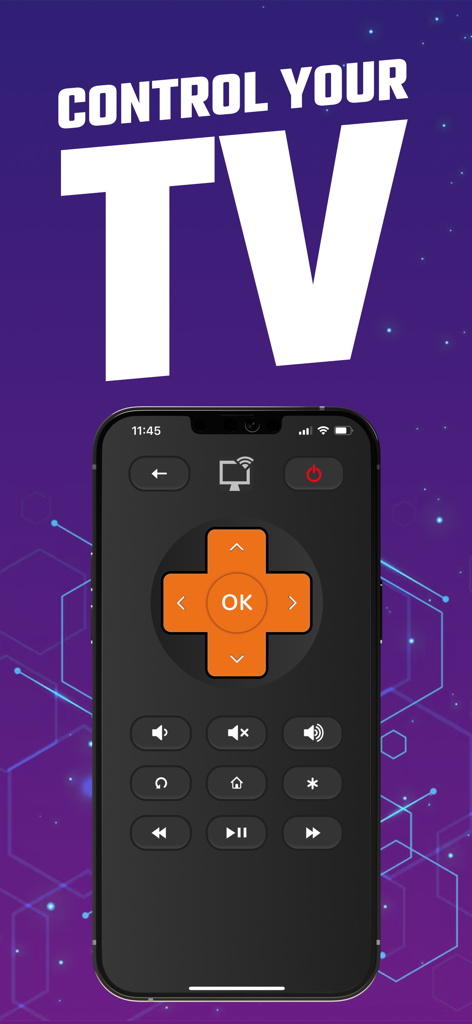
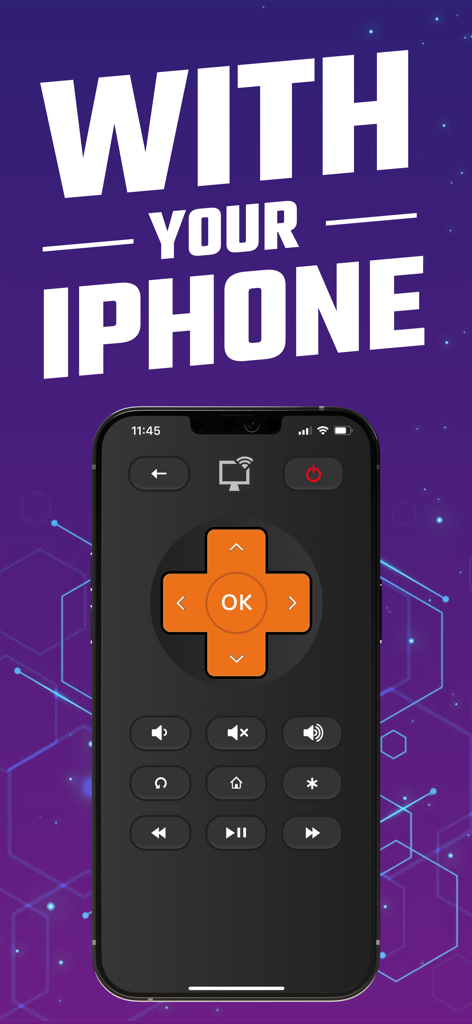
Rokumote app interface displaying digital TV remote buttons on an iPhone screen

Rokumote app interface displaying digital TV remote buttons on an iPhone screen

Rokumote app showing a digital TV remote control on an iPhone screen.

Rokumote app showing a digital TV remote control on an iPhone screen.

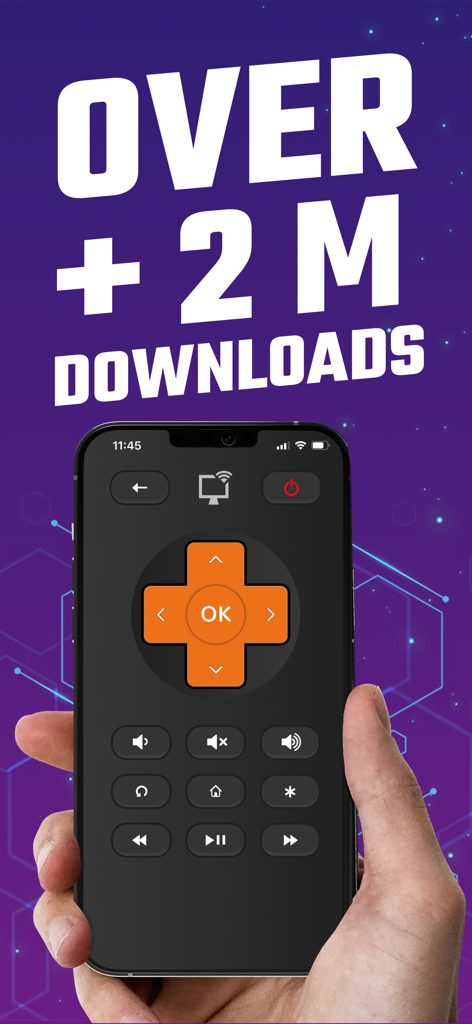
Rokumote mobile app interface for Roku TV control on iPhone with over 2 million downloads text

Rokumote mobile app interface for Roku TV control on iPhone with over 2 million downloads text

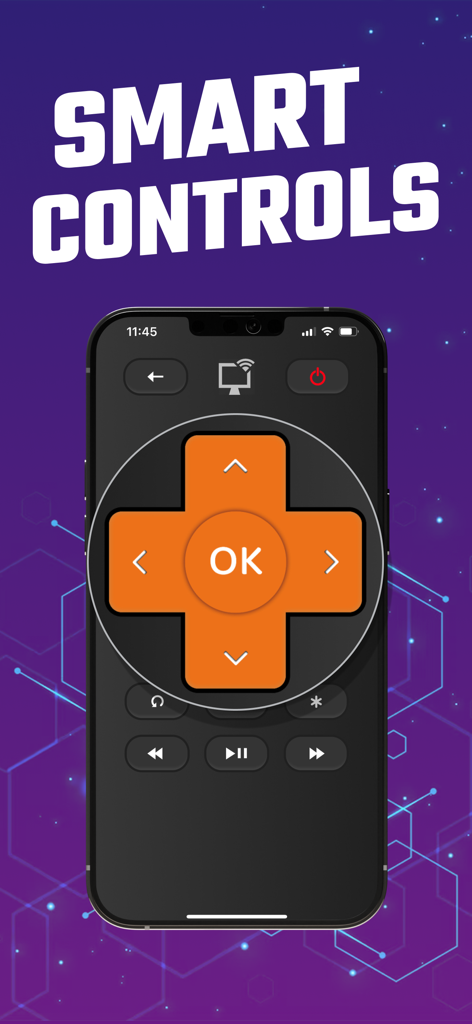
iPhone screen showing Rokumote app with orange d-pad and smart TV controls

iPhone screen showing Rokumote app with orange d-pad and smart TV controls

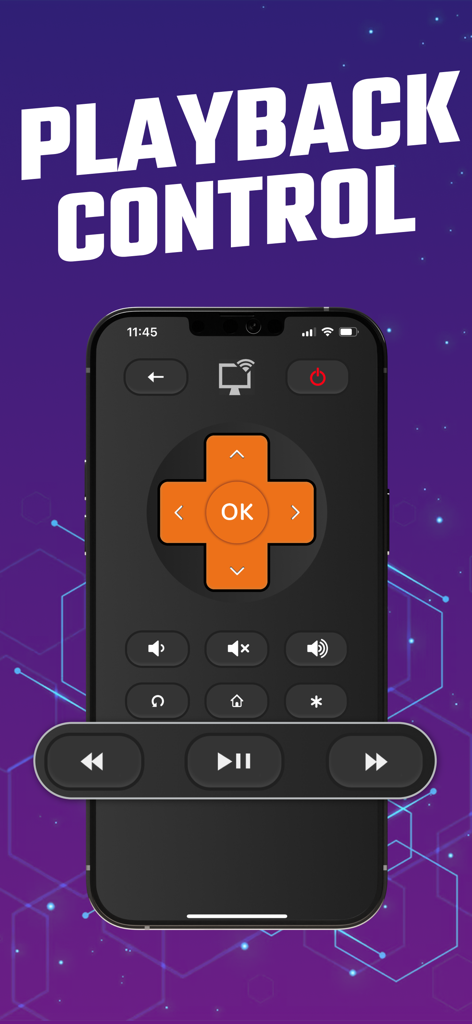
Rokumote iPhone app playback control interface for Roku TV

Rokumote iPhone app playback control interface for Roku TV

Master Your Entertainment with Ease

The tools that make this app stand out, trusted by 1M+ users.

Instant Auto-Pairing

Stop wasting time with complex setups. Rokumote automatically detects your TV over Wi-Fi, getting you back to your favorite shows in seconds.

⌨️

Smart Keyboard Input

Stop clicking through on-screen alphabets. Use your phone's keyboard to search for movies and enter passwords with lightning speed.

🔍

Universal Compatibility

From the oldest Roku sticks to the newest 4K TVs, enjoy a seamless control experience across every device in your home.

Loved by users worldwide

Trusted by 1M+ people who love this app.

"

"With two young kids, our physical remote is constantly disappearing into the couch cushions. Rokumote has been a total lifesaver! It detected our Roku TV instantly, and the interface is actually smoother than the original remote. I love that I can control everything right from my iPhone while the kids are playing."

Sarah Jenkins
"

"The best part about this app is definitely the keyboard integration. Typing in long movie titles or passwords on a TV screen used to be so frustrating, but now I can just type it out on my iPad. It's fast, reliable, and connected to my streaming stick on the first try. Highly recommended for any heavy streamer."

Marcus Chen

Review Analysis

Insights from user reviews.

Sentiment Score

28%
Negative

Summary

This remote control app receives overwhelmingly negative feedback, primarily due to an excessive number of intrusive ads that appear every few clicks or seconds, rendering the app virtually unusable without a paid subscription. Many users express frustration over being forced to subscribe for basic functionalities, difficulty canceling trials, and issues obtaining refunds. While a few users found it helpful for quick setup or as a replacement for lost physical remotes, common complaints also include connection problems and the absence of advertised features like volume control.

Common Themes

Excessive Ads(23)
Subscription/Payment Issues(11)
Overall Positive Experience(10)
App Reliability(8)
Convenience(5)
Limited Features(3)

About the app

Everything you need to know about Rokumote : your TV Remote.

Description

Take full control of your Roku device with Rokumote, the ultimate remote control app for iPhone and iPad. With seamless compatibility across all models, including TVs and sticks, Rokumotee offers a simple setup process. Connect your device to the same Wi-Fi network as your iPhone or iPad, and the app will automatically detect and pair with your Roku device. Enjoy all the features of the original remote control. DISCLAIMER Rokumote is neither an official Roku product, nor are we affiliated with the Roku company. SUBSCRIPTION: We offer auto-renewing subscription: - Length: Yearly-Monthly-Weekly - Payment will be charged to iTunes Account at confirmation of purchase - You will be able to access the Premium features of the app for the duration of the subscription - Subscription automatically renews for the same price and duration period as the original period unless auto-renew is turned off at least 24-hours before the end of the current period - The account will be charged for renewal within 24-hours prior to the end of the current period at the cost of the chosen package. - Subscriptions may be managed by the user and auto-renewal may be turned off by going to the user's iTunes Account Settings after purchase - No cancellation of the current subscription is allowed during the active subscription period - You may cancel a subscription during its free trial period via the subscription setting through your Apple account. This must be done 24 hours before the end of the subscription period to avoid being charged. Please visit https://support.apple.com/en-us/HT202039 for more information on how to proceed. - You may turn off the auto-renewal of your subscription via your Apple Account Settings. However, you are not able to cancel the current subscription during its active period - Any unused portion of a free-trial period will be forfeited when the user purchases a subscription. Privacy Policy : https://nstx.io/Roku/rokumotee_policy.html Terms of Use : https://nstx.io/Roku/Rokumotee-terms.html

Latest Version

4.9.3

Size

60.2 MB

First Released

Sep 6, 2016

The Remote You’ll Never Lose Again

Join over 1 million users who have upgraded to a smarter, faster way to control their Roku. Download Rokumote today and take back control of your entertainment.

Download on App Store