Samsung Smart TV Remote Plus

Samsung Smart TV Remote Plus

Download on App Store
Spark by MWM logo
Logo of Samsung Smart TV Remote Plus
Samsung Smart TV Remote Plus: The Ultimate Keyboard and Touchpad for Your iPhone

Stop struggling with clunky buttons. Effortlessly search, type, and navigate your Samsung Smart TV with a precision touchpad and a full mobile keyboard—all from the device already in your hand.

Publisher

MeisterApps BV

Category

Utilities

Downloads

440K+

User Rating

4.5/5

Total Ratings

18K+

Locales

22

Precision at Your Fingertips

Discover the interface used by 440K+ users.
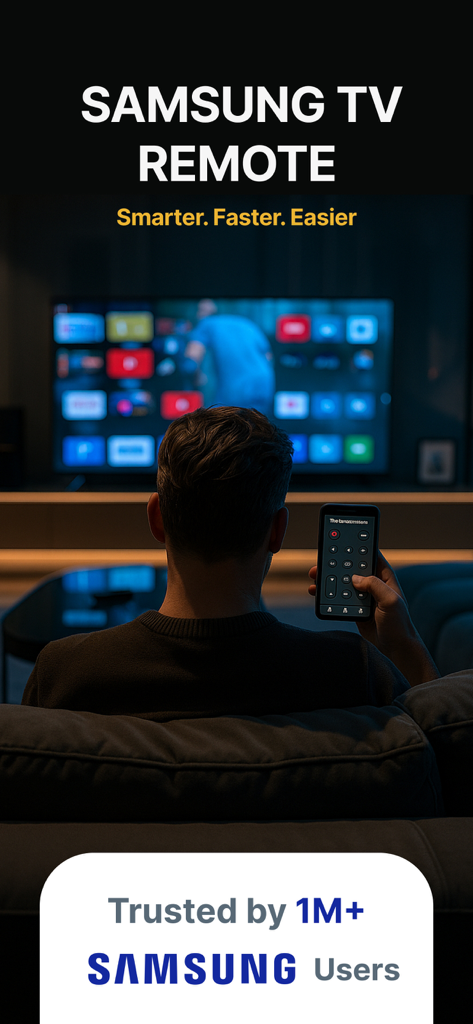
A person controlling a Samsung Smart TV with a remote app on their smartphone

A person controlling a Samsung Smart TV with a remote app on their smartphone

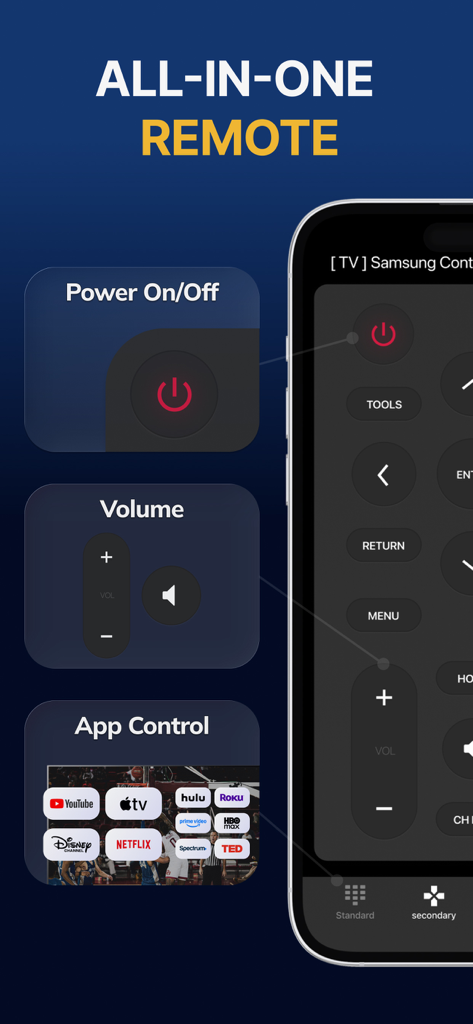
Samsung Smart TV Remote Plus app interface showing power volume and streaming app shortcuts

Samsung Smart TV Remote Plus app interface showing power volume and streaming app shortcuts

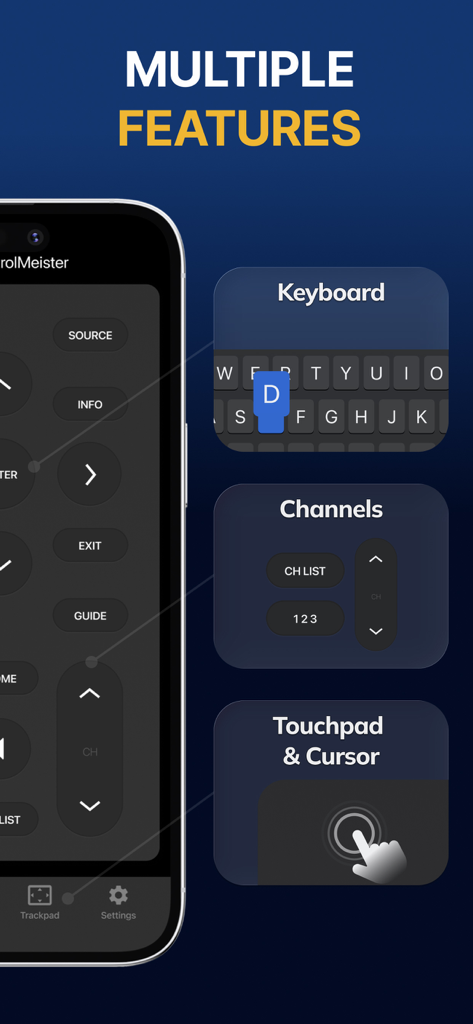
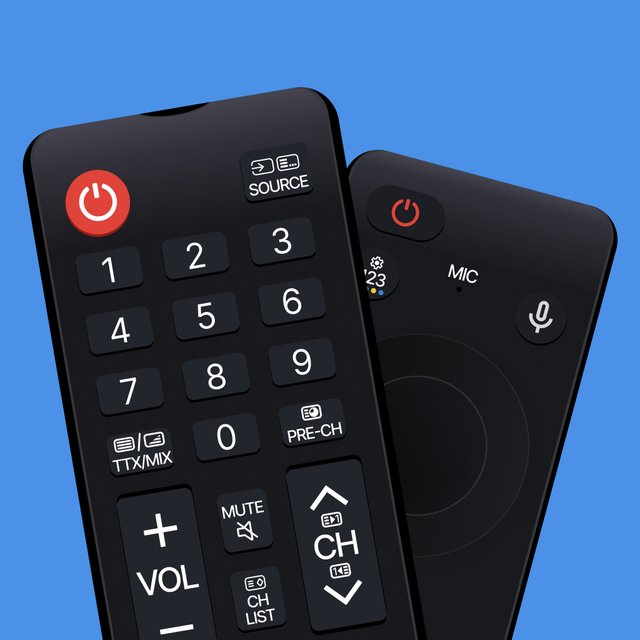
Interface of the Samsung Smart TV Remote Plus app displaying keyboard channel control and touchpad features

Interface of the Samsung Smart TV Remote Plus app displaying keyboard channel control and touchpad features

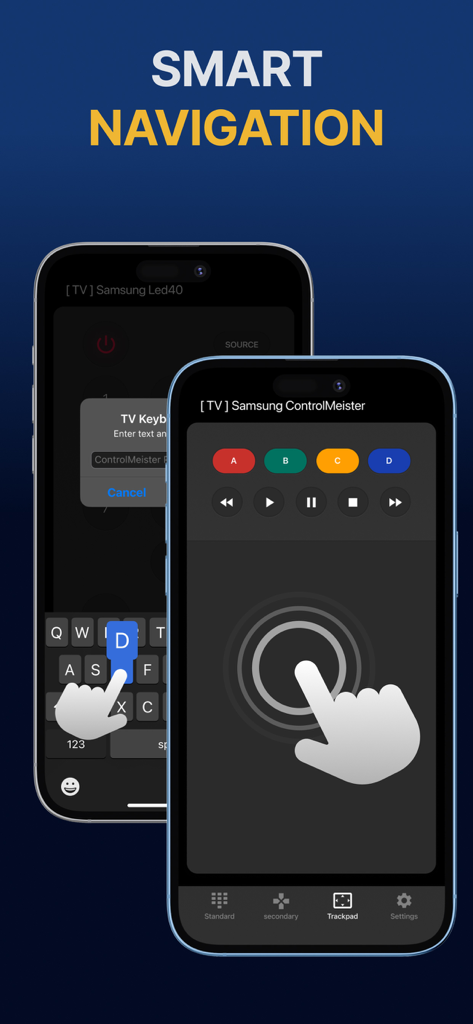
iPhone display showing Samsung Smart TV remote app with touchpad and keyboard for smart navigation

iPhone display showing Samsung Smart TV remote app with touchpad and keyboard for smart navigation

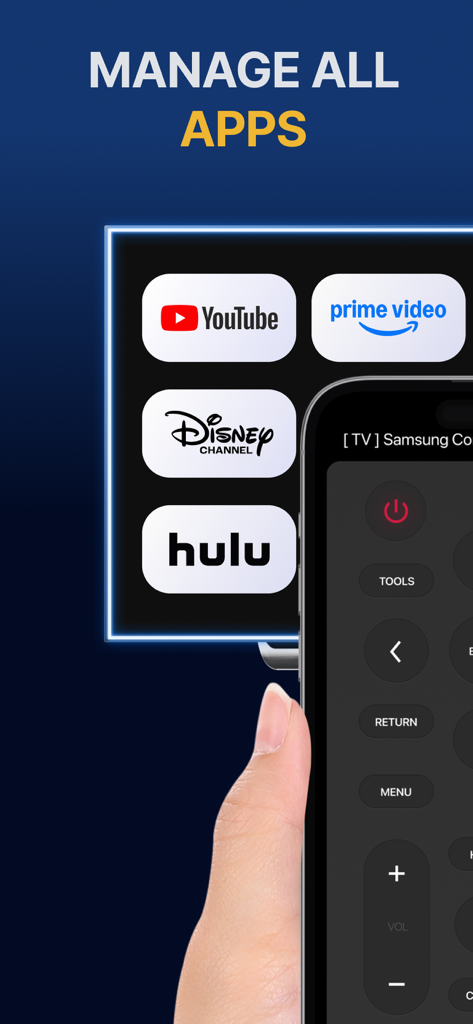
iPhone screen showing a remote control interface for managing streaming apps like YouTube and Hulu on a Samsung TV.

iPhone screen showing a remote control interface for managing streaming apps like YouTube and Hulu on a Samsung TV.

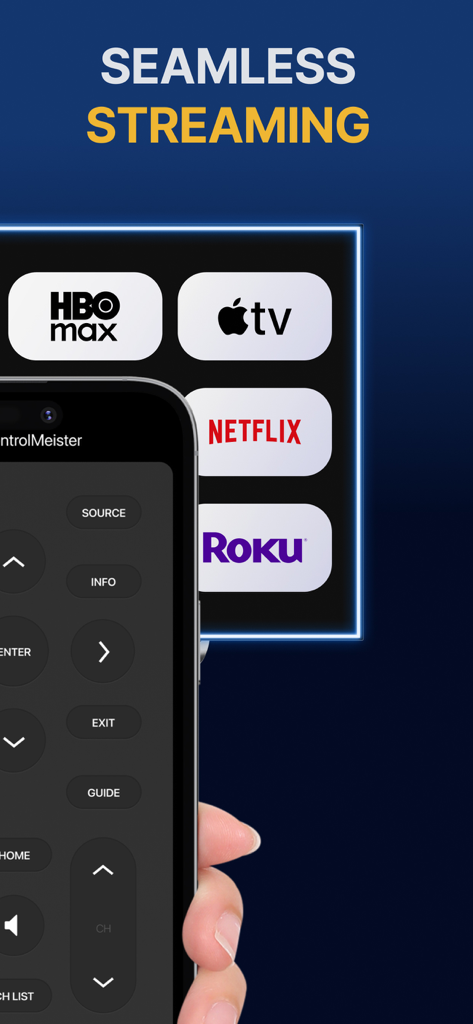
iPhone showing the Samsung Smart TV Remote Plus app interface with buttons and streaming service icons

iPhone showing the Samsung Smart TV Remote Plus app interface with buttons and streaming service icons

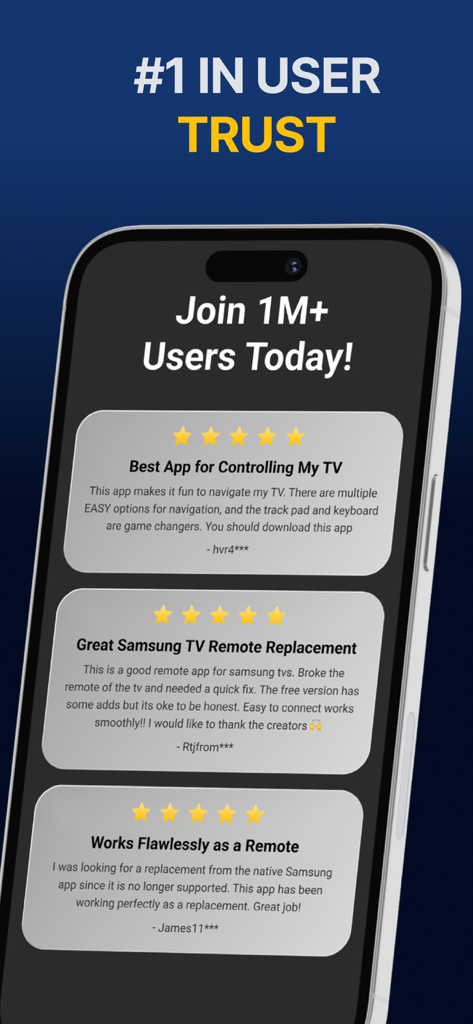
A display of positive five-star user reviews for the Samsung Smart TV Remote Plus app.

A display of positive five-star user reviews for the Samsung Smart TV Remote Plus app.

Master Your TV with Total Precision

The tools that make this app stand out, trusted by 440K+ users.

⌨️

Lightning-Fast Typing

End the frustration of hunting for letters on your screen. Use your iPhone keyboard to enter movie titles, URLs, and passwords in seconds.

👆

Precision Touchpad

Navigate menus and the web browser with fluid swipe gestures. Control your TV cursor with the same speed and accuracy as a mouse.

📱

The Remote That Never Gets Lost

Stop searching under couch cushions. Since your phone is always by your side, your remote is exactly where you need it, when you need it.

Loved by users worldwide

Trusted by 440K+ people who love this app.

"

"Searching for shows on Netflix and Prime was such a chore with the standard remote. Being able to use my iPhone's keyboard to type titles has completely changed how I use my TV. It is fast, responsive, and honestly way more intuitive than the remote that came in the box."

Sarah Jenkins
"

"With two kids in the house, our physical remote is always disappearing. Having this app on my iPhone and iPad means I'm never hunting through couch cushions again. The setup was instant, and the touchpad makes browsing the web on my Samsung TV actually usable."

David Miller

About the app

Everything you need to know about Samsung Smart TV Remote Plus.

Description

The #1 remote control for your Samsung Smart TV. Turn your iPhone or iPad into a remote. ControlMeister universal remote app for Samsung Smart TVs offers full remote functionality. Easily control your channels, volume, menus, apps and navigation. It even has an advanced keyboard and mouse pad. This allows you to operate your smart TV easier and faster. Enter a URL or password in record time. This app is so much better than your normal remote. ControlMeister is the best free iPhone/iPad remote control unit for Samsung TV to browse thru your favorite apps. Save time and enter text easily on web browser or other apps. Access to movies, music and games will become so much simpler and easier! Functionalities: ■ Control your Samsung Smart TV with gestures from your iPhone and iPad. ControlMeister supports the latest Samsung Smart TVs. ■ Easily use apps on your Samsung Smart TV with the keyboard of this app. This also works in the ‘search’ option. Great if you want to visit websites on your television. Great when using apps like FB, Twitter, Vimeo, WhatsApp, Telegram, Amazon or Spotify. ■ Use the touchpad and keyboard to control the TV's web browser, apps and menu settings. No more fiddling with tiny keys using the factory remote control. ■ Control the cursor with your finger with the touchpad. Control channels, volume, search & apps with the swipe of your finger. Advantages: ■ Easy browsing ■ Fast search ■ No more lost remotes ■ Save time ■ Best signal ■ Better for environment ■ Latest technology With ControlMeister you can easily use a keyboard on your Samsung Smart TV so you don’t have to scroll through letters. The keyboard automatically pops up when necessary, so you don’t need to think about this. You can stay focused on your TV shows, movies or news. Control the cursor on your Samsung TV with your finger with the touchpad. Use gestures on your iPhone or iPad to control the TV’s web browser. With swipe gestures you can. change the volume and channel while keeping your eyes on the TV screen! Requirements: * Samsung Smart TV (2012 or newer) * WiFi * iPhone or iPad Which TV-model year do I have? You can see that by looking at the middle letter in your model type (on the back of your Samsung TV). E = 2012 F = 2013 H = 2014 J = 2015 K = 2016 M = 2017 N = 2018 R = 2019 T = 2020 A = 2021 Q = QLED (also supported) Example: UE55_E_S8000 = 2012. UE78_H_U8500L = 2014. Disclaimer: - This universal remote control for Samsung TVs does not support the keyboard function for Netflix & YouTube. They disabled this. - ControlMeister can only offer app control for Samsung TVs from 2016, or newer. UNLIMITED ACCESS PRO SUBSCRIPTION You need a subscription for unlimited access to all features without advertising and interruptions. Payment will be charged to iTunes Account at confirmation of purchase. Subscription automatically renews unless auto-renew is turned off at least 24-hours before the end of the current period. The account will be charged for renewal within 24-hours before the end of the current period and identify the cost of the renewal. Subscriptions may be managed by the user and auto-renewal may be turned off by going to the user's Account Settings after purchase. Any unused portion of a free trial period, if offered, will be forfeited when the user purchases a subscription to that publication, where applicable. - Terms of use: https://www.controlmeister.com/terms-of-use/ - Privacy policy: https://www.controlmeister.com/privacy-policy/ If you have any questions, please discover the FAQs on our website. Or, send an e-mail to info@controlmeister.com

Latest Version

1.5.5

Size

80.3 MB

First Released

Sep 22, 2019

Ready to Upgrade Your Samsung TV Experience?

Join over 440,000 users and turn your iPhone into the ultimate keyboard and touchpad. Say goodbye to lost remotes and slow typing forever.

Download on App Store