
ScreenZen- Screen Time Control



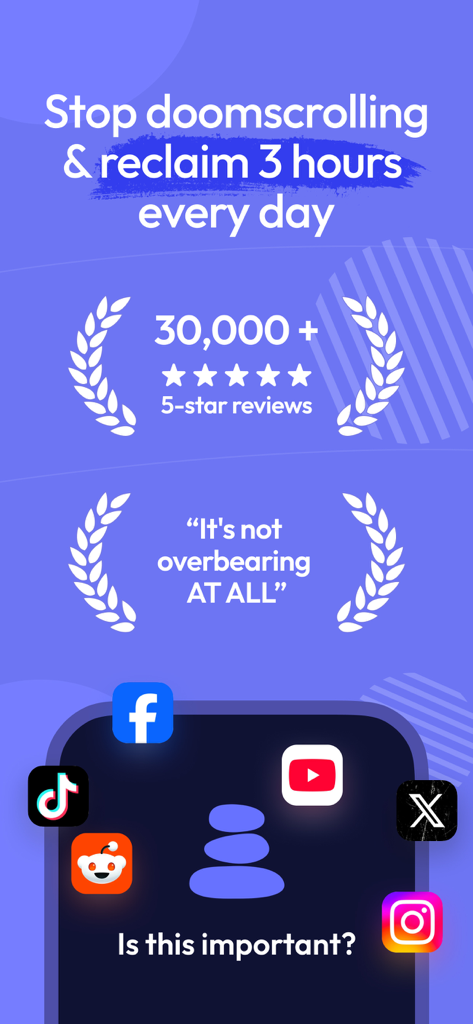
Stop mindless scrolling using behavioral science. Implement smart delays, interrupt habit loops, and build a healthier relationship with your phone through intentional friction.
Publisher
Category
ProductivityDownloads
1M+User Rating
Total Ratings
69K+Locales
6Discover the interface used by 1M+ users.
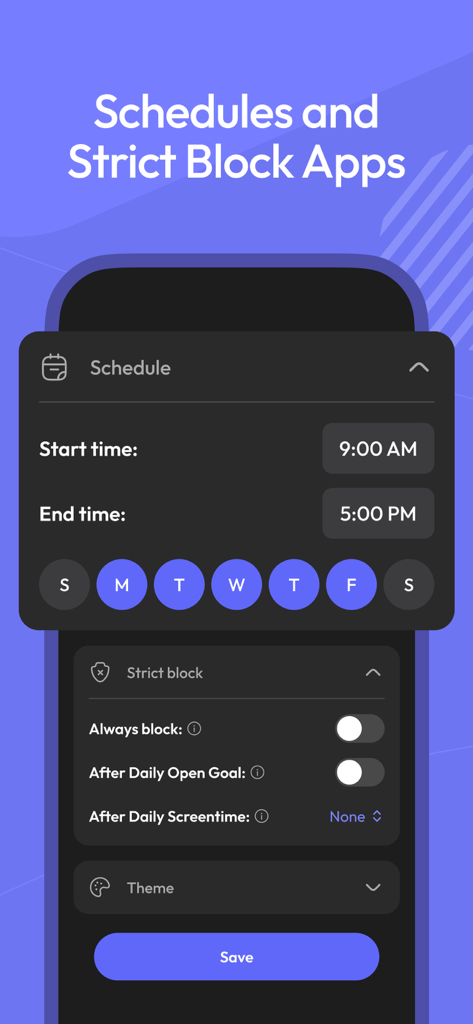
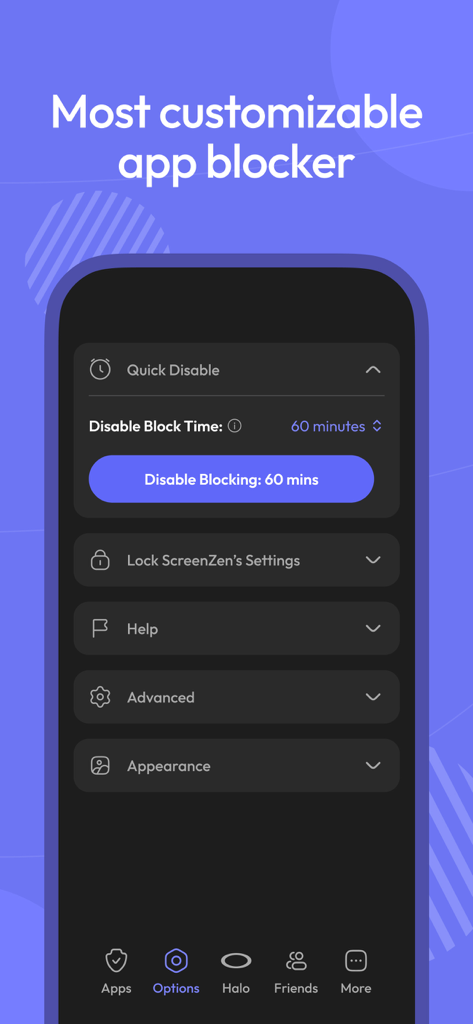
The tools that make this app stand out, trusted by 1M+ users.
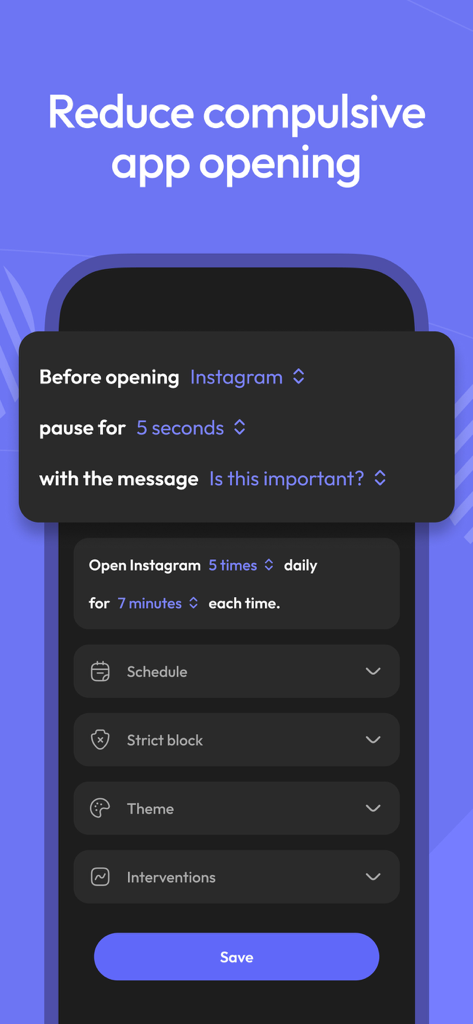
Interrupt the 'autopilot' opening of distracting apps with a custom delay that trains your brain to choose focus over dopamine.
Snap out of infinite feeds with timed interruptions that prevent social media algorithms from hijacking your productive hours.
Set strict blocks that hide apps and lock settings, providing the friction you need when native screen time limits are too easy to bypass.
Trusted by 1M+ people who love this app.
"ScreenZen has completely changed my relationship with my phone. The delay timer is exactly the friction I needed to stop opening TikTok out of pure muscle memory. I've regained at least two hours of focus every day for my thesis research!"
"Finally, a screen time app that actually works. Unlike the native phone settings that are far too easy to bypass, the strict blocks and mindful prompts help me actually disconnect after work. I'm much more present with my family now."
Everything you need to know about ScreenZen- Screen Time Control.
Description
Latest Version
1.2.173
Size
68.2 MB
First Released
Jul 16, 2021
Join over 1 million users reclaiming their focus through intentional friction. Download ScreenZen and start your journey to digital freedom today.
Everything you need to know about ScreenZen- Screen Time Control
ScreenZen- Screen Time Control is an app designed to reduce screentime and compulsive app opening. It employs strategies like delays, strict blocking, and usage goals to help users reclaim daily time and manage digital habits.
ScreenZen- Screen Time Control allows users to set a configurable delay before opening distracting apps. The wait time can automatically increase with each subsequent opening, prompting users to reconsider their immediate app usage.
Yes, ScreenZen- Screen Time Control enables users to set app goals, such as limiting daily app opens or session durations. The app automatically blocks access once these predefined usage limits are reached.
Yes, ScreenZen- Screen Time Control supports custom schedules for app blocking. Users can configure different limits and blocking rules for specific days of the week and distinct time ranges, enhancing flexibility.
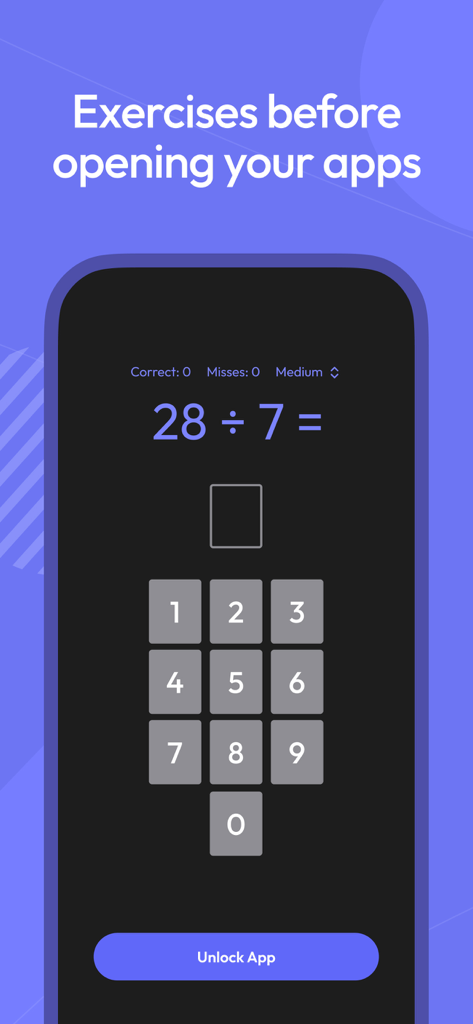
ScreenZen- Screen Time Control offers interventions like "Is this important?" messages. It also provides activities, such as breathing exercises or math problems, to engage users during the delay period before app access.
ScreenZen- Screen Time Control's strict blocking feature activates for specific time ranges, after a set number of app opens, or when a screentime limit is exceeded. Blocked apps can also be hidden from the home screen.
Yes, ScreenZen- Screen Time Control can prevent users from changing its settings. It includes a lock feature for its settings menu, which ensures that configured app limits and blocking preferences remain active.
No, ScreenZen- Screen Time Control specifically tracks screen time only for designated distracting apps. It intentionally excludes general usage from utility apps, providing a focused view on problematic app consumption patterns.
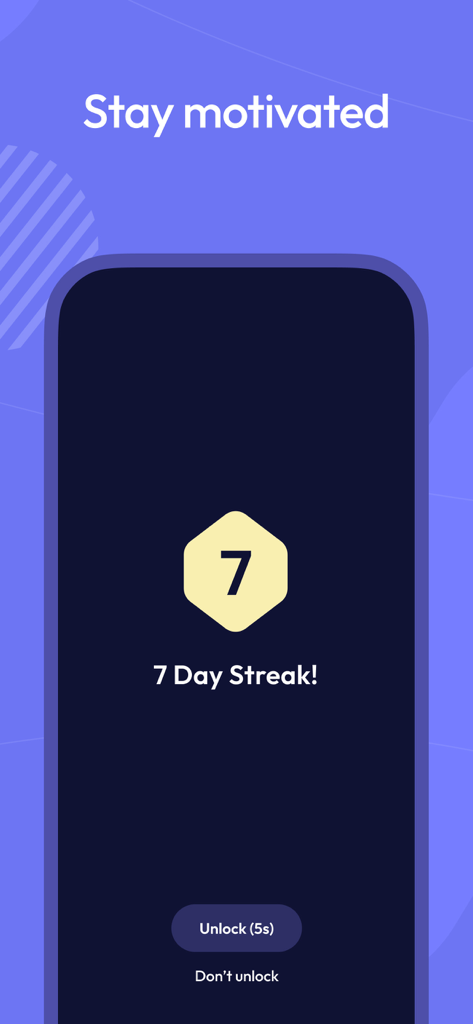
ScreenZen- Screen Time Control helps users stay motivated through its "Streaks" feature. This encourages individuals to adhere to their set limits and avoid overriding app blocking settings, fostering consistent screen time reduction habits.
Yes, ScreenZen- Screen Time Control offers a "Quick Disable" option. Users can temporarily disable blocking for a specified duration, such as 60 minutes, directly from the application's settings when needed.
Apps with similar features and user experience

OPAL OS CORPORATION

Screen Detox Inc

Brick LLC (Wisconsin)

riedel.wtf apps S.L.

Labi, LLC

Seamint Co., Ltd.

MWM

MobileSoft s.r.o.

Clearspace Technologies, Inc.