
Slow Motion' Video Editor



Transform your 240 FPS footage into stunning cinematic moments. The ultimate tool for athletes, GoPro creators, and vloggers to showcase every detail with precision.
Publisher
Category
Photo & VideoDownloads
2M+User Rating
Total Ratings
47K+Locales
1Discover the interface used by 2M+ users.
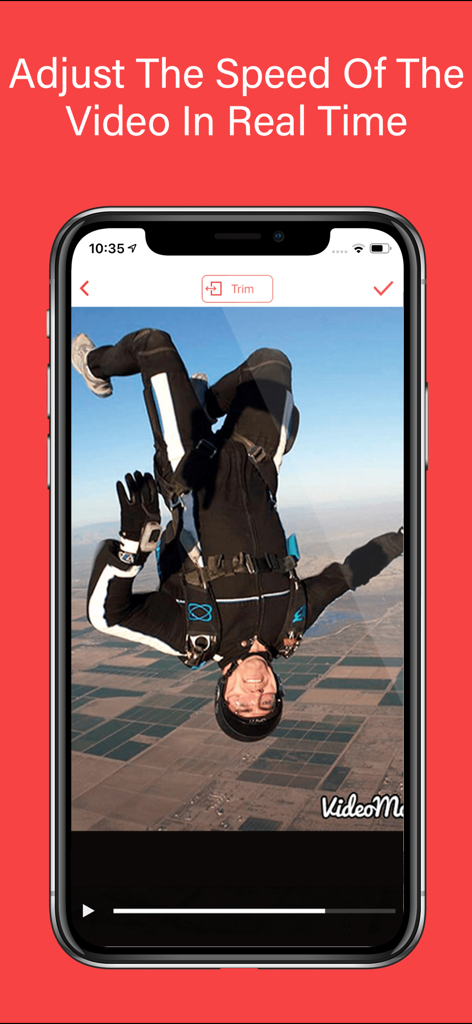
The tools that make this app stand out, trusted by 2M+ users.
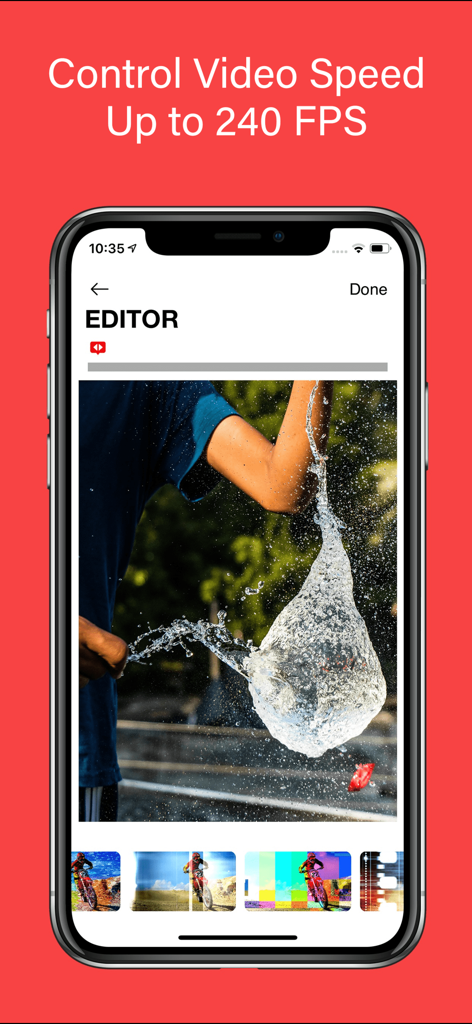
Master your footage with 60 to 240 FPS support. Seamlessly transition between slow motion and regular speed to highlight the exact moment of impact.
The ultimate tool for athletes. Enhance your Hudl highlights by slowing down intricate techniques to give your recruiting profile a competitive edge.
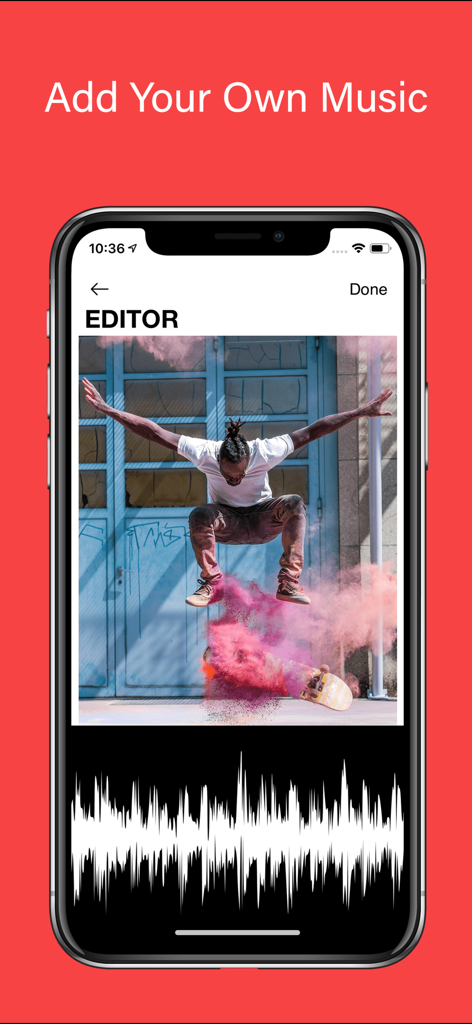
Elevate your storytelling with synchronized audio and professional themes. Create high-impact, viral-ready videos for TikTok and Instagram in seconds.
Trusted by 2M+ people who love this app.
"This app is a game-changer for my recruitment videos. I was able to take my raw game footage and slow down my footwork perfectly for my Hudl profile. The quality stays incredibly sharp even at 240 FPS, and adding hype music was so easy. It definitely helped me get noticed by college scouts this season!"
"As a GoPro user, I have tried dozens of mobile editors, but this is the only one that handles high frame rates with such precision. I use it for all my mountain biking clips to emphasize technical jumps. The interface is intuitive, and the transitions between slow-mo and regular speed are completely seamless."
Everything you need to know about Slow Motion' Video Editor.
Description
Latest Version
12.0.6
Size
115.2 MB
First Released
Apr 1, 2015
Join over 2 million athletes and creators. Transform your high-speed footage into stunning, professional-grade slow motion for Hudl, TikTok, or Instagram in just a few taps.
Everything you need to know about Slow Motion' Video Editor
Yes, Slow Motion' Video Editor allows you to elevate your videos by adding music, perfectly synchronized with slow-motion sequences, to create a captivating audio-visual experience.
Slow Motion' Video Editor supports controlling video speed up to 240 frames per second (FPS), allowing users to experiment with different speeds for clarity and motion capture.
Slow Motion' Video Editor offers flexible weekly, monthly, or yearly subscription options. These subscriptions unlock all premium features and regular updates, with charges processed through your iTunes account.
Yes, you can manage and cancel your Slow Motion' Video Editor subscription at any time. To avoid auto-renewal, cancel at least 24 hours before your current subscription period ends.
Yes, Slow Motion' Video Editor supports a wide range of video formats, including GoPro footage. This ensures your adrenaline-pumping adventures transform into captivating slow-motion masterpieces.
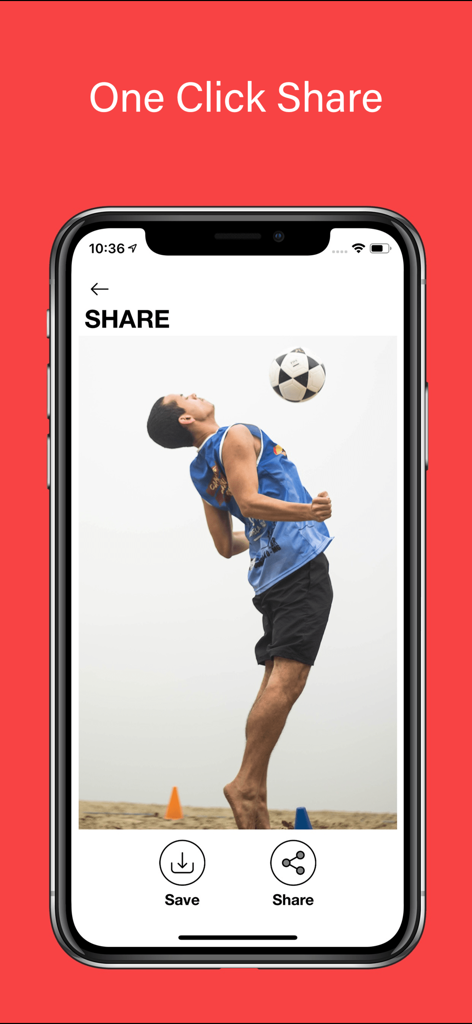
Yes, Slow Motion' Video Editor provides a 'One Click Share' feature, allowing users to save or share their edited videos directly from the application interface.
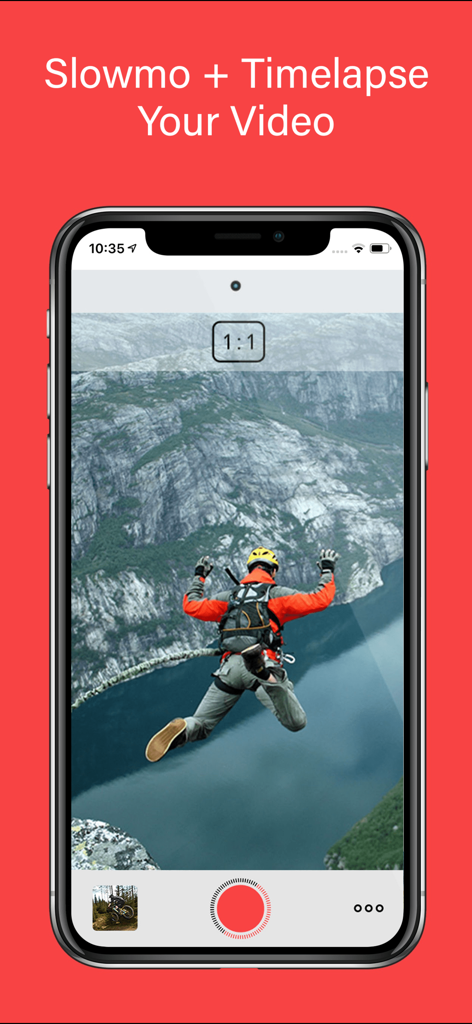
Yes, Slow Motion' Video Editor allows users to adjust the speed of the video in real-time, providing complete control over footage to apply slow motion or timelapse effects.
Yes, Slow Motion' Video Editor features built-in HUDL integration. This allows sports enthusiasts to enhance their Hudl highlights with breathtaking slow-motion moments, adding an extra edge to performance.
Top-ranked apps in the same category

BYTEDANCE PTE. LTD.

Instagram, Inc.

Google LLC

Canva Pty Ltd

Snap, Inc.

Beijing Kwai Technology Co., Ltd.

Instagram, Inc.

Xiamen Meitu Technology Co., Ltd.

Google LLC

