Speech to Text : Voice to Text

Speech to Text : Voice to Text

Download on App Store
Spark by MWM logo
Logo of Speech to Text : Voice to Text
Speech to Text : Voice to Text: Empower Your Voice with Professional AI Dictation

Break free from the keyboard with non-stop transcription for up to one hour. Whether you are drafting a legal brief, recording an interview, or capturing a creative spark, get state-of-the-art accuracy in 59 languages—with no login required.

Download on App Store

Publisher

Gursimran singh Sodhi

Category

Social Networking

Downloads

255K+

User Rating

3.7/5

Total Ratings

400

Locales

31

Your Voice, Visualized

Discover the interface used by 255K+ users.
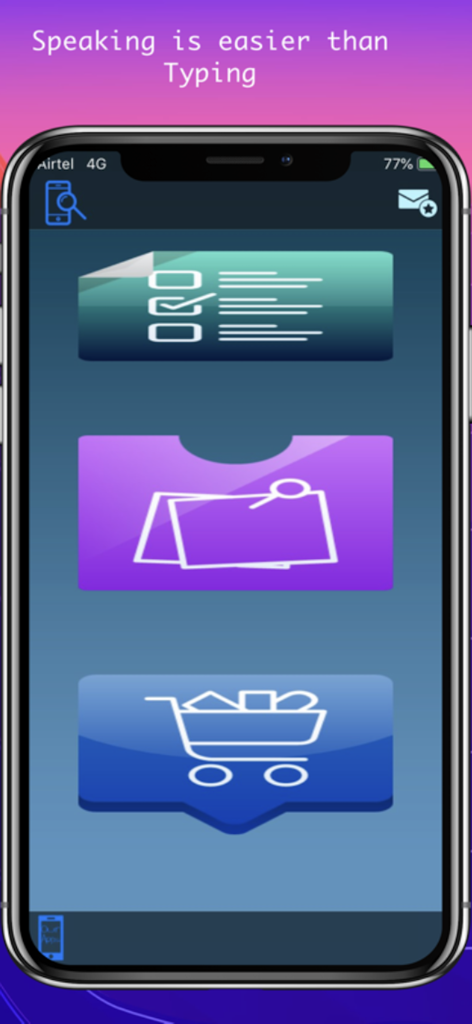
Speech to Text app main screen showing options for notes and shopping lists

Speech to Text app main screen showing options for notes and shopping lists

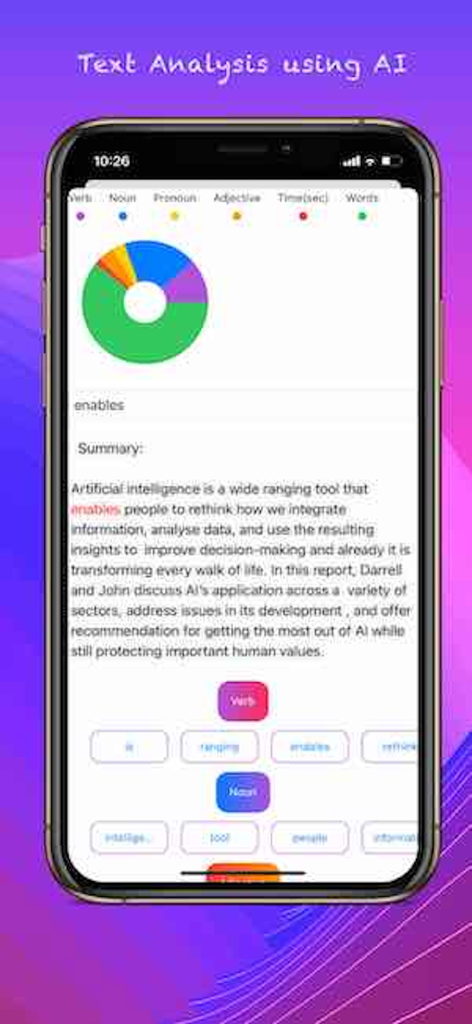
AI text analysis screen showing a linguistic breakdown of parts of speech with a donut chart.

AI text analysis screen showing a linguistic breakdown of parts of speech with a donut chart.

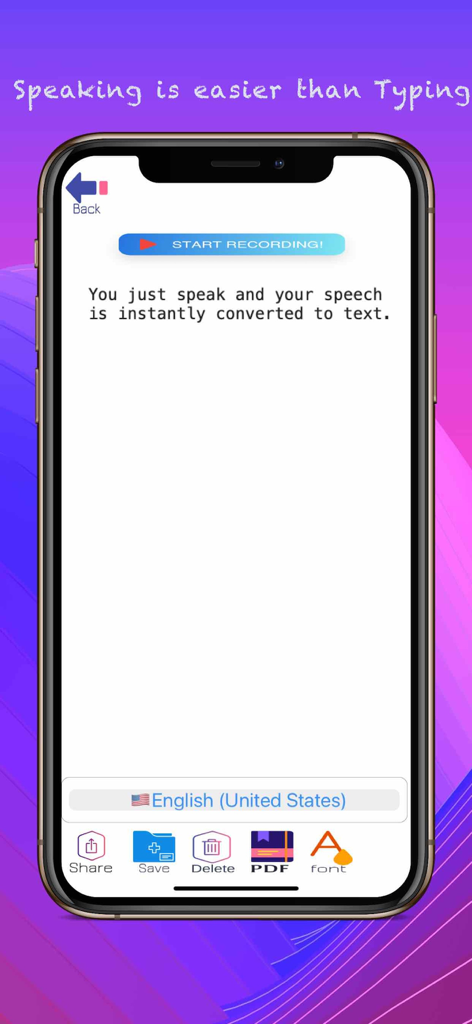
Mobile app interface for Speech to Text showing a start recording button and language selection for English United States

Mobile app interface for Speech to Text showing a start recording button and language selection for English United States

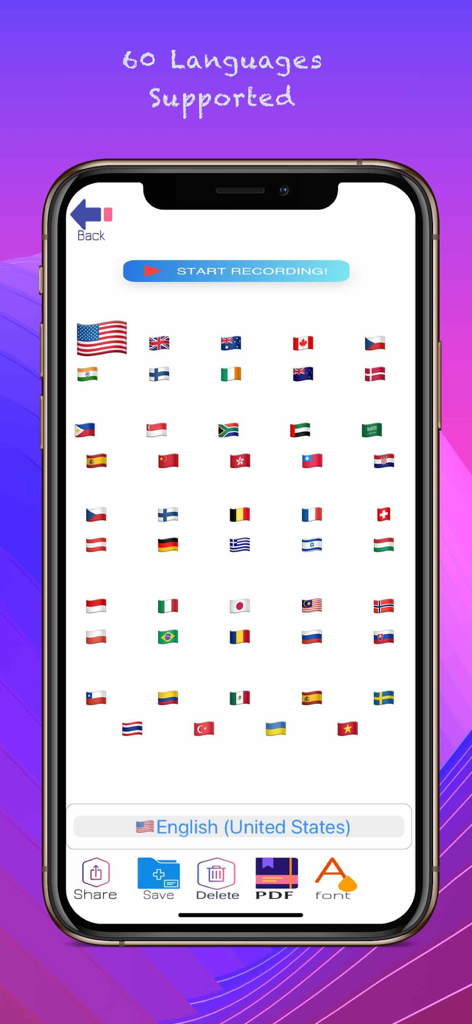
Interface of the Speech to Text app displaying flags for 60 supported languages for voice recognition.

Interface of the Speech to Text app displaying flags for 60 supported languages for voice recognition.

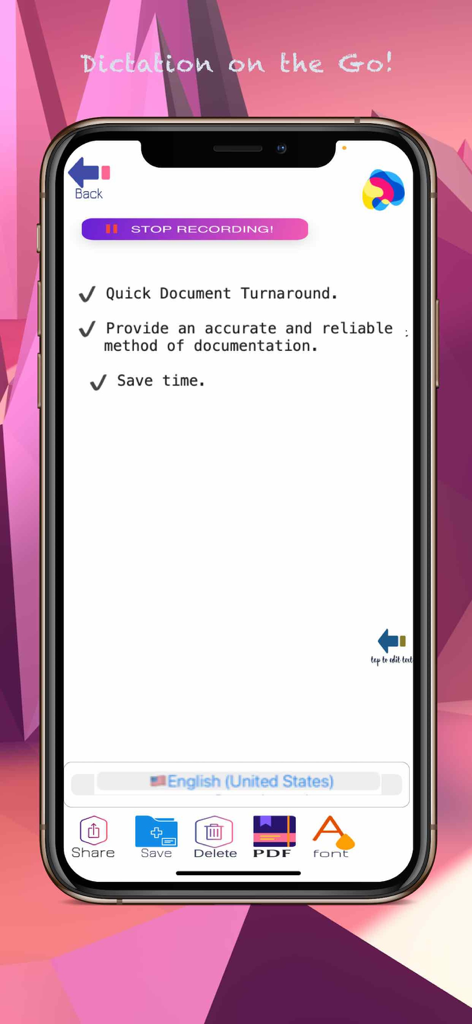
Mobile app interface showing real-time voice dictation with features to save as PDF and share documents

Mobile app interface showing real-time voice dictation with features to save as PDF and share documents

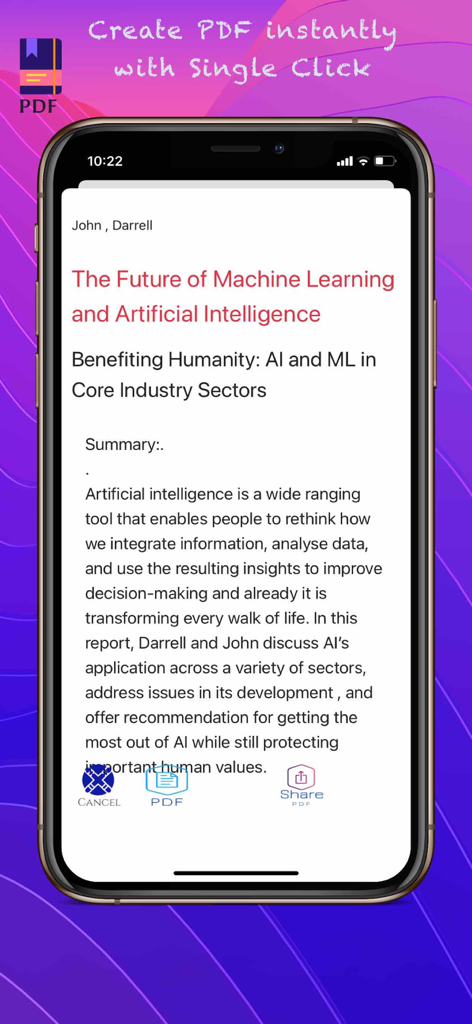
Mobile app interface showing a voice-transcribed report being converted into a PDF document with a single click.

Mobile app interface showing a voice-transcribed report being converted into a PDF document with a single click.

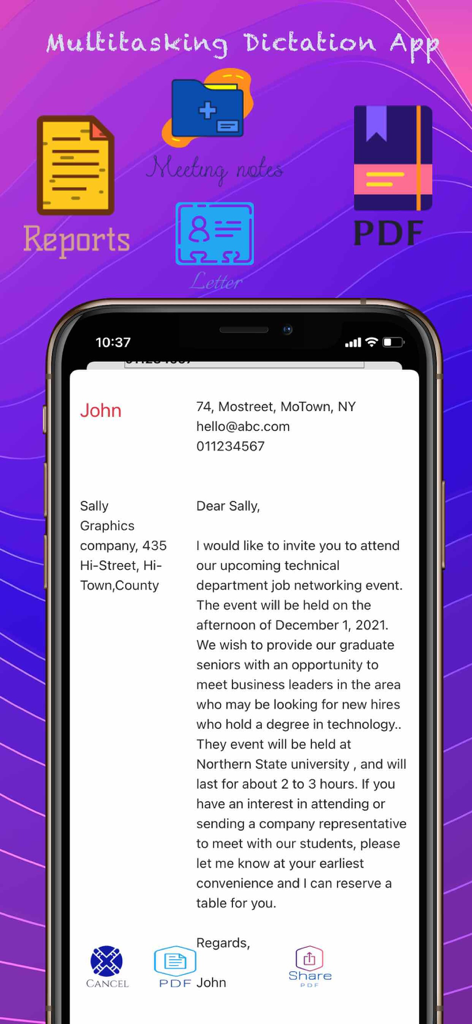
Interface of a multitasking dictation app showing a drafted letter and options for reports meeting notes and PDF export

Interface of a multitasking dictation app showing a drafted letter and options for reports meeting notes and PDF export

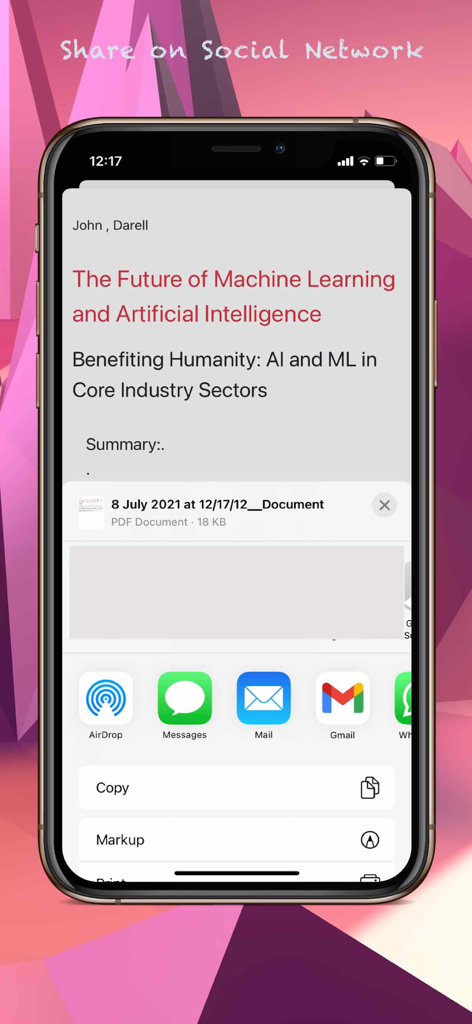
iOS share sheet displaying options to export transcribed text as a PDF to messages and email apps.

iOS share sheet displaying options to export transcribed text as a PDF to messages and email apps.

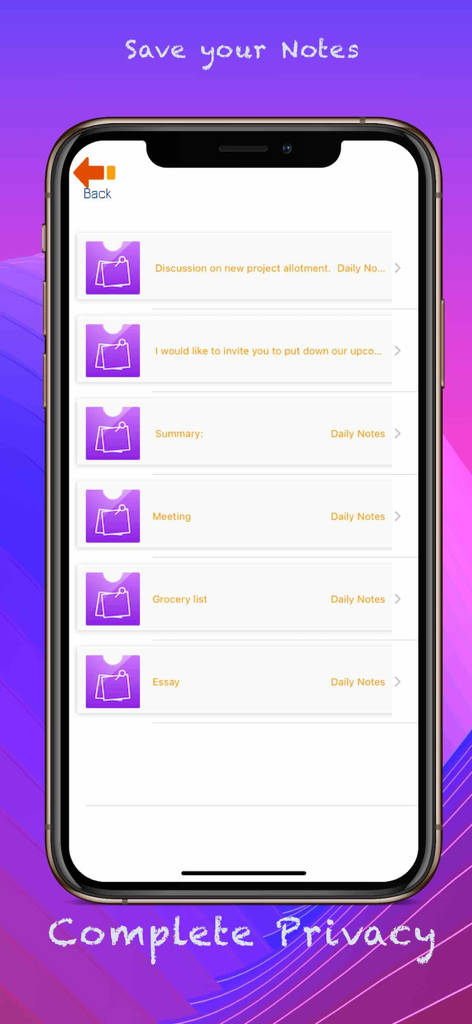
iPhone screen showing a list of saved voice-to-text notes including meeting summaries and grocery lists.

iPhone screen showing a list of saved voice-to-text notes including meeting summaries and grocery lists.

Unlock Your Productivity with the Power of Your Voice

The tools that make this app stand out, trusted by 255K+ users.

🎙️

Hour-Long Continuous Dictation

Perfect for long interviews, lectures, or deep-work sessions. Record continuously for up to 60 minutes without interruptions or cut-offs.

📄

Instant Pro Exports & PDF

Transform your voice notes into professional reports or PDFs with one click. Share instantly to Evernote, Google Drive, or Slack.

🔒

Private On-Device AI

Experience lightning-fast transcription that works offline. Your data stays on your device, supporting over 59 languages and accents.

Loved by users worldwide

Trusted by 255K+ people who love this app.

"

"This app has completely transformed my workflow. I can dictate complex legal memos for up to an hour without any interruptions, and the accuracy is stunning. Being able to convert my notes directly into a PDF and share them with my team instantly saves me hours of manual typing every week. It is the ultimate productivity tool for any busy professional who needs to capture thoughts on the go."

Michael R., Legal Consultant
"

"As a writer, my best ideas usually come when I am away from my desk. This app allows me to capture those moments of inspiration effortlessly. I love that I do not have to log in; I just tap the mic and start talking. The voice commands for punctuation and new paragraphs make the transcription so clean that I barely have to edit later. It is like having a personal stenographer in my pocket!"

Sarah J., Freelance Author

About the app

Everything you need to know about Speech to Text : Voice to Text.

Description

Speech to text : Voice to text is the powerful, real-time dictation solution. Based on the latest artificial intelligence and using a powerful speech recognition engine, This Dictation app accurately transcribes your speech to text in real time. The clean elegant design, along with the non-stop voice recognition and other features means you can relax and focus on your thoughts and content. Using our app , your words will be magically transcribed into text without your ever needing to touch a keyboard. Now you can use the power of your voice to create your words! Easily share your text and files later! (Works with Evernote, Dropbox, Google Drive, OneDrive, Facebook, Twitter, Snapchat, WhatsApp and other iOS supported sharing apps.) Whether you’re a professional writer, doctor, lawyer, disabled or somehow prevented from traditional typing, Speech to text : Voice to text app will swiftly solve your transcription problems and help you achieve your writing goals today! This fantastic speech-to-text app will allow you to do more with your iPhone/ iPad : ・Longer Record time: -DICTATE CONTINUOUSLY up-to 1 HOUR. ・Unlimited save & edits ・Transcribed text can be edited directly. ・Ideal for both individual and group transcription ・Background support for voice recognition. ・On-device Speech Recognition. • Voice recognition support for 59 languages and accents. • Share your text on social networks. • Copy your text to other apps. • Send your text as an email or text message. • Create PDF instantly with single click. • Convert text your notes, reports, letters into PDF instantly • Text Analysis using AI. ► Currently Supported Speech Recognition Languages: Arabic, Cantonese, Catalan, Chinese, Croatian, Czech, Danish, Dutch, English, Finnish, French, German, Greek, Hebrew, Hindi, Hungarian, Indonesian, Italian, Japanese, Korean, Malay, Norwegian, Bokmål, Polish, Portuguese, Romanian, Russian, Shanghainese, Slovak, Spanish, Swedish, Thai, Turkish, Ukrainian, Vietnamese. Technology: New iOS 14 Speech framework having state of the art accuracy, Faster ,Automatically adapts to the user Super easy: Simply click the microphone and start dictating. No need to login or register You can add new paragraphs, punctuation marks, smileys and other special characters using simple voice commands. Who Should Use Speech to Text : Voice to Text ? 1. Reporters: Interviews, conversations and more are easily recorded and transcribed, preserving the original audio. 2. Writers: Novelists, Authors, can all write in their true voice, capturing their moments of inspiration anytime, anywhere. 3. Professionals: Doctors, lawyers, managers, etc. Easily transcribe your daily tasks, notes, conference calls, letters and more! Your voice makes it happen! 4. Elderly or Disabled: Eliminates slow typing, commonly misspelled words or embarrassing composition mistakes. This app makes it convenient and easy to send and share your words with those you love. 5. Language Students: Text analysis using AI , Easily learn and master new words and languages by practicing dictation with speech to text app ! SUBSCRIPTION PRICING & TERMS We offer three auto-renewing subscription options: $1.99 / month $9.49 / 6 months - Save 20% $14.49 / 1 year - Save 40% The price corresponds to the same price segment , which are set in the “Apple App Store Matrix” for other currencies You can cancel a subscription anytime by turning off auto renewal though your iTunes account settings.This must be done 24 hours before the end of subscription period to avoid being charged. The cancellation will take effect the day after the last day of the current subscription. Terms of Service : https://voiceovermaker.com/termsofuse Privacy Policy: https://voiceovermaker.com/privacypolicy Support: Please email for any suggestions/feedback voiceovermakerz@gmail.com

Latest Version

10.0.5

Size

23.8 MB

First Released

Oct 4, 2016

Ready to Write at the Speed of Thought?

Join 255,000+ professionals and creatives who have ditched the keyboard. Start your 100% private, on-device transcription now—no sign-up required.

Download on App Store