
StudentVUE (New)



Take control of your school life with instant access to real-time assignment scores, attendance records, and classroom updates tailored for the modern student.
Publisher
Category
EducationDownloads
89K+User Rating
Total Ratings
100Locales
1Discover the interface used by 89K+ users.
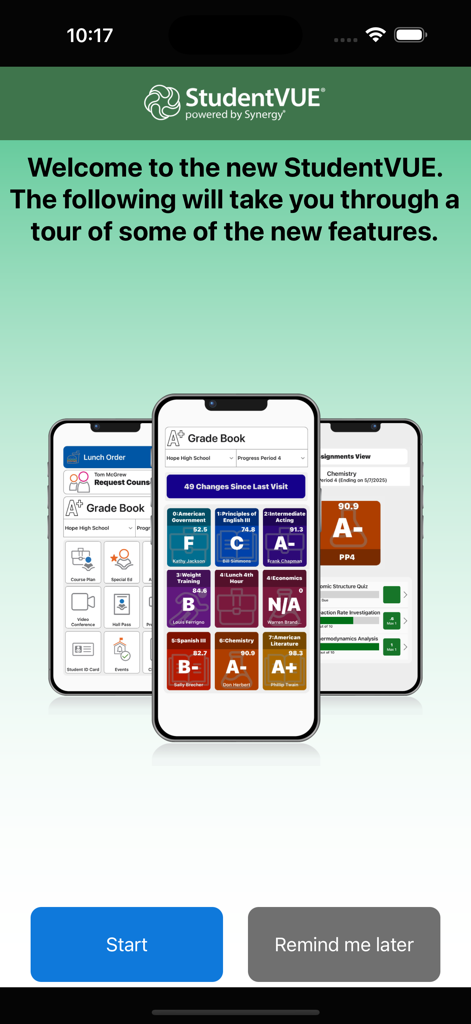
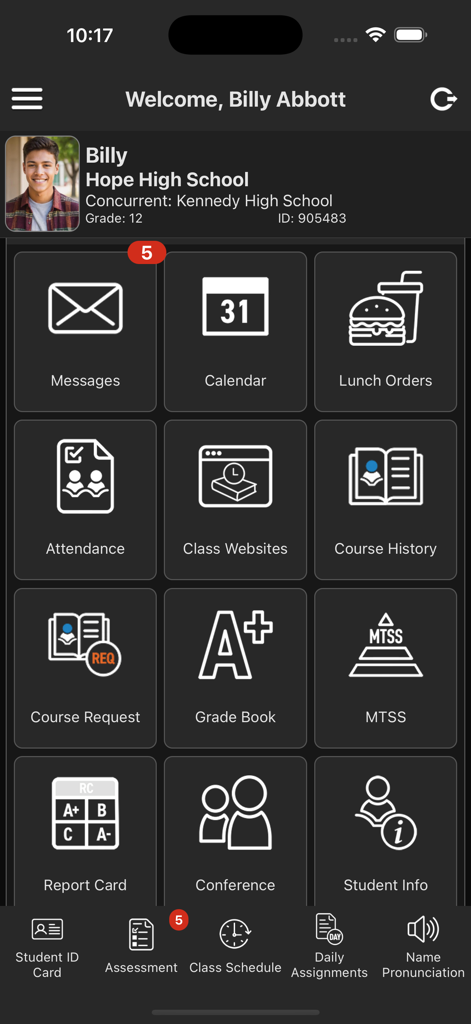
The tools that make this app stand out, trusted by 89K+ users.
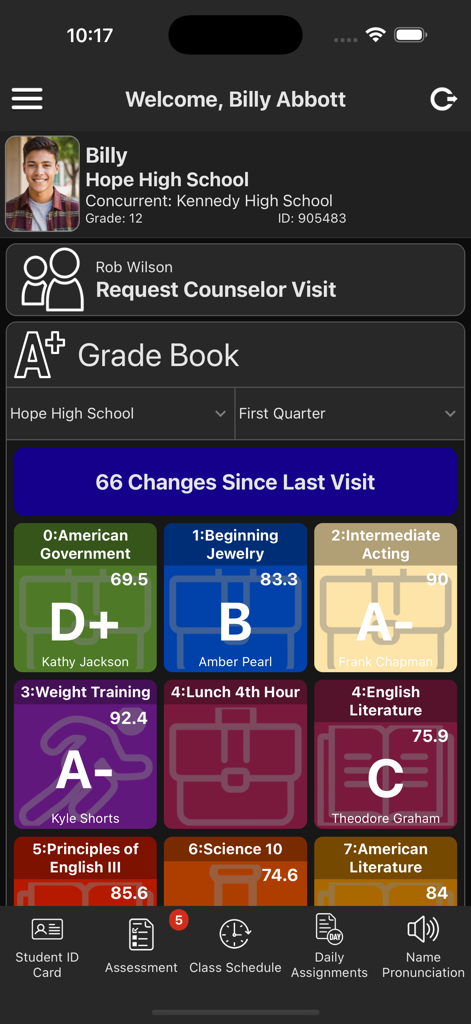
See your newest scores and current GPA the moment they are posted by your teachers, so you always know where you stand.
Stay organized with a clear view of all upcoming and missing assignments to ensure you never miss a deadline.
Quickly verify your daily attendance and check your class schedule between periods right from your phone.
Trusted by 89K+ people who love this app.
"Staying on top of my GPA used to be so stressful, but this app makes it so much easier. I can check my scores the second they are posted between classes. It really helps me stay organized and catch any missing assignments before they become a problem!"
"Being a student-athlete means I am always on the go. Having my schedule and grades right on my phone is a total game changer. I love being able to quickly check for updates on my lunch break without needing to find a laptop."
Everything you need to know about StudentVUE (New).
Description
Latest Version
1.6
Size
52.5 MB
First Released
Aug 31, 2025
No more surprises. Get real-time alerts on assignments and scores so you can stay ahead of the game. Download StudentVUE (New) today.
Everything you need to know about StudentVUE (New)
The StudentVUE mobile app helps students stay informed and connected. It provides day-to-day insight into their academic experience, allowing them to view assignments, scores, attendance, and demographic information.
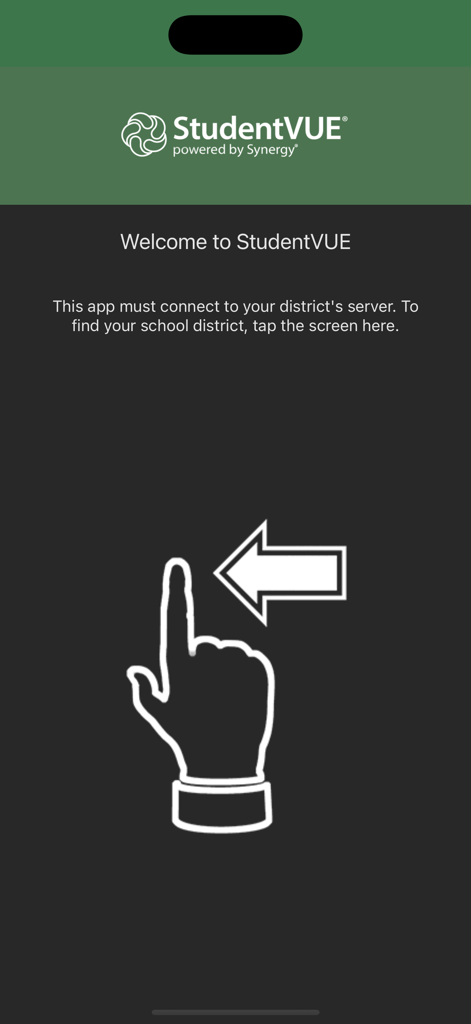
The StudentVUE app connects to a district's server. Users can find their school district by granting location permission or by entering the district office's zip code to search for nearby districts.
The StudentVUE mobile app works with the Synergy® Student Information System (Synergy® SIS). Only school districts using Synergy® SIS v2025 and higher support the application.
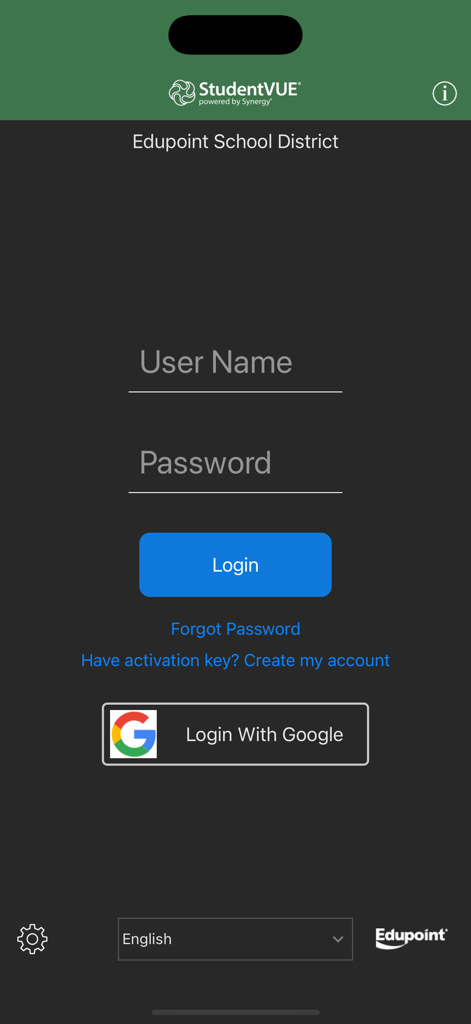
Students log into the StudentVUE app using the same user login credentials as the web-based portal. The login screen accepts a username and password, and offers a "Login With Google" option.
Students can view classroom assignments, scores, attendance records, demographic information, report cards, class schedules, and messages within the StudentVUE app. The app also displays grade book changes.
Yes, the StudentVUE mobile app requires an internet connection to function properly. This ensures that students can access the most current academic information from their school district.
Students experiencing login issues or needing login information for StudentVUE must contact their school district’s administration. The app uses the same login as the web portal.
The StudentVUE app's dashboard includes features such as Messages, Calendar, Lunch Orders, Attendance, Class Websites, Course History, Course Request, Grade Book, MTSS, Report Card, Conference, and Student Info.
Apps with similar features and user experience

Sociedade De Ensino Superior Estacio de Sa Ltda

Cesumar - Centro de Ensino Superior de Maringa Ltda

Qassim University

UNISTUDENTS P.C.

ClassLink, Inc.

Yordam Mobil

Comcigan Co., Ltd.

Clever Inc.

EM1 - Solucoes em Tecnologia da Informacao