
VDIT - Video Maker & Editor


The all-in-one editor for rising creators. Master your Reels, Shorts, and vlogs with AI auto-captions, professional keyframes, and stunning filters—all with no watermarks.
Publisher
Category
Photo & VideoDownloads
1M+User Rating
Total Ratings
54K+Locales
13Discover the interface used by 1M+ users.
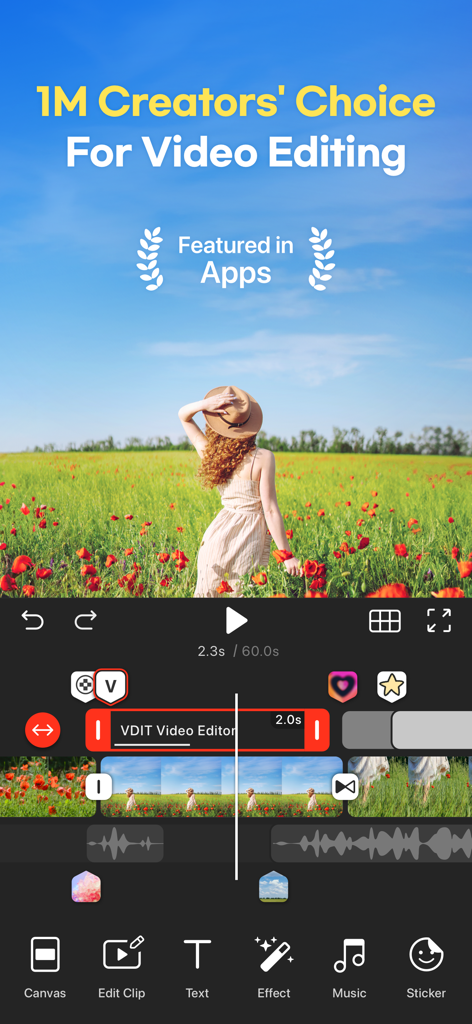
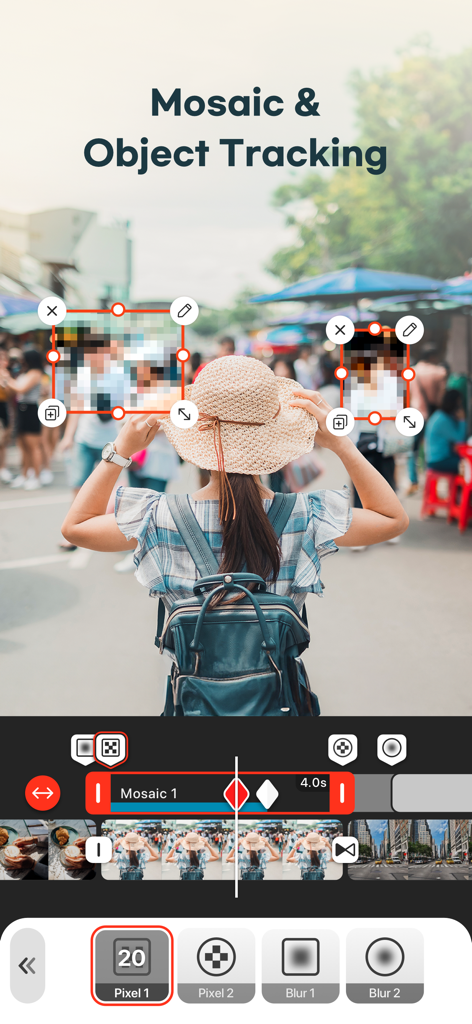
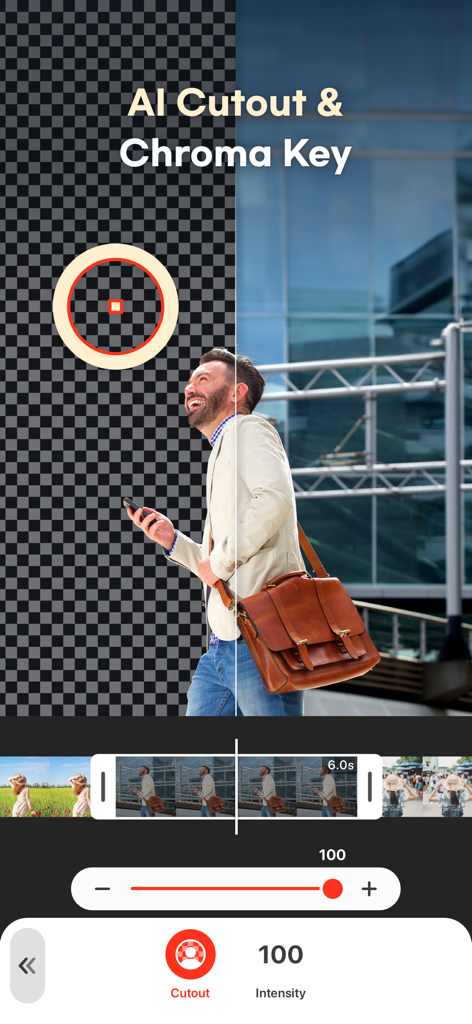
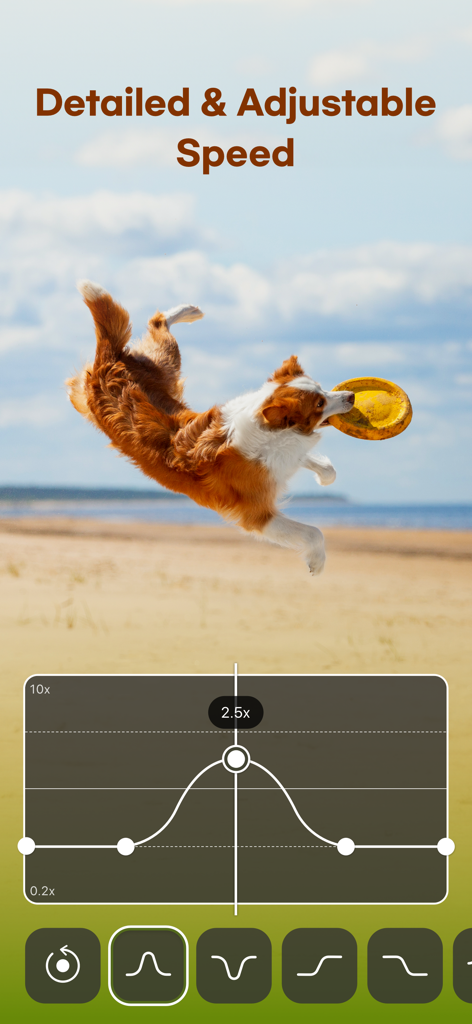
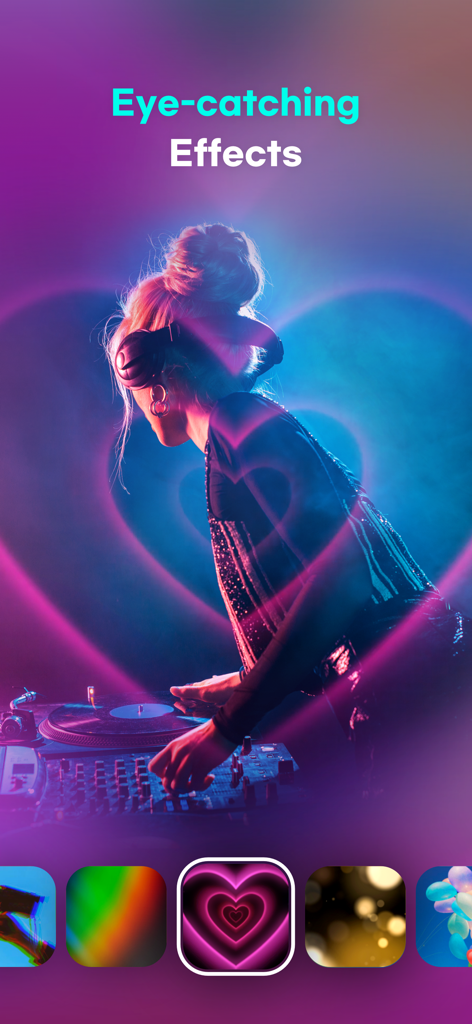
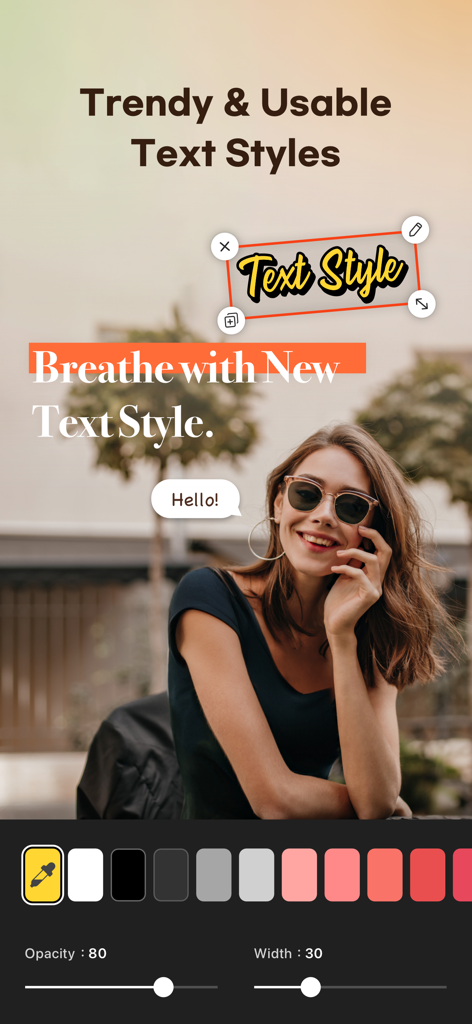

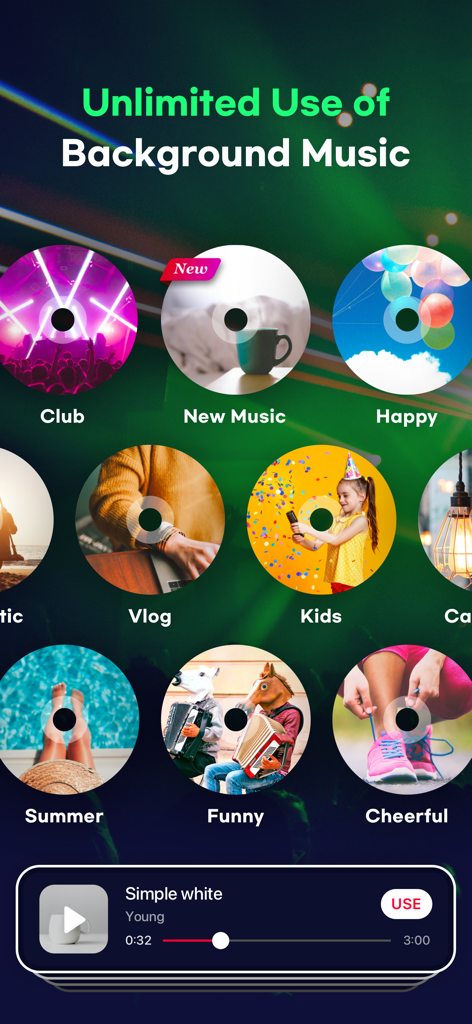
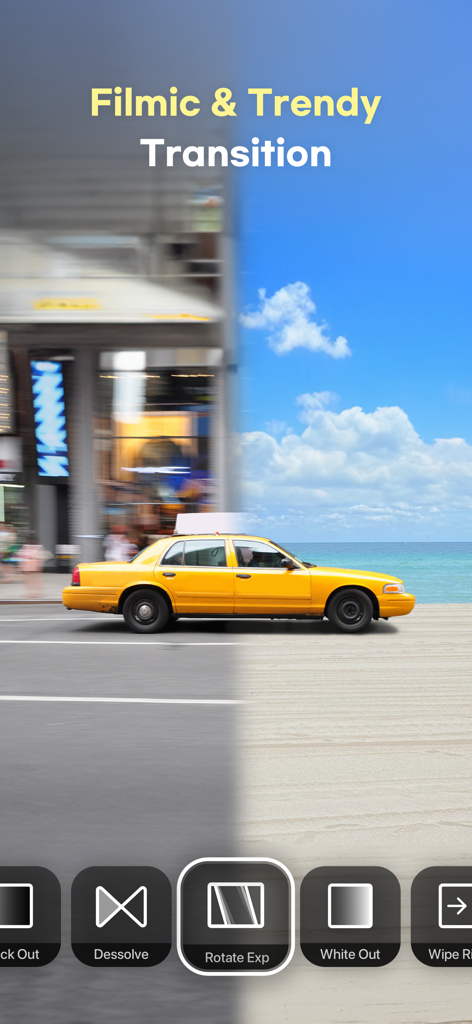
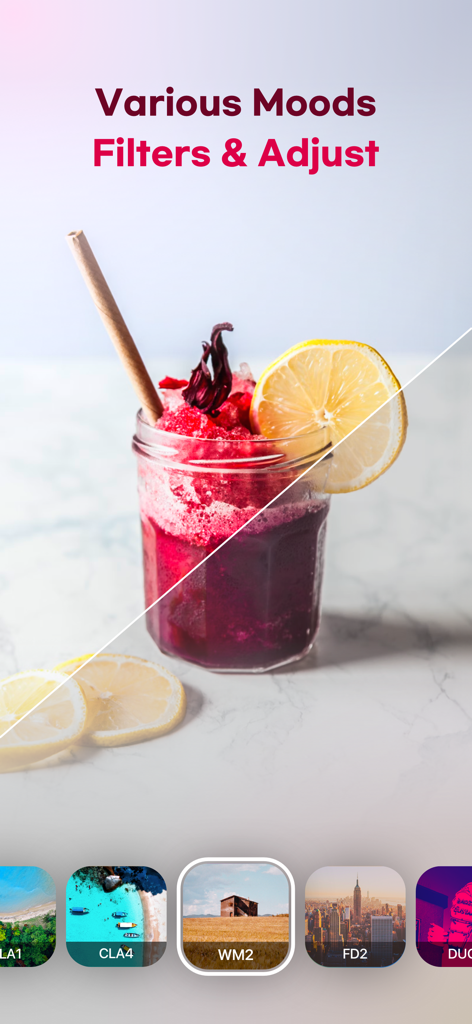
The tools that make this app stand out, trusted by 1M+ users.
Generate auto-captions instantly and remove backgrounds with one tap so you can spend more time creating and less time editing.
Apply 160+ aesthetic filters or import your own LUTs to maintain a consistent, high-end look across your entire social feed.
Master your flow with keyframe animations and speed curves to create dynamic, high-quality 4K videos that capture every detail.
Trusted by 1M+ people who love this app.
"As a lifestyle vlogger, VDIT is my secret weapon. The AI auto-captions and aesthetic filters make my Reels look professional in minutes. I love that I can export high-quality videos without a watermark—it's a total game changer for my personal brand!"
"The iPad integration is flawless. I use VDIT for my small business ads because it offers professional tools like keyframes and speed curves without the steep learning curve. It's the most powerful yet user-friendly editor I've found on the App Store."
Everything you need to know about VDIT - Video Maker & Editor.
Description
Latest Version
3.6.2
Size
281.8 MB
First Released
Mar 9, 2020
Join 1M+ creators making aesthetic vlogs and reels with VDIT. Get professional AI tools and 4K exports—all with no watermark.
Everything you need to know about VDIT - Video Maker & Editor
Yes, VDIT is a free video editor that offers powerful tools to start with. Users can explore premium features at their own pace through in-app purchases or subscriptions.
Yes, VDIT integrates smart AI editing tools including AI Auto captions, automatic video creation from templates, instant AI background removal, and auto-tracking for moving objects.
Yes, VDIT allows instant background removal using its AI Cutout feature. This enables users to isolate subjects from their video footage easily.
Yes, VDIT includes a built-in text-to-speech (TTS) feature that converts text into natural voiceovers. This allows users to add narrated content to their videos efficiently.
VDIT supports high-quality exports in SD, HD, FHD, or 4K resolution at 24–60 FPS. It also offers preset ratios for social media platforms like Reels, Shorts, TikTok, and YouTube.
Yes, VDIT does not apply watermarks to your exported videos. Users can share their content without any branding from the app.
Yes, VDIT provides over 400 royalty-free background music tracks and sound effects. Users can also extract audio from video, record voice, or import their own music.
Yes, VDIT allows seamless editing across iPhone and iPad devices. Users can boost their workflow with a touch-friendly interface, undo/redo functions, and iPad keyboard shortcuts.
VDIT PRO offers full access to all premium features through a monthly or annual subscription. Users can subscribe directly within the app.
Yes, you can cancel your VDIT PRO subscription at any time. Your premium features remain active until the current billing period ends, and auto-renewal can be turned off in iTunes account settings.
Yes, VDIT supports motion mosaics that track and blur moving objects. This feature allows for dynamic privacy effects or stylistic choices within your video edits.
VDIT offers various transitions including Black Out, Dissolve, Rotate Exp, and White Out. These help create dynamic and professional-looking scene changes in your videos.
Apps with similar features and user experience

Instagram, Inc.

vimosoft

SHANTANU PTE. LTD.

Shanghai Bilibili Animation Co.,Ltd

Shanghai Jian Ji Software Technology Co., Ltd

Jajijujejo Inc.

Onelight Apps CY Ltd

Changsha Fugui Bamboo Network Technology Co., Ltd.

Chongqing tuanshui technology Co., Ltd.