VectorView - Art Organizer

VectorView - Art Organizer

Download on App Store
Logo
Logo of VectorView - Art Organizer

VectorView - Art Organizer: The Professional CDR Viewer for iOS

Bridge the gap between CorelDRAW and your Apple devices. Open, export, and manage .cdr files instantly on your iPhone or iPad—no Windows PC required.

Download on App Store

Publisher

Abdusodiq Saidov

Category

Photo & Video

Downloads

36K+

User Rating

1.0/5

Total Ratings

0

Locales

1

Design at Your Fingertips

Join over 36K+ musicians using our pro interface.

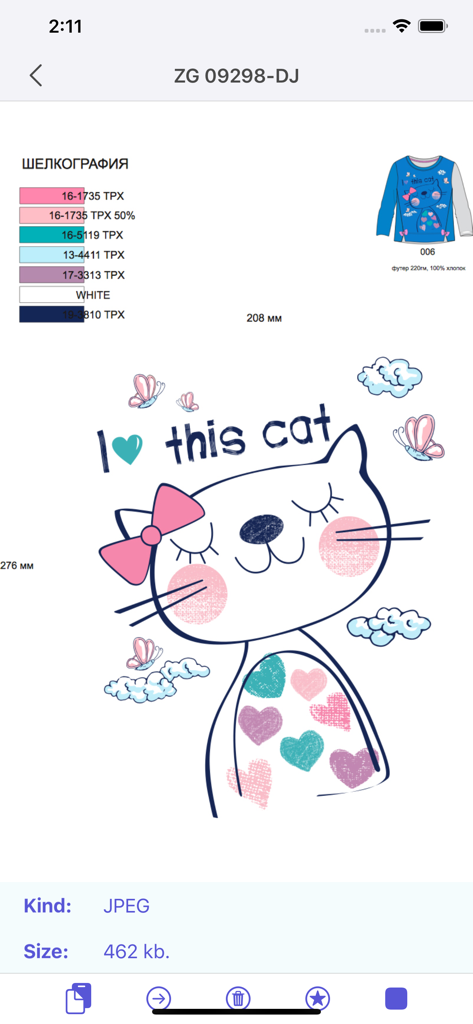
VectorView app interface displaying a cat illustration design and file specifications.

VectorView app interface displaying a cat illustration design and file specifications.

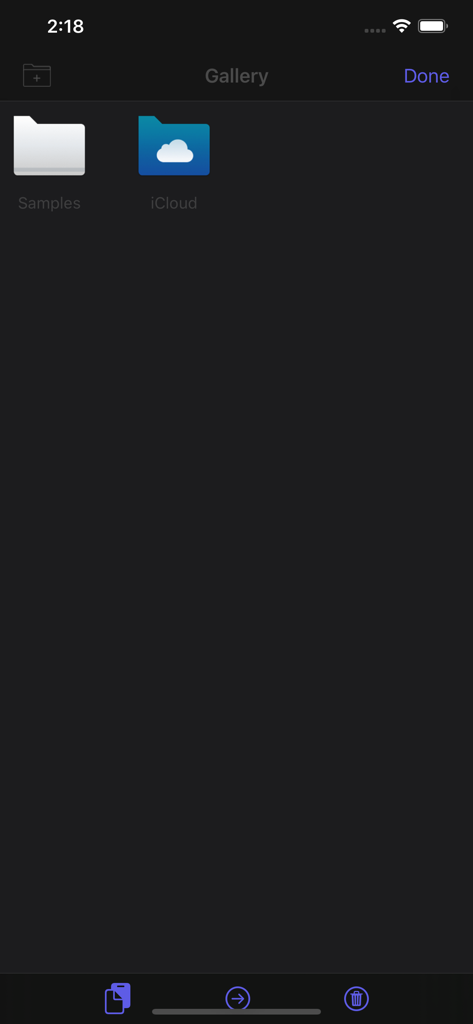
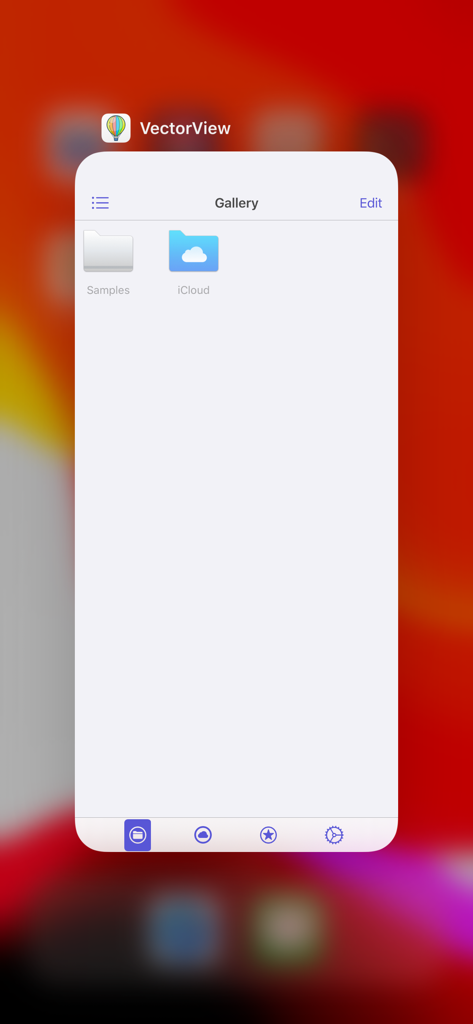
VectorView gallery interface showing Samples and iCloud folders for file organization

VectorView gallery interface showing Samples and iCloud folders for file organization

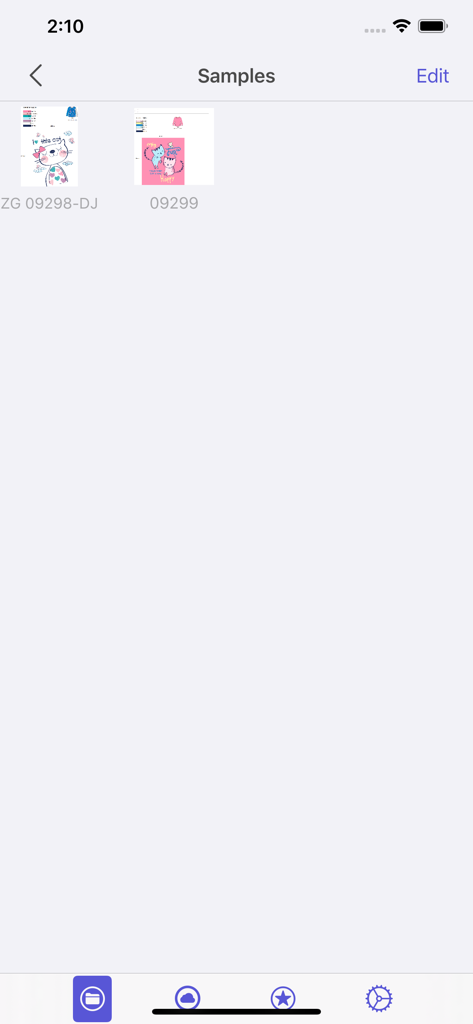
Sample gallery of CorelDRAW files in the VectorView app interface

Sample gallery of CorelDRAW files in the VectorView app interface

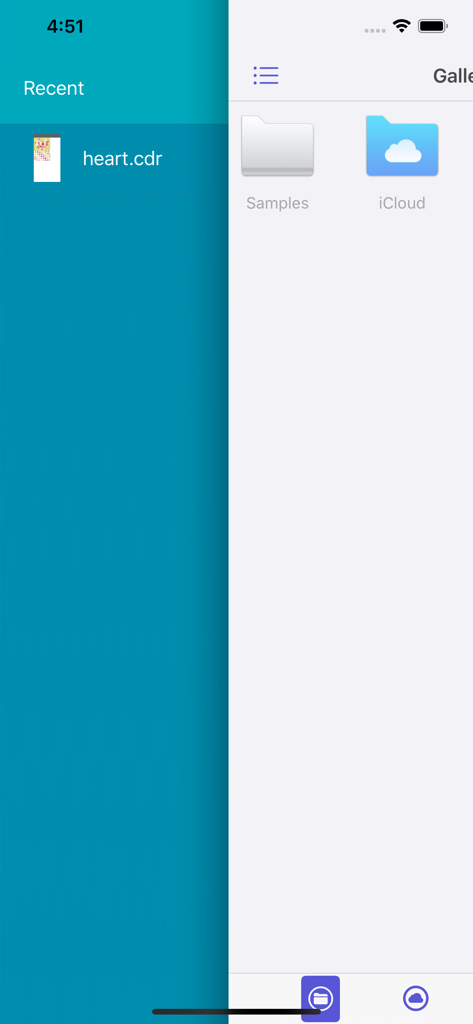
VectorView app interface showing recent CDR files and gallery folders for Samples and iCloud

VectorView app interface showing recent CDR files and gallery folders for Samples and iCloud

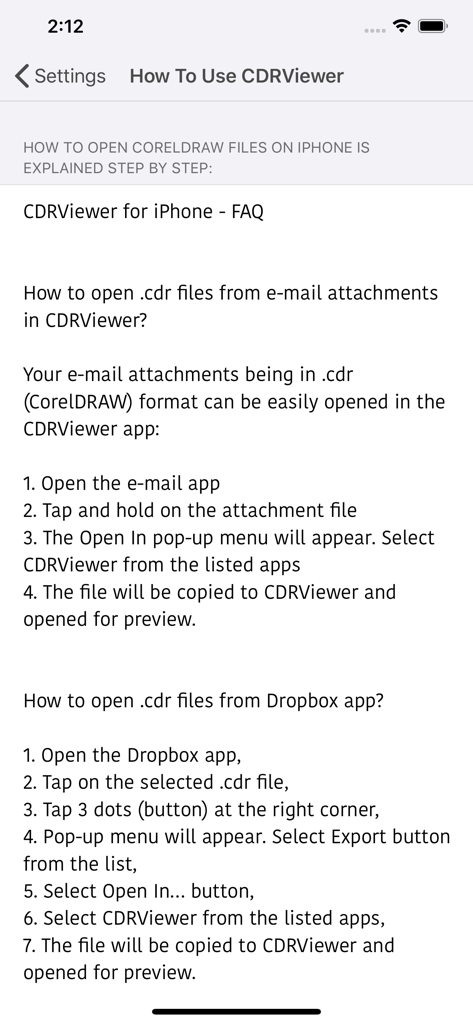
Step by step guide on how to open CorelDRAW files from email and Dropbox in VectorView

Step by step guide on how to open CorelDRAW files from email and Dropbox in VectorView

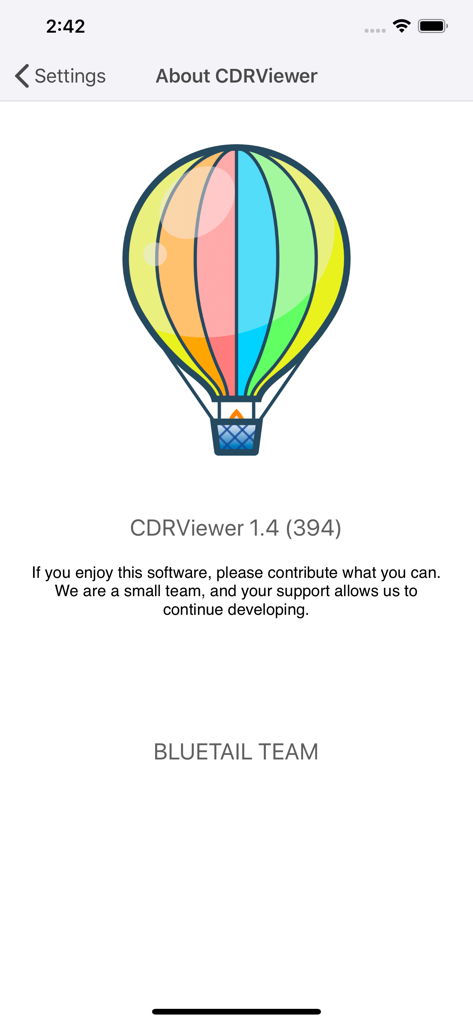
About screen for VectorView app featuring a colorful hot air balloon logo and version information

About screen for VectorView app featuring a colorful hot air balloon logo and version information

VectorView app gallery screen showing sample and iCloud folders for CorelDRAW file management

VectorView app gallery screen showing sample and iCloud folders for CorelDRAW file management

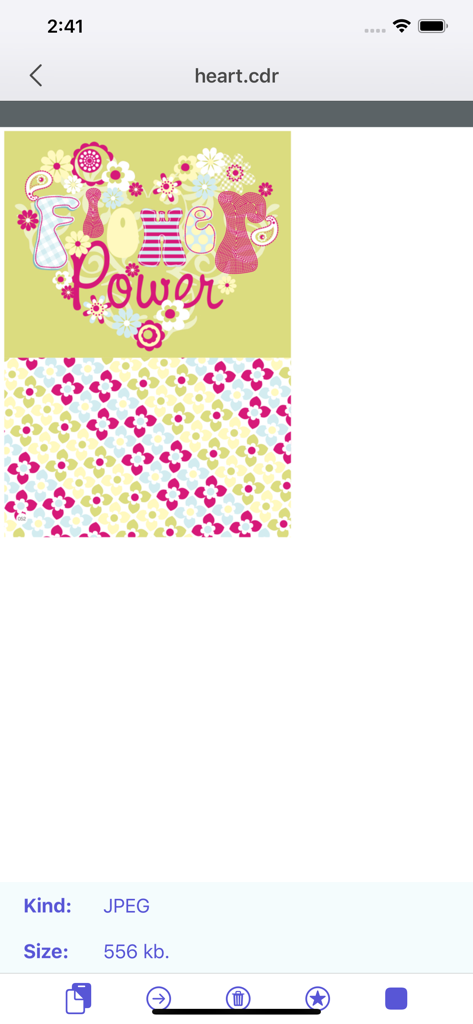
Interface of the VectorView app showing a colorful floral graphic opened from a CorelDRAW file

Interface of the VectorView app showing a colorful floral graphic opened from a CorelDRAW file

Seamless CorelDRAW Access Anywhere

Join 36K+ users who mastered their instrument with these tools.

📂

Instant CDR Viewing

Open CorelDRAW files directly from AirDrop, Mail, or WhatsApp. Review high-resolution vectors instantly on your iPhone or iPad.

📤

Export & Share Assets

Convert your designs to standard formats to save in your Photo Gallery or share with clients through your favorite communication apps.

🗂️

Smart Design Archive

Keep your project history organized. All previously opened files are automatically archived in a local gallery for lightning-fast offline access.

Loved by users worldwide

Trusted by 36K+ people who have transformed their experience with this app.

"

"This app is an absolute game-changer for my workflow. As a Mac-based designer, receiving .cdr files used to be a major headache, but now I can preview and export them directly on my iPad Pro. It's fast, simple, and saves me so much time when I'm away from my desk."

Elena Rodriguez, Senior Graphic Designer
"

"Essential tool for anyone in the print and signage business. I frequently get CorelDRAW files from clients while I'm on the shop floor, and being able to open them instantly on my iPhone to confirm details is incredible. The archive feature is a nice touch for keeping everything organized."

David Chen, Owner of PixelPrint Studio

About the app

Everything you need to know about VectorView - Art Organizer.

Description

VectorView allows you open and view CorelDRAW files on iPhone and iPad. Until now I couldn't open CorelDRAW files on my Mac and on iPhone. As every designer knows CorelDRAW is discontinued macOS version after version 11. Now We have developed a simple application that opens CorelDRAW files on macOS and on your iOS devices. Opening CorelDRAW format files on iOS is possible now. When you install VectorView on your iOS device, you will be able to open CDR files. To open cdr files, click Copy to VectorView from any app like Mail, WhatsApp, Telegram, WeChat... or just send cdr files from your Mac through AirDrop, VectorView automatically detects your cdr file and opens it. CDR file format stands for CorelDRAW and this extension is proprietary format used by CorelDRAW software. CDR format is not recognized by other image editing programs and to save to other image formats it needs to be opened in CorelDRAW and then exported in other format. This can be done only on Windows. With VectorView there is no need to another operating system and another machine or another software to display and save CDR file formats. 1. VectorView runs on your iPhone and iPad. 2. VectorView can export your CDR (CorelDRAW) files to your Photo Gallery or share through other apps. 3. All previously opened CDR files are archived in gallery for faster access for later use. Simple and useful productive tool for designers. If you have any ideas or features, feel free to drop a message regarding your opinions by using our contact us page. Please note: Some files with special effects like gradient, blur may not open correctly sometimes, also to open fonts correctly, used fonts should be installed on your machine. Please try our Free Version VectorView Application before purchasing this application to be sure.

Latest Version

1.4

Size

65.2 MB

First Released

Jul 1, 2016

Unlock Your CorelDRAW Workflow on iOS

Join over 36,000 professionals who use VectorView to view, export, and manage .cdr files on the go. Download now and bridge the gap between platforms.

Download on App Store