Verba: Captions & Video Editor

Verba: Captions & Video Editor

Download on App Store
Spark by MWM logo
Logo of Verba: Captions & Video Editor

Verba: AI-Powered Captions for Viral Video Content

Automate your subtitles and elevate your videos with professional effects, stickers, and AI editing designed for creators who value speed and style.

Publisher

Verba Creative Inc.

Category

Photo & Video

Downloads

249K+

User Rating

4.8/5

Total Ratings

800

Locales

9

A Glimpse of the Magic

Discover the interface used by 249K+ users.
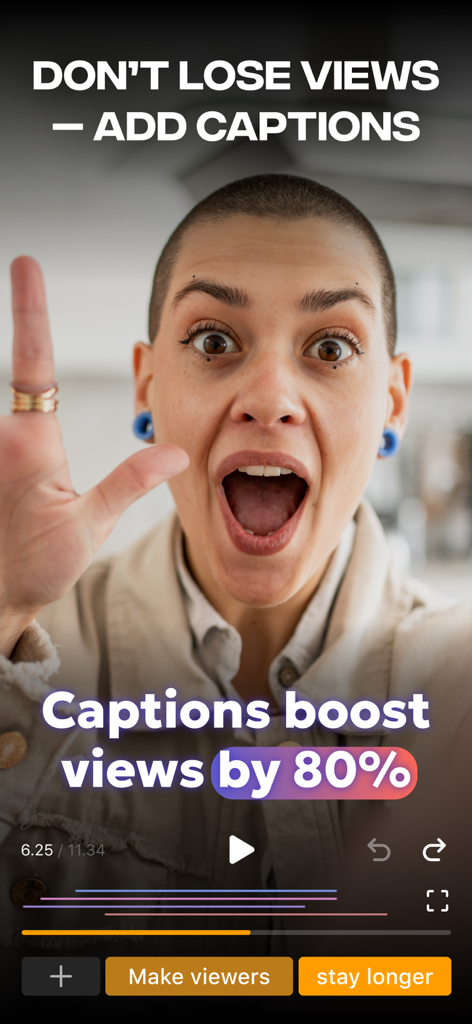
Verba app interface showing that captions boost video views by 80 percent

Verba app interface showing that captions boost video views by 80 percent

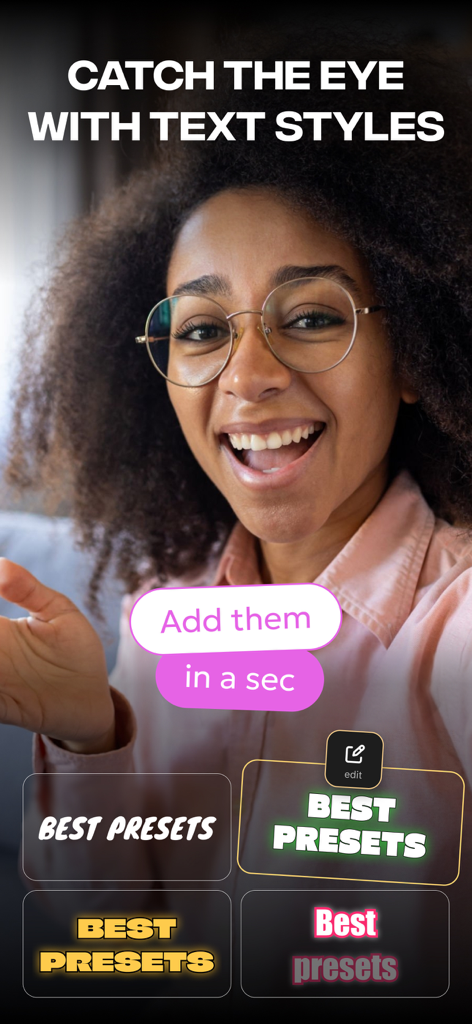
Verba app screen showing various dynamic text style presets for video captions and subtitles

Verba app screen showing various dynamic text style presets for video captions and subtitles

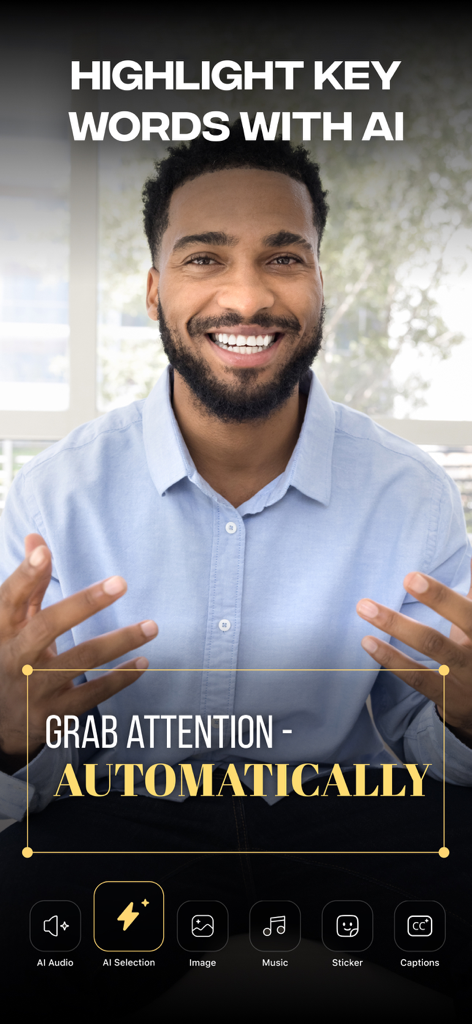
Verba app interface showing AI-powered automatic keyword highlighting for video captions

Verba app interface showing AI-powered automatic keyword highlighting for video captions

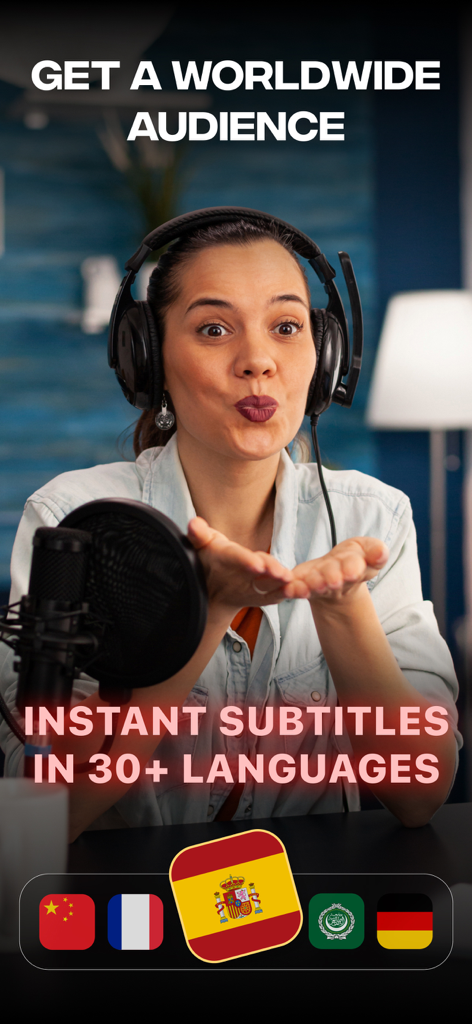
A woman content creator using Verba for instant subtitles in 30 plus languages

A woman content creator using Verba for instant subtitles in 30 plus languages

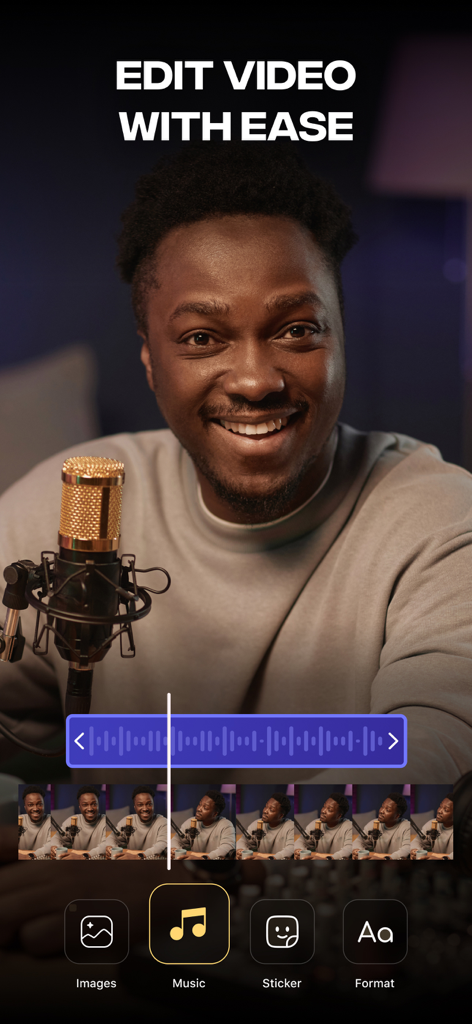
Verba mobile app interface showing easy video editing tools for social media creators

Verba mobile app interface showing easy video editing tools for social media creators

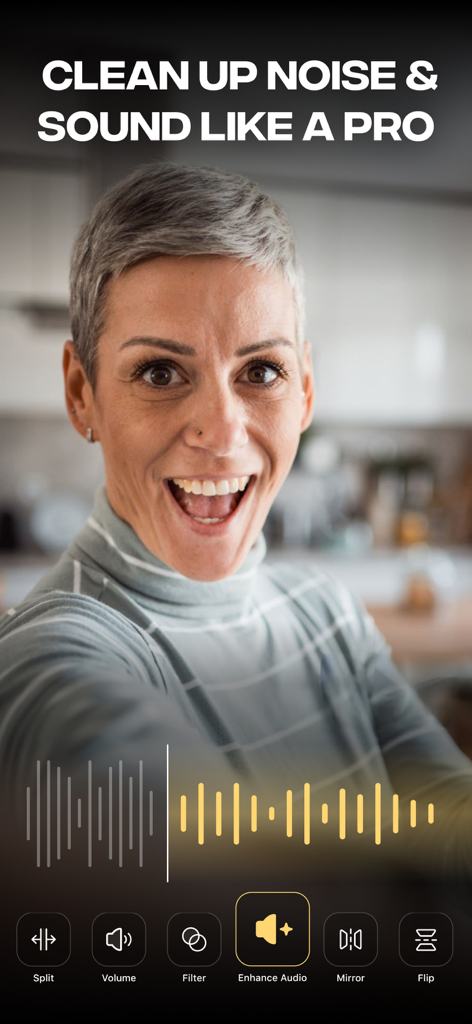
Verba app interface showing audio enhancement feature to clean up noise in videos

Verba app interface showing audio enhancement feature to clean up noise in videos

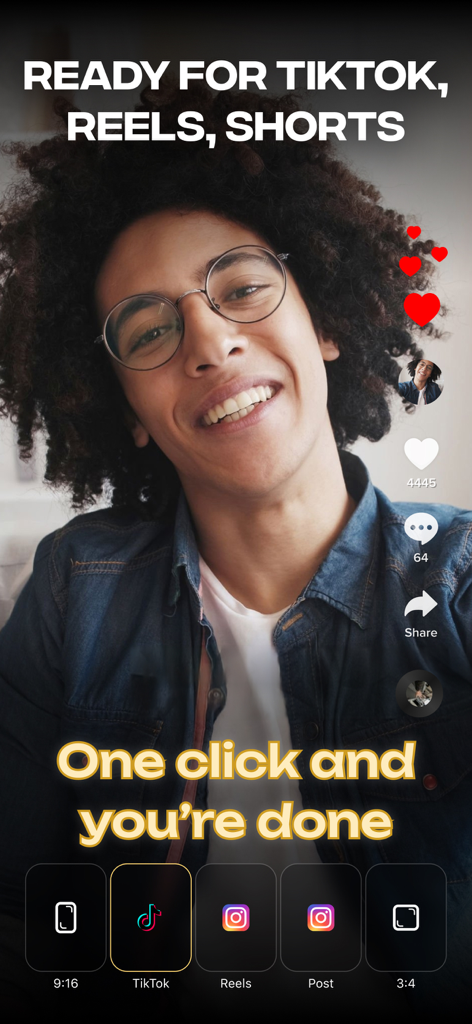
Verba app interface showing one-click export options for TikTok, Reels, and YouTube Shorts

Verba app interface showing one-click export options for TikTok, Reels, and YouTube Shorts

Create Viral-Ready Content in Seconds

The tools that make this app stand out, trusted by 249K+ users.

💬

Instant AI Subtitles

Stop the scroll with automatic, accurate captions that keep your audience engaged even when their sound is off.

Pro-Level Styling

Choose from trending presets or customize fonts and styles to ensure your videos match your brand's unique aesthetic.

🚀

Engaging Visual Hooks

Add trending stickers and sound effects from our library to grab attention and boost your retention in the first 1.5 seconds.

Loved by users worldwide

Trusted by 249K+ people who love this app.

"

"Verba has completely transformed my workflow. I used to spend hours manually typing out captions for my TikToks, but now the AI handles everything in seconds. The precision is incredible, and the preset styles make my videos look like they were edited by a professional agency."

Alex Rivera, Lifestyle Content Creator
"

"As a small business owner, I needed a tool that was both fast and aesthetic. Verba allows me to create high-quality, accessible videos for my brand with zero editing experience. The dynamic stickers and sound effects have significantly boosted my engagement on Instagram Reels!"

Sarah Chen, Boutique Owner

About the app

Everything you need to know about Verba: Captions & Video Editor.

Description

Unlock the full potential of your video content with Verba, an innovative Ukrainian application designed for seamless subtitle generation and video editing. Transform the way you create and enhance your videos with Verba's powerful features. Craft captivating content effortlessly and captivate your audience across various platforms. Key Features: Automated subtitle generation: Let Verba's advanced AI analyze your video content and generate subtitles automatically. Say goodbye to tedious manual work, and let Verba handle the intricacies, saving you time and effort. Engaging stickers and audio sound: Add an extra layer of creativity to your videos with Verba's extensive library of stickers and audio sound options. Transform your content into an immersive experience, making it more appealing and shareable. Precise subtitle editing: Take control of your subtitles with Verba's intuitive editing tools. Modify existing subtitles, add new ones, and fine-tune them for clarity and comprehension. Customize subtitle styles with preset options or create your own unique style to align with your brand or personal preferences. Dynamic video enhancements: Elevate your videos with sound effects and stickers from Verba's built-in library. Effortlessly enhance the visual and audio experience, making your videos more engaging and lively. High-Quality video export: Export your videos in the highest quality possible, ensuring a stellar viewing experience across various platforms. Share your content confidently, knowing that it looks its best. Effortless video organization: Keep your video library tidy and easily accessible by naming and organizing your videos within the app. Simplify content management and ensure your videos are readily available for future reference. Terms of use: https://static.verba.digital/verba-terms-and-conditions.pdf

Latest Version

3.36.0

Size

256.0 MB

First Released

Jan 1, 2024

Stop the Scroll with AI-Powered Captions

Join 249,000+ solo creators using Verba to automate subtitles and transform raw footage into high-impact social content. Download now and start growing your audience today.

Download on App Store
FAQ

Frequently Asked Questions

Everything you need to know about Verba: Captions & Video Editor

What is Verba: Captions & Video Editor?

Verba is an innovative Ukrainian application for seamless subtitle generation and video editing. It transforms video content with powerful features to create captivating content and enhance videos across platforms.

Does Verba automatically generate subtitles?

Yes, Verba features advanced AI that analyzes video content to automatically generate subtitles. This eliminates tedious manual work, saving users time and effort in the creation process.

Can users edit subtitles in Verba?

Yes, Verba provides intuitive editing tools to modify existing subtitles, add new ones, and fine-tune them for clarity and comprehension. Users customize subtitle styles with presets or unique preferences.

Does Verba support multiple languages for subtitles?

Yes, Verba generates instant subtitles in over 30 languages. This feature allows users to reach a worldwide audience, making their video content accessible across various linguistic backgrounds.

Can Verba export high-quality videos for social media?

Yes, Verba exports videos in the highest quality for a stellar viewing experience. It prepares content for platforms like TikTok, Reels, and Shorts, ensuring readiness for social media sharing.

Does Verba offer audio enhancement features?

Yes, Verba offers features to clean up noise and enhance audio, allowing users to sound like a professional. The app effortlessly improves the audio quality of videos.

How does Verba help organize videos?

Verba simplifies content management by allowing users to name and organize their videos within the app. This keeps the video library tidy and easily accessible for future reference.

Where can I find Verba's terms of use?

Verba's terms of use are available online. Users can access the full document to review the conditions for using the application at https://static.verba.digital/verba-terms-and-conditions.pdf.