
WordPress – Website Builder




From spontaneous blog posts to real-time analytics, manage your digital presence and grow your business from anywhere in the world.
Publisher
Category
ProductivityDownloads
6M+User Rating
Total Ratings
75K+Locales
30Discover the interface used by 6M+ users.
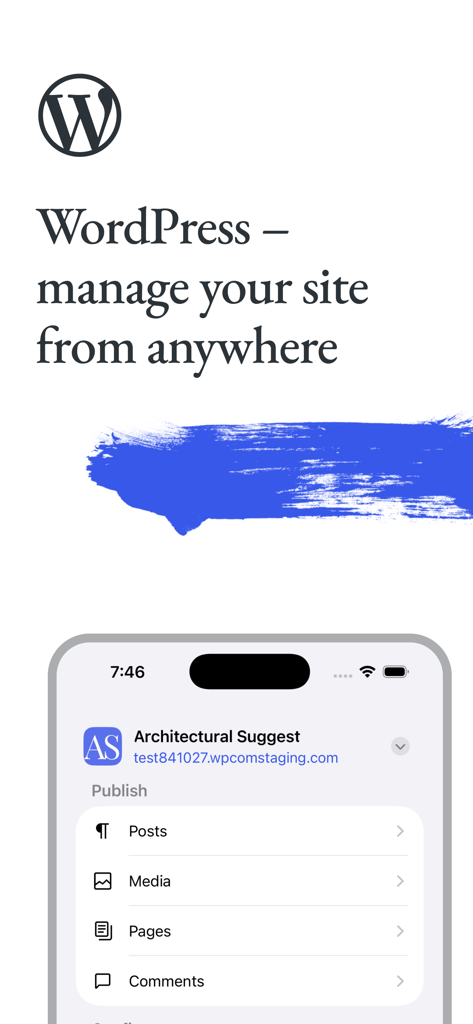
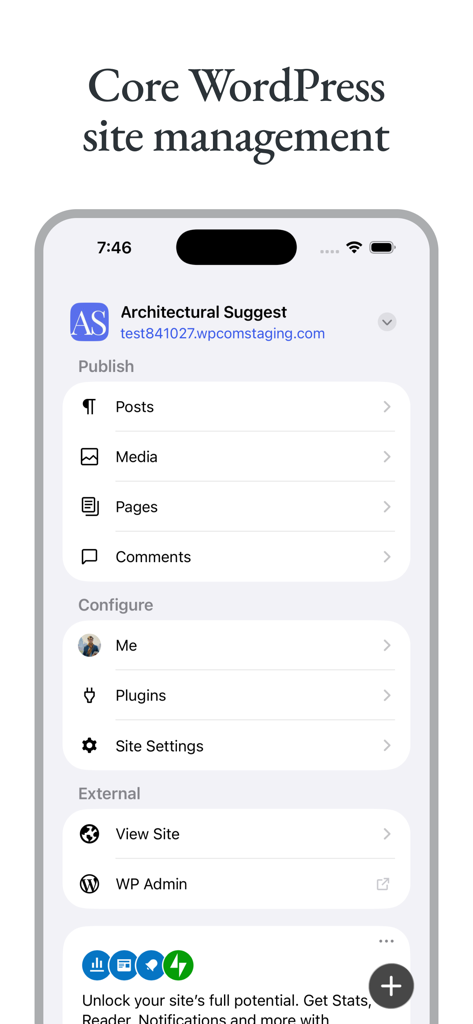
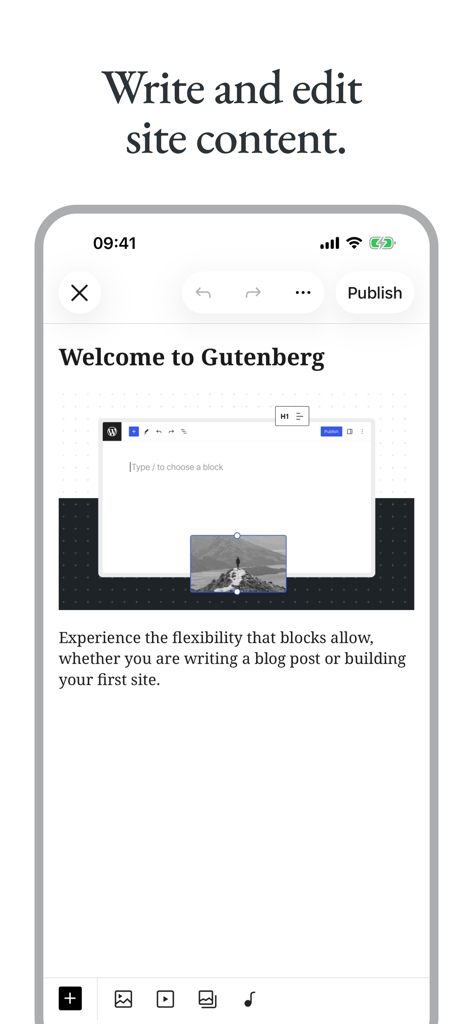
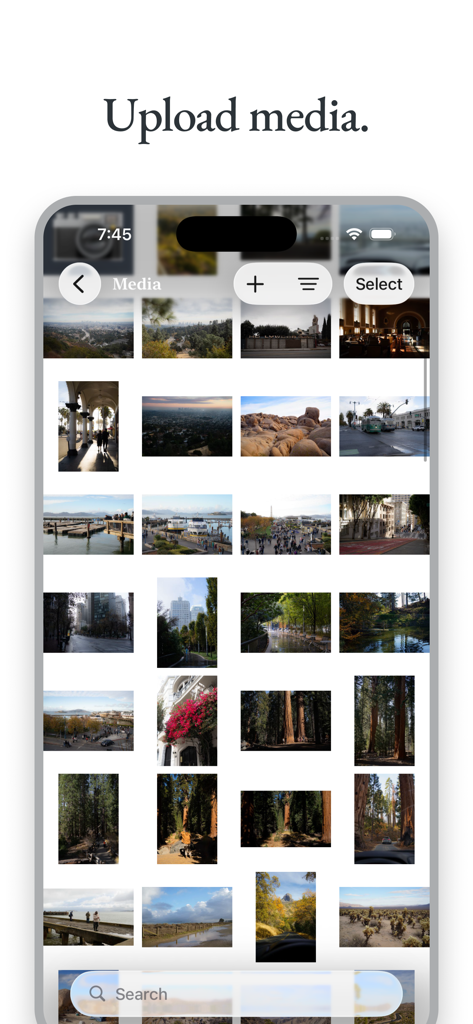
The tools that make this app stand out, trusted by 6M+ users.
Draft posts, upload media, and update your pages instantly. Capture inspiration when it strikes and keep your content fresh without needing a laptop.
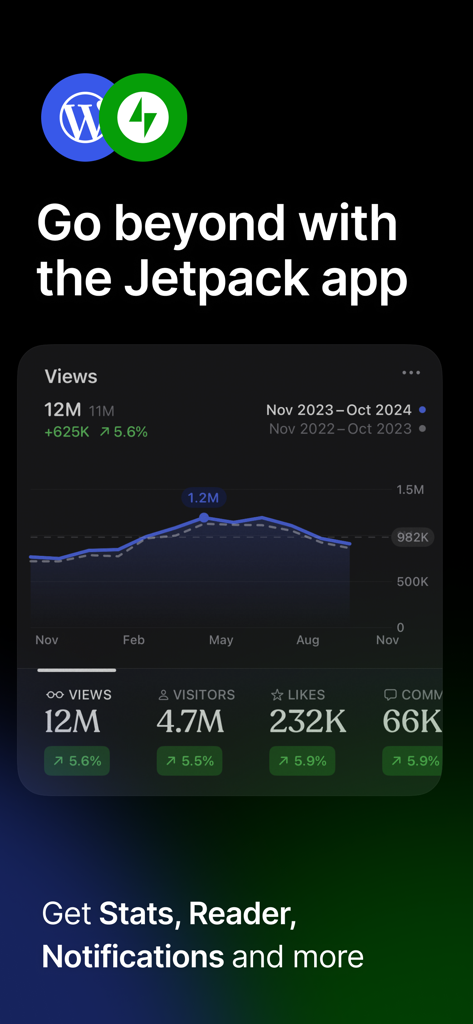
Monitor your traffic and visitor trends with live analytics. See which posts are trending and where your global audience is coming from at a glance.
Build your community by responding to comments and engaging with readers instantly. Stay on top of every interaction with smart mobile notifications.
Trusted by 6M+ people who love this app.
"As a freelance marketing consultant, I'm rarely at my desk. This app allows me to update my portfolio and manage client sites during my commute. The interface is incredibly intuitive, making it easy to fix typos or publish time-sensitive updates on the fly without ever needing to open my laptop."
"I love the spontaneous nature of this app. Being able to snap a photo and immediately turn it into a blog post while I'm out in the field is a total game-changer for my travel blog. Plus, the real-time stats and comment notifications keep me connected with my audience no matter where I am."
Everything you need to know about WordPress – Website Builder.
Description
Latest Version
26.5.2
Size
219.0 MB
First Released
Oct 29, 2009
Join over 6 million creators and entrepreneurs managing their digital ownership on the go. Download the WordPress app and take your website with you today.
Everything you need to know about WordPress – Website Builder
Yes, the WordPress for iOS app allows users to create and edit posts and pages. It supports writing blog posts and building sites, with an editor for content creation.
The WordPress for iOS app enables users to create and edit posts and pages, upload photos and videos, view stats, and reply to comments. It provides core site management tools.
Yes, WordPress for iOS supports both WordPress.com and self-hosted WordPress.org sites. Self-hosted sites must be running WordPress 4.0 or higher.
Yes, WordPress for iOS allows users to upload their favorite photos and videos. The app includes a media library feature to manage uploaded content.
Yes, WordPress for iOS is an Open Source project. Users can contribute to its development, and more information is available on its contribution page.
Self-hosted WordPress.org sites require WordPress 4.0 or higher to be compatible with the WordPress for iOS app. The app supports both WordPress.com and self-hosted platforms.
The WordPress for iOS app allows users to view stats for their website. It can integrate with the Jetpack app for detailed views, visitors, likes, and comments.
Yes, the WordPress for iOS app allows users to manage plugins. This feature is part of the core WordPress site management options available in the application.
Users can find support for the WordPress for iOS app by visiting the forums at wordpress.org/support/forum/mobile/ or by tweeting @WordPressiOS.
Yes, a Privacy Notice for California Users is available. It can be viewed at automattic.com/privacy/#california-consumer-privacy-act-ccpa.
Apps with similar features and user experience

Shanghai Yuewen Information Technology Company Limited

Automattic, Inc.

Ulysses GmbH & Co. KG

Information Architects AG

Denk Alexandru

NAVER Corp.

Xiurui Information Technology Shanghai Co., Ltd.
