
YoLeoGas


Stop relying on estimated readings or waiting for technicians. Join over 470,000 homeowners who use our simple photo-validation to send accurate meter readings directly to Nedgia in seconds.
Publisher
Category
UtilitiesDownloads
471K+User Rating
Total Ratings
1K+Locales
1Discover the interface used by 471K+ users.
The tools that make this app stand out, trusted by 471K+ users.
Stop typing long strings of numbers. Just take a photo of your gas meter and let our automated validation handle the data entry for you.
Ensure you only pay for the energy you actually use. By submitting real-time readings, you gain 100% accuracy and better control over your monthly budget.
No more waiting for a technician during a 4-hour window. Submit your reading in seconds whenever it's convenient for you, day or night.
Trusted by 471K+ people who love this app.
"As a busy professional, I don't have time to wait around for a technician to read my meter. This app is a game-changer—I just snap a photo, upload it, and I'm done in seconds. It’s the ultimate life hack for home management."
"I was tired of getting estimated bills that didn't reflect my actual usage. Since I started using YoLeoGas, my billing has been 100% accurate. The photo upload feature is incredibly intuitive and saves me so much stress every month."
Everything you need to know about YoLeoGas.
Description
Latest Version
2.0.4
Size
58.4 MB
First Released
Jul 10, 2015
Join over 471,000 households skipping the technician window. Download YoLeoGas to send accurate readings in seconds with just a single photo.
Everything you need to know about YoLeoGas
The YoLeoGas application allows users to easily and conveniently send their gas meter readings. It specifically serves customers whose gas distributor is Nedgia (Grupo Naturgy).
The YoLeoGas app is designed exclusively for customers whose gas distributor is Nedgia, part of Grupo Naturgy. It facilitates meter reading submissions for this specific distributor.
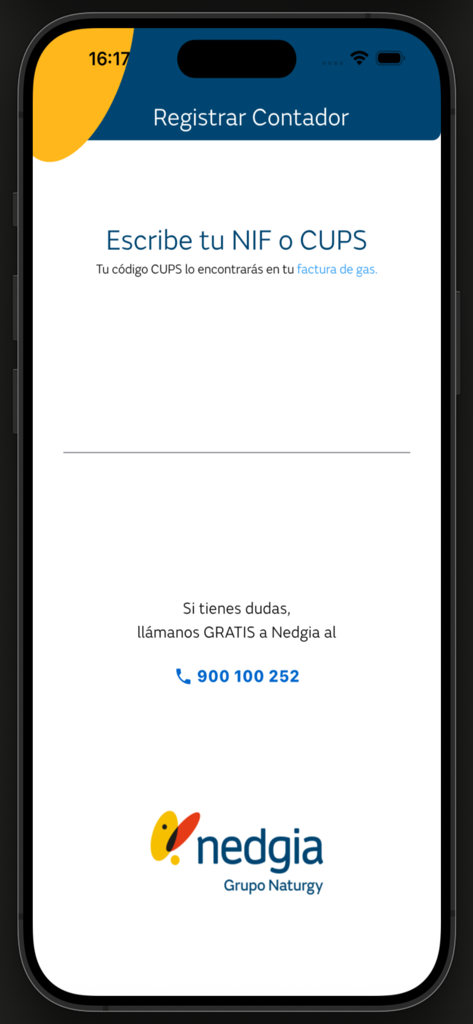
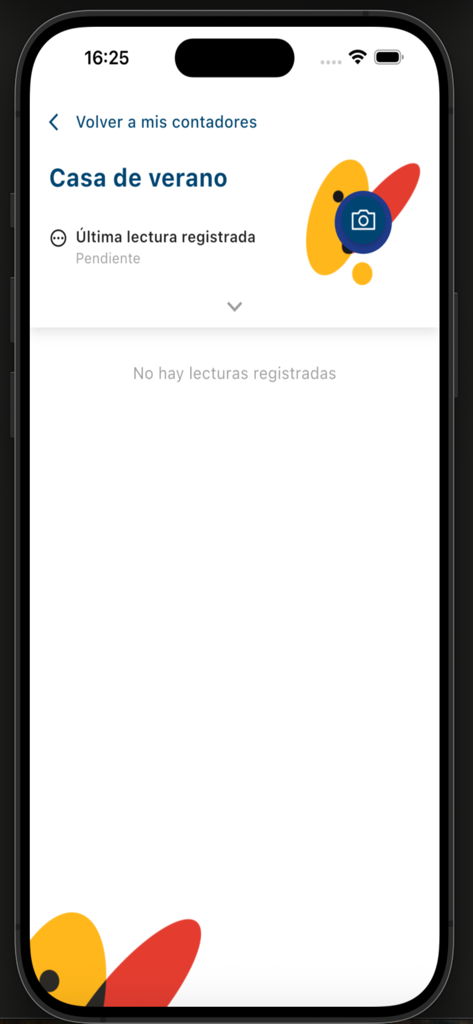
To register a gas meter using YoLeoGas, users must take a photo of the meter and provide the CUPS number found on their gas bill. Nedgia then validates the submitted photo.
Registering a gas meter in the YoLeoGas app requires two pieces of information: a photograph of the meter and the CUPS number, which users can find on their gas bill.
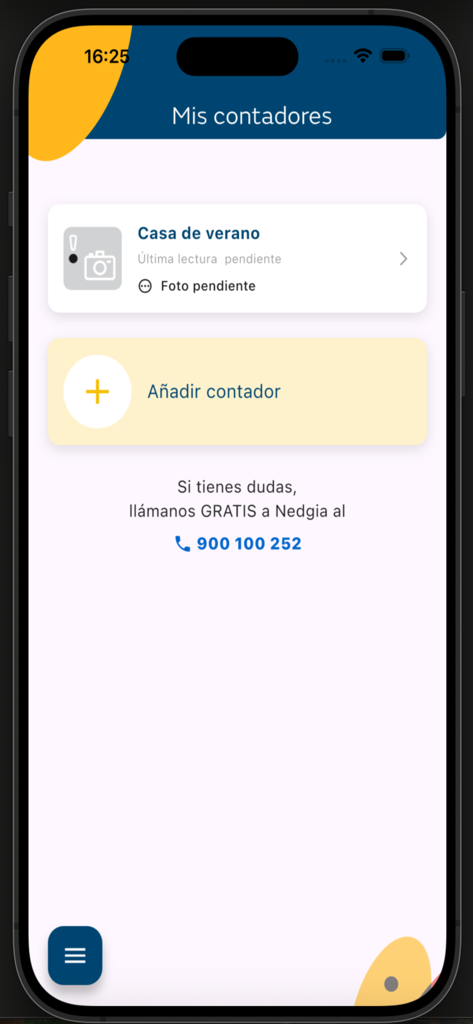
Yes, the YoLeoGas app supports managing multiple gas meters. The "Mis contadores" screen displays listed meters and includes an option to "Añadir contador" (Add meter).
Users find their CUPS number on their gas bill. The YoLeoGas app instructs users to locate this code on their bill when prompted to enter it for meter registration.
Yes, Nedgia provides free support for YoLeoGas app users. If questions arise, users can call Nedgia at 900 100 252, as indicated within the application interface.
Top-ranked apps in the same category

Google LLC

Google LLC

China Mobile Online Services Co., Ltd.

Google LLC

Servicos e Informacoes do Brasil

DEEP FLOW SOFTWARE SERVICES - FZCO

Servicos e Informacoes do Brasil

CHINA TELECOM Corporation Ltd.

Microsoft Corporation