
Zoho CRM - Sales & Marketing




The all-in-one mobile workspace for field sales warriors. Manage leads, discover nearby prospects, and eliminate 'Admin Sundays' with powerful offline syncing and voice-to-data logging.
Publisher
Category
BusinessDownloads
786K+User Rating
Total Ratings
900Locales
19Discover the interface used by 786K+ users.
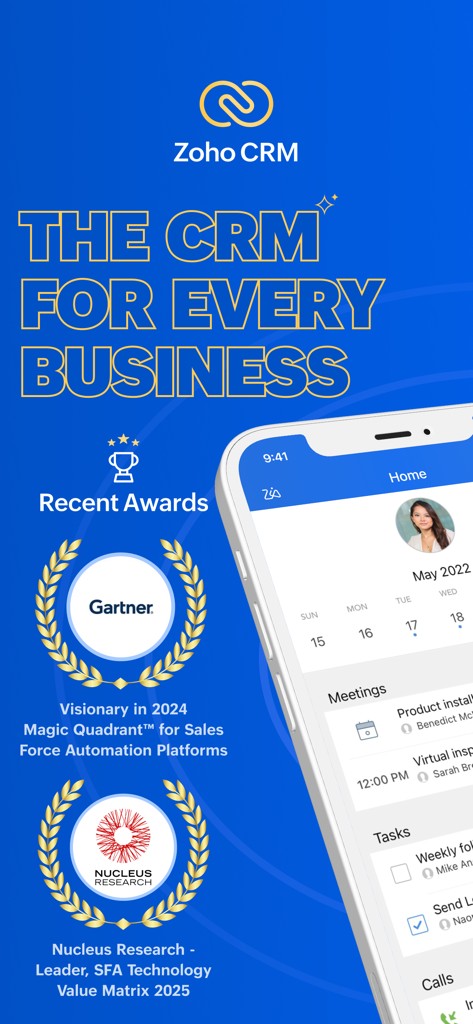
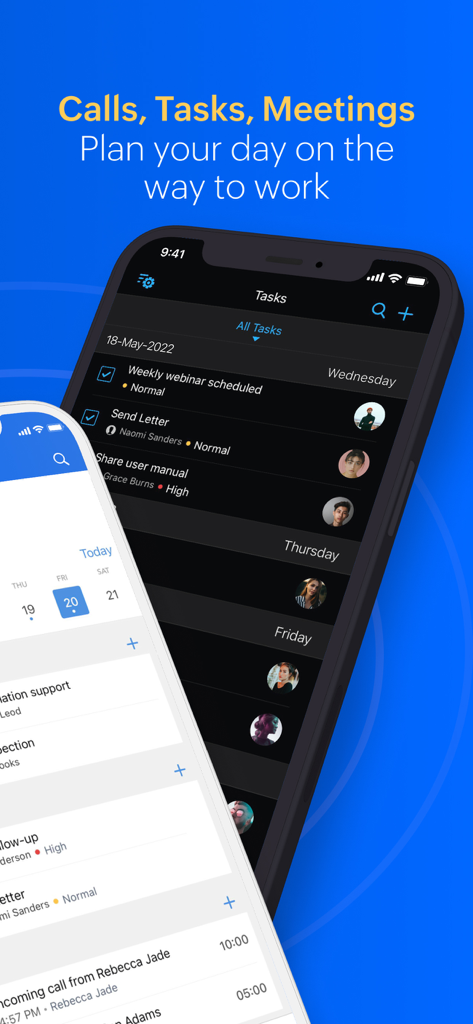
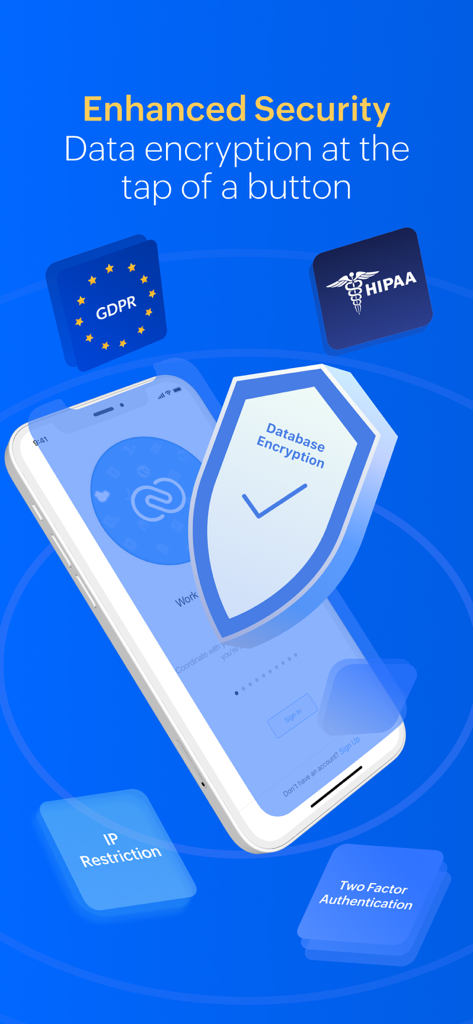
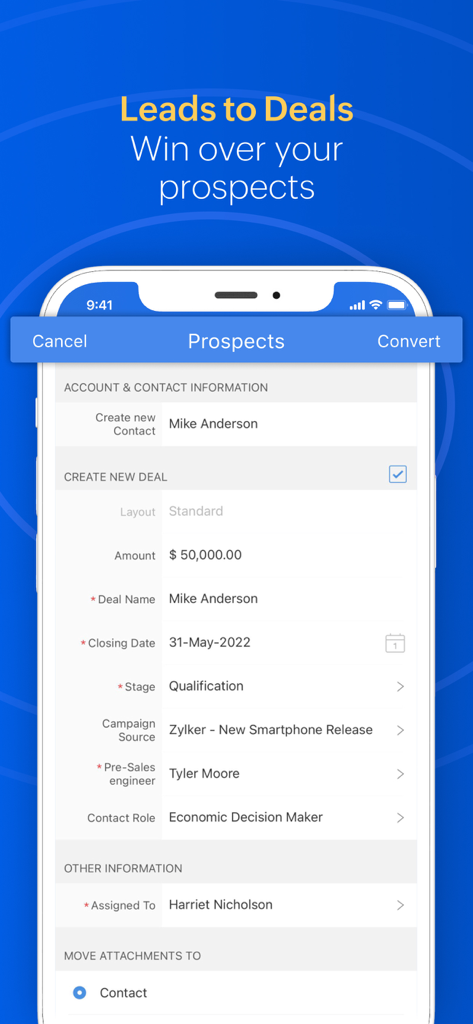
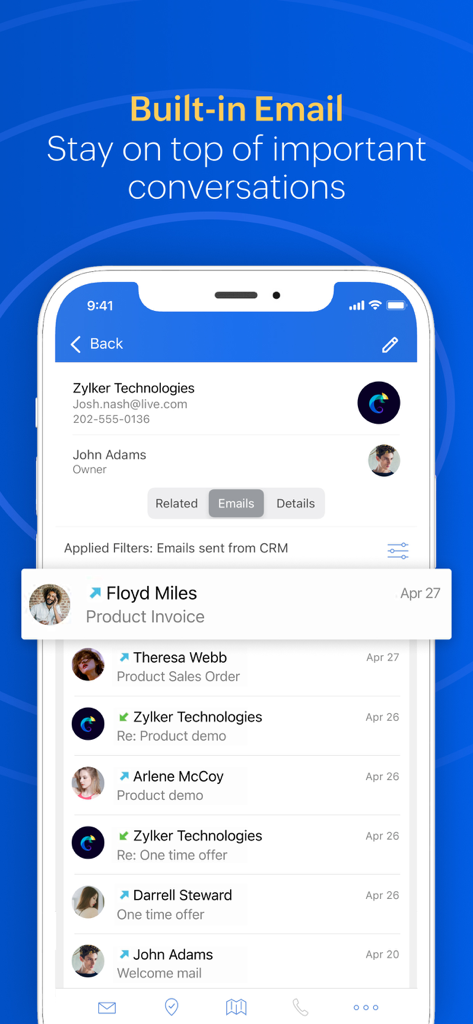
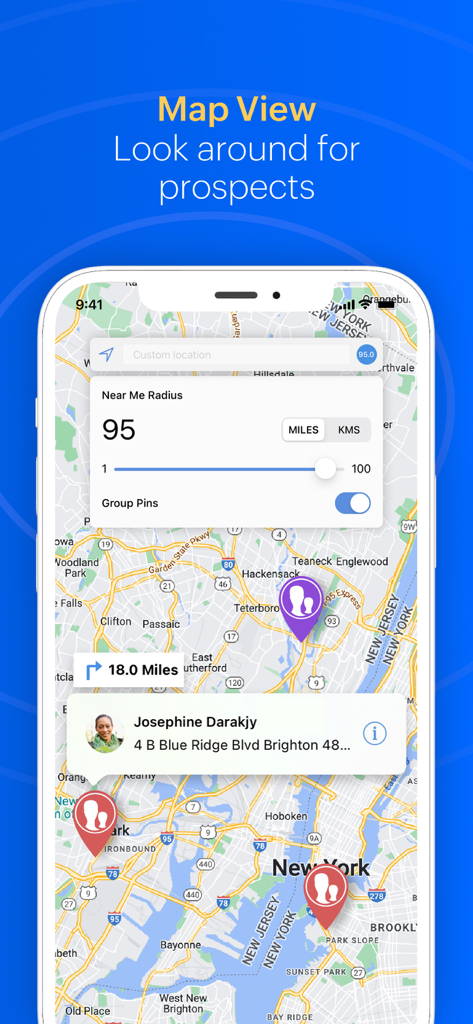
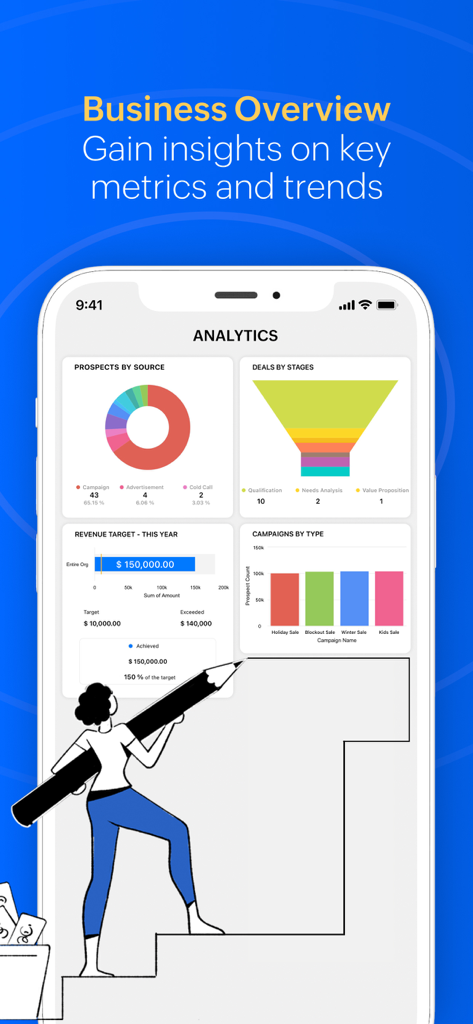
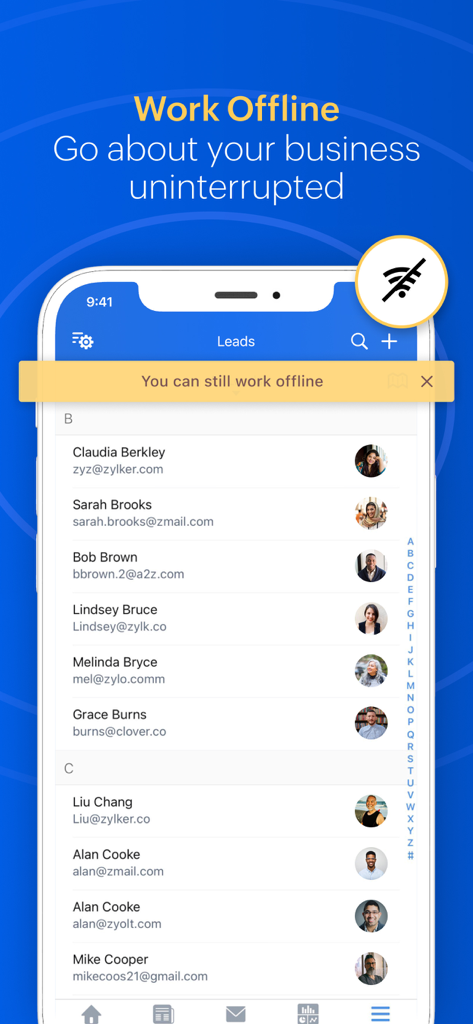
The tools that make this app stand out, trusted by 786K+ users.
Maximize your travel time by locating nearby clients and sales opportunities on an interactive map. Never let a gap in your schedule go to waste again.
Stop wasting hours on manual data entry. Log calls and attach voice notes instantly after meetings to keep your pipeline accurate while you drive to your next win.
Don't let spotty service slow you down. Work from anywhere with full offline capabilities that automatically sync your data the moment you're back online.
Trusted by 786K+ people who love this app.
"As a field rep covering multiple territories, the 'Near-Me' feature is a total game-changer. I can instantly find nearby leads to fill gaps in my schedule, and logging voice notes while driving saves me from hours of manual data entry every weekend. It's the perfect co-pilot for the road."
"Running a fast-growing business means I'm rarely at my desk. This app gives me a complete view of our sales pipeline and team activity in real-time. The offline sync is flawless, ensuring my data is always up to date even when I'm traveling. It’s enterprise power in my pocket."
Insights from user reviews.
Sentiment Score
Summary
The Zoho CRM mobile app receives overwhelmingly negative feedback, predominantly due to severe stability and performance issues, including frequent crashes, failure to open, and prolonged loading times. Many users report the app becoming unusable after updates or on specific iOS versions, such as 26.1, 18.6, and with iPhone 17. Critical features like the dialer are buggy, often disappearing or causing unwanted calls, and notifications for new leads are frequently non-functional. Users also highlight poor user interface design, with small fonts and lack of iPad compatibility, alongside unreliable data synchronization and limited search capabilities for contacts and leads. While some users acknowledge its sales management potential and the presence of a dial pad, these positives are overshadowed by pervasive technical glitches and unhelpful customer support, leading to widespread dissatisfaction.
Common Themes
Everything you need to know about Zoho CRM - Sales & Marketing.
Description
Latest Version
3.17.31
Size
567.6 MB
First Released
Jul 6, 2011
Join 300,000+ businesses and turn your smartphone into your most powerful sales tool. Download Zoho CRM today to find nearby leads, log calls instantly, and reclaim your weekends.
Everything you need to know about Zoho CRM - Sales & Marketing
Zoho CRM empowers businesses to engage with customers, convert more leads, and grow revenue by closing more deals. It provides a mobile CRM system for managing sales on the go.
Yes, Zoho CRM offers a mobile app for overseeing sales on the move. It provides a state-of-the-art mobile CRM system with a fluid, interactive interface and offline access.
Zoho CRM boosts mobile sales productivity with features like search, call, email, check-in, near-me location services, and notifications. It also provides automatic data syncing across all devices.
Yes, Zoho CRM supports offline access. Users can work uninterrupted even without network connectivity, and the app automatically syncs data across all platforms once online.
Zoho CRM provides enhanced security features including data encryption. It supports GDPR and HIPAA compliance, IP Restriction, and Two-Factor Authentication to protect user data.
Zoho CRM provides a clear overview of scheduled tasks, meetings, and calls. Users can set reminders to ensure they do not miss any important appointments or activities.
Yes, Zoho CRM allows users to locate customers and sales opportunities nearby. It also provides navigation assistance to reach those locations efficiently.
Yes, Zoho CRM includes a Caller ID feature. This allows users to know who is calling, enhancing preparation for calls with existing contacts or prospects.
Zoho CRM allows users to log calls and capture conversation details with ease. Users can attach voice notes directly to record specifics of their discussions.
Yes, Zoho CRM enables users to visualize sales and marketing trends. This functionality supports data-driven decision-making even when users are away from their desks.
Yes, Zoho CRM supports real-time team collaboration. Users can utilize Feeds and @mention colleagues on posts to communicate and work together effectively.
Zoho CRM streamlines lead and deal management, allowing users to create new deals, track amounts, closing dates, stages, and assign tasks. This helps convert prospects into closed deals.
Yes, Zoho CRM includes built-in email functionality. This allows users to stay on top of important conversations directly within the app, managing communications effectively.
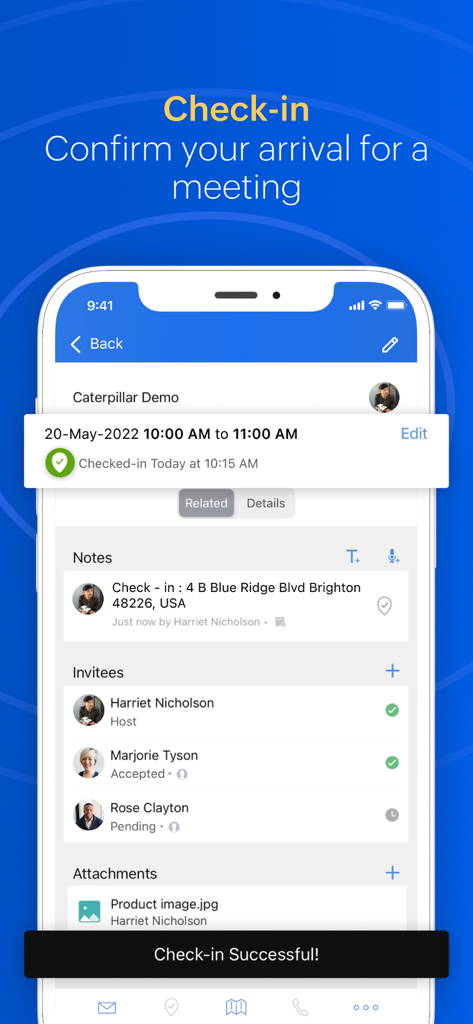
Zoho CRM's check-in feature allows users to record their visit at a client's location. It confirms arrival for meetings, documenting the visit in the CRM system.
Apps with similar features and user experience

Zoho Corporation

Linq, LLC

Evgeniia Tikhonova

LinkedIn Corporation

HubSpot

LEADCONNECTOR LLC

Shaun Clark

Dmitry Petrushin
zaal LLC
