TV Cast Pro for LG webOS

TV Cast Pro for LG webOS

Descargar en App StoreDescargar en Google Play
Spark by MWM logo
Logo de TV Cast Pro for LG webOS

TV Cast Pro para LG webOS: Transmita cualquier vídeo web a su gran pantalla

Experimente la libertad definitiva de prescindir del cable. Transmita películas en línea, deportes en directo y vídeos personales a su LG Smart TV con un potente bloqueador de anuncios y sin límites de tiempo.

Editor

Kraus und Karnath GbR 2Kit Consulting

Categoría

Photo & Video

Descargas

568K+

Valoración

3.3/5

Total valoraciones

4K+

Idiomas

1

Su televisor, sin límites

Descubre la interfaz utilizada por 568K+ usuarios.
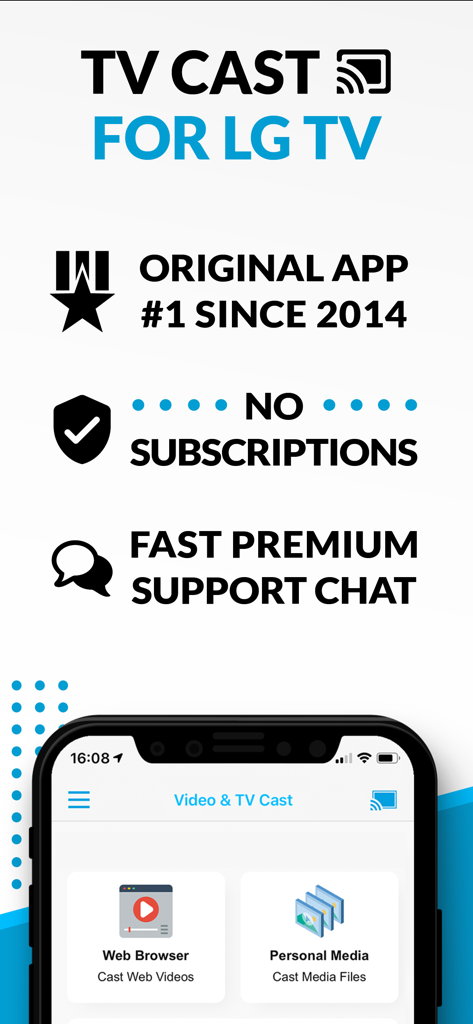
Resumen de la aplicación TV Cast para LG TV que destaca la transmisión del navegador web y el modelo sin suscripción.

Resumen de la aplicación TV Cast para LG TV que destaca la transmisión del navegador web y el modelo sin suscripción.

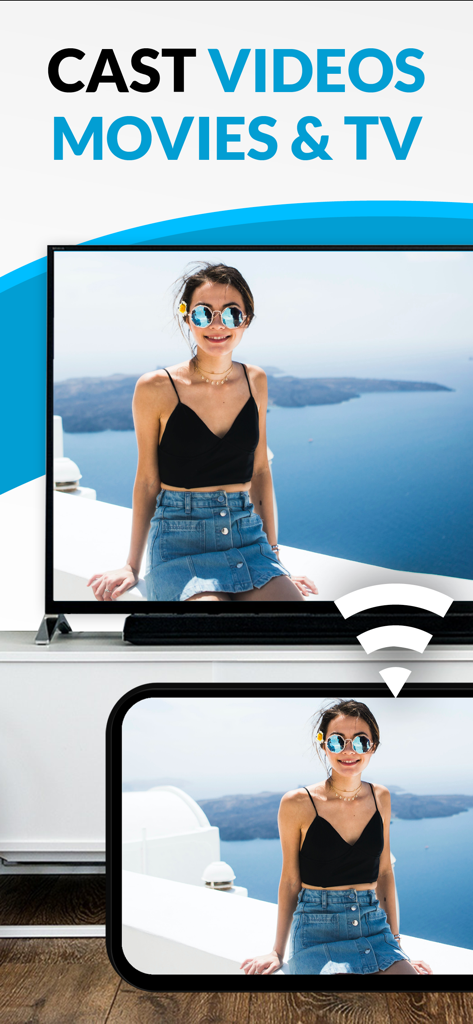
Transmisión de un vídeo desde un smartphone a una pantalla de LG Smart TV

Transmisión de un vídeo desde un smartphone a una pantalla de LG Smart TV

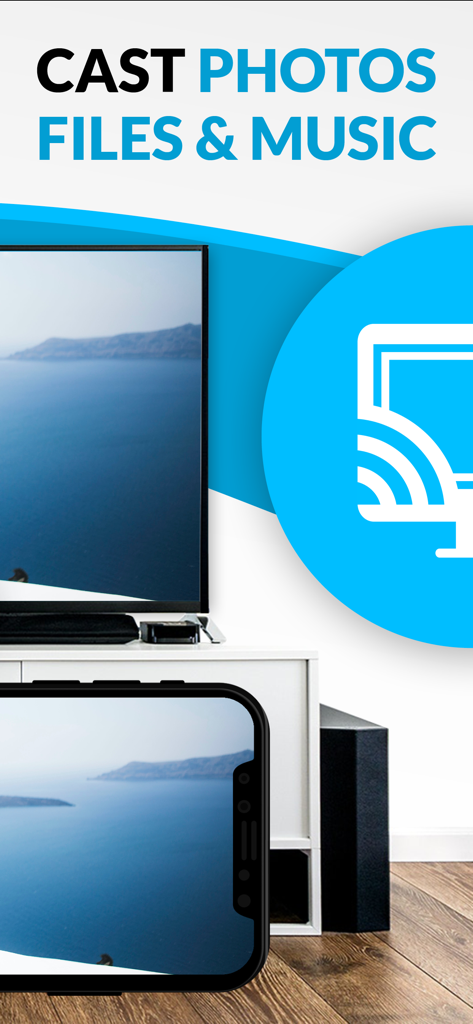
Smartphone transmitiendo una foto de un paisaje marino a un LG Smart TV.

Smartphone transmitiendo una foto de un paisaje marino a un LG Smart TV.

Transforme su experiencia con LG Smart TV

Las herramientas que hacen destacar esta app, elegida por 568K+ usuarios.

🌐

Transmisión sin fronteras

Vea deportes especializados, películas exclusivas de la web y transmisiones en directo que no están disponibles en las aplicaciones estándar. Si está en la web, está en su televisor.

🚫

Visualización limpia y sin anuncios

Elimine los anuncios emergentes y redireccionamientos intrusivos. Nuestro bloqueador de anuncios Pro garantiza una experiencia cinematográfica fluida incluso en los sitios web más saturados.

📲

Control móvil avanzado

Utilice su iPhone como un mando a distancia de precisión. Avance, retroceda, pause y reproduzca vídeos web sin esfuerzo con una barra de reproducción intuitiva diseñada para la palma de su mano.

Amada por usuarios en todo el mundo

Con la confianza de 568K+ personas que aman esta app.

"

"Llevaba meses intentando encontrar una forma fiable de transmitir deportes especializados desde la web a mi televisor LG. ¡Esta aplicación ha cambiado las reglas del juego! El bloqueador de anuncios de la versión Pro funciona de verdad en esos sitios de streaming tan caóticos, y la configuración fue pan comido incluso para mi modelo de webOS más antiguo. ¡Se acabó lo de forzar la vista con la pantalla del móvil!"

David Miller
"

"Como persona a la que le encanta compartir vídeos caseros desde su iPhone, esta aplicación es exactamente lo que necesitaba. La transmisión de vídeos locales es perfecta, y me encanta poder usar mi teléfono como mando a distancia para reproducir, pausar y desplazarme por el vídeo. Es el complemento perfecto para el televisor del salón."

Sarah Jenkins

Análisis de reseñas

Información de las reseñas de usuarios.

Puntuación de sentimiento

10%
Negativo

Resumen

The "TV Cast Pro for LG webOS" app receives overwhelmingly negative feedback, primarily due to persistent connectivity issues and a general failure to function as advertised, leading many users to describe it as a "scam" and demand refunds. While some specific features like ease of use, intuitive interface, and impressive image quality for web videos are praised by a few, these positive aspects are largely overshadowed. Users are particularly frustrated by the app's inability to support popular streaming services, various file types, and its misleading claims regarding full screen mirroring, with many experiencing buffering, low resolution, or only sound output.

Temas comunes

Overall Positive Experience(2)
Ease of Use(1)
Image Quality(1)
Reliability (web content)(1)
Multi-tasking Capabilities(1)

Sobre la app

Todo lo que necesitas saber sobre TV Cast Pro for LG webOS.

Descripción

Watch any web-video, online movie, livestream or live tv show on your LG Smart TV with webOS and NetCast. Enjoy the show on your big screen with the no#1 web video streamer. With Video & TV Cast for LG Smart TV you can browse the web and stream any web video, online movie, livestream or live tv show you want on your LG Smart TV. Mp4, m3u8, hls livestreams and also video-over-https are supported. There is no time limit at all! You can watch videos of 2 minutes or 2 hours or even more. Just open Video & TV Cast, navigate to a website, wait for link detection and send the video with a single tap to your LG Smart TV. The discovered link will be shown below the browser. A tap on the link will start the show. You don't need to install a big media server like Plex or any other third party software. >>> Important Notes * To enable video casting please open the LG App Store (LG Smart World / LG Content Store) on your TV, search for 'TV Cast' and install the companion app. * Please enter the ip-address of your iPhone/iPad by using the number pad and up/down/left/right keys on your TV Remote or scroll wheel on your Magic Remote. Just enter the numbers, no need to press the enter key. * iTunes movies, Flash video and DRM protected videos like Amazon Prime, Netflix, Hulu, Vudu, DirecTV, Xfinity, HBO now are not supported! * Please test your favorite videos with the free edition before upgrading! * Please use the hardware remote of your LG for controlling the TV app and video playback. * The app streams only the video part of a website and not the whole website content (No screen or tab mirroring!). * Sometimes it is necessary to play the video on your iPad or iPhone first before it gets discovered by the app for streaming. It may also be neccessary to start casting multiple times until it works with specific videos. * If a specific video is not working, please check the FAQ on the app startpage. If that does not help you, please drop us an email before leaving a negative comment on the App Store. We will try to add support for that website as soon as possible. >>> PRO FEATURES * Remote Playbar: Use the Playbar for advanced video control while browsing, including video scrubbing, forward, rewind, play, pause, stop. The playbar works on all LG Smart TVs. * Local Videos: Cast your camera roll videos from an iPhone or iPad. Supports mp4, m4v and mov videos that were saved to the camera roll via Apples SD-Card/USB Adapter, iTunes Desktop Software or third party apps. * Ad-Blocker + No Sponsoring Ads: The Pro app version has no ads and the Ad-Blocker blocks ads & popups on most websites that you visit. You can update, enable/disable ad-blocking at any time in the settings. * Bookmarks: Save unlimited website bookmarks. Synchronize and transfer them between different TV Cast apps and iOS devices by using backup and restore via iCloud. * Desktop Mode: Change the browser user-agent and cloak your iPhone/iPad as a desktop PC to load the desktop website instead of a mobile website. Please note that this will NOT enable video casting on websites that serve Flash videos in desktop mode. * Change Homepage: Set your personal homepage in the settings Disclaimer: This app is not affiliated with LG Electronics or any other trademark mentioned here.

Última versión

3.7

Tamaño

30.8 MB

Fecha de lanzamiento

23 jun 2016

¿Listo para disfrutar de la web en su gran pantalla?

Únase a los más de 500.000 usuarios que han mejorado su LG Smart TV. Descargue el transmisor de vídeo n.º 1 para ver cualquier película en línea o transmisión en directo sin anuncios y con control total desde su iPhone.

Descargar en App StoreDescargar en Google Play