Screen Mirroring Panasonic TV

Screen Mirroring Panasonic TV

Télécharger sur App StoreTélécharger sur Google Play
Spark by MWM logo
Logo de Screen Mirroring Panasonic TV

Miroir d'écran Panasonic TV : La manière simple de partager l'écran de votre iPhone

Pas de fils, pas de matériel supplémentaire, pas d'encombrement. Diffusez instantanément des films, des photos et des présentations depuis vos appareils Apple directement sur votre Smart TV Panasonic.

Éditeur

AirBeamTV BV

Catégorie

Photo & Video

Téléchargements

637K+

Note

4.1/5

Nombre d'avis

10K+

Langues

17

Découvrez la vue

Découvrez l'interface utilisée par 637K+ utilisateurs.
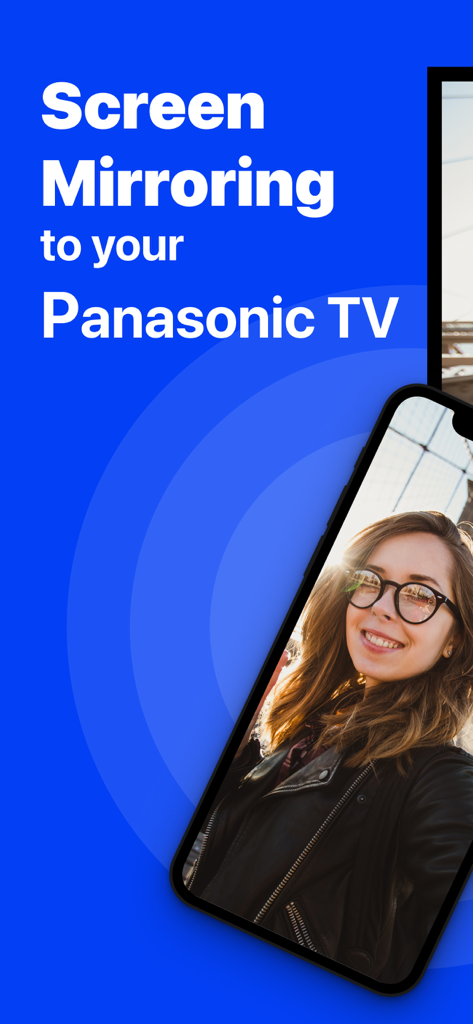
Écran d'iPhone reflétant un selfie sur une TV Panasonic

Écran d'iPhone reflétant un selfie sur une TV Panasonic

Un écran de smartphone reflétant sans fil une vidéo web sur un grand écran de télévision Panasonic.

Un écran de smartphone reflétant sans fil une vidéo web sur un grand écran de télévision Panasonic.

Diffuser des photos et des vidéos de l'iPhone vers une Smart TV Panasonic

Diffuser des photos et des vidéos de l'iPhone vers une Smart TV Panasonic

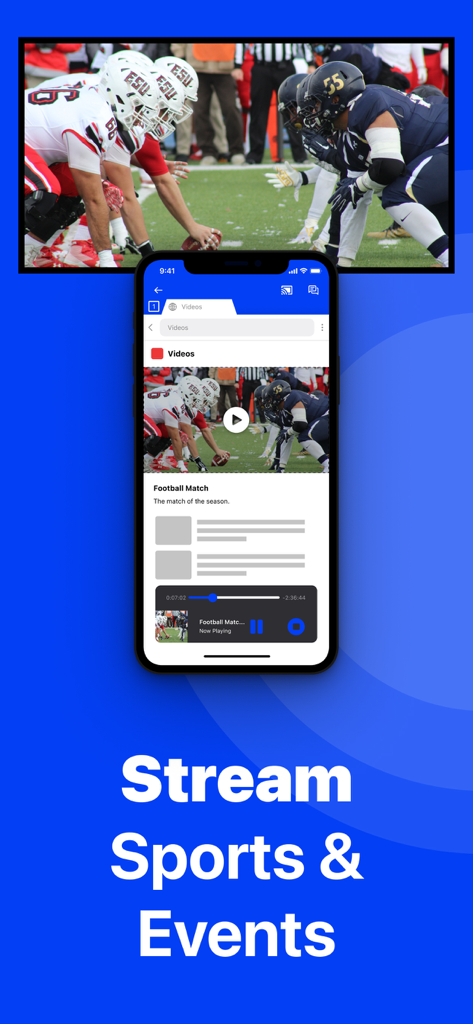
iPhone reflétant un match de football sur une Smart TV Panasonic sans fil

iPhone reflétant un match de football sur une Smart TV Panasonic sans fil

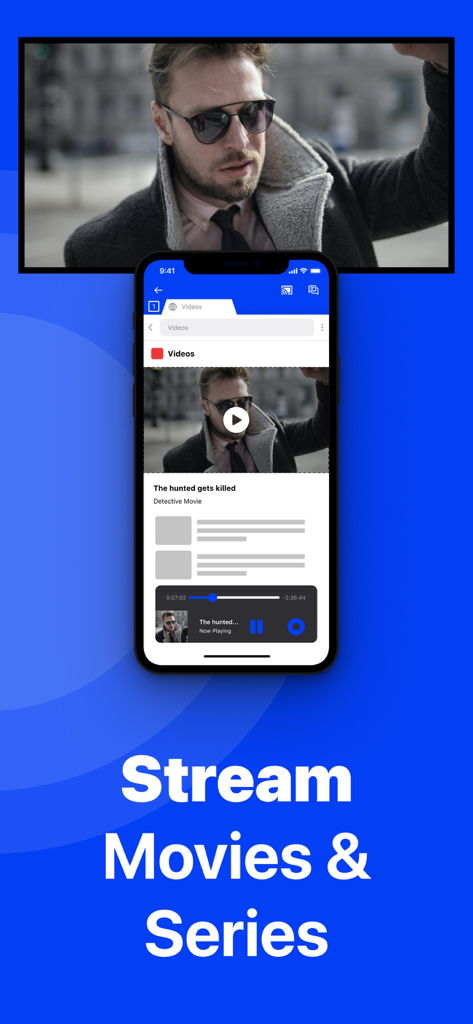
Écran d'iPhone reflétant un film sur une Smart TV Panasonic sans fil

Écran d'iPhone reflétant un film sur une Smart TV Panasonic sans fil

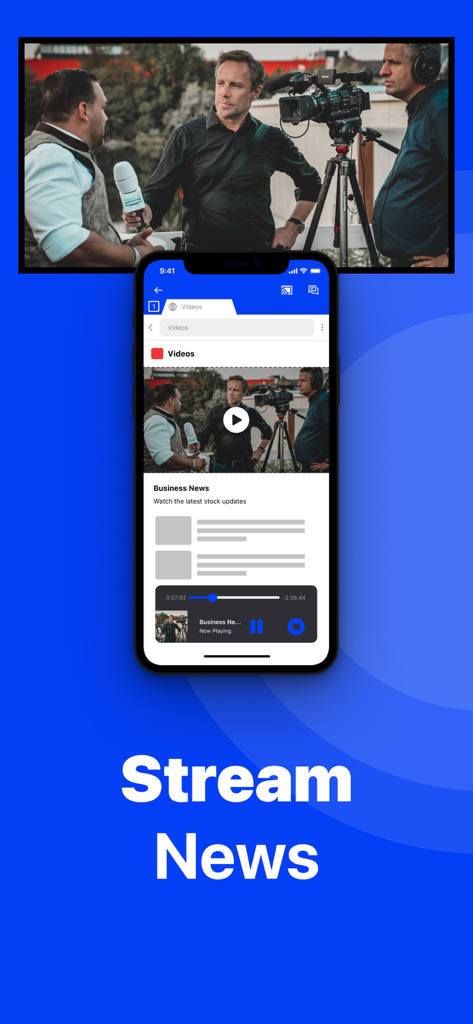
Un iPhone reflétant une vidéo d'actualités sur un écran de Smart TV Panasonic

Un iPhone reflétant une vidéo d'actualités sur un écran de Smart TV Panasonic

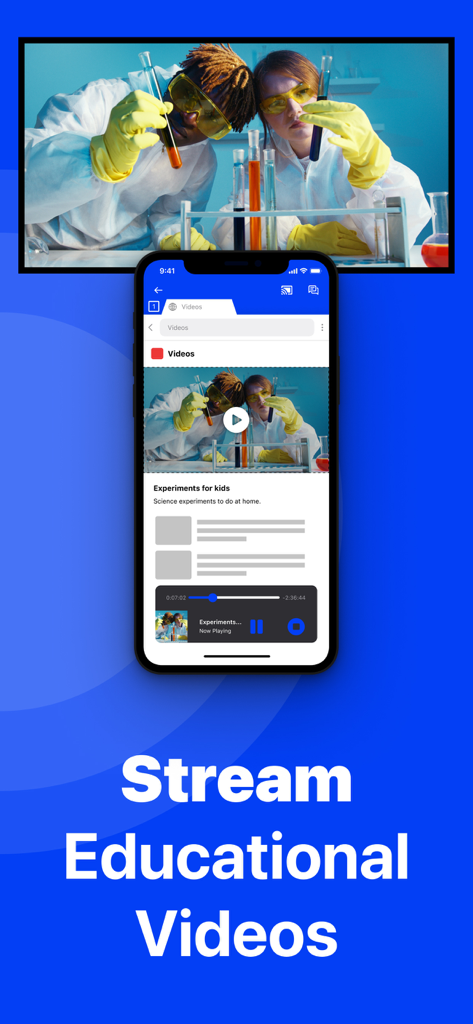
iPhone reflétant une vidéo éducative scientifique sur une TV Panasonic

iPhone reflétant une vidéo éducative scientifique sur une TV Panasonic

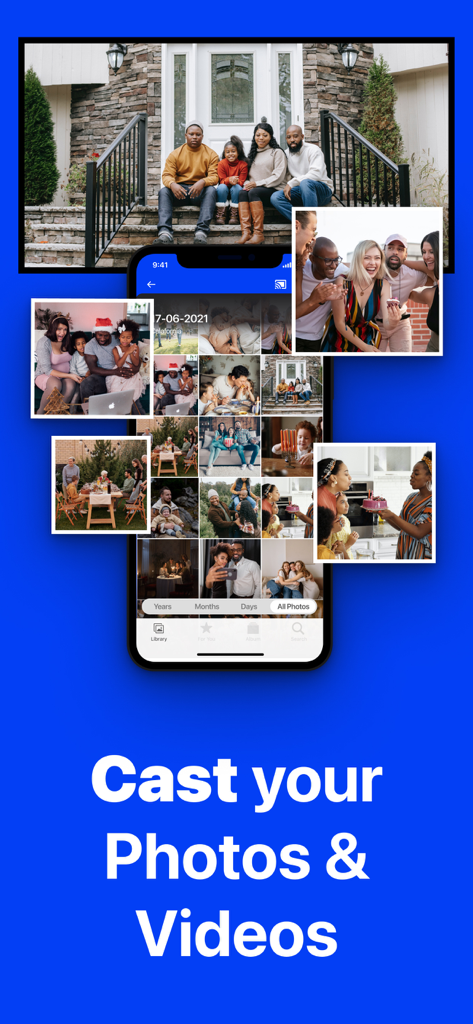
Un iPhone reflétant une galerie de photos sur un grand écran de télévision Panasonic affichant un portrait de famille.

Un iPhone reflétant une galerie de photos sur un grand écran de télévision Panasonic affichant un portrait de famille.

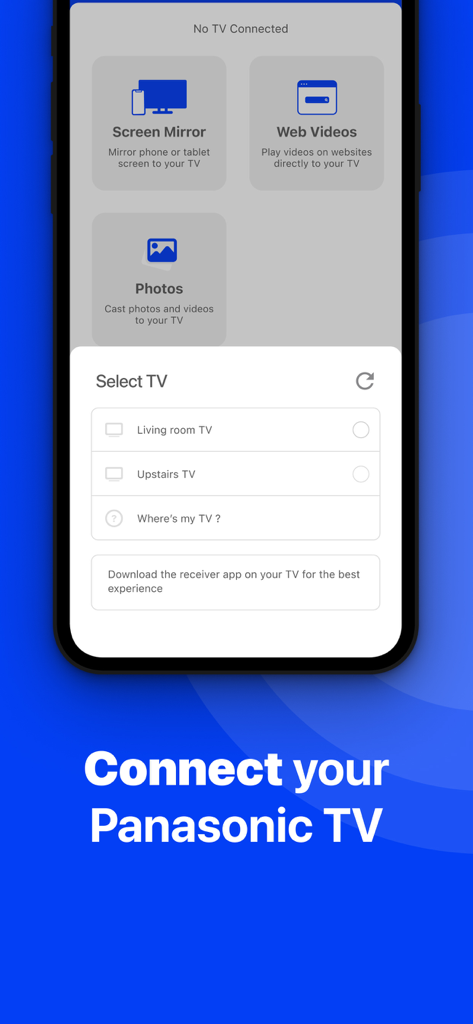
Interface de l'application affichant un menu pour sélectionner une TV Panasonic pour la mise en miroir d'écran sans fil depuis un iPhone

Interface de l'application affichant un menu pour sélectionner une TV Panasonic pour la mise en miroir d'écran sans fil depuis un iPhone

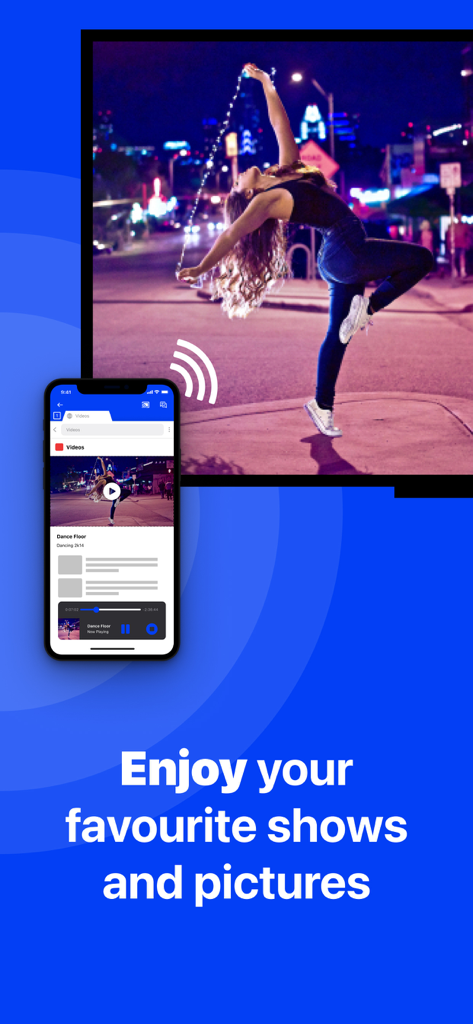
Écran d'iPhone reflétant une vidéo de danse sans fil sur une Smart TV Panasonic

Écran d'iPhone reflétant une vidéo de danse sans fil sur une Smart TV Panasonic

Libérez tout le potentiel de votre TV Panasonic

Les outils qui font la différence, choisis par 637K+ utilisateurs.

🔌

Connexion véritablement sans fil

Économisez de l'argent sur les adaptateurs coûteux. Diffusez l'écran de votre iPhone ou iPad instantanément en utilisant uniquement votre réseau Wi-Fi domestique.

📸

Moments en famille partagés

Le moyen le plus simple de montrer des photos et des vidéos à un groupe. Parfait pour les réunions de famille pendant les fêtes et le partage de souvenirs avec vos proches.

📈

Productivité et bien-être

Élargissez votre horizon. Diffusez des applications de fitness pour vos entraînements à domicile ou des présentations pour vos réunions d'affaires directement sur votre téléviseur.

Plébiscitée par les utilisateurs du monde entier

Approuvée par 637K+ personnes qui adorent cette app.

"

"Je voulais montrer nos photos de vacances à mes parents sur notre TV Panasonic du salon, mais je ne voulais pas acheter un boîtier Apple TV coûteux juste pour ça. Cette application a parfaitement fonctionné ! C'était si facile à configurer, et voir les visages des enfants sur grand écran sans aucun câble désordonné a tout changé."

Sarah M.
"

"J'utilise ceci tous les matins pour diffuser mon application d'entraînement de mon iPad vers la télévision. C'est bien mieux que de loucher sur un petit écran. J'ai mis à niveau vers la version Pro pour la qualité audio et 1080p, et cela en valait chaque centime. Une excellente 'astuce' sans fil pour les anciens modèles Panasonic qui n'ont pas AirPlay natif."

David R.

À propos de l'app

Tout ce que vous devez savoir sur Screen Mirroring Panasonic TV.

Description

The best screen mirroring app for Panasonic TV! Application to mirror the screen of your iPhone or iPad to any Panasonic Smart TV. No wires and no additional hardware needed! You can mirror any app on your iPhone or iPad to your Panasonic TV. Please enable DMR (Digital Media Renderer) in TV Settings: WIth your remote control, go to: Menu / Setup / Network / Application / DMR: ON This works on any Panasonic Smart TV from the 2012 models onward. For the latest Panasonic TV models, please enable DMR (Digital Media Renderer) in TV Settings: WIth your remote control, go to: Menu / Setup / Network / Application / DMR: ON In using the app, there will be a couple of seconds of latency (usually between 1 and 3). However, it is very suitable for watching movies, giving presentations, watching photos, and much more! How the app works: 1. Make sure that your iPhone or iPad is connected to the same local network as your Panasonic TV. 2. Launch the Mirror for Panasonic TV app. It will start looking for your Panasonic TV(s) on your local network. When a TV is found, please select it. When you use this app for the first time, depending on your model Panasonic TV, the TV might ask you to "allow" the connection. In that case, take your TV Remote Control and press OK to allow the connection from your TV to your iPhone or iPad. 3. Turn on notifications for this app. We will not spam you, but we will use this to let you know if your TV is working correctly or not. So please, please allow it, otherwise when things don't work as they should, you are left in the dark. 4. Click on Start Mirroring to start mirroring on the TV that is currently selected. After that, you can just go to any other app on your iPhone or iPad and the mirroring just continues to run. 5. To stop mirroring, there are two options. (1) click on the red top bar that you will see on your iPhone or iPad. (2) Go to the Mirror for Panasonic TV app and click on Stop Mirroring. Limitations and known issues: DRM Some apps block Screen Mirroring. This means that application developers can choose themselves if they want to block Screen Mirroring. For instance, Netflix, Disney and AppleTV+ have decided to block this. There is a simple test that you can do to see if the app that you want to mirror has blocked Screen Mirroring: Open that particular app and slide up Control Center on your iPhone/iPad. Then, click on Screen Recording and start recording the screen to your Camera Roll. Watch the app that you want to mirror and at some point stop the screen recording. Then go to your Photos app and watch the video that was recorded. If the recorded video shows the app you want to mirror, it works fine. If the video is empty, then the app you want to mirror does not allow Screen Mirroring. You can purchase the Mirror for Panasonic TV Pro Version through an in app purchase. The Pro Version has the following features: 1. Adds audio to the screen mirroring 2. Provides for free lifetime updates of the app 3. Gives the option to choose higher screen resolutions, like 720p and 1080p * Payment will be charged to iTunes Account at confirmation of purchase. * Subscription automatically renews unless auto-renew is turned off at least 24-hours before the end of the current period. * Account will be charged for renewal within 24-hours prior to the end of the current period, and identify the cost of the renewal. * Subscriptions may be managed by the user and auto-renewal may be turned off by going to the user’s Account Settings after purchase. * Any unused portion of a free trial period, if offered, will be forfeited when the user purchases a subscription to that publication, where applicable. Our Terms of Use: http://bit.ly/ABTV-TOU21 Our Privacy Policy: https://www.airbeam.tv/privacy-policy/ Support: If you have questions or would like to provide feedback, please send us an e-mail or chat with us on our Facebook page. Please give us feedback by mailing to support@airbeam.tv

Dernière version

5.2.8

Taille

162.9 MB

Date de sortie

10 oct. 2018

Prêt à découvrir la liberté sans fil sur votre TV Panasonic ?

Rejoignez plus de 637 000 utilisateurs qui ont abandonné les câbles et le matériel coûteux. Téléchargez maintenant et commencez à diffuser votre iPhone ou iPad instantanément — aucun Apple TV requis.

Télécharger sur App StoreTélécharger sur Google Play