Chromecast TV Streamer #1

Chromecast TV Streamer #1

Scarica su App StoreScarica su Google Play
Spark by MWM logo
Logo di Chromecast TV Streamer #1

Chromecast TV Streamer #1: Il Ponte Essenziale da iOS al Tuo Grande Schermo

Trasmetti qualsiasi video web, sport in diretta e media personali dal tuo iPhone o iPad direttamente al tuo TV Chromecast, Sony o Vizio. Sperimenta la vera libertà dal cavo e trasmetti ciò che vuoi, quando vuoi.

Editore

Kraus und Karnath GbR 2Kit Consulting

Categoria

Photo & Video

Download

954K+

Valutazione

4.2/5

Valutazioni totali

9K+

Lingue

1

Uno Sguardo all'Interno

Scopri l'interfaccia usata da 954K+ utenti.

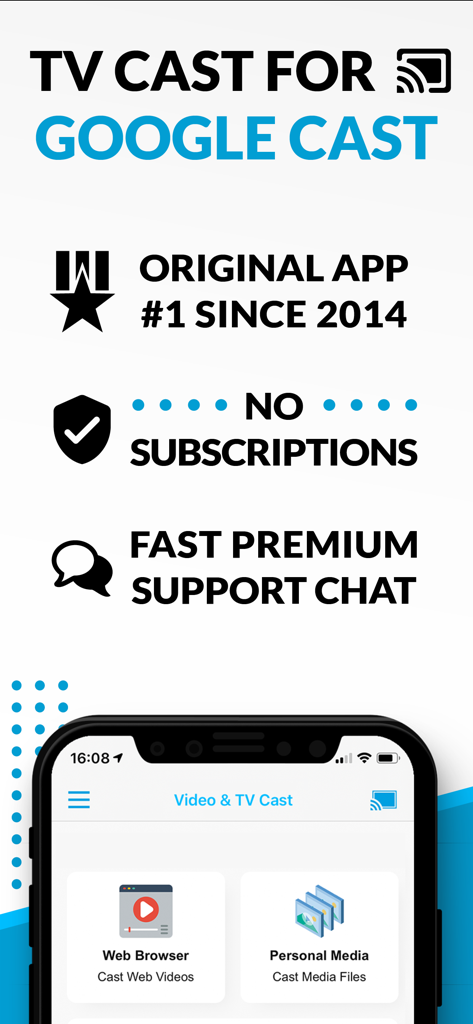
Screenshot dell'app TV Cast for Google Cast che mostra le opzioni di trasmissione del browser web e dei media personali senza messaggi di abbonamento

Screenshot dell'app TV Cast for Google Cast che mostra le opzioni di trasmissione del browser web e dei media personali senza messaggi di abbonamento

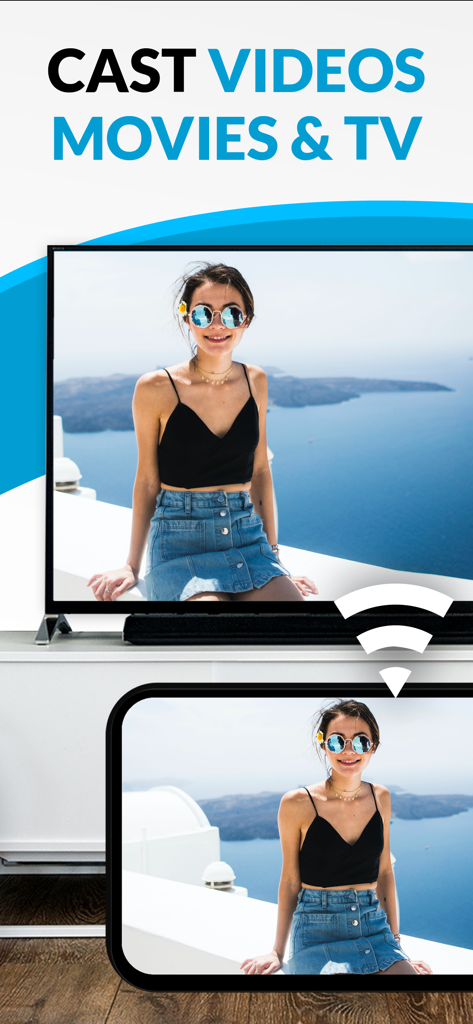
Uno smartphone che trasmette una foto personale di una donna a un grande schermo televisivo.

Uno smartphone che trasmette una foto personale di una donna a un grande schermo televisivo.

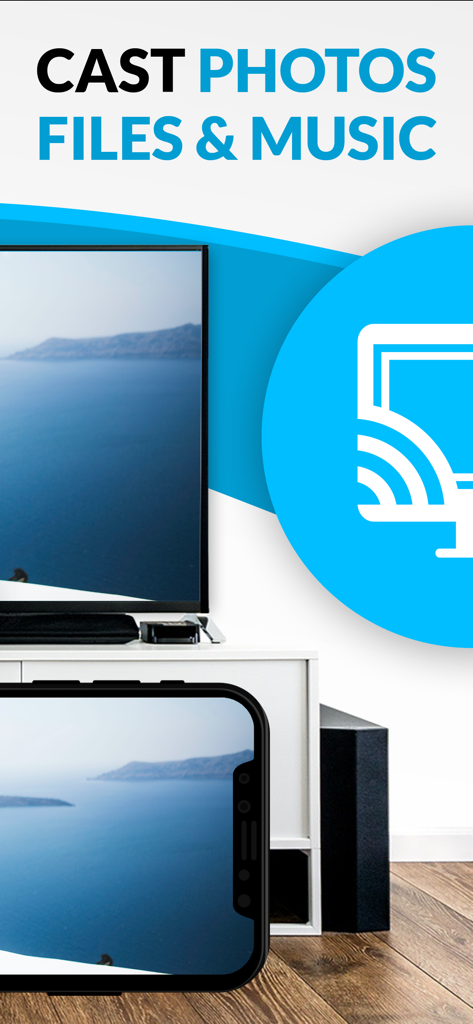
Uno schermo di iPhone che trasmette una foto di paesaggio a un grande schermo televisivo utilizzando l'app Chromecast TV Streamer.

Uno schermo di iPhone che trasmette una foto di paesaggio a un grande schermo televisivo utilizzando l'app Chromecast TV Streamer.

Porta Ogni Angolo del Web sul Tuo Grande Schermo

Gli strumenti che rendono questa app unica, scelti da 954K+ utenti.

🌐

Trasmetti Qualsiasi Video Web

Liberati dai limiti delle app. Se lo trovi in un browser, dallo sport di nicchia alle notizie internazionali, puoi guardarlo sulla tua TV.

🚫

Visualizzazione Pulita, Senza Pubblicità

Elimina il disordine delle pubblicità e dei pop-up del web mobile. Il nostro Ad-Blocker integrato assicura che la tua serata cinema si concentri sul contenuto, non sulle interruzioni.

📱

Telecomando Condiviso

Trasforma il tuo iPhone o iPad in un potente telecomando. Sincronizza la riproduzione su più dispositivi in modo che chiunque nella stanza possa avviare, mettere in pausa o riavvolgere l'azione.

Amata dagli utenti di tutto il mondo

Scelto da 954K+ persone che amano questa app.

"

"Finalmente ho trovato un modo per colmare il divario tra il mio iPhone e il mio TV Sony senza comprare un costoso box Apple TV. Questa app è un'ancora di salvezza per lo streaming di sport da siti che non hanno le proprie app. L'ad-blocker cambia totalmente le regole per un'esperienza visiva pulita!"

Mark S.
"

"Ci piace usarla per trasmettere le foto e i video delle vacanze di famiglia direttamente dai nostri iPad al grande schermo. È stato facilissimo da configurare e la funzione di barra di riproduzione remota significa che chiunque nella stanza può mettere in pausa o riavvolgere. Ha reso le serate cinema molto più flessibili."

Sarah J.

Info sull'app

Tutto quello che devi sapere su Chromecast TV Streamer #1.

Descrizione

Watch web-videos, online-movies, livestreams and live-tv shows and your personal photos, videos & music by using Google Cast on your TCL TV, Sony TV, Hisense TV, Vizio SmartCast TV, Philips TV, Sharp TV, Toshiba TV, Chromecast, Nexus Player or Nvidia Shield gaming console. Enjoy the show on your big screen. With Video & TV Cast you can browse through the web and stream any online video on your Google Cast enabled device (movies, tv shows, sports, music and more). Just navigate to your favorite website and send the embedded video with a single tap to your TV or gaming console. The discovered video will be shown below the browser. A tap on the video link will send it to your Google Cast enabled device immediately. Streaming personal media from your device is also supported. * The app only works with devices with Google Cast or Chromecast built-in, like Vizio TV, Toshiba TV, Sony TV, Philips TV, Sharp TV, Chromecast, Nexus Player, Nvidia Shield gaming console * iTunes movies, Flash video and DRM protected videos like Amazon Prime, Netflix, Hulu, Vudu, DirecTV, Xfinity, HBO now are not supported! * Please test your favorite videos with the free edition before upgrading! * The app streams only the video part of a website and not the whole website content (No screen or tab mirroring!). * Sometimes it is necessary to play the video on your iPad or iPhone first before it gets discovered by the app for streaming. * If a specific video does not cast, please check our FAQ. If that does not help, please give us a chance to help you by dropping a mail to info@video-tv-cast.com instead of leaving a negative comment on the App Store. We will try to add support for your video as soon as possible. >>> UPGRADE FEATURES (available as in-app purchases) * Premium Edition: Unlocks all of the features listed here. Also future features are included, so you do not have to pay for them when they are released in an updated app version. * Remote Playbar: A remote control that allows you to fast forward or rewind videos while browsing. It syncs across all your iPads & iPhones that are connected to the same Chromecast. So your video can be controlled by different users in the same room. * Personal Media: Cast unlimited personal photos, videos and music directly from your device or from cloud services like iCloud and Dropbox. * Ad-Blocker: Blocks ads & popups on most websites and removes the sponsoring ads from the app. You can update and enable/disable ad-blocking at any time in the settings. * Bookmarks: Save unlimited website bookmarks. Synchronize and transfer them between different TV Cast apps and iOS devices by using backup and restore via iCloud. * Subtitles: Display subtitles & closed captions on TV. * Change Homepage: Set your personal homepage in the settings. >>> A MESSAGE FROM THE DEVELOPERS We want to say thank you for all your great support and kindly invite you to honestly rate our app. This helps us to keep up our app development and support for you. Please do not trust other apps that ask you for 5-star ratings in exchange for premium upgrades. This is against good developer ethics and also against Apple guidelines. If you have any feedback, feature requests or other request, please notify us at info@video-tv-cast.com Disclaimer: This app is not affiliated with Google, Sony, Philips, Vizio, Sharp, Asus, Nvidia or one of their products and trademarks.

Ultima versione

3.8

Dimensione

34.3 MB

Data di lancio

3 mag 2015

Pronto a Sperimentare la Vera Libertà Wireless sul Tuo Grande Schermo?

Unisciti a oltre 954.000 utenti che hanno colmato il divario tra il loro iPhone e la Smart TV. Scarica lo streamer Chromecast #1 e inizia oggi stesso a trasmettere qualsiasi video web o ricordo personale.

Scarica su App StoreScarica su Google Play
FAQ

Domande Frequenti

Tutto quello che devi sapere su Chromecast TV Streamer #1
Cos'è Chromecast TV Streamer #1?

Chromecast TV Streamer #1 consente agli utenti di trasmettere video web, film online, live stream e media personali a dispositivi abilitati a Google Cast come varie smart TV e Chromecast.

Chromecast TV Streamer #1 può specchiare lo schermo del mio dispositivo sulla TV?

No, Chromecast TV Streamer #1 trasmette solo la parte video di un sito web. Non fornisce funzionalità di mirroring dello schermo o delle schede.

Quali dispositivi sono compatibili con Chromecast TV Streamer #1?

Chromecast TV Streamer #1 è compatibile con dispositivi Google Cast o Chromecast built-in, inclusi TV TCL, Sony, Hisense, Vizio, Philips, Sharp, Toshiba, Chromecast, Nexus Player e Nvidia Shield.

Chromecast TV Streamer #1 supporta lo streaming da servizi come Netflix o Amazon Prime?

No, Chromecast TV Streamer #1 non supporta video protetti da DRM da servizi come Netflix, Amazon Prime, Hulu, Vudu, DirecTV, Xfinity o HBO now.

Chromecast TV Streamer #1 richiede un abbonamento?

No, Chromecast TV Streamer #1 non richiede abbonamenti. Le funzionalità premium sono disponibili come acquisti in-app una tantum.

Chromecast TV Streamer #1 può trasmettere foto, video o musica personali?

Sì, Chromecast TV Streamer #1 supporta la trasmissione illimitata di foto, video e musica personali direttamente dal tuo dispositivo o da servizi cloud come iCloud e Dropbox con l'aggiornamento Personal Media.

Come posso bloccare gli annunci quando uso Chromecast TV Streamer #1?

Chromecast TV Streamer #1 offre una funzione Ad-Blocker come acquisto in-app. Questo blocca annunci e popup sulla maggior parte dei siti web e rimuove gli annunci sponsorizzati dall'app.

Cosa è incluso nell'edizione Premium di Chromecast TV Streamer #1?

L'edizione Premium di Chromecast TV Streamer #1 sblocca tutte le funzionalità di aggiornamento elencate, comprese le funzionalità future, garantendo nessun pagamento aggiuntivo per le versioni successive.

Chromecast TV Streamer #1 fornisce sottotitoli per i contenuti trasmessi?

Sì, Chromecast TV Streamer #1 supporta la visualizzazione di sottotitoli e closed caption sulla tua TV con la funzionalità di acquisto in-app Subtitles.