Chromecaster: Get Streaming TV

Chromecaster: Get Streaming TV

Scarica su App Store
Spark by MWM logo
Logo di Chromecaster: Get Streaming TV
Chromecaster: Trasmetti in Streaming sul TV – Il Contenuto del Tuo iPhone sul Grande Schermo in 4K

Il ponte definitivo tra il tuo iPhone e Chromecast. Trasmetti senza sforzo video web, foto di famiglia ad alta risoluzione e film archiviati nel cloud da Google Drive o Dropbox direttamente sul tuo TV.

Editore

TV Cast Pte. Ltd.

Categoria

Utilities

Download

7M+

Valutazione

4.3/5

Valutazioni totali

1K+

Lingue

1

Sperimenta il Grande Schermo

Scopri l'interfaccia usata da 7M+ utenti.
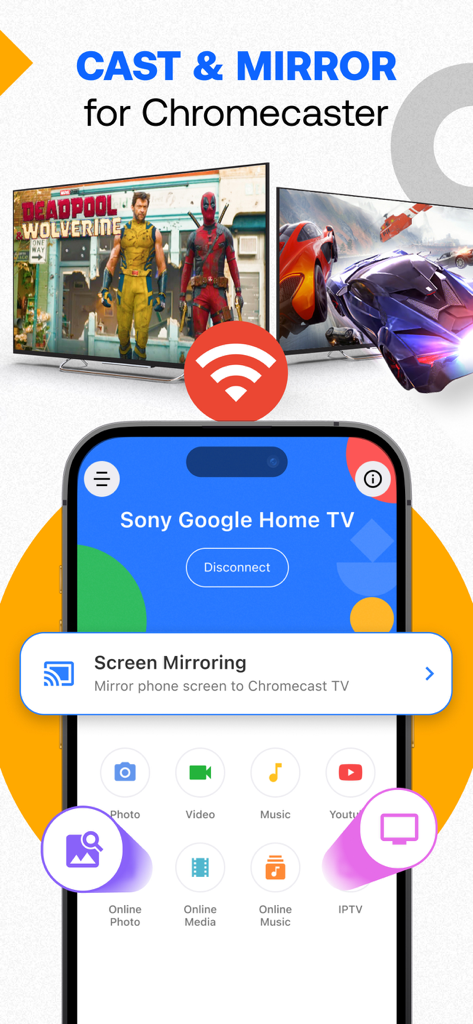
Interfaccia dell'app iPhone che mostra le opzioni per trasmettere e specchiare lo schermo su una TV Google Home

Interfaccia dell'app iPhone che mostra le opzioni per trasmettere e specchiare lo schermo su una TV Google Home

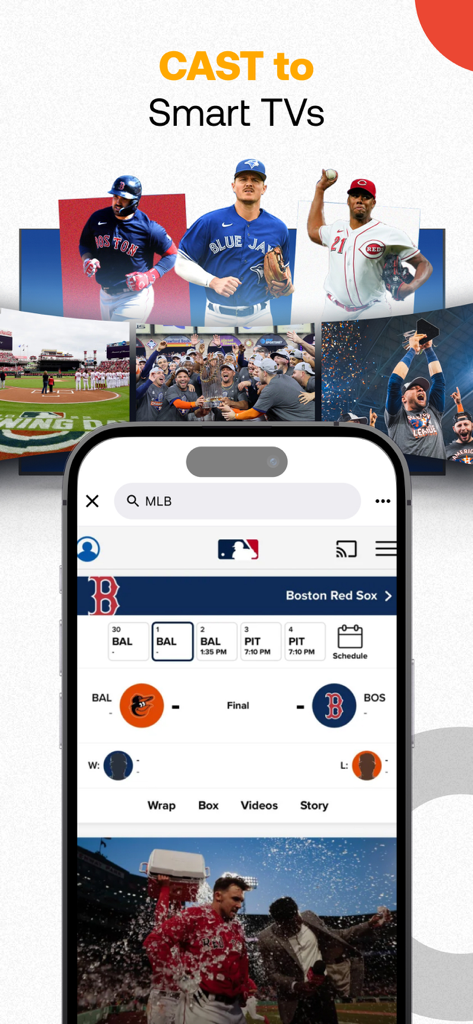
Uno schermo iPhone che mostra i punteggi di baseball MLB e video trasmessi su una smart TV

Uno schermo iPhone che mostra i punteggi di baseball MLB e video trasmessi su una smart TV

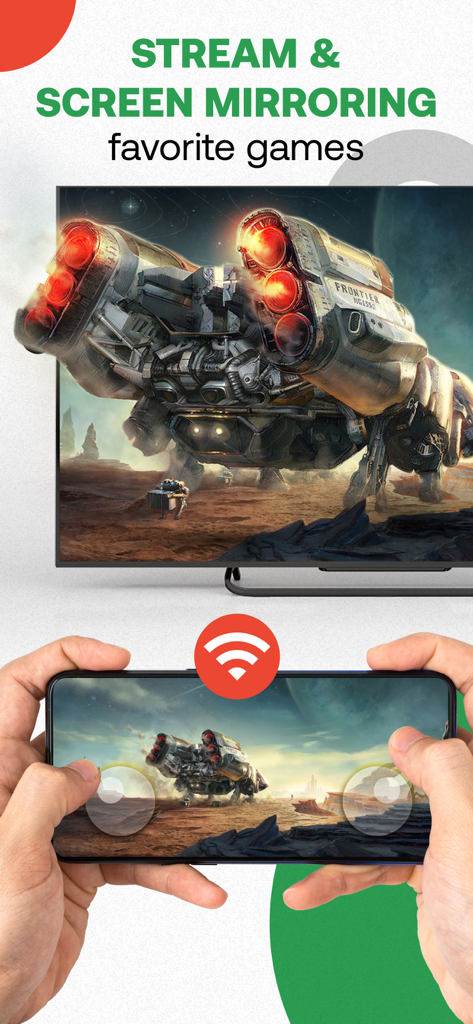
Una persona che utilizza uno smartphone per eseguire il mirroring di un videogioco su uno schermo televisivo

Una persona che utilizza uno smartphone per eseguire il mirroring di un videogioco su uno schermo televisivo

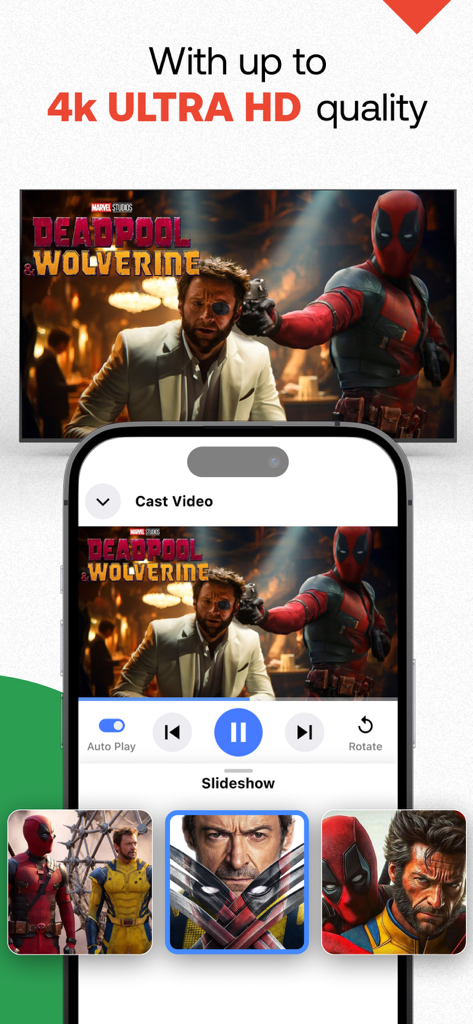
Uno schermo iPhone che trasmette contenuti video 4K Ultra HD di alta qualità a un televisore

Uno schermo iPhone che trasmette contenuti video 4K Ultra HD di alta qualità a un televisore

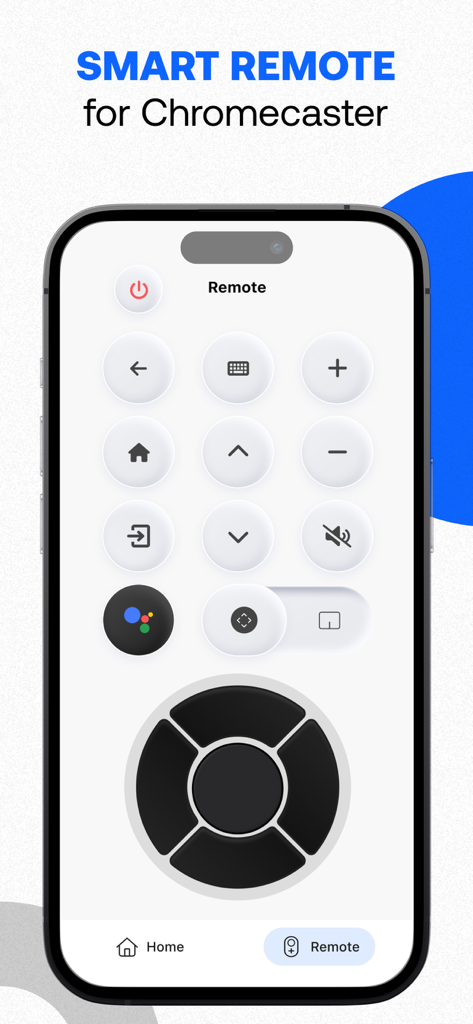
Uno smartphone che mostra l'interfaccia del telecomando smart per l'app Chromecaster.

Uno smartphone che mostra l'interfaccia del telecomando smart per l'app Chromecaster.

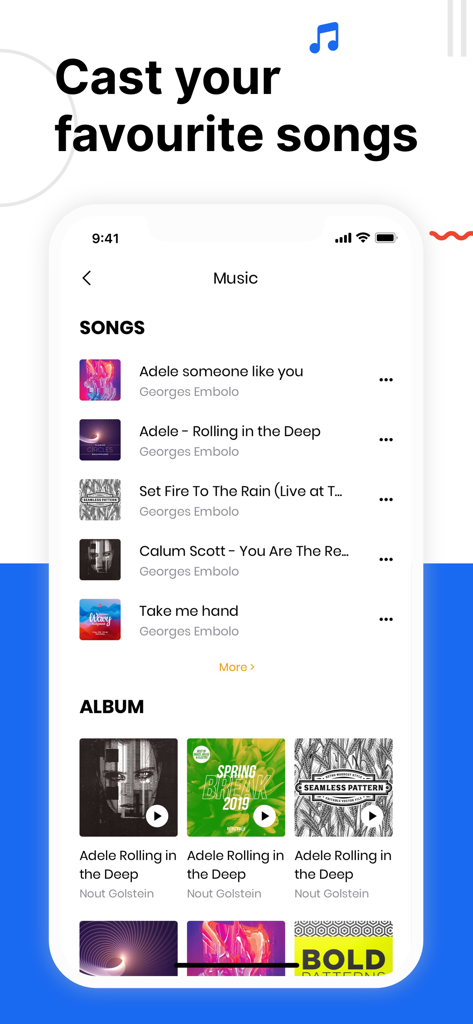
Interfaccia dell'app Chromecaster che mostra le opzioni per trasmettere musica e canzoni a un TV

Interfaccia dell'app Chromecaster che mostra le opzioni per trasmettere musica e canzoni a un TV

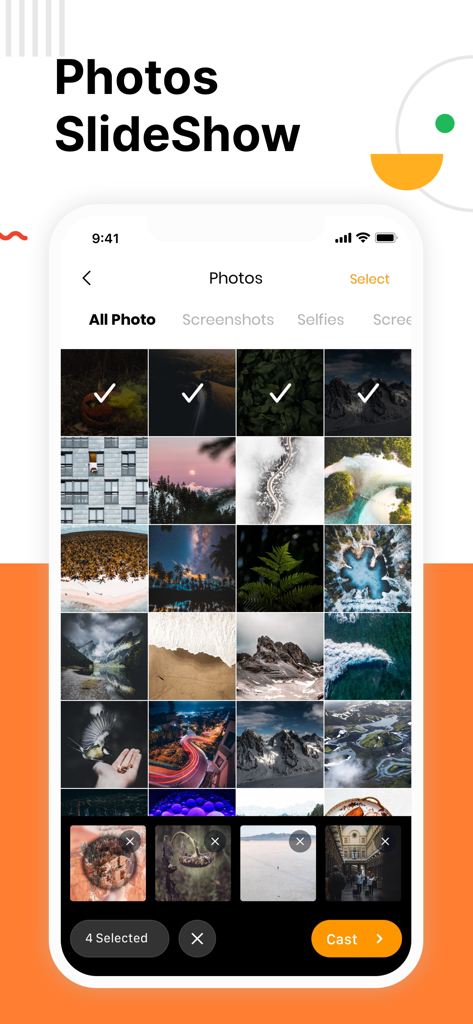
Schermo iPhone che mostra una galleria fotografica con immagini selezionate e un pulsante di trasmissione per una presentazione TV.

Schermo iPhone che mostra una galleria fotografica con immagini selezionate e un pulsante di trasmissione per una presentazione TV.

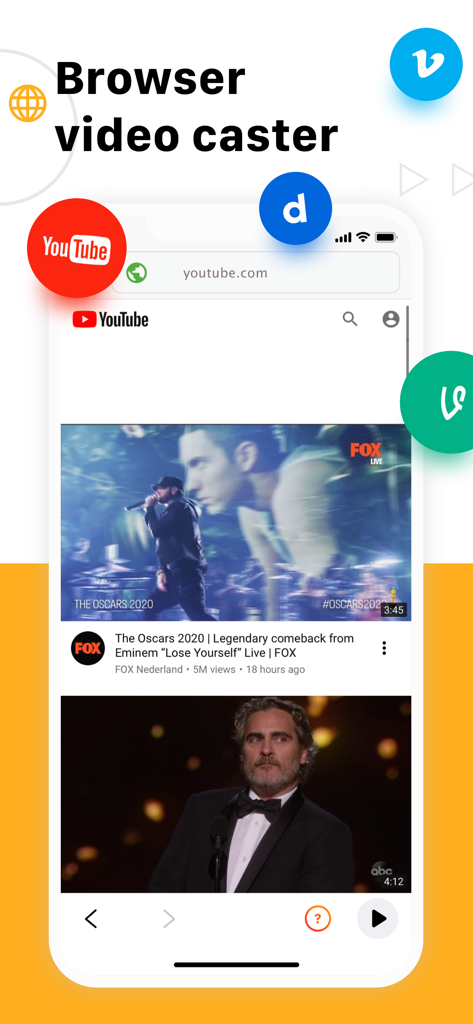
Interfaccia dell'app Chromecaster che mostra la funzione di trasmissione video dal browser con icone di YouTube e altri video

Interfaccia dell'app Chromecaster che mostra la funzione di trasmissione video dal browser con icone di YouTube e altri video

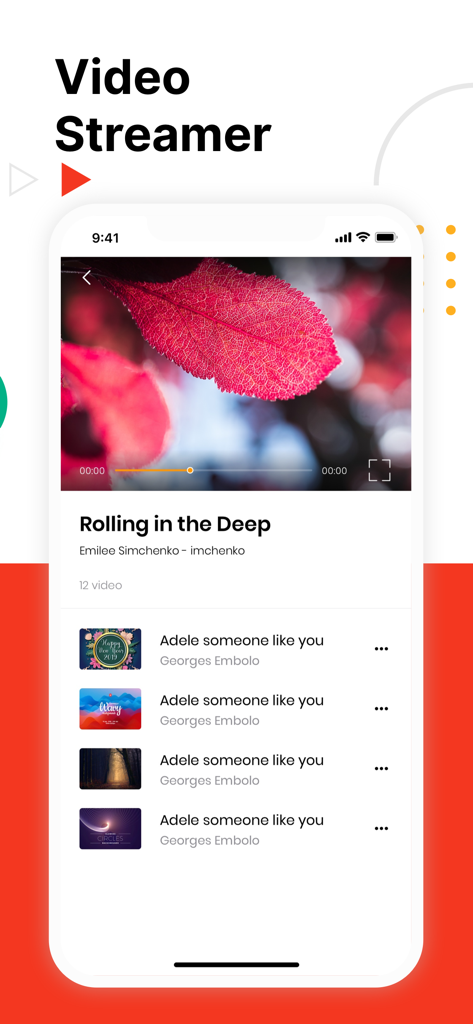
Interfaccia dell'app mobile Chromecaster che mostra un lettore video e una playlist di video musicali su un iPhone

Interfaccia dell'app mobile Chromecaster che mostra un lettore video e una playlist di video musicali su un iPhone

Il Miglior Compagno del Tuo iPhone per Chromecast

Gli strumenti che rendono questa app unica, scelti da 7M+ utenti.

📺

Qualità 4K e HD Mozzafiato

Dai vita ai tuoi video per iPhone ad alta risoluzione. Rivivi i ricordi di famiglia e i tuoi media personali con una qualità cristallina sul grande schermo.

🌐

Streamer Web Universale

Non lasciare che le app limitate ti fermino. Trasmetti qualsiasi video direttamente dal browser web al tuo TV, perfetto per contenuti di nicchia sportivi o hobby.

☁️

Integrazione Diretta con il Cloud

Risparmia lo spazio di archiviazione del tuo telefono. Trasmetti film e video domestici direttamente da Google Drive o Dropbox senza doverli scaricare prima.

Amata dagli utenti di tutto il mondo

Scelto da 7M+ persone che amano questa app.

"

"Finalmente un modo per mostrare i nostri video di vacanza in 4K sul grande schermo senza problemi! Adoro poter trasmettere foto direttamente dalla galleria del mio iPhone al nostro Chromecast. Ha reso le serate cinema in famiglia molto più personali e la configurazione è stata incredibilmente semplice."

Sarah Jenkins
"

"Uso un iPhone ma preferisco Chromecast per la mia configurazione domestica, e questa app è il ponte perfetto. La funzione di streaming web funziona perfettamente per guardare sport di nicchia che non hanno app TV dedicate, e poter accedere direttamente ai miei file Dropbox mi fa risparmiare un sacco di tempo."

Marcus Thompson

Analisi recensioni

Approfondimenti dalle recensioni degli utenti.

Punteggio sentimento

6%
Negativo

Riepilogo

This mobile app receives overwhelmingly negative feedback, primarily due to numerous reports of intrusive ads and forced payments, often even after users have paid for subscriptions. Many users experience significant functionality issues, including unstable connections, lag, freezing, and audio problems, rendering the app largely ineffective. Furthermore, there are widespread complaints about the inability to cancel subscriptions, difficulty obtaining refunds, and unresponsive customer support. Overall, users view the app as a scam and a waste of money, with poor performance failing to justify its cost.

Temi comuni

Forced Payments/Subscriptions(20)
App Functionality(18)
Overall Value(13)
Intrusive Advertising(7)
Connection Stability(6)
Refund & Support Issues(6)
Image Quality(1)
Viewer Performance(1)

Info sull'app

Tutto quello che devi sapere su Chromecaster: Get Streaming TV.

Descrizione

The best TV Cast for streaming to TV! Stream any web video and your photos, videos & music from your device to TV. TV Cast enhances your TV Experience and lets you enjoy the show on your big screen. Features - Stream & Cast to TV with HD, 4k quality - Easy connect and control media playing - Full playback controls, add and remove videos from playback queue. - Cast video, photo, music from Camera Roll to TV. - Cast any media files from Dropbox & Google Drive Cloud. - Web video streamer How TV-Cast works: To use TV Cast, simply connect your iPhone,iPad and Chromecast device to the same network Notice * Remember connecting to your Chromecast Device before start playing video. * iTunes movies, Flash video, and DRM protected videos like Amazon Prime, Netflix, Hulu, Vudu, DirecTV, Xfinity, HBO now are not supported! * The app streams only the video part of a website and not the whole website content. Sometimes it is necessary to play the video on your iPad or iPhone first before it gets discovered by the app for streaming.

 Premium Subscription: TV Cast includes an optional auto-renewable subscription to access current and future premium categories (price may vary depending on location): - Subscription starts from USD 2.99. - a 1-year subscription with 7 days free trial • Check in app for exact pricing in your region • Payment will be charged to your iTunes account at confirmation of purchase and will automatically renew (at the duration/price selected) unless auto-renew is turned off at least 24 hours before the end of the current period. • Account will be charged for renewal within 24-hours prior to the end of the current period, and identify the cost of the renewal. • You can manage your subscription and/or turn off auto-renewal by going to your iTunes Account Settings, but refunds will not be given for any unused portion of the term. Terms of Service: https://www.tvcast.in/policies/#terms Privacy: https://www.tvcast.in/policies/#terms
 Please leave a review on the App Store if you love using the app. We cannot wait to hear from you and we always appreciate your support. Your 5-star rating for each version will keep the updates coming. Thanks in advance. Disclaimer: This app is not affiliated with Google or any other trademark mentioned here.

Ultima versione

5.8

Dimensione

307.0 MB

Data di lancio

30 set 2019

Pronto a Goderti i Tuoi Contenuti sul Grande Schermo?

Unisciti a oltre 7 milioni di utenti che colmano il divario tra iOS e Chromecast. Scarica ora per iniziare subito a trasmettere i tuoi ricordi in 4K, file cloud e video web.

Scarica su App Store