TV Cast for LG webOS

TV Cast for LG webOS

Scarica su App StoreScarica su Google Play
Spark by MWM logo
Logo di TV Cast for LG webOS

TV Cast per LG webOS: Trasmetti qualsiasi video web sul tuo grande schermo

Il modo più semplice per trasmettere film online, sport in diretta e video personali dal tuo iPhone alla tua Smart TV LG. Dì addio ai browser TV macchinosi e goditi un'esperienza di visione fluida e senza pubblicità.

Editore

Kraus und Karnath GbR 2Kit Consulting

Categoria

Photo & Video

Download

6M+

Valutazione

3.8/5

Valutazioni totali

29K+

Lingue

1

I tuoi contenuti, elevati

Scopri l'interfaccia usata da 6M+ utenti.

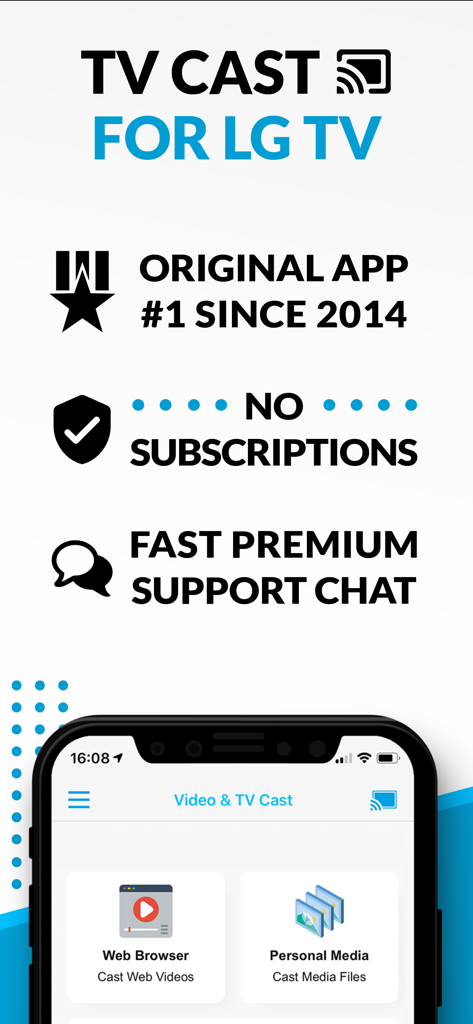
Interfaccia dell'app TV Cast per LG TV su iPhone con browser web e opzioni di trasmissione di media personali

Interfaccia dell'app TV Cast per LG TV su iPhone con browser web e opzioni di trasmissione di media personali

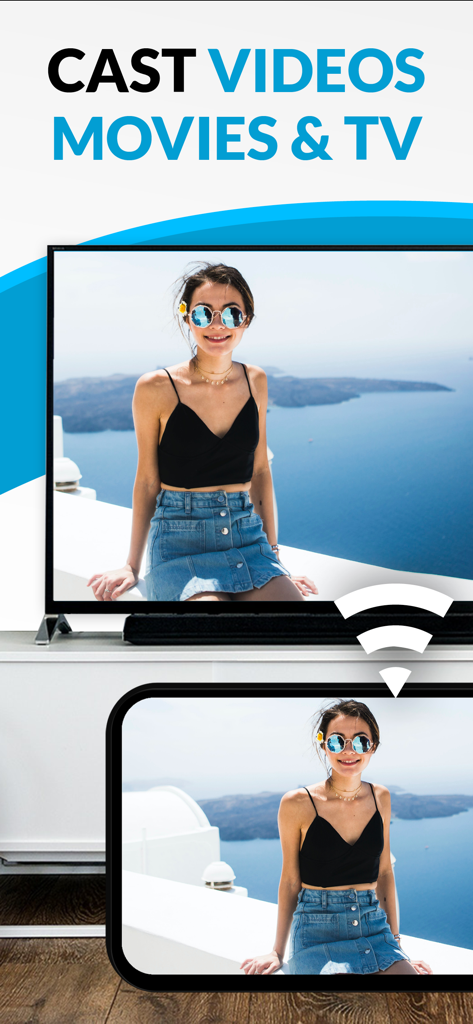
Schermata di un iPhone che trasmette un video di vacanza di una donna a una grande TV LG Smart.

Schermata di un iPhone che trasmette un video di vacanza di una donna a una grande TV LG Smart.

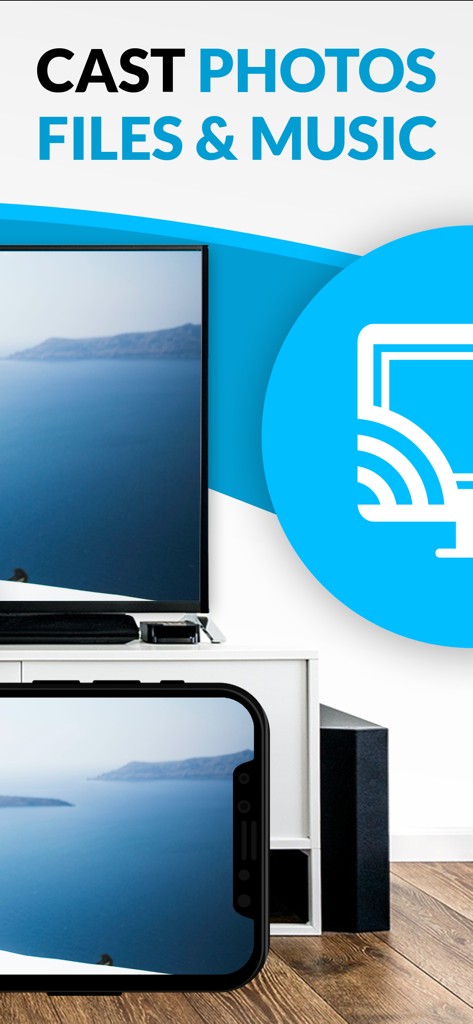
iPhone che trasmette una foto a uno schermo LG Smart TV

iPhone che trasmette una foto a uno schermo LG Smart TV

Sblocca il pieno potenziale della tua Smart TV LG

Gli strumenti che rendono questa app unica, scelti da 6M+ utenti.

🌐

Trasmetti qualsiasi video web

Trasmetti sport di nicchia, notizie internazionali o film solo web che non hanno un'app TV dedicata. Se è sul web, è sulla tua TV.

🚫

Intrattenimento senza pubblicità

Elimina pop-up invadenti e annunci video distraenti. Goditi un'esperienza di navigazione più pulita e veloce progettata per la serata cinematografica definitiva.

📸

Trasmetti dal tuo rullino fotografico

Salta i caricamenti sul cloud. Condividi istantaneamente i tuoi video personali 4K di alta qualità e i ricordi di famiglia direttamente dal tuo iPhone al soggiorno.

Amata dagli utenti di tutto il mondo

Scelto da 6M+ persone che amano questa app.

"

"Questo è lo strumento perfetto per chi ha tagliato il cavo. Lo uso per trasmettere sport di nicchia ed eventi in diretta che non hanno un'app dedicata sulla mia TV LG. È molto più veloce che provare a digitare URL con un telecomando e l'ad-blocker rende l'intera esperienza molto più pulita."

Mark Stevens
"

"Finalmente ho trovato un modo semplice per portare i miei video dall'iPhone sul grande schermo senza acquistare altro hardware. La configurazione è stata rapida e ora posso mostrare i video delle vacanze in famiglia a tutti nel soggiorno con un solo tocco. Altamente raccomandato per i possessori di LG!"

Sarah Jenkins

Analisi recensioni

Approfondimenti dalle recensioni degli utenti.

Punteggio sentimento

12%
Negativo

Riepilogo

User reviews for this mobile app are overwhelmingly negative, citing widespread functionality issues such as videos not loading, connection failures, and the app simply not working for its intended casting purpose. Many users express feeling scammed due to excessive advertisements that impede usage and paywalls for basic features, often after purchasing the app. While a small minority appreciated its ease of use and immediate functionality, these positive experiences are overshadowed by widespread frustration. Furthermore, recent updates are criticized for introducing new pop-up warnings and causing video loading problems.

Temi comuni

Functionality Issues(25)
Cost & Paywall(15)
Excessive Advertising(10)
Casting Reliability(8)
Ease of Use(3)
Version-Specific Bugs(2)

Info sull'app

Tutto quello che devi sapere su TV Cast for LG webOS.

Descrizione

Watch any web-video, online movie, livestream or live tv show on your LG Smart TV with webOS and NetCast. Enjoy the show on your big screen with the no#1 web video streamer. With Video & TV Cast for LG Smart TV you can browse the web and stream any web video, online movie, livestream or live tv show you want on your LG Smart TV. Mp4, m3u8, hls livestreams and also video-over-https are supported. There is no time limit at all! You can watch videos of 2 minutes or 2 hours or even more. Just open Video & TV Cast, navigate to a website, wait for link detection and send the video with a single tap to your LG Smart TV. The discovered link will be shown below the browser. A tap on the link will start the show. You don't need to install a big media server like Plex or any other third party software. >>> Important Notes * To enable video casting please open the LG App Store (LG Smart World / LG Content Store) on your TV, search for 'TV Cast' and install the companion app. * Please enter the ip-address of your iPhone/iPad by using the number pad and up/down/left/right keys on your TV Remote or scroll wheel on your Magic Remote. Just enter the numbers, no need to press the enter key. * iTunes movies, Flash video and DRM protected videos like Amazon Prime, Netflix, Hulu, Vudu, DirecTV, Xfinity, HBO now are not supported! * Please test your favorite videos with the free edition before upgrading! * Please use the hardware remote of your LG for controlling the TV app and video playback. * The app streams only the video part of a website and not the whole website content (No screen or tab mirroring!). * Sometimes it is necessary to play the video on your iPad or iPhone first before it gets discovered by the app for streaming. It may also be neccessary to start casting multiple times until it works with specific videos. * If a specific video is not working, please check the FAQ on the app startpage. If that does not help you, please drop us an email before leaving a negative comment on the App Store. We will try to add support for that website as soon as possible. >>> UPGRADE FEATURES (available as in-app purchases) * Premium Edition: Unlocks all of the features listed here. Also future features are included, so you do not have to pay for them when they are released in an updated app version. * Remote Playbar: Use the Playbar for advanced video control while browsing, including video scrubbing, forward, rewind, play, pause, stop. The playbar works on all LG Smart TVs. * Local Videos: Cast your camera roll videos from an iPhone or iPad. Supports mp4, m4v and mov videos that were saved to the camera roll via Apples SD-Card/USB Adapter, iTunes Desktop Software or third party apps. * Ad-Blocker: Blocks ads & popups on most websites and removes the sponsoring ads from the app. You can update and enable/disable ad-blocking at any time in the settings. * Bookmarks: Save unlimited website bookmarks. Synchronize and transfer them between different TV Cast apps and iOS devices by using backup and restore via iCloud. * Desktop Mode: Change the browser user-agent and cloak your iPhone/iPad as a desktop PC to load the desktop website instead of a mobile website. Please note that this will NOT enable video casting on websites that serve Flash videos in desktop mode. Disclaimer: This app is not affiliated with LG Electronics or any other trademark mentioned here.

Ultima versione

3.7

Dimensione

33.0 MB

Data di lancio

2 giu 2016

Pronto per l'esperienza sul grande schermo?

Unisciti a oltre 6 milioni di utenti e trasforma il tuo modo di guardare i contenuti. Trasmetti qualsiasi video web, livestream o memoria locale dal tuo iPhone alla tua Smart TV LG con un solo tocco.

Scarica su App StoreScarica su Google Play
FAQ

Domande Frequenti

Tutto quello che devi sapere su TV Cast for LG webOS
Cos'è TV Cast per LG webOS?

TV Cast per LG webOS è un'app che consente agli utenti di navigare sul web e trasmettere video web, film online, livestream e programmi TV in diretta sulla loro LG Smart TV (webOS e NetCast).

TV Cast per LG webOS supporta contenuti protetti da DRM come Netflix?

No, TV Cast per LG webOS non supporta video protetti da DRM come Amazon Prime, Netflix, Hulu, Vudu, DirecTV, Xfinity e HBO now. Non supporta nemmeno i film di iTunes o i video Flash.

Come controllo la riproduzione video sulla mia TV LG con TV Cast per LG webOS?

Controlli l'app TV e la riproduzione video utilizzando il telecomando hardware della tua TV LG. Un acquisto in-app per una Remote Playbar offre controlli avanzati come scrubbing, avanzamento, riavvolgimento, riproduzione, pausa e arresto.

È richiesta una sottoscrizione per TV Cast per LG webOS?

No, TV Cast per LG webOS non richiede sottoscrizioni. Offre acquisti in-app per funzionalità premium come un Ad-Blocker, Remote Playbar e Video Locali.

Posso trasmettere video locali dal mio iPhone alla mia TV LG usando TV Cast per LG webOS?

Sì, la funzionalità di aggiornamento "Video Locali" consente di trasmettere video dalla rullino fotografico (mp4, m4v, mov) dal tuo iPhone o iPad alla tua LG Smart TV.

Quali tipi di formati video supporta TV Cast per LG webOS?

TV Cast per LG webOS supporta Mp4, m3u8, livestream hls e video-over-https per video web. Per i video locali, supporta i formati mp4, m4v e mov.

TV Cast per LG webOS esegue il mirroring dello schermo del mio iPhone o iPad?

No, TV Cast per LG webOS non esegue il mirroring dell'intero schermo del tuo iPhone o iPad. Trasmette solo la parte video di un sito web alla tua LG Smart TV, non l'intero contenuto del sito web.

Come installo l'app complementare per TV Cast per LG webOS sulla mia TV?

Per abilitare la trasmissione video, apri l'LG App Store (LG Smart World / LG Content Store) sulla tua TV, cerca 'TV Cast' e poi installa l'app complementare.

TV Cast per LG webOS ha un ad-blocker?

Sì, un "Ad-Blocker" è disponibile come acquisto in-app. Blocca annunci e popup sulla maggior parte dei siti web e rimuove gli annunci sponsorizzati dall'app.

Posso trasmettere foto e musica con TV Cast per LG webOS?

Sì, TV Cast per LG webOS può trasmettere foto, file e musica oltre ai video. L'interfaccia dell'app include un'opzione 'Media Personale' per la trasmissione di file multimediali.

Cos'è l'aggiornamento "Premium Edition" in TV Cast per LG webOS?

La Premium Edition è un acquisto in-app che sblocca tutte le funzionalità di aggiornamento elencate. Include anche funzionalità future senza costi aggiuntivi al momento del rilascio nelle versioni aggiornate dell'app.

C'è un limite di tempo per i video trasmessi con TV Cast per LG webOS?

No, non c'è limite di tempo per i video trasmessi con TV Cast per LG webOS. Gli utenti possono guardare video di qualsiasi durata, che siano due minuti o diverse ore.