Air Manager

Air Manager

ダウンロード: App Storeダウンロード: Google Play
Spark by MWM logo
ロゴ: Air Manager

Air Manager:プロ仕様のタッチスクリーン式フライトシミュレーター・コックピット

iPadをフルカスタマイズ可能なタクタイル(触覚的)なフライトデッキに変え、没入感を高めましょう。MSFS 2024、X-Plane、Prepar3Dとシームレスに接続し、1,000以上の高精度な計器を指先で操作できます。

ダウンロード: App Store

開発元

Sim Innovations B.V.

カテゴリ

Games

ダウンロード

58K+

ユーザー評価

3.0/5

評価数

100

対応言語

1

洗練された、あなたのフライトデッキ

このインターフェースを利用する 58K+ 人のユーザー.

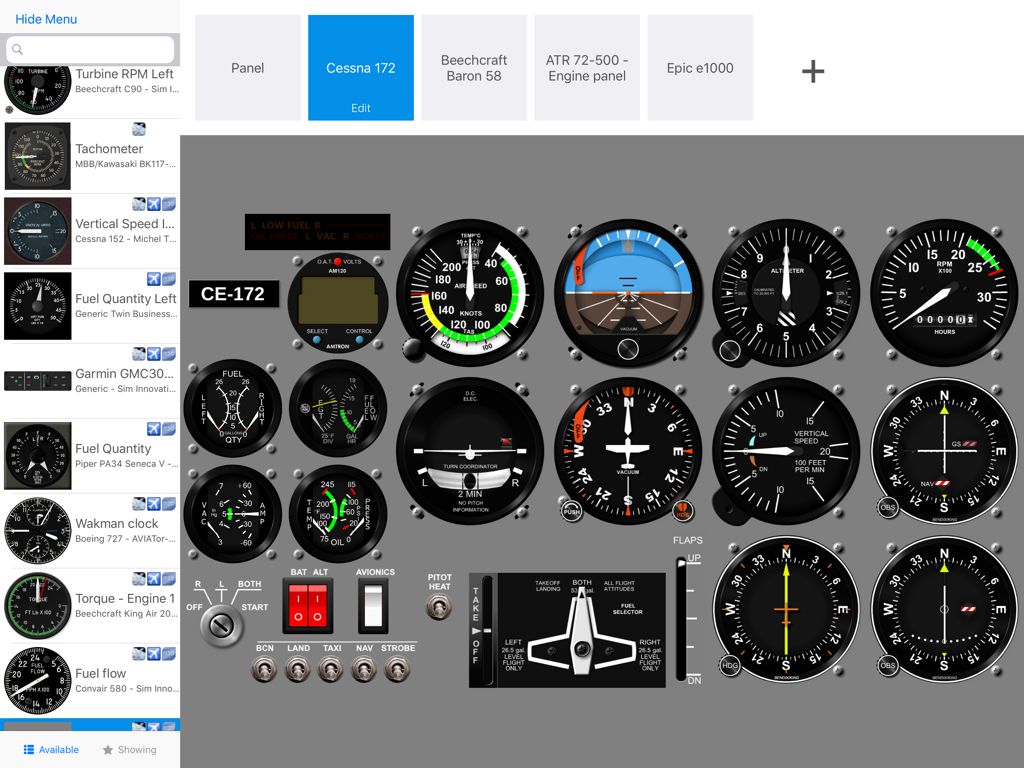
Air Managerアプリ内のカスタムCessna 172飛行計器パネルインターフェース

Air Managerアプリ内のカスタムCessna 172飛行計器パネルインターフェース

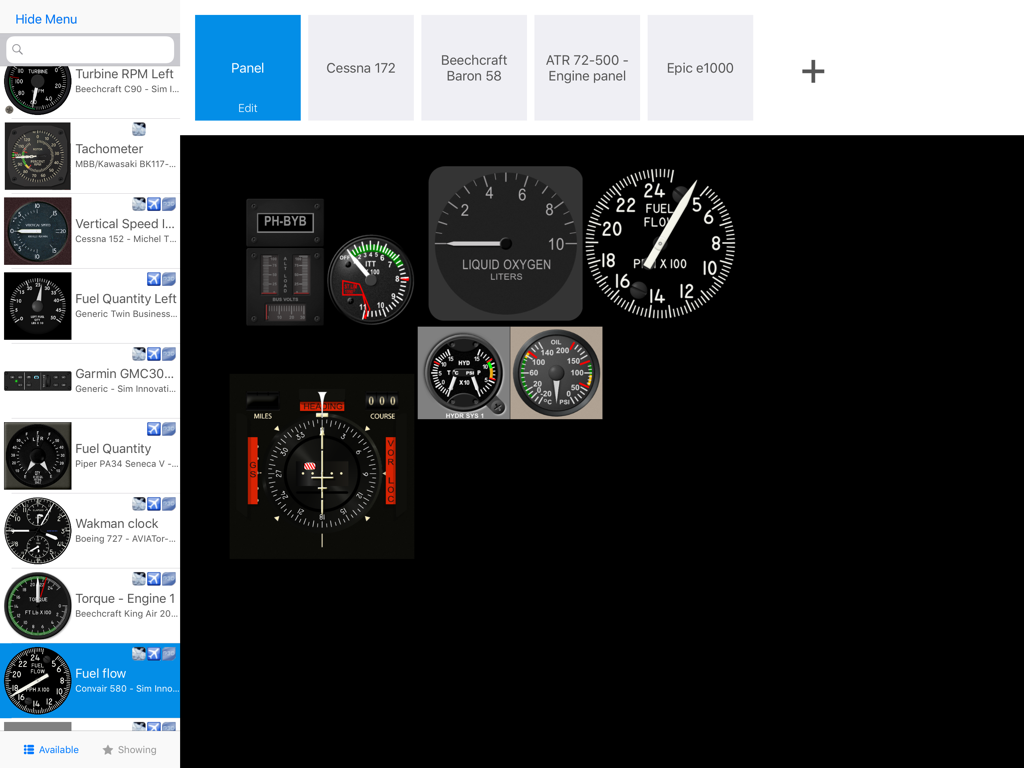
Air Managerでフライトシミュレーターの計器パネルをカスタマイズしている様子

Air Managerでフライトシミュレーターの計器パネルをカスタマイズしている様子

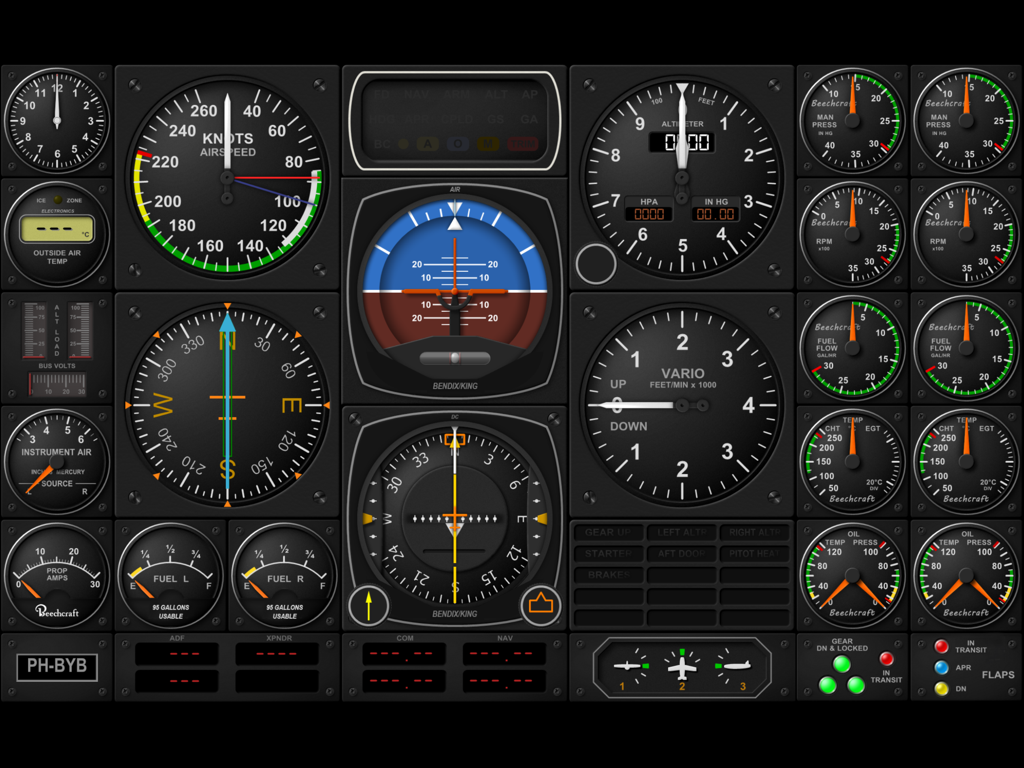
フライトシミュレーター用のカスタムデジタル航空機コックピット計器パネル

フライトシミュレーター用のカスタムデジタル航空機コックピット計器パネル

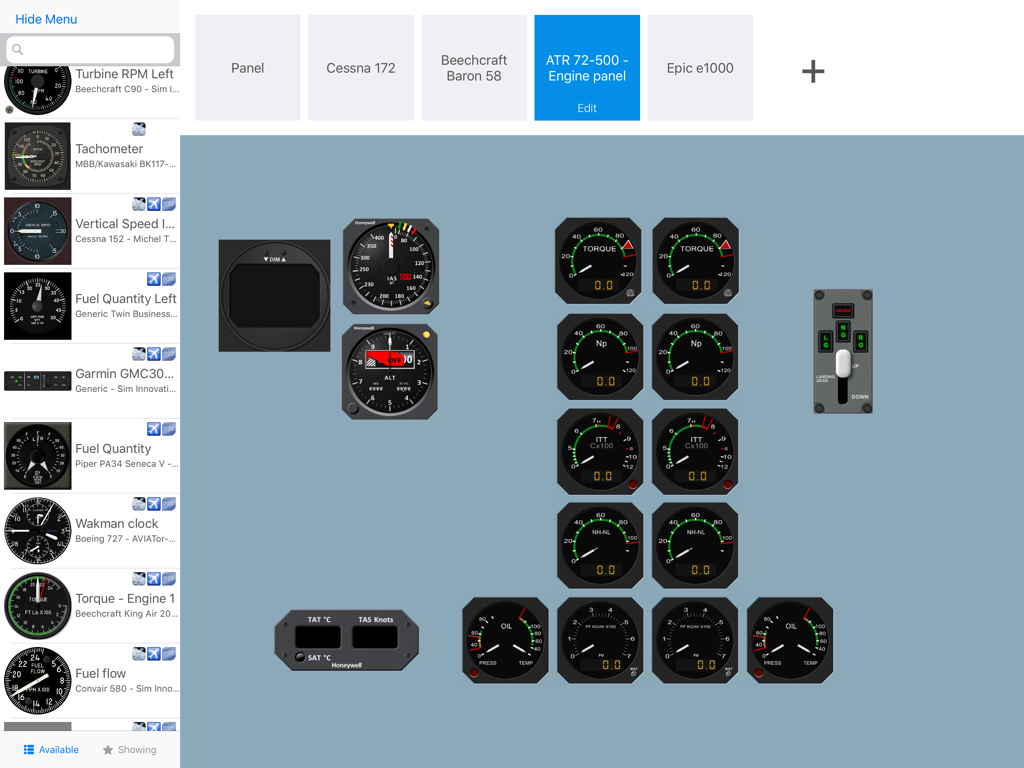
iPadでカスタムフライトシミュレーター計器パネルを設計するためのAir Managerインターフェース

iPadでカスタムフライトシミュレーター計器パネルを設計するためのAir Managerインターフェース

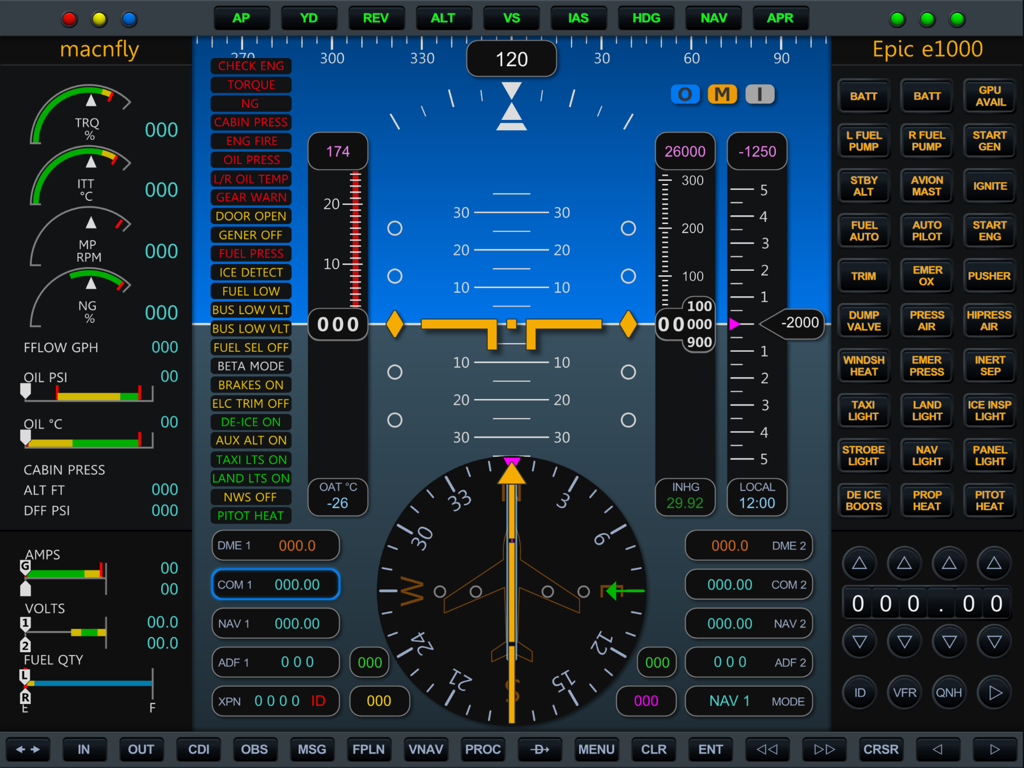
Air Managerアプリ内の、飛行計器とエンジンゲージを備えた詳細なEpic E1000デジタルコックピットディスプレイ

Air Managerアプリ内の、飛行計器とエンジンゲージを備えた詳細なEpic E1000デジタルコックピットディスプレイ

究極のコックピット・リアリズム

このアプリを際立たせるツール、 58K+ 人のユーザーが選択.

🏗️

カスタムパネルビルダー

数分で独自の計器レイアウトを設計・スケーリング。軽飛行機から大型ジェット機まで、仮想ハンガー内のあらゆる機体に合わせて複数の構成を保存できます。

🖐️

タクタイル・タッチコントロール

コックピットと自然に対話できます。没入感を損なうマウス操作の代わりに、高精度のタッチ操作で高度計の調整、無線周波数の設定、スイッチの切り替えが可能です。

🚀

ユニバーサル・シミュレーター統合

MSFS 2024、X-Plane、Prepar3Dとシームレスに同期。仮想飛行データを完璧に調和させる、超レスポンシブなパフォーマンスを体験してください。

世界中のユーザーに愛されています

Trusted by 58K+ 人がこのアプリを愛用しています.

"

"Air Managerは、私のホームコックピット環境を完全に変えてくれました。物理的な無線スタックに何千ドルも費やす代わりに、必要なものすべてがiPad上で手に入ります。タッチの反応性は素晴らしく、多忙なアプローチ中の周波数変更も非常に自然に感じられます。フライトシミュレーターのリアリズムと没入感を最大限に高めたい人にとって、間違いなく必須のアイテムです。"

David Richardson
"

"システムエンジニアであり長年のシム愛好家として、そのカスタマイズ性の高さに驚かされています。1,000以上の膨大な計器ライブラリのおかげで、異なる機体向けの独自のパネル設定もわずか数分で完了します。重要な飛行データやコントロールへのアクセスを維持しながら、メインモニターを外部視界専用にするための、最もユーザーフレンドリーな方法です。"

Mark Thompson

アプリについて

について知っておくべきこと Air Manager.

説明

Air Manager lets you design custom flight simulator instrument panels on your iPad. Panels can connect to X-plane, FS2020, FS2024, Prepar3d and FSX. Use your iPad as a primary instrument panel and have your computer monitor for outside view only, or use your iPad as a secondary com stack to easily set frequencies through the iPad touch screen. Air Manager comes with more than 1000 free instruments. Add, drag, scale, build your instrument panel in only a matter of minutes. Save your created panels, and switch between them quickly. User friendly No difficult settings or downloading and configuring of third party applications. You can download the necessary plugins from our website for free. We offer a complete solution! Place instruments anywhere you like Tap an instrument to add it to the canvas, hold and drag to rearrange, and pinch to scale, it’s as easy as that. Loads of free instruments The application comes with more than 1000 free instruments, and this collection keeps growing. Buttons, Switches and Knobs Controls like Buttons, Switches, and Knobs let you control the simulator from your 2D panels, so your Flight Simulation is super realistic. Setting a radio frequency or the altimeter setting, moving electrical switches, and controlling the autopilot are just a few examples of what you can do without directly accessing the flight simulator. Multiplatform and multi simulator The Air Manager plugin runs on Microsoft Window, Mac OSX, and Linux, both 32 bits and 64 bits, and is compatible with Laminar Research X-Plane 9, 10 and 11, Microsoft FSX and Lockheed Martin Prepar3D.

最新バージョン

5.0.0

サイズ

896.8 MB

リリース日

2016年2月16日

プロ仕様のホームコックピットを今すぐ完成させましょう

タクタイルなタッチコントロールとプロ級の没入感を手に入れましょう。今すぐAir Managerをダウンロードして、MSFS 2024、X-Plane、Prepar3D用の1,000以上の計器から選択してください。

ダウンロード: App Storeダウンロード: Google Play