Designed by Moog Music, the world’s first synth company, Animoog Z is an inspiring 16-voice polyphonic synthesizer that invites you to explore new concepts of multidimensional sound design and performance.
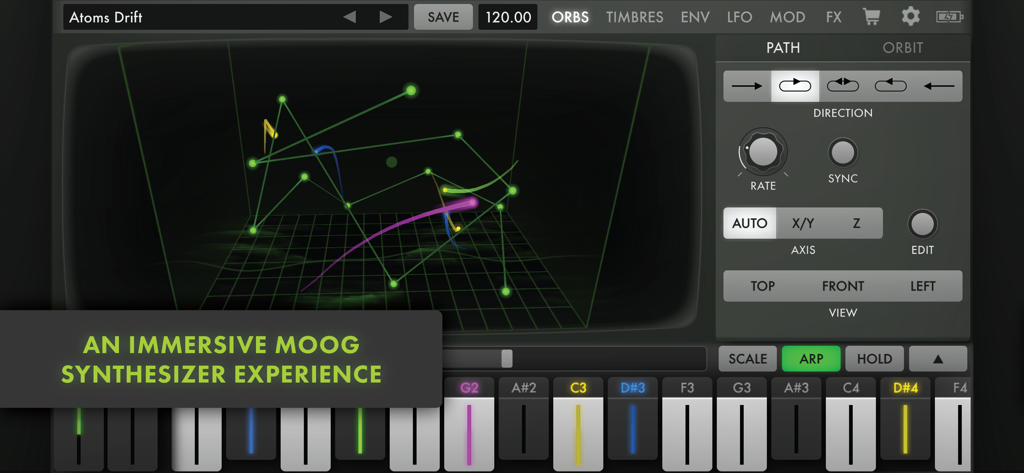
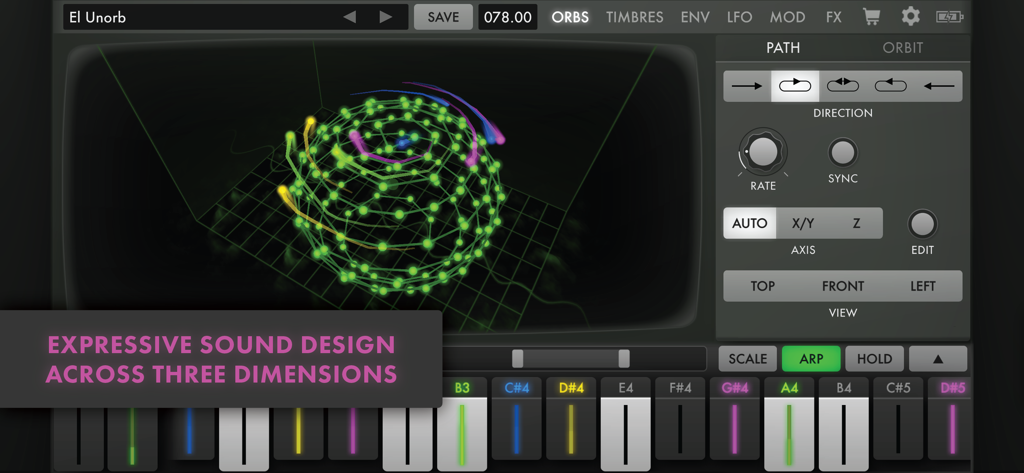
Powered by Moog’s Anisotropic Synth Engine (ASE), Animoog Z empowers you to visually traverse new sonic universes and even create your own! ASE utilizes a novel orbit system to expand the concepts of wavetable and vector synthesis, allowing you to navigate dynamically through the X, Y, and Z axes of sound. Spontaneous sound design with Animoog Z is easy—simply select and drag the orbit path to explore endless sonic configurations.
Animoog Z captures the immediate and intuitive experience of Moog synthesizers and applies it to the modern digital paradigm, enabling you to quickly sculpt incredibly fluid sounds that live, breathe, and evolve as you play. Use Animoog Z’s built-in keyboard to control pitch and pressure per voice (or send MIDI out), or connect your favorite MPE controller and explore Animoog Z’s MPE-compliant sound engine.
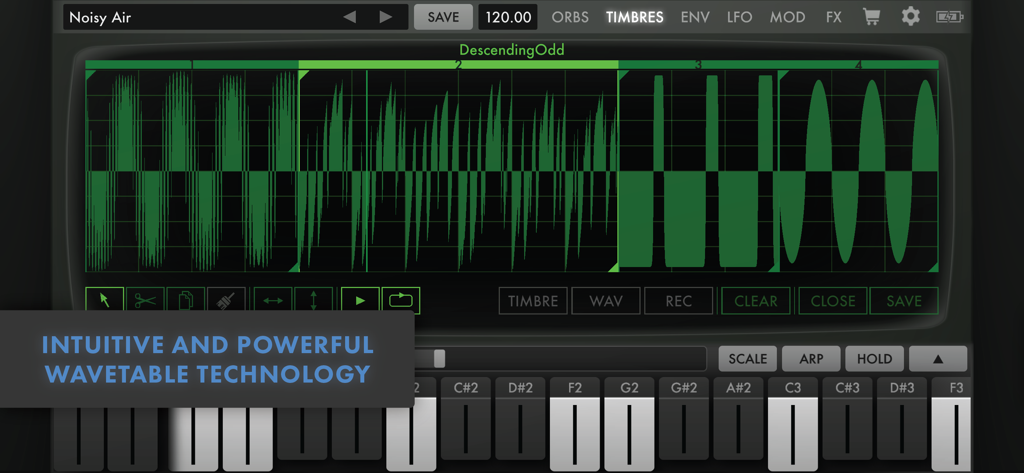
Animoog’s diverse library of timbres includes digital tones and spectral sources alongside analog waveforms recorded from classic Moog circuits. If you ever run out of sounds, you can use the built-in Timbre Editor to record and edit your own timbres!
Visually captivating and sonically immersive, Animoog Z brings music production to the next level. Whether you are new to synthesis or a professional musician, Animoog’s unique user interface gives you the power to easily create a visually vibrant and sonically rich universe.
Key Features:
• Multiplatform Experience: Share presets, timbres, and in-app purchases across your compatible Apple devices.
• Anisotropic Synth Engine (ASE): An exciting Moog technology that allows you to move through the X, Y, and Z axes of unique timbres to create an expressive and constantly evolving soundscape. Sonic modulations are visualized in real time, providing a multisensory feedback mechanism for sound creation.
• Polyphonic Modulation and Pitch Shifting: Control Animoog Z's advanced touch surface keyboard with configurable scales, key distances, pitch correction, and glide. Simply slide your fingers to control multiple per-voice parameters in Animoog Z right from the keys.
• Timbre Editor: Go beyond simple sample playback and build unique sounds that evolve in multi-dimensional space. Select from a wide variety of built-in timbres or customize your sound by recording your own timbres (or import your own WAV files).
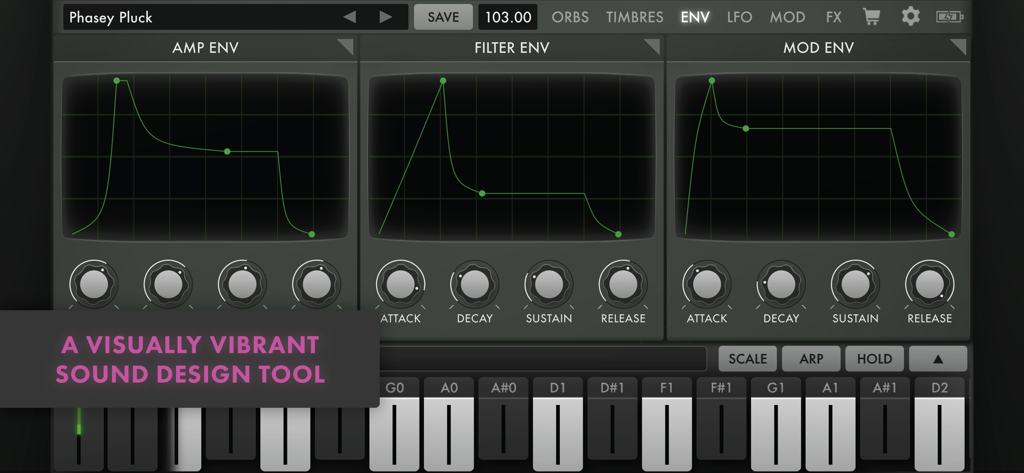
• ENV/LFO Page: Articulate your dynamics with 3 independent six-stage DAHDSR envelopes for Amp, Filter, and Mod, each with loop and sync functionality. Give motion to your sound with 3 independent LFOs featuring continuously variable wave shapes, phase offset, delayed start, sync, and support for 1-8 repeats.
• MOD Page: Highly flexible modulation matrix with 10 lanes and a multitude of sources, controllers, and destinations—including global destinations like Delay and Thick. Use the Solo and Enable controls to explore complex modulations layer by layer.
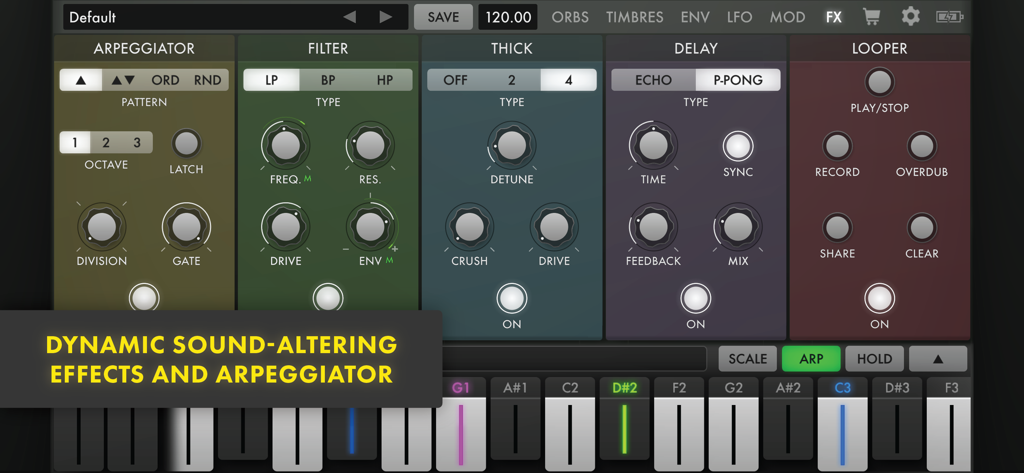
• Effects Page: A collection of dynamic sound-altering and sound-augmenting effects with Delay, Chorus, Bitcrush, Filter, Arpeggiator, and Looper. Oscilloscope-style views display the output and impact of your effects.
• MIDI: Use your favorite MIDI controller to control Animoog Z (with full support for MPE input) or go MIDI out to use Animoog Z's highly expressive keyboard to control your favorite instruments. Go even deeper with Animoog Z's exhaustive MIDI CC mapping system featuring MIDI Learn, multiple destinations for a single CC, and detailed control of which presets are loaded with program change.
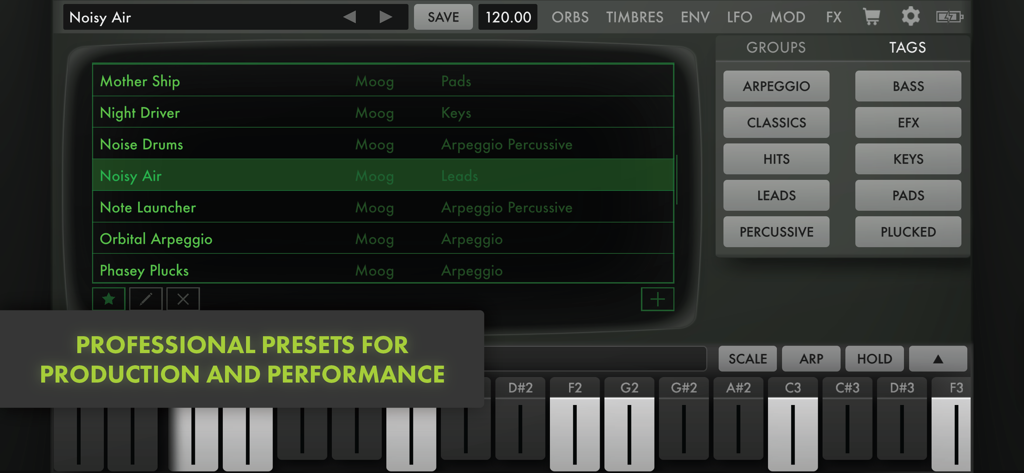
• Additional Features: Backwards compatibility with presets and timbres from the original Animoog, AUv3 support, 440Hz base frequency offset (+/- 10Hz), preset tagging, preset sharing, Global BPM, Tap Tempo, Ableton Link, keyboard typing and shortcuts, random presets, and undo/redo.