Calculator# Hide Photos Videos

Calculator# Hide Photos Videos

ダウンロード: App Store
Spark by MWM logo
ロゴ: Calculator# Hide Photos Videos

Calculator# 写真・ビデオを隠す:究極の不可視プライバシー保管庫

完全に機能する電卓の背後に、個人の写真、ビデオ、パスワード、メモを保護します。ハッキング監視やパニックスイッチ保護を備えた、市場で最も高度なステルスセキュリティシステムで、覗き見をブロックします。

開発元

Salman Ashraf

カテゴリ

Utilities

ダウンロード

9M+

ユーザー評価

4.4/5

評価数

60K+

対応言語

6

人目に付かない場所に隠す

このインターフェースを利用する 9M+ 人のユーザー.

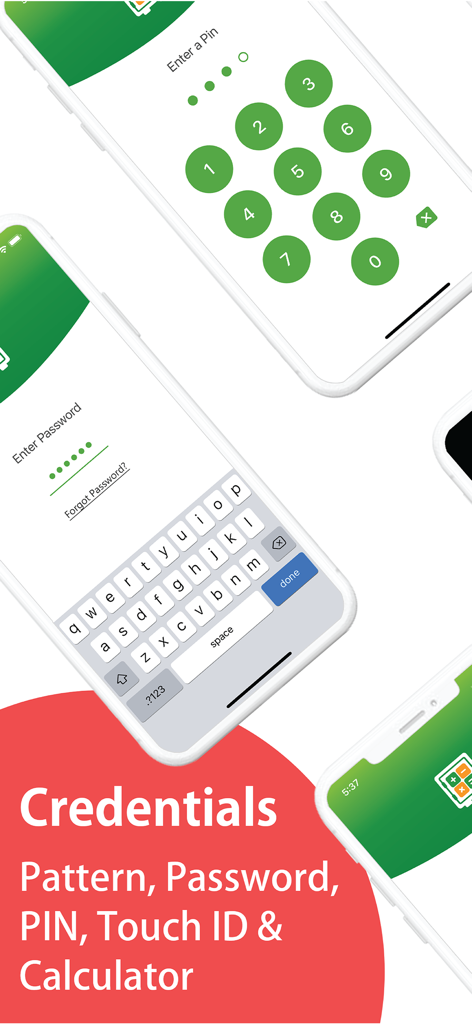
PINとパスワードの入力オプションを備えた、Calculator 写真を隠すアプリのロック画面。

PINとパスワードの入力オプションを備えた、Calculator 写真を隠すアプリのロック画面。

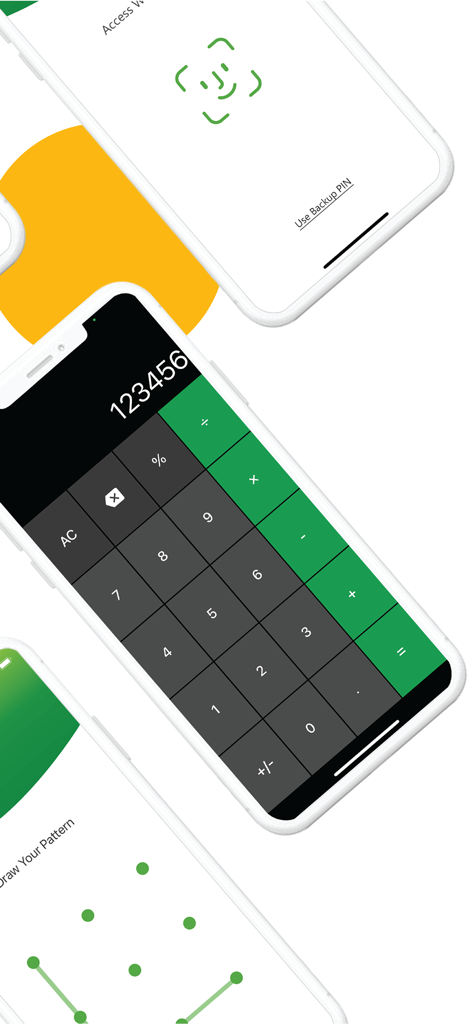
Face ID、数値電卓キーパッド、パターンロックを含む、保管庫アプリの異なるセキュリティ解除画面を表示する3台のiPhone。

Face ID、数値電卓キーパッド、パターンロックを含む、保管庫アプリの異なるセキュリティ解除画面を表示する3台のiPhone。

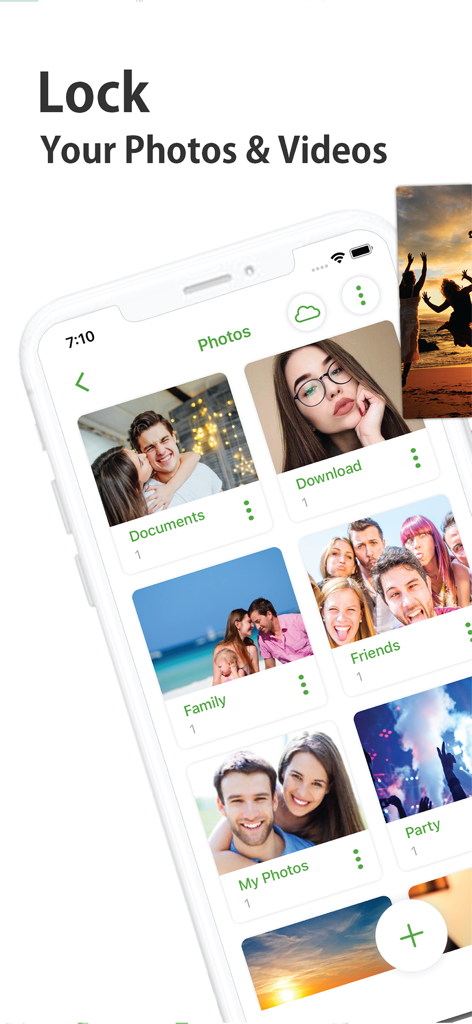
カテゴリ分けされたアルバムを備えた、プライベートな写真・ビデオ保管庫を表示するCalculator#アプリのインターフェース。

カテゴリ分けされたアルバムを備えた、プライベートな写真・ビデオ保管庫を表示するCalculator#アプリのインターフェース。

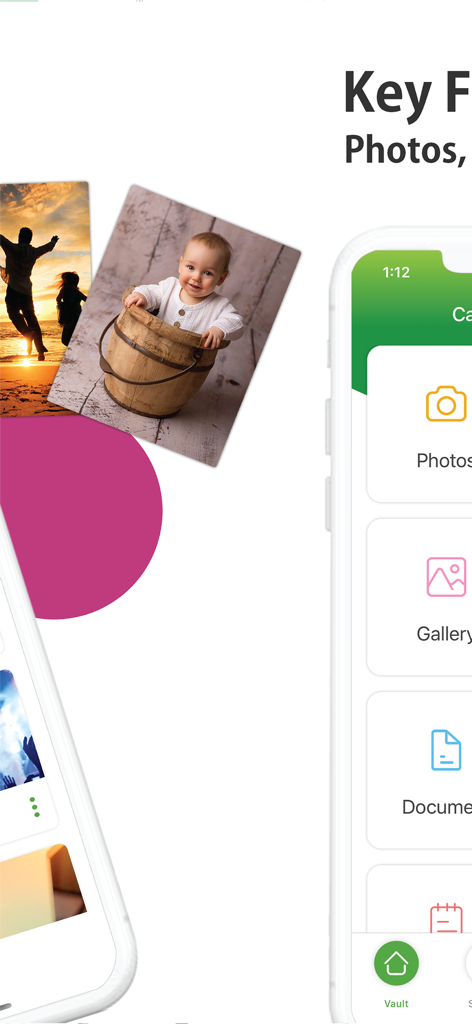
秘密の電卓保管庫の中にプライベートな写真、ビデオ、書類を隠すためのモバイルアプリのインターフェース。

秘密の電卓保管庫の中にプライベートな写真、ビデオ、書類を隠すためのモバイルアプリのインターフェース。

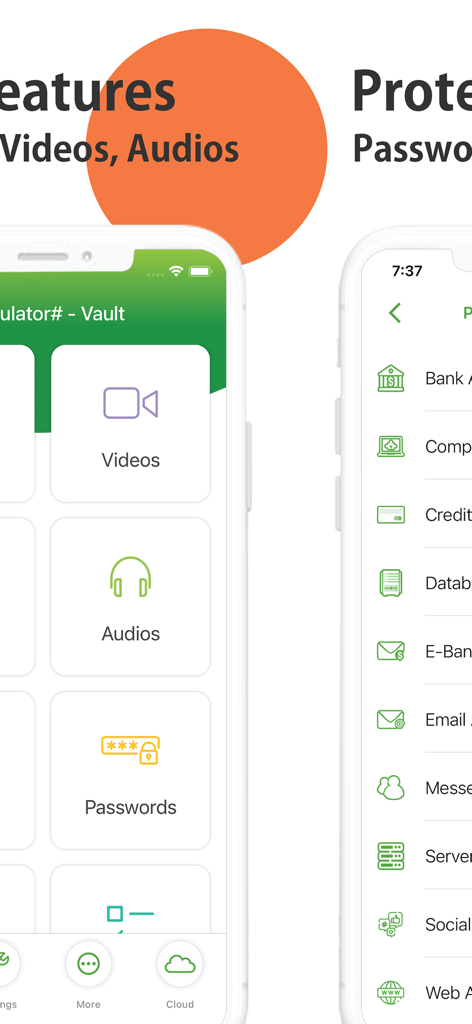
ビデオやオーディオを隠し、機密パスワードを保護するためのオプションを表示するアプリのインターフェース。

ビデオやオーディオを隠し、機密パスワードを保護するためのオプションを表示するアプリのインターフェース。

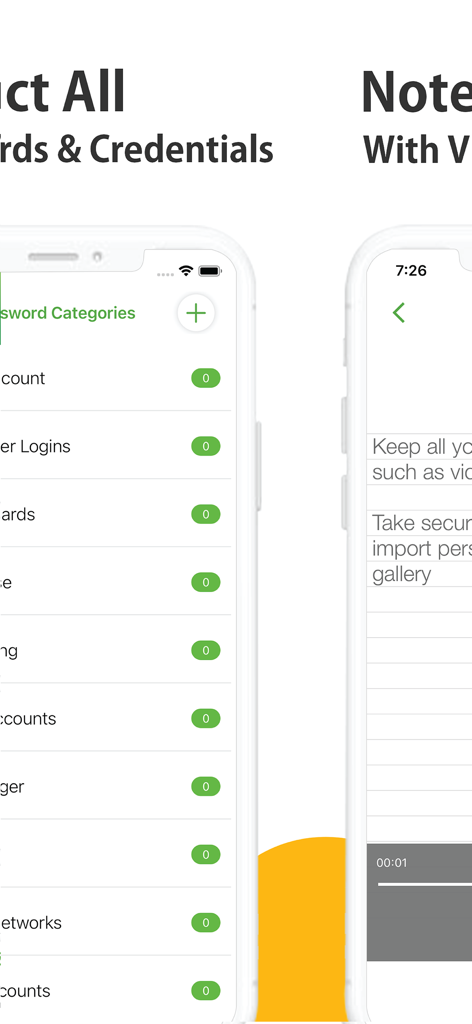
安全なパスワード管理と音声録音付きのプライベートメモを表示する、電卓保管庫アプリのインターフェース。

安全なパスワード管理と音声録音付きのプライベートメモを表示する、電卓保管庫アプリのインターフェース。

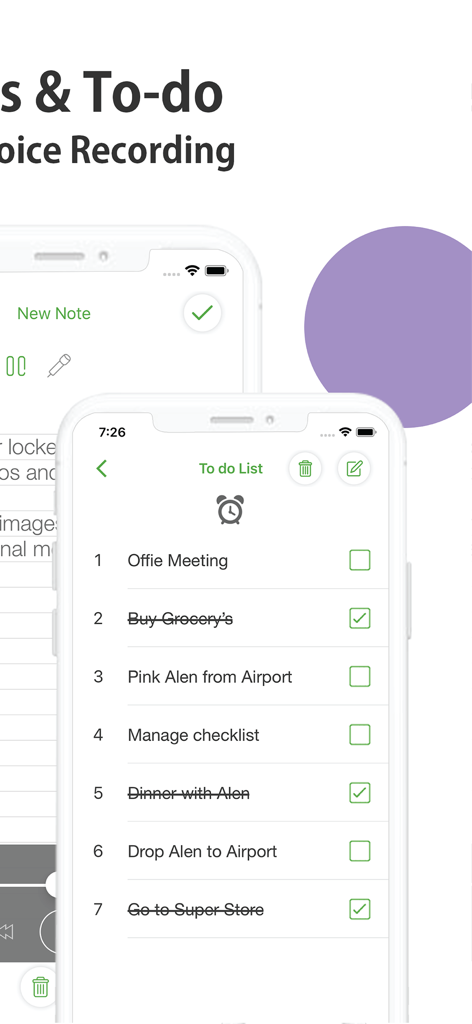
安全な電卓保管庫アプリ内のプライベートなToDoリストとメモのインターフェースを表示するスマートフォンの画面。

安全な電卓保管庫アプリ内のプライベートなToDoリストとメモのインターフェースを表示するスマートフォンの画面。

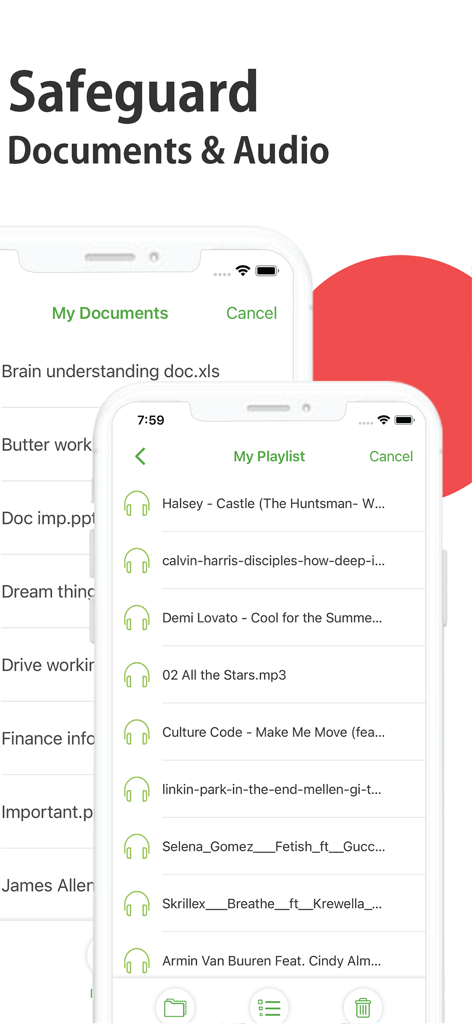
安全な保管庫アプリ内の隠し書類とプライベートなオーディオプレイリストを表示するユーザーインターフェース。

安全な保管庫アプリ内の隠し書類とプライベートなオーディオプレイリストを表示するユーザーインターフェース。

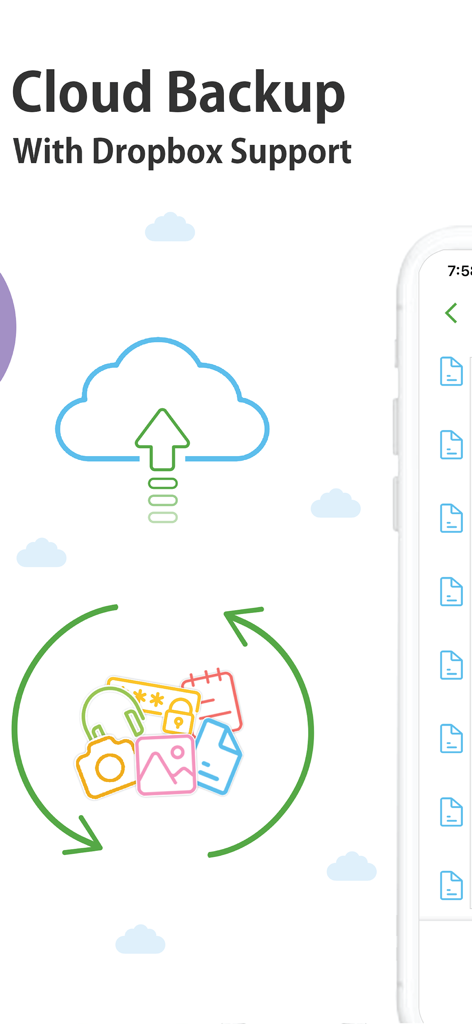
安全な写真とデータの同期のためのDropboxサポートを備えたクラウドバックアップ機能。

安全な写真とデータの同期のためのDropboxサポートを備えたクラウドバックアップ機能。

疑いの余地のないプライバシー

このアプリを際立たせるツール、 9M+ 人のユーザーが選択.

🧮

ステルスカモフラージュ

アプリは動作する電卓として人目に付く場所に隠れるため、プライベートな保管庫が友人や家族から疑われることはありません。

🛡️

完全なデジタル保管庫

写真やビデオだけではありません。パスワード、プライベートな連絡先、機密メモを、一つの暗号化されたデジタル金庫に安全に保管します。

🚨

パニックスイッチ保護

リアルタイムで背後から覗き見ようとする人を阻止するために、即座にデータを隠したり、偽のクラッシュレポートを表示したりします。

世界中のユーザーに愛されています

Trusted by 9M+ 人がこのアプリを愛用しています.

"

"旅行の写真を見せるために友人にスマホを渡すことがよくありますが、スワイプしすぎてプライベートな書類や仕事の機密画像を見られないかいつも心配でした。このアプリは救世主です。見た目は完全に電卓なので、誰も疑いません。自分が必要としていたとは気づかなかった安心感を与えてくれます。"

Sarah M.
"

"シェアハウスに住む学生として、プライバシーを確保するのは大変です。パスワード、プライベートな日記、さらには秘密の連絡先まで、あらゆるものにこれを使っています。パニックスイッチ機能は天才的です。誰かが入ってきたらスマホを裏返すだけで済みます。これは間違いなく、私がこれまで使った中で最も安全な保管庫アプリです。"

Jordan T.

アプリについて

について知っておくべきこと Calculator# Hide Photos Videos.

説明

It looks like a Calculator but it secretly hides your confidential Photos, Videos, Documents, Passwords, Notes, Contacts and To Dos. It disguises itself as a Calculator to make it impossible for prying eyes and hackers from discovering it. It is the most feature-rich app in the market in Security Category. Features: - Hide Photos and Videos from Gallery. - Automatically Deletes them from Gallery (Optional). - Take Pictures and Videos from Camera. - Password-Protect Documents and other Files. - Lock Audios and take Secure Voice Notes. - WiFi Transfer from PC, Mac or other devices. - A built-in Web Browser to Download Files. - A built-in Password Manager and Wallet. - A built-in Secure Notes, To Dos & Reminders. - A built-in Contacts Manager and Importer. - Backup using Cloud Service like Dropbox. - Panic Switch, Disguise Mode & Hack Monitoring. - Calculator, Pin, Password, Pattern & Touch/Face ID. - Works on iPhone and iPad with GUI for both. Photos & Videos: No need to keep your family, private or secret photos & videos in iPhone gallery. The app even deletes these files from your Photos when you move them to the app when needed. Gallery: A built-in secret gallery allows you to organize, view and play all your hidden images and videos inside a protected and discreet interface. Audios: Lock private and confidential audio recordings and conversations and hide specific music files through the phone’s internal storage. Notes: Whether you want to create a list of secret things you keep in your documents or write down your private feelings; you can do so securely with the ‘Notes’ feature. Documents: Secure your confidential documents. You can transfer them even from your PC or Mac using WiFi transfer or from a built-in browser to your iPhone or iPad. Contacts: Now you can import your iPhone contacts or create secret contacts inside app to call secretly. To Dos: Every once in a while, we have some tasks we just don't want to be seen by anyone no matter what. This is why we have for you a secret to do list as well. Passwords: Create and lockdown sensitive credentials like your website logins, bank accounts, computer logins, credit cards, email accounts, social networks, e-banking, instant messenger etc. Cloud Backup: Conveniently backup your locked data into Dropbox. Prevent loss of sensitive data and restore your data in case of loss or theft of device. Lost Password Recovery: You don’t have to worry about forgetting your password. You can conveniently, retrieve your lost password through your registered email. Security Locks: You have the option to setup a Calculator, Touch/Face ID, PIN, Pattern or Password. You can even turn off everything completely. Panic Switch: Prevent shoulder surfers and snoopers from seeing your sensitive data, enable panic switch to quickly switch to another app. Disguise Mode: Confuse snoopers by enabling a fake error message box, it displays a fake crash notification to thwart further attempts on hacking your data. Hack Monitor: Tells you who has been trying invalid passwords to try to open your vault. Logs all such attempts and shows it to you. Calculator# is free with ads and limitations and you can purchase it to get a fully-functional and ad-free version for a year. Calculator# subscription plans: Annual: $4.99 Payments and Renewal: Payment will be charged to iTunes Account at confirmation of purchase. Subscription automatically renews unless auto-renew is turned off at least 24-hours before the end of the current period. Account will be charged for renewal within 24-hours prior to the end of the current period. You can manage or turn off auto-renew in your Account settings at any time after purchase. No cancellation of the current subscription is allowed during the active period. End User License Agreement: https://www.newsoftwares.net/ns-vault/license Terms of use: https://www.newsoftwares.net/legal/terms/ Privacy policy: https://www.newsoftwares.net/legal/privacy/

最新バージョン

3.3.24

サイズ

62.8 MB

リリース日

2016年11月24日

人目に付かない場所でプライバシーを保護

写真、ビデオ、機密データを隠すための究極の偽装保管庫を信頼する900万人のユーザーの仲間入りをしましょう。今すぐCalculator#をダウンロードして、安心を手に入れましょう。

ダウンロード: App Store
FAQ

よくある質問

について知っておくべきこと Calculator# Hide Photos Videos

Calculator# Hide Photos Videosとは何ですか?

Calculator# Hide Photos Videosは、電卓として偽装するアプリです。不正アクセスを防ぐために、機密性の高い写真、動画、ドキュメント、パスワード、メモ、連絡先、ToDoリストを秘密裏に隠します。

Calculator# Hide Photos Videosはどのようにメディアを隠しますか?

Calculator#は、iPhoneのギャラリーから保護されたインターフェースに移動することで、写真や動画を隠します。転送後、設定されていればアプリはギャラリーから自動的に削除します。

Calculator# Hide Photos Videosはどのような種類のデータを保護できますか?

Calculator# Hide Photos Videosは、写真、動画、ドキュメント、音声、メモ、連絡先、ToDo、パスワードを保護します。これらの機密性の高いすべてのデータタイプを隠し金庫内に保護します。

Calculator#は隠しファイルにクラウドバックアップを提供していますか?

はい、Calculator#は便利なクラウドバックアップをロックされたデータに提供します。Dropboxをサポートしており、ユーザーはデータの損失を防ぎ、デバイスが紛失または盗難された場合にデータを復元できます。

Calculator#にはどのようなセキュリティ機能が含まれていますか?

Calculator# Hide Photos Videosには、パニックスイッチ、偽装モード、ハック監視が含まれています。また、電卓、PIN、パスワード、パターン、Touch/Face IDなど、複数のセキュリティロックも提供しています。

Calculator# Hide Photos Videosの料金はいくらですか?

Calculator# Hide Photos Videosは、広告付きで機能制限付きで無料です。完全に機能し、広告なしのバージョンは年間サブスクリプションを通じて利用可能で、料金は4.99ドルです。

Calculator#のパスワードを忘れた場合、回復できますか?

はい、Calculator#はパスワード紛失回復オプションを提供しています。ユーザーは登録したメールアドレスを通じて、忘れたパスワードを安全に取得できます。

Calculator#はドキュメントのWiFi転送をサポートしていますか?

はい、Calculator#はWiFi転送をサポートしています。この機能により、ユーザーはPC、Mac、またはその他のデバイスからiPhoneやiPadにドキュメントやその他のファイルを転送できます。

Calculator# Hide Photos Videosにはパスワードマネージャーが含まれていますか?

はい、Calculator#には組み込みのパスワードマネージャーとウォレットが含まれています。ユーザーは、ウェブサイトのログイン情報、銀行口座、クレジットカードなどの機密性の高い資格情報を安全に作成および保護できます。

Calculator#の偽装モード機能とは何ですか?

Calculator# Hide Photos Videosの偽装モードは、偽のクラッシュ通知を表示することでユーザーデータを保護します。この機能は、覗き見者を混乱させ、隠し金庫へのアクセス試行を阻止します。

Calculator# Hide Photos VideosはiPadと互換性がありますか?

はい、Calculator# Hide Photos VideosはiPhoneとiPadの両方のデバイスと互換性があります。各プラットフォームに最適化された専用のグラフィカルユーザーインターフェース(GUI)を提供します。