Whether you're an experienced photographer or a beginner, Camera1 will help you shoot in Black and White like no other app.
DEVELOP YOUR CREATIVITY
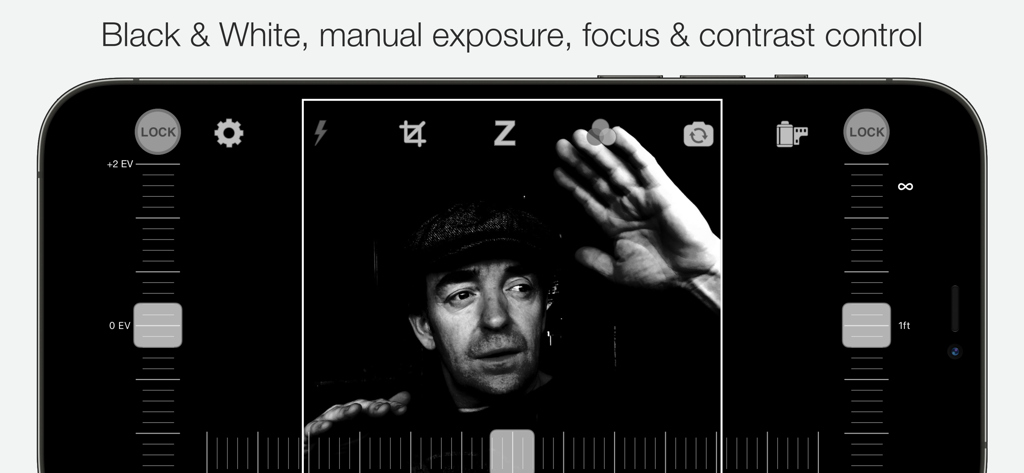
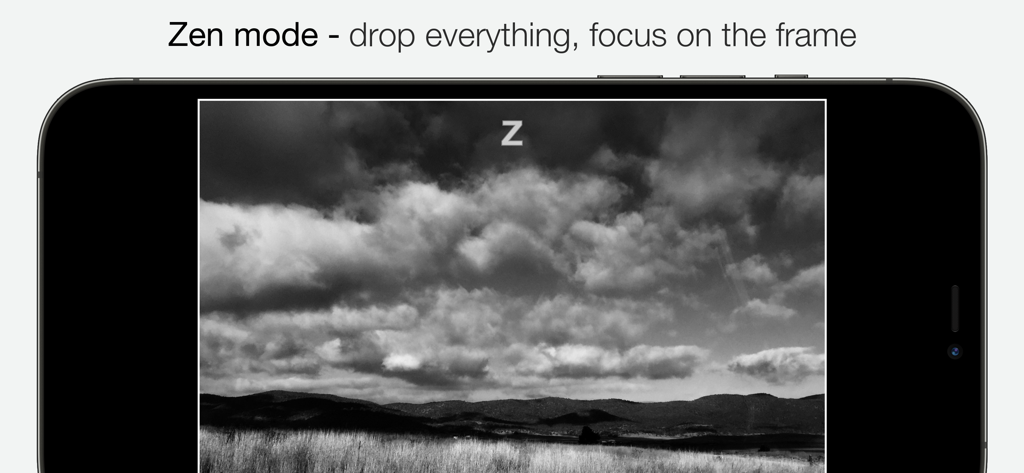
Learn to "see" in Black & White through Camera1 unique simultaneous contrast and exposure adjustments. Explore the infinite black and white image possibilities in real-time, such as high-key/low-key right in the viewfinder, before thaking the shot. Use the Zen mode to focus all your creative attention on the picture, and not the camera or technique.
TAKE CONTROL
Take control of the camera, with manual overrides of exposure and focus. Super easy access to focus lock using the manual focusing slider, for ultra-fast shooting - as the camera won’t need to re-focus between shots.
PROFESSIONAL OUTPUT
Camera1 takes full advantage of your camera hardware and saves in a variety of different file formats, including JPEG, TIFF, RAW & ProRAW / DNG, allowing for maximum editing flexibility in applications like Photoshop and Lightroom later in your workflow. Advanced iOS image processing such as Deep Fusion and Smart HDR is used on supported devices.
Live histograms, flash, grid views and a range of manual controls allow you to get the perfect shot, every time.
Features
• Black & white photography only: commit to Black and White at shooting time.
• High-quality image processing engine. Take full advantage of your device camera hardware.
• Manual focus (with magnification of the center focusing area), focus lock, spot focus, auto-focus
• Manual exposure compensation, or use Auto exposure
• Live histogram, when adjusting exposure, optional over-exposure warning indicator (zebras)
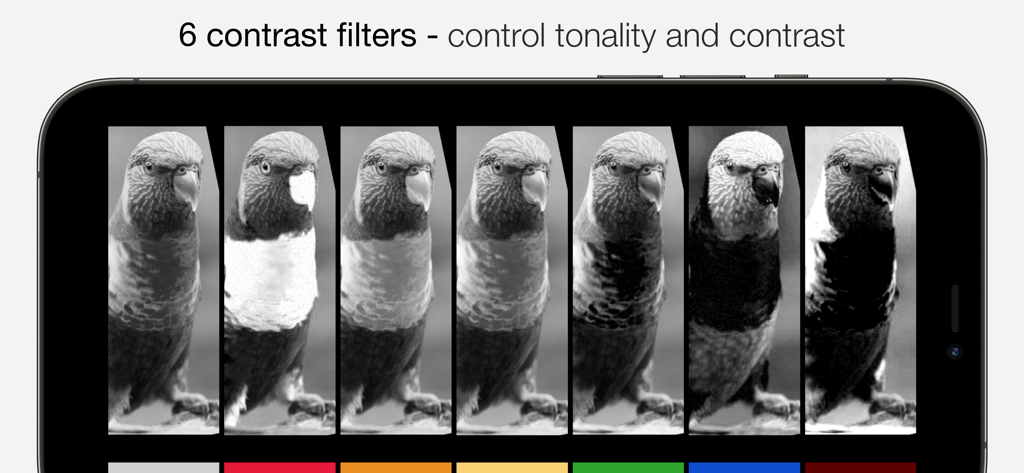
• 6 contrast/color filters for Black & White: red, orange, yellow, green, blue, infrared (simulated)
• Manual contrast control
• High-resolution capture (48MP) (*)
• Support for multi-lens devices - standard, telephoto and ultra wide-angle (*)
• ProRAW, RAW, JPEG, HEIC, TIFF file formats. DNG files contain color information, allowing later editing. A full-resolution JPEG, processed to Black and White by Camera1 is saved along side the DNG file, to the camera roll
• Support for iOS Deep Fusion and Smart HDR (*)
• Tap on the picture to take the shot
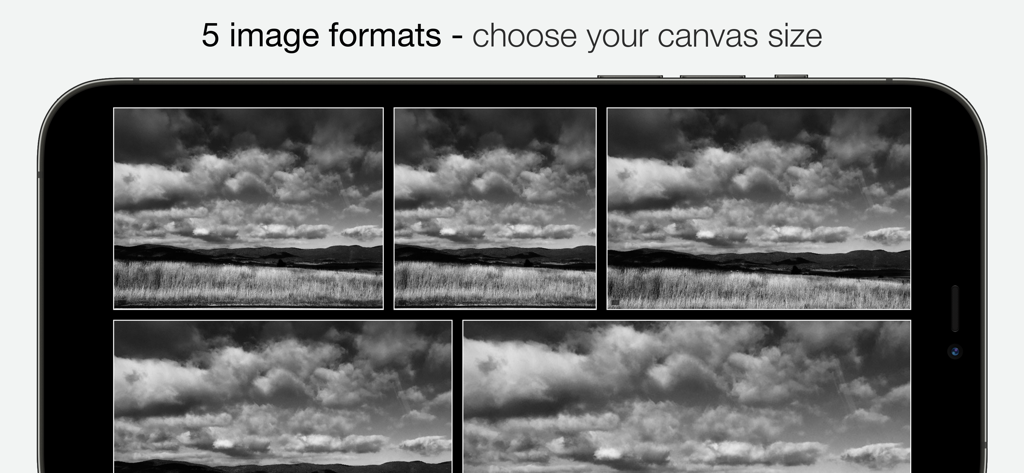
• 5 crop formats: 3:2, 4:3 (native), 1:1, 16:9, 2.35:1 (panorama)
• Zen mode: all controls disappear, leaving only the viewfinder on the screen for the ultimate picture-taking experience
• 3 flash modes: On, Off, Torch
• 2 framing grid types: Rule of third and and Golden Triangles
• Live view of all controls above
• iOS Widget - quickly launch the app from your lock or home screen
• Camera Control: use hardware camera control to launch Vistax, or to take shots (iPhone 16 Pro & Pro Max)
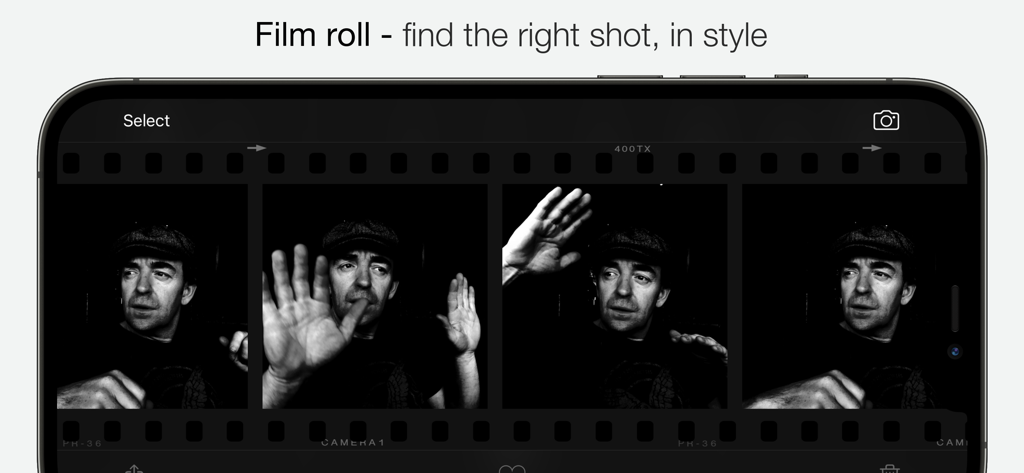
• Black and White camera roll, image viewer at full resolution
"The most brilliant Camera App in recent years" -- Keisuke Takahashi
"I like the results-a bit like film (Tri-X) with a slight grain pattern. Lots of latitude" -- Eric Mencher @emencher
Don't forget to tag your pictures with #camera1app !
Privacy-first
• Camera1 does not embed any tracking / third-party SDKs
(*) Compatibility Notes
Camera1 features depends on the support from your ios device. Here are some of those restrictions:
High-resolution (48MP) capture requires compatible hardware: 14/15/16 Pro (& Max)
ProRAW capture requires compatible hardware: 12 Pro (& Max), 13/14/15/16 Pro (& Max)
RAW capture requires compatible hardware: 6S, 7, 8, X, XS, XR, SE, 11, 11 Pro (& Max), 12, 12 Pro (& Max), 13 Pro (& Max), 14, 14 Pro (& Max), 15, 15 Pro (& Max), 16, 16 Pro (&Max) iPad Pro,
The Ultra Wide lens on iPhone 11, 11 Pro (& Max), 12, 12 Pro (& Max), 13, 13 Pro (& Max), 14, 14 Pro (& Max), 15, 15 Pro (& Max), 16, 16 Pro (& Max) and iPad pro may not support RAW or manual focus / exposure modes
Smart HDR and Deep fusion supported on compatible hardware: iPhone 11, 11 Pro, 11 Pro Max, 12, 12 Pro (& Max), 13, 13 Pro (& Max), 14, 14 Pro (& Max), 15, 15 Pro (& Max), 16, 16 Pro (& Max)