Cast Player: Your Photos and Videos on Chromecast

Cast Player: Your Photos and Videos on Chromecast

ダウンロード: App Store
Spark by MWM logo
ロゴ: Cast Player: Your Photos and Videos on Chromecast

Cast Player:iPhoneの写真やビデオを大画面で共有しよう

iPhoneとChromecastを繋ぐ、高速・無料・広告なしのツール。ワンタップでお気に入りのiCloudの思い出を部屋全体に届けます。

ダウンロード: App Store

開発元

Andrea Bizzotto

カテゴリ

Photo & Video

ダウンロード

3K+

ユーザー評価

4.4/5

評価数

200

対応言語

1

アプリのプレビュー

このインターフェースを利用する 3K+ 人のユーザー.

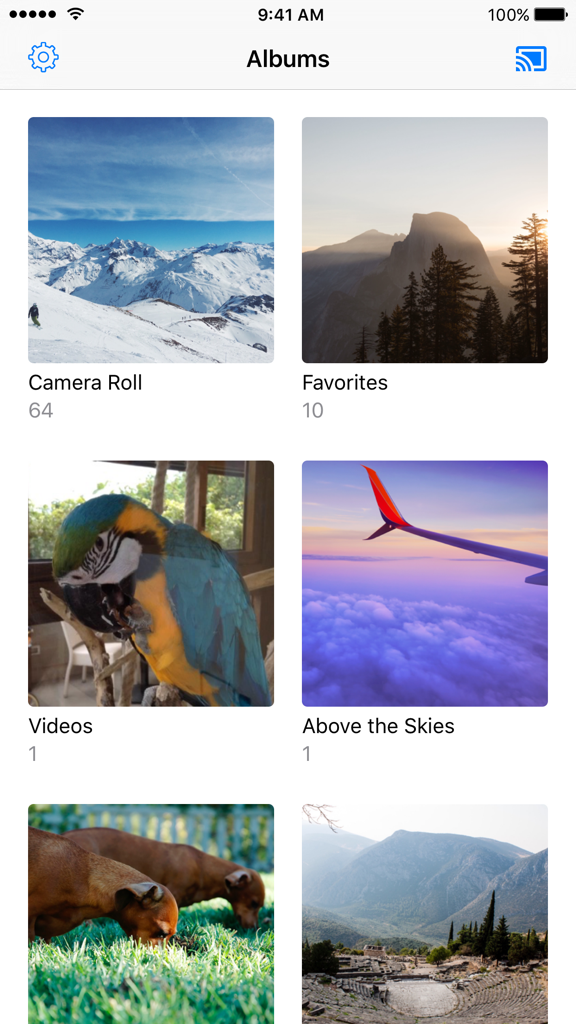
Chromecastにキャスト可能な、整理された写真とビデオのアルバムを表示するCast Playerアプリのインターフェース

Chromecastにキャスト可能な、整理された写真とビデオのアルバムを表示するCast Playerアプリのインターフェース

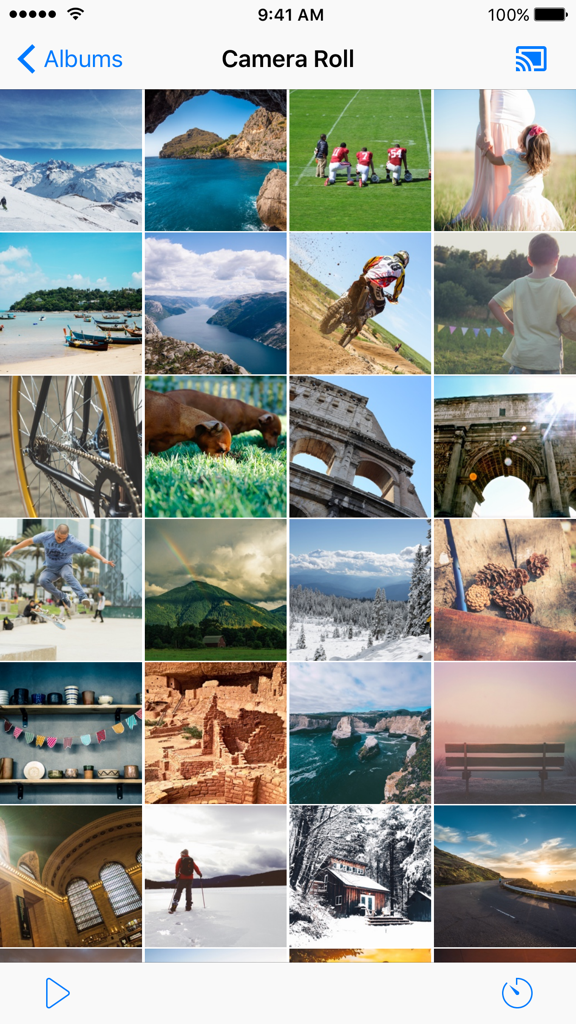
Chromecastキャスト用にiPhoneのカメラロールをグリッド表示するCast Playerアプリ

Chromecastキャスト用にiPhoneのカメラロールをグリッド表示するCast Playerアプリ

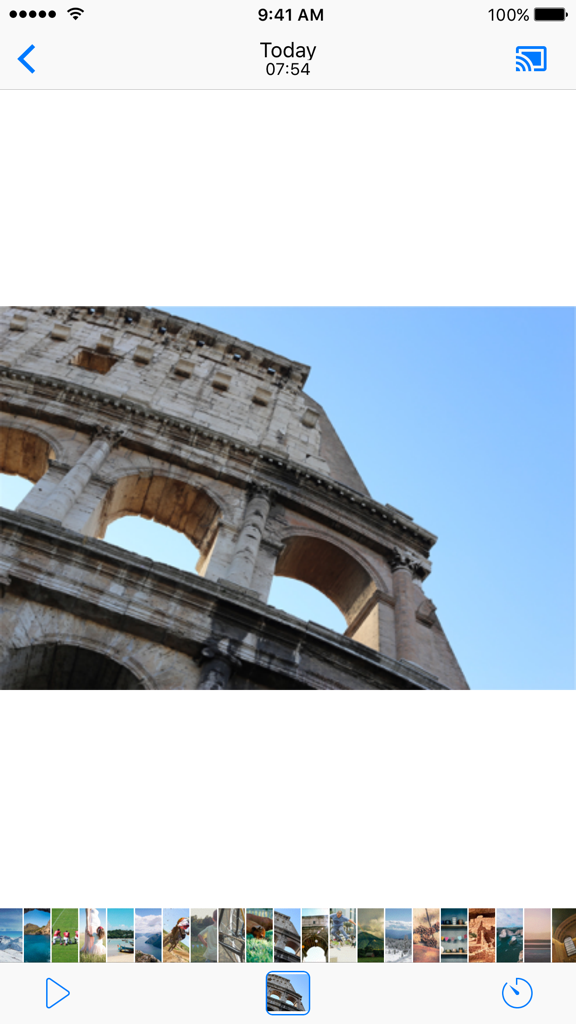
コロッセオとキャストアイコンが表示されたCast Playerアプリの写真ビューアー・インターフェース

コロッセオとキャストアイコンが表示されたCast Playerアプリの写真ビューアー・インターフェース

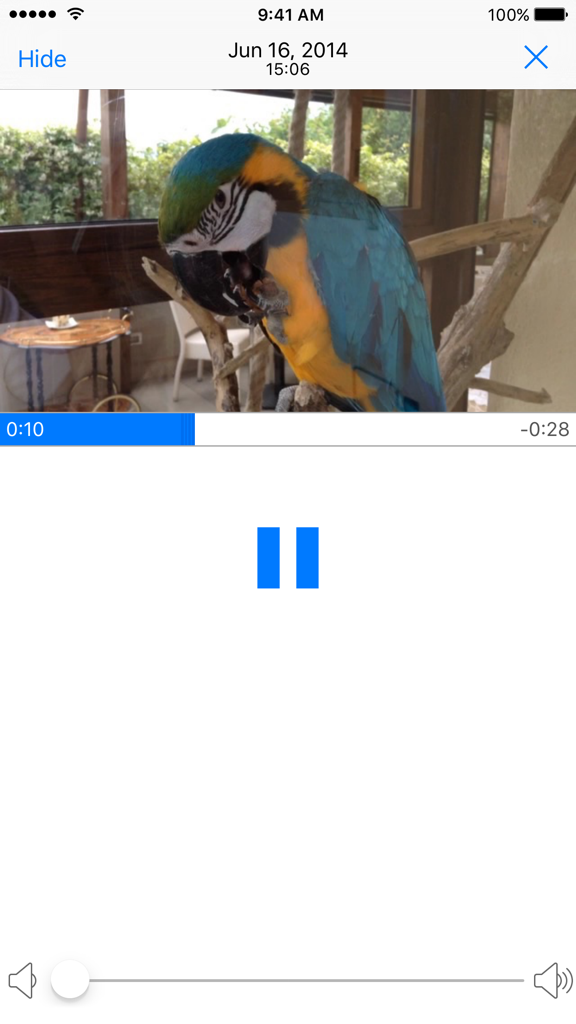
一時停止ボタンと音量スライダーが付いた、オウムのビデオを再生中のCast Playerアプリのインターフェース

一時停止ボタンと音量スライダーが付いた、オウムのビデオを再生中のCast Playerアプリのインターフェース

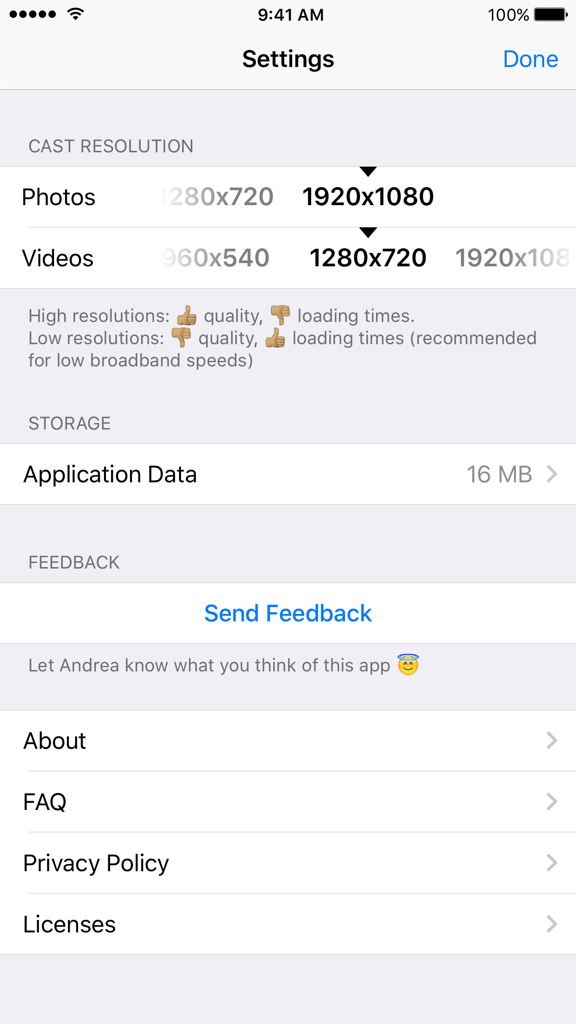
Chromecastストリーミング用の写真とビデオの解像度オプションを表示するCast Playerアプリの設定画面

Chromecastストリーミング用の写真とビデオの解像度オプションを表示するCast Playerアプリの設定画面

思い出を大画面へ

このアプリを際立たせるツール、 3K+ 人のユーザーが選択.

🔗

シームレスなクロスプラットフォーム・キャスト

Appleのエコシステムから飛び出しましょう。WiFi経由でiPhoneやiPadをChromecastデバイスに簡単に接続し、数秒で共有を開始できます。

📺

鮮やかな高解像度表示

クリアな画質で大切な瞬間を再現。iCloudライブラリを閲覧したり、カルーセルをスワイプしたり、スライドショーを開始してリビングを映画館のような体験に。

🛡️

100% 無料 & 広告なし

サブスクリプションや隠れたアプリ内課金、煩わしい広告は一切ありません。純粋に楽しむために設計された、プライベートで邪魔の入らないユーティリティを。

世界中のユーザーに愛されています

Trusted by 3K+ 人がこのアプリを愛用しています.

"

"ようやく、小さなスマホの画面を囲むことなく、祖父母に旅行の写真を見せることができました!iPhoneを持っていますが、リビングのテレビではChromecastを使っているので、このアプリは本当に助かります。高速で使いやすく、何より家族の時間に煩わしい広告やサブスクの勧誘が出ないのが最高です。"

Sarah Miller
"

"高価なApple TVよりもChromecastのコスパを好む一人として、ストアにあるあらゆるキャストアプリを試してきました。私の高解像度iCloudライブラリを完璧に扱えるのはこれだけです。大画面でスライドショーを流しながらマルチタスクができるiPadのSplit View対応は、まさに革新的です。"

David Chen

アプリについて

について知っておくべきこと Cast Player: Your Photos and Videos on Chromecast.

説明

Cast Player is the best app for casting all photos and videos from your iPhone to your Chromecast connected TV. FEATURES: * Browse and cast all your photos and videos. * Easily view all albums and play photos in a slideshow. * Carousel mode to swipe between images. * Support for iCloud Photo Library (need to be enabled in your device settings). * Connect to all Chromecast devices in the same WiFi network. * Choose photo and video resolution for casting. * Manage application storage. * Full iPad split view support. USAGE: * Connected your iPhone to the same WiFi network as your Chromecast device(s) * Connect to your desired Chromecast device * Browse photos and videos from your albums, then tap or swipe between images to cast. It’s that easy! NOTE FROM THE DEVELOPER: Cast Player is completely free. No ads, no in app purchases. I really hope you like this product and recommend it to your family and friends. Your appreciation, feedback and 5 star ratings will motivate me to make this app even better. If you have any feedback or queries, please get in touch and I will be able to assist. Happy Casting!

最新バージョン

1.0.2

サイズ

34.4 MB

リリース日

2016年12月2日

思い出のキャストを無料で始めよう

iPhoneとChromecastを繋ぐ最もシンプルな架け橋。広告なし、サブスクリプションなし。お気に入りの瞬間を大画面で。

ダウンロード: App Store