Chromecast TV Streamer #1

Chromecast TV Streamer #1

ダウンロード: App Storeダウンロード: Google Play
Spark by MWM logo
ロゴ: Chromecast TV Streamer #1

Chromecast TV Streamer #1:iOSから大画面への必須ブリッジ

iPhoneまたはiPadからChromecast、Sony、Vizioテレビに、あらゆるウェブ動画、ライブスポーツ、個人メディアを直接キャストできます。真のコードカッティングの自由を体験し、見たいものを、見たいときにストリームしましょう。

開発元

Kraus und Karnath GbR 2Kit Consulting

カテゴリ

Photo & Video

ダウンロード

954K+

ユーザー評価

4.2/5

評価数

9K+

対応言語

1

内部のぞき見

このインターフェースを利用する 954K+ 人のユーザー.

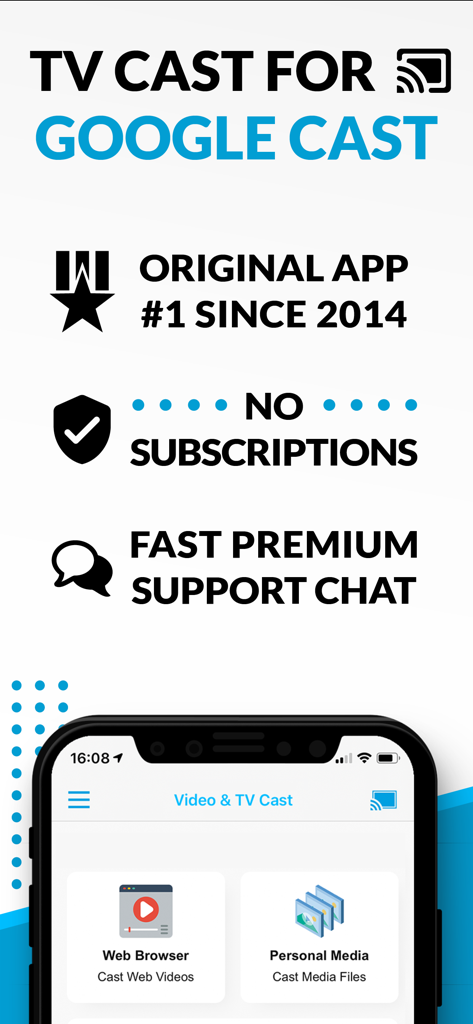
TV Cast for Google Castアプリのスクリーンショット。ウェブブラウザと個人メディアのキャストオプションが表示され、サブスクリプションメッセージはありません。

TV Cast for Google Castアプリのスクリーンショット。ウェブブラウザと個人メディアのキャストオプションが表示され、サブスクリプションメッセージはありません。

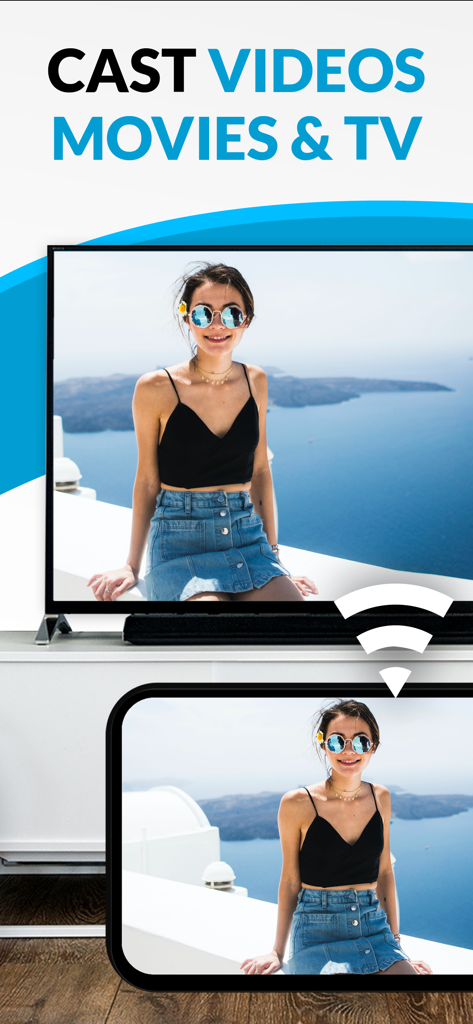
スマートフォンが、女性の個人の写真を、Chromecast TV Streamerアプリを使用して、大きなテレビ画面にキャストしています。

スマートフォンが、女性の個人の写真を、Chromecast TV Streamerアプリを使用して、大きなテレビ画面にキャストしています。

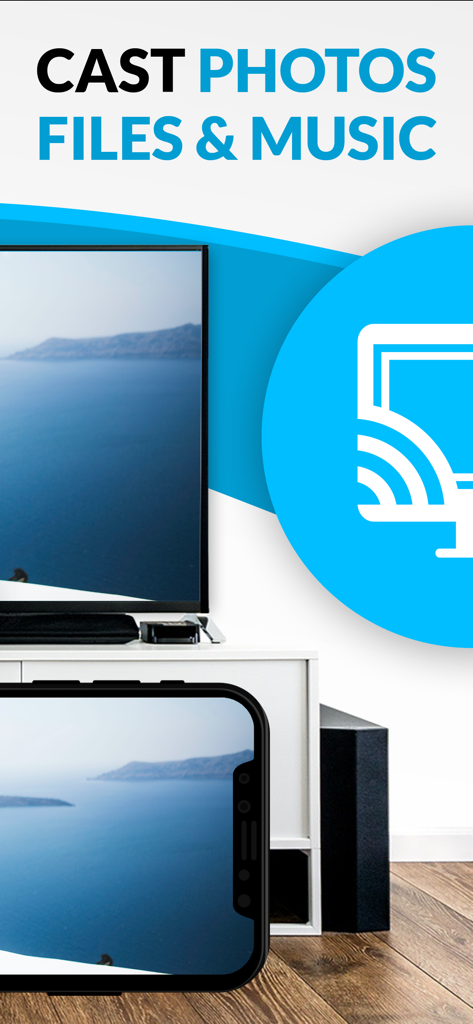
iPhone画面が、Chromecast TV Streamerアプリを使用して、風景写真を大きなテレビ画面にキャストしています。

iPhone画面が、Chromecast TV Streamerアプリを使用して、風景写真を大きなテレビ画面にキャストしています。

ウェブのあらゆるコーナーを大画面に

このアプリを際立たせるツール、 954K+ 人のユーザーが選択.

🌐

あらゆるウェブ動画をストリーム

アプリの制限から解放されます。ブラウザで見つけられるものなら何でも――ニッチなスポーツから国際ニュースまで――テレビで見ることができます。

🚫

クリーンで広告なしの視聴

モバイルウェブ広告やポップアップの煩わしさを排除します。内蔵の広告ブロッカーにより、中断ではなくコンテンツに集中した映画鑑賞が可能です。

📱

共有リモコン

iPhoneまたはiPadを強力なリモコンに変えます。複数のデバイス間で再生を同期できるため、部屋の誰でも操作(再生、一時停止、巻き戻し)ができます。

世界中のユーザーに愛されています

Trusted by 954K+ 人がこのアプリを愛用しています.

"

"高価なApple TVボックスを購入せずに、iPhoneとSonyテレビの間のギャップを埋める方法をやっと見つけました。このアプリは、独自のアプリがないサイトからスポーツをストリーミングするための救世主です。広告ブロッカーは、クリーンな視聴体験のための完全なゲームチェンジャーです!"

Mark S.
"

"iPadから直接、家族旅行の写真や動画を大画面にキャストするためにこれを使っています。セットアップはとても簡単で、リモートプレイバー機能により、部屋の誰でも一時停止や巻き戻しができます。映画鑑賞がずっと柔軟になりました。"

Sarah J.

アプリについて

について知っておくべきこと Chromecast TV Streamer #1.

説明

Watch web-videos, online-movies, livestreams and live-tv shows and your personal photos, videos & music by using Google Cast on your TCL TV, Sony TV, Hisense TV, Vizio SmartCast TV, Philips TV, Sharp TV, Toshiba TV, Chromecast, Nexus Player or Nvidia Shield gaming console. Enjoy the show on your big screen. With Video & TV Cast you can browse through the web and stream any online video on your Google Cast enabled device (movies, tv shows, sports, music and more). Just navigate to your favorite website and send the embedded video with a single tap to your TV or gaming console. The discovered video will be shown below the browser. A tap on the video link will send it to your Google Cast enabled device immediately. Streaming personal media from your device is also supported. * The app only works with devices with Google Cast or Chromecast built-in, like Vizio TV, Toshiba TV, Sony TV, Philips TV, Sharp TV, Chromecast, Nexus Player, Nvidia Shield gaming console * iTunes movies, Flash video and DRM protected videos like Amazon Prime, Netflix, Hulu, Vudu, DirecTV, Xfinity, HBO now are not supported! * Please test your favorite videos with the free edition before upgrading! * The app streams only the video part of a website and not the whole website content (No screen or tab mirroring!). * Sometimes it is necessary to play the video on your iPad or iPhone first before it gets discovered by the app for streaming. * If a specific video does not cast, please check our FAQ. If that does not help, please give us a chance to help you by dropping a mail to info@video-tv-cast.com instead of leaving a negative comment on the App Store. We will try to add support for your video as soon as possible. >>> UPGRADE FEATURES (available as in-app purchases) * Premium Edition: Unlocks all of the features listed here. Also future features are included, so you do not have to pay for them when they are released in an updated app version. * Remote Playbar: A remote control that allows you to fast forward or rewind videos while browsing. It syncs across all your iPads & iPhones that are connected to the same Chromecast. So your video can be controlled by different users in the same room. * Personal Media: Cast unlimited personal photos, videos and music directly from your device or from cloud services like iCloud and Dropbox. * Ad-Blocker: Blocks ads & popups on most websites and removes the sponsoring ads from the app. You can update and enable/disable ad-blocking at any time in the settings. * Bookmarks: Save unlimited website bookmarks. Synchronize and transfer them between different TV Cast apps and iOS devices by using backup and restore via iCloud. * Subtitles: Display subtitles & closed captions on TV. * Change Homepage: Set your personal homepage in the settings. >>> A MESSAGE FROM THE DEVELOPERS We want to say thank you for all your great support and kindly invite you to honestly rate our app. This helps us to keep up our app development and support for you. Please do not trust other apps that ask you for 5-star ratings in exchange for premium upgrades. This is against good developer ethics and also against Apple guidelines. If you have any feedback, feature requests or other request, please notify us at info@video-tv-cast.com Disclaimer: This app is not affiliated with Google, Sony, Philips, Vizio, Sharp, Asus, Nvidia or one of their products and trademarks.

最新バージョン

3.8

サイズ

34.3 MB

リリース日

2015年5月3日

大画面で真のワイヤレスの自由を体験する準備はできましたか?

iPhoneとスマートテレビのギャップを埋めた954,000人以上のユーザーに加わりましょう。ナンバーワンのChromecastストリーマーをダウンロードして、今日からあらゆるウェブ動画や個人の思い出をキャストし始めましょう。

ダウンロード: App Storeダウンロード: Google Play
FAQ

よくある質問

について知っておくべきこと Chromecast TV Streamer #1
Chromecast TV Streamer #1とは何ですか?

Chromecast TV Streamer #1を使用すると、Webビデオ、オンラインムービー、ライブストリーム、および個人メディアを、さまざまなスマートTVやChromecastなどのGoogle Cast対応デバイスにキャストできます。

Chromecast TV Streamer #1は、デバイスの画面をテレビにミラーリングできますか?

いいえ、Chromecast TV Streamer #1はWebサイトのビデオ部分のみをストリーミングします。画面またはタブのミラーリング機能は提供しません。

Chromecast TV Streamer #1はどのデバイスと互換性がありますか?

Chromecast TV Streamer #1は、TCL、Sony、Hisense、Vizio、Philips、Sharp、Toshiba TV、Chromecast、Nexus Player、Nvidia Shieldなど、Google CastまたはChromecast内蔵デバイスと互換性があります。

Chromecast TV Streamer #1は、NetflixやAmazon Primeなどのストリーミングサービスからのキャストをサポートしていますか?

いいえ、Chromecast TV Streamer #1は、Netflix、Amazon Prime、Hulu、Vudu、DirecTV、Xfinity、HBO nowなどのサービスからのDRM保護されたビデオをサポートしていません。

Chromecast TV Streamer #1はサブスクリプションが必要ですか?

いいえ、Chromecast TV Streamer #1はサブスクリプションを必要としません。プレミアム機能は、アプリ内での1回限りの購入として利用できます。

Chromecast TV Streamer #1は、個人の写真、ビデオ、または音楽をキャストできますか?

はい、Chromecast TV Streamer #1は、Personal Mediaアップグレードにより、デバイスまたはiCloudやDropboxなどのクラウドサービスから無制限の個人の写真、ビデオ、音楽を直接キャストできます。

Chromecast TV Streamer #1を使用しているときに広告をブロックするにはどうすればよいですか?

Chromecast TV Streamer #1は、アプリ内購入として広告ブロッカー機能を提供します。これにより、ほとんどのWebサイトの広告やポップアップがブロックされ、アプリのスポンサー広告が削除されます。

Chromecast TV Streamer #1のプレミアムエディションには何が含まれていますか?

Chromecast TV Streamer #1のプレミアムエディションは、リストされているすべてのアップグレード機能(将来の機能を含む)をロック解除し、後続のリリースに追加の支払いが発生しないことを保証します。

Chromecast TV Streamer #1は、ストリーミングコンテンツに字幕を提供しますか?

はい、Chromecast TV Streamer #1は、Subtitlesアプリ内購入機能を使用して、テレビに字幕やクローズドキャプションを表示することをサポートしています。