FAX from iPhone: Send Doc App

FAX from iPhone: Send Doc App

ダウンロード: App Storeダウンロード: Google Play
Spark by MWM logo
ロゴ: FAX from iPhone: Send Doc App

iPhoneからのFAX: 書類送信アプリ – どこからでもプロフェッショナルにFAX

iPhoneをパワフルで安全なFAXマシンに変えましょう。ハードウェアやオフィスへの移動なしで、書類をスキャン、送信、追跡できます。

ダウンロード: App Store

開発元

Municorn Limited

カテゴリ

Business

ダウンロード

6M+

ユーザー評価

4.8/5

評価数

379K+

対応言語

8

あなたのオフィス、どこでも

このインターフェースを利用する 6M+ 人のユーザー.

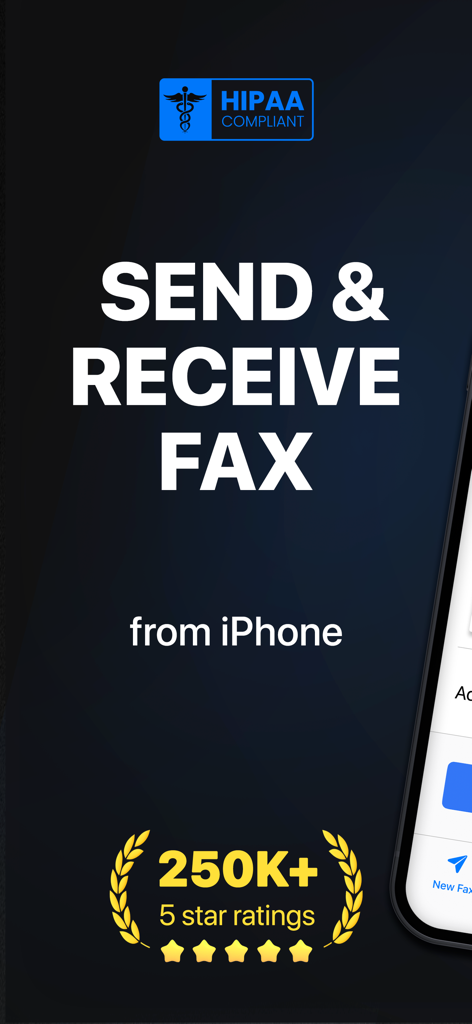
HIPAA準拠と25万件の5つ星評価を示すiPhoneアプリの概要からFAX

HIPAA準拠と25万件の5つ星評価を示すiPhoneアプリの概要からFAX

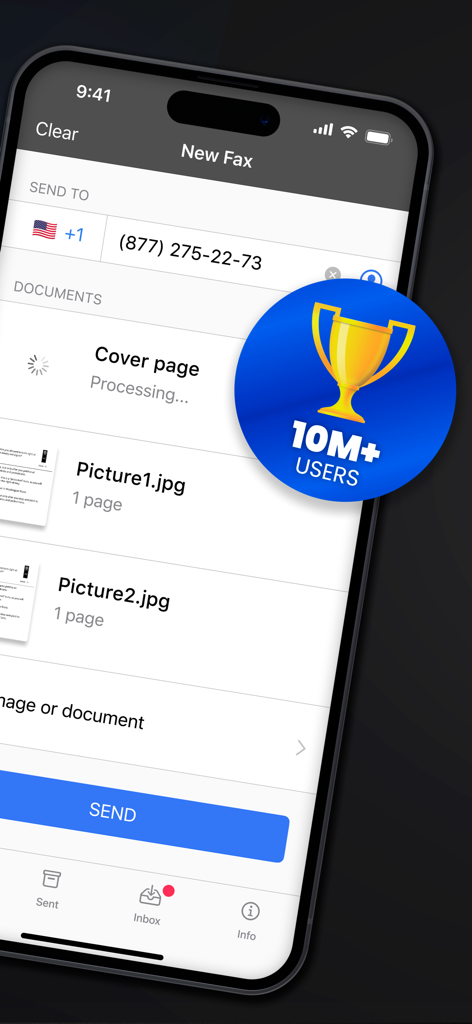
画像が添付された新しいFAX設定と1000万ユーザーのバッジを示すモバイルアプリインターフェイス。

画像が添付された新しいFAX設定と1000万ユーザーのバッジを示すモバイルアプリインターフェイス。

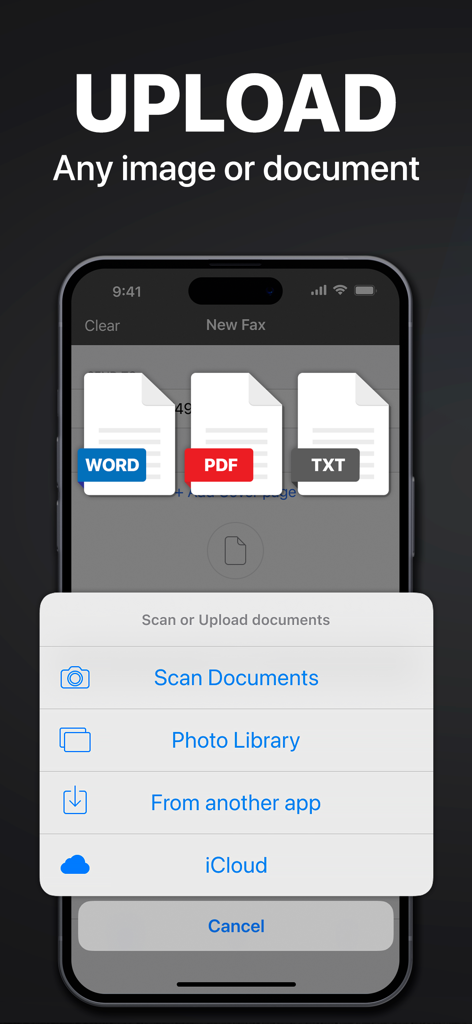
iPhoneからFAXを送信するためにWord PDFおよびテキストドキュメントをアップロードするオプションを示すインターフェイス

iPhoneからFAXを送信するためにWord PDFおよびテキストドキュメントをアップロードするオプションを示すインターフェイス

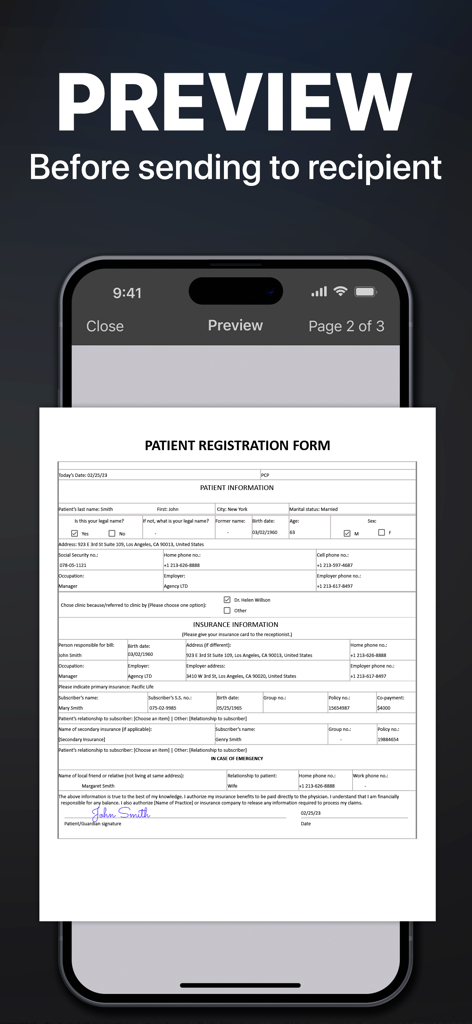
送信前にiPhoneアプリのFAXでプレビューされている医療患者登録フォーム

送信前にiPhoneアプリのFAXでプレビューされている医療患者登録フォーム

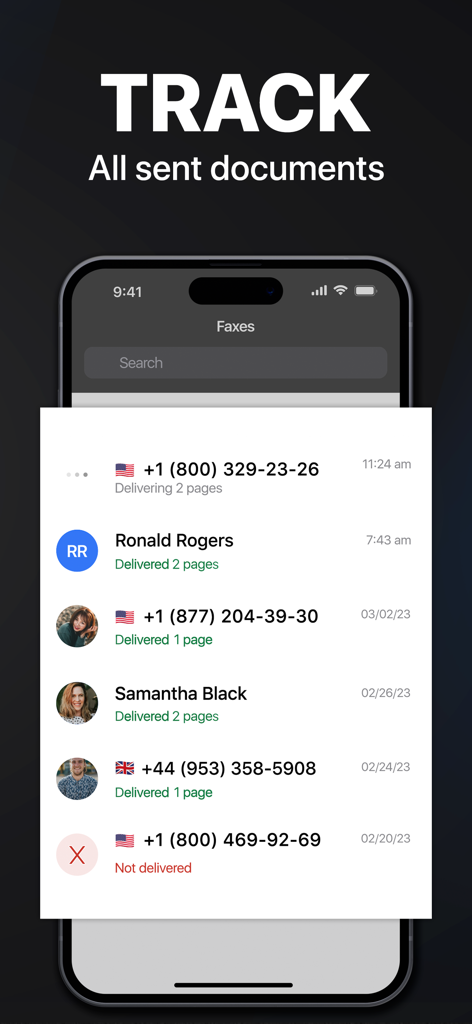
送信されたFAXドキュメントの追跡ステータスと配信履歴を示すスマートフォン画面

送信されたFAXドキュメントの追跡ステータスと配信履歴を示すスマートフォン画面

現代のプロフェッショナルのための究極のツールキット

このアプリを際立たせるツール、 6M+ 人のユーザーが選択.

📱

ポケットの中のFAXマシン

自宅やオフィスを離れることなく、契約書や医療記録をスキャン、署名、90カ国以上に送信できます。

🛡️

認定された安全な配送

すべての書類のリアルタイム追跡と配送確認により、機密ファイルが安全に宛先に届くことを保証します。

☁️

シームレスなワークフロー統合

Googleドライブ、Dropbox、iCloudから簡単に書類を取得し、複数のファイルを1つのプロフェッショナルなFAXにまとめることができます。

世界中のユーザーに愛されています

Trusted by 6M+ 人がこのアプリを愛用しています.

"

"不動産業者であるということは、デスクにいることがほとんどないということです。このアプリは私のiPhoneをモバイルオフィスに変えてくれました。契約書をスキャンして、すぐにタイトル会社にFAXできます。書類の質は非常にクリアで、ステータストラッキングは私のワークフローにとって画期的なものです。"

Sarah J., 不動産業者
"

"ビジネスのために許可証をFAXする必要があるたびに、地元の配送センターまで車で行くのにうんざりしていました。このアプリは最初の1週間で元が取れました。Googleドライブから書類を取得してグローバルに送信するのは信じられないほど簡単です。ハードウェアなし、手間なし。"

Michael R., 中小企業経営者

アプリについて

について知っておくべきこと FAX from iPhone: Send Doc App.

説明

Send & receive faxes from iPhone or iPad on the go. Fast and easy! No Fax Machine Required! Send any document everywhere. NO need to use an old school fax machine or go to a fax office. Key Features: Powerful fax app: - Fax from iPhone in 90+ international countries; - Advanced document scanner & image processing; - Best possible quality achieved no matter what types of documents you use; - Combine multiple documents into a ​single fax; - Preview any document before sending; Receiving faxes: - Dedicated number to receive faxes; - Receive faxes from anywhere in the world; Upload any types of documents: - Send just about any file type as a fax (PDF, DOC, JPG, PNG & TIFF, HTML); - Create new documents with images as you go (Photo Gallery, Camera); - Import any types of documents (Dropbox, iCloud, Google Drive, Box or any other source). Try powerful tracking: - Track sent documents status via fax app. Note, please: ------------------ For free: 1. Download for free and streamline your faxing without ads; 2. Prepare and process documents at no charge; 3. Try it out by sending a demo fax to any number for free. Ongoing fax services require an Active subscription. *Opt for an annual subscription and save up to 52% compared to weekly payments. ------------------ Information about the auto-renewal of subscription: - Payment will be charged to iTunes Account at confirmation of purchase; - Subscription automatically renews unless auto-renew is turned off at least 24-hours before the end of the current period; - The account will be charged for renewal within 24-hours before the end of the current period. The cost depends on the selected plan; - Subscriptions may be managed by the user and auto-renewal may be turned off by going to the user’s Account Settings after purchase; Privacy Policy: https://comfax.com/privacy/ Terms of Use: https://comfax.com/terms/ For any questions or inquiries, please get in touch: support@comfax.com * iPhone and iPad are trademarks of Apple Inc.

最新バージョン

2.13.17

サイズ

100.7 MB

リリース日

2015年5月20日

オフィスの移動なしで次のFAXを送信する準備はできましたか?

600万人以上のプロフェッショナルがFAX機を捨てました。今日からiPhoneから直接、安全な書類の送受信、追跡を始めましょう。

ダウンロード: App Storeダウンロード: Google Play
FAQ

よくある質問

について知っておくべきこと FAX from iPhone: Send Doc App

Is the FAX from iPhone: Send Doc App HIPAA compliant?

はい、FAX from iPhone: Send Doc App は HIPAA 準拠です。これにより、ファックス送信時に機密性の高い健康情報を安全に取り扱うことができます。

Can I send faxes to international numbers using the FAX from iPhone app?

はい、FAX from iPhone アプリから 90 以上の国にファックスを送信できます。このアプリはグローバルなファックス機能をサポートしています。

Can I receive faxes with the FAX from iPhone: Send Doc App?

はい、FAX from iPhone: Send Doc App は、世界中どこからでもデバイスに直接ファックスを受信するための専用番号を提供します。

What file types does the FAX from iPhone: Send Doc App support for sending faxes?

FAX from iPhone: Send Doc App は、PDF、DOC、JPG、PNG、TIFF、HTML など、さまざまなファイル形式をファックスとして送信することをサポートしています。

Does the FAX from iPhone: Send Doc App allow tracking of sent fax documents?

はい、FAX from iPhone: Send Doc App は強力な追跡機能を備えており、ユーザーはアプリ内で送信したすべてのドキュメントのステータスを直接監視できます。

Is the FAX from iPhone: Send Doc App free to use?

このアプリは無料でダウンロードでき、ドキュメントの準備とデモファックスを無料で行うことができます。継続的なファックスサービスにはアクティブなサブスクリプションが必要です。

How does the subscription renewal work for the FAX from iPhone app?

現在の期間が終了する少なくとも 24 時間前に自動更新をオフにしない限り、サブスクリプションは自動的に更新されます。支払いは iTunes アカウントに請求されます。

Can I preview documents before sending them as a fax with the FAX from iPhone app?

はい、FAX from iPhone: Send Doc App では、送信先の受信者に送信する前にドキュメントをプレビューできるため、正確性を確保できます。

How can I upload documents to the FAX from iPhone: Send Doc App for faxing?

フォトギャラリー、カメラ、Dropbox、iCloud、Google Drive、Box、またはその他のソースからドキュメントをアップロードしたり、新しいドキュメントをスキャンしたりできます。

How many users does the FAX from iPhone: Send Doc App have?

FAX from iPhone: Send Doc App は、世界中で 1000 万人以上のユーザーを獲得しています。