Feed Preview: Ig Grid Layout

Feed Preview: Ig Grid Layout

ダウンロード: App Storeダウンロード: Google Play
Spark by MWM logo
ロゴ: Feed Preview: Ig Grid Layout

Feed Preview: Igグリッドレイアウト — 完璧な美的感覚を安全に計画する

クリエイターやブランドのための究極のグリッドプランナー。ドラッグ&ドロップで夢のInstagramフィードをキュレーションし、ログインは一切不要です。

ダウンロード: App Store

開発元

MWM

カテゴリ

Photo & Video

ダウンロード

5M+

ユーザー評価

4.7/5

評価数

51K+

対応言語

20

美的感覚を完璧にする

このインターフェースを利用する 5M+ 人のユーザー.

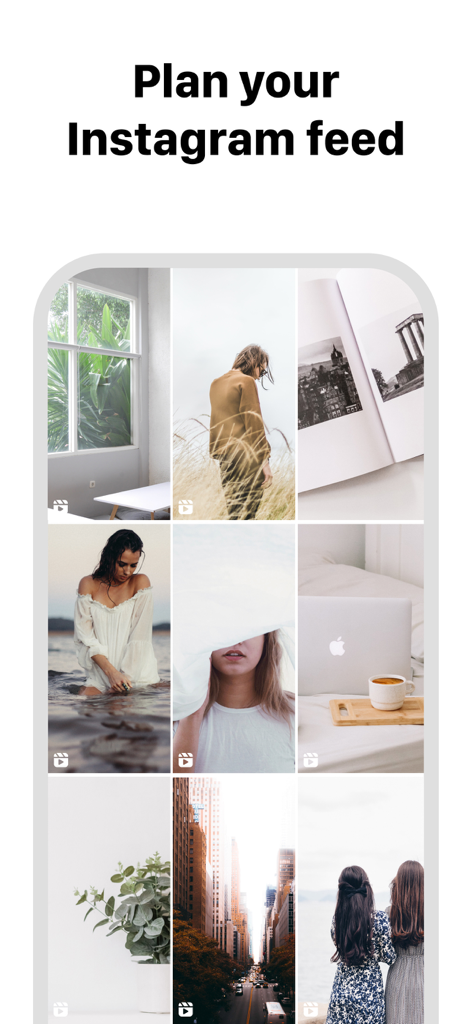
フィード計画のためにキュレーションされたInstagramグリッドレイアウトを示すモバイルインターフェイス

フィード計画のためにキュレーションされたInstagramグリッドレイアウトを示すモバイルインターフェイス

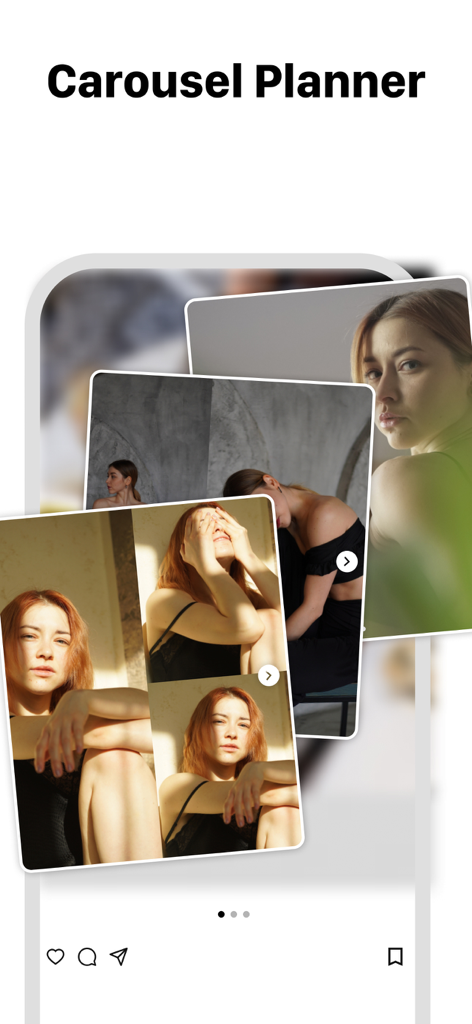
複数の重なり合った写真でInstagramのカルーセル投稿プランナーを示すモバイルアプリインターフェイス。

複数の重なり合った写真でInstagramのカルーセル投稿プランナーを示すモバイルアプリインターフェイス。

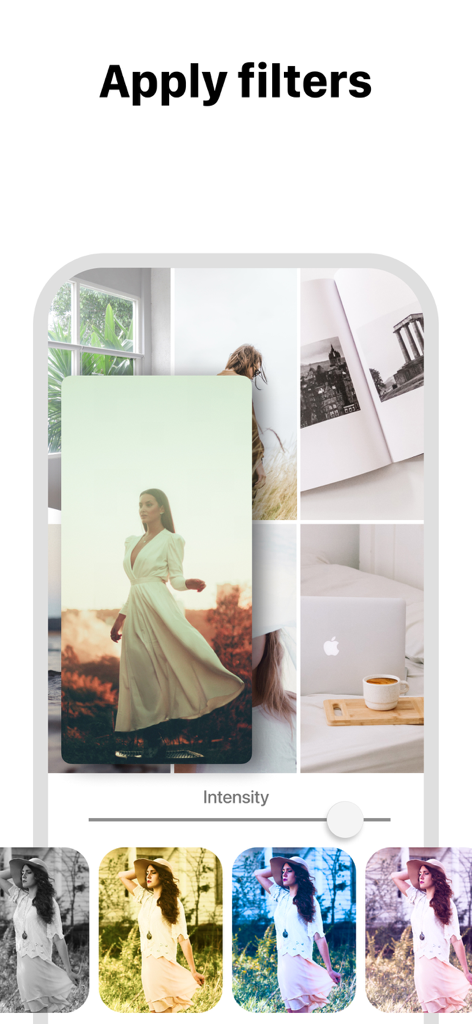
Instagramグリッドレイアウトプレビューに写真フィルターを適用する様子。

Instagramグリッドレイアウトプレビューに写真フィルターを適用する様子。

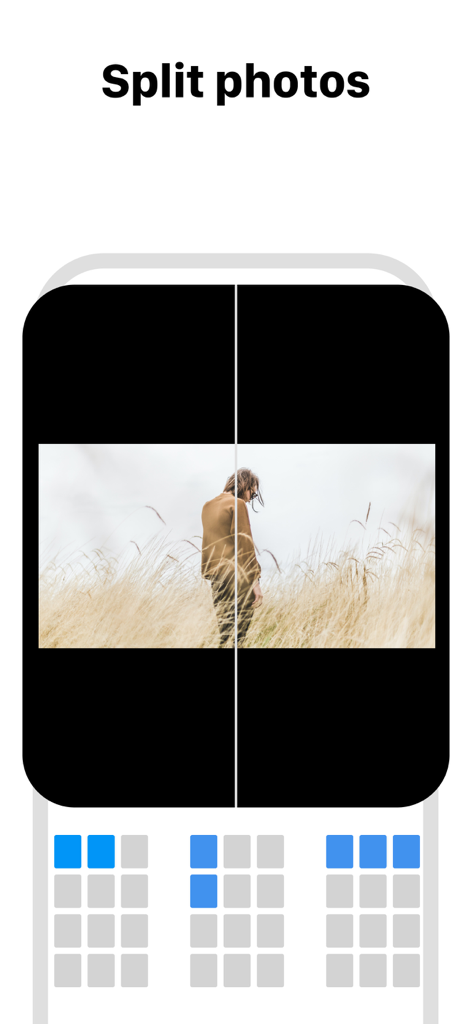
モザイクInstagramグリッドレイアウトのために写真を複数のタイルに分割する方法を示すインターフェイス

モザイクInstagramグリッドレイアウトのために写真を複数のタイルに分割する方法を示すインターフェイス

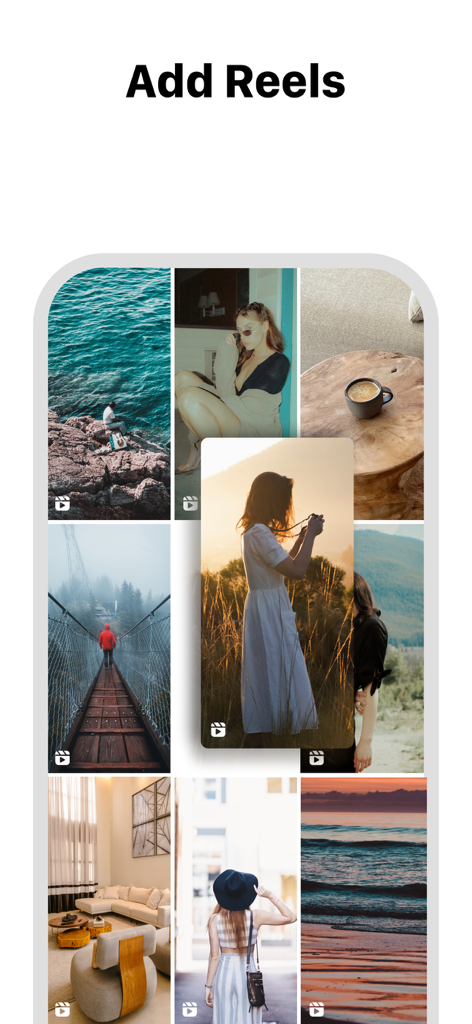
Instagramグリッドレイアウトにリールを追加する方法を示すFeed Previewアプリのインターフェイス。

Instagramグリッドレイアウトにリールを追加する方法を示すFeed Previewアプリのインターフェイス。

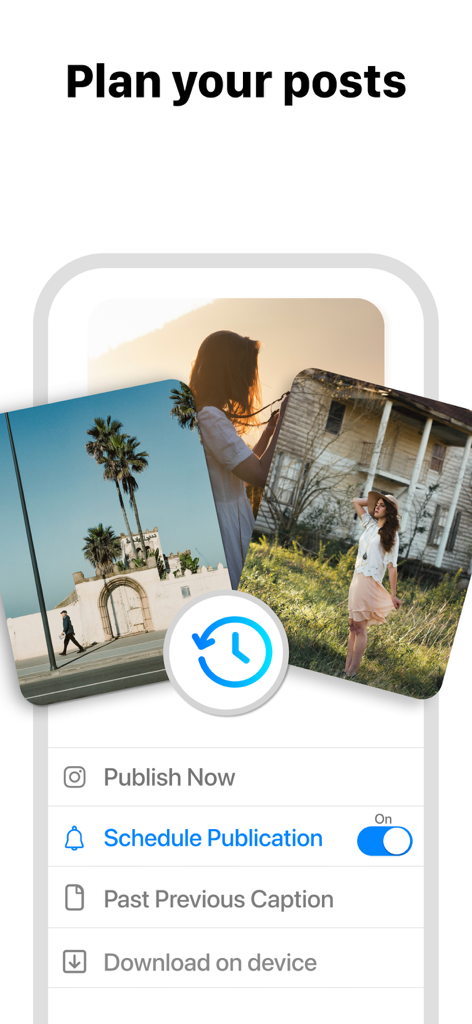
Instagramの投稿計画とスケジュールオプションを示すFeed Previewアプリのインターフェイス。

Instagramの投稿計画とスケジュールオプションを示すFeed Previewアプリのインターフェイス。

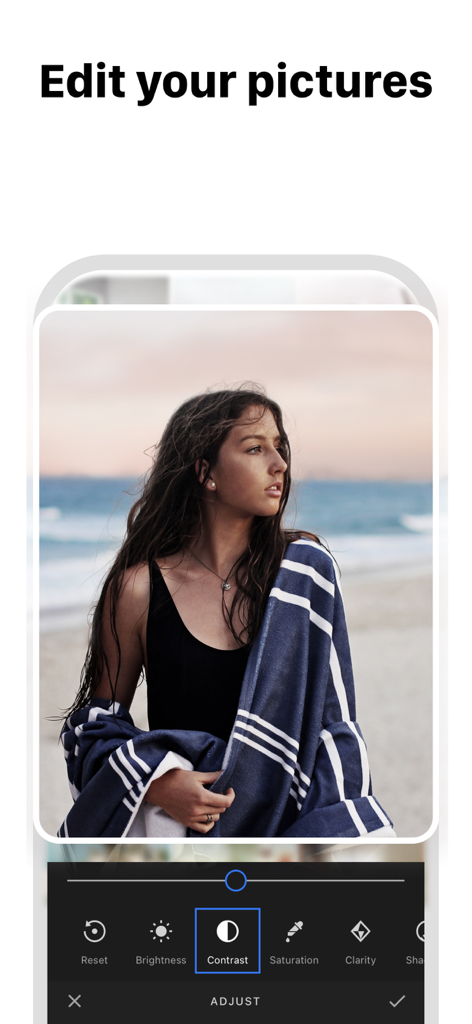
コントラスト、明るさ、彩度などのオプションを示す写真編集インターフェイスを表示するFeed Previewアプリのスクリーンショット

コントラスト、明るさ、彩度などのオプションを示す写真編集インターフェイスを表示するFeed Previewアプリのスクリーンショット

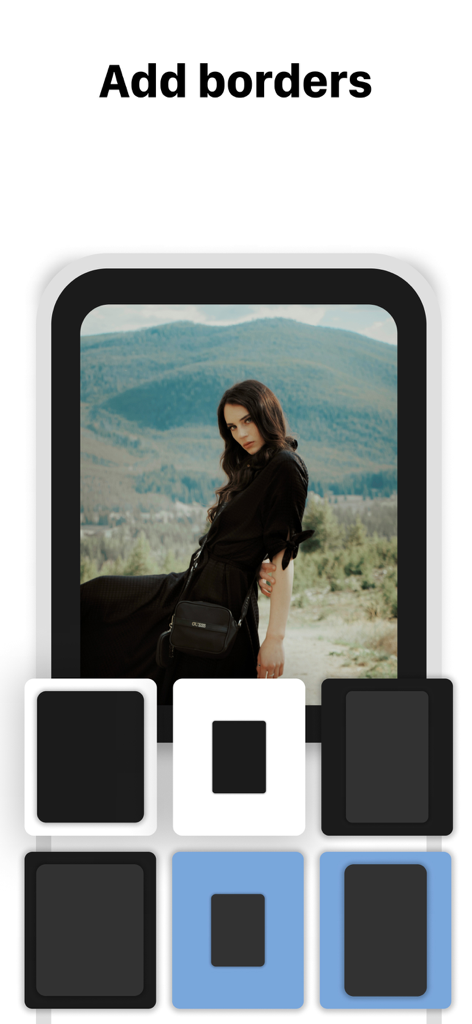
Instagramフィード計画アプリでポートレート写真のさまざまな境界線オプションを示すスマートフォンインターフェイス

Instagramフィード計画アプリでポートレート写真のさまざまな境界線オプションを示すスマートフォンインターフェイス

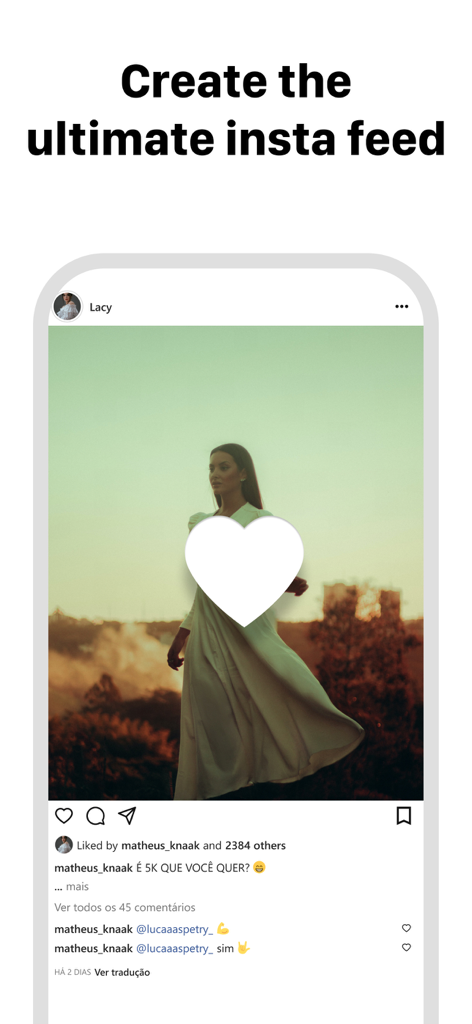
見出し「究極のインスタフィードを作成する」が付いた魅力的なInstagram投稿モックアップを示すスマートフォンのディスプレイ

見出し「究極のインスタフィードを作成する」が付いた魅力的なInstagram投稿モックアップを示すスマートフォンのディスプレイ

完璧な美的感覚をデザインする

このアプリを際立たせるツール、 5M+ 人のユーザーが選択.

🛡️

安全な「ログイン不要」アクセス

パスワードを共有せずに、公開されているプロフィールをプレビューできます。計画中は、アカウントを禁止やハッキングから100%安全に保ちましょう。

シームレスなドラッグ&ドロップ

投稿を簡単に並べ替えて、完璧なビジュアルフローを見つけましょう。投稿する前にレイアウトやモザイクを試すことができます。

📱

マルチアカウントマスター

個人ブランドとビジネスアカウントを数秒で切り替えます。ソーシャルメディアマネージャーやマルチタスククリエイターに最適です。

世界中のユーザーに愛されています

Trusted by 5M+ 人がこのアプリを愛用しています.

"

"ついに、Instagramのパスワードを要求しないアプリが登場しました!アカウントの保護には非常に気を使っているので、ユーザー名を入力するだけでグリッドを計画できるのは、まさにゲームチェンジャーです。ドラッグ&ドロップ機能は信じられないほどスムーズで、「クリーンガール」のような美的感覚を投稿する前に完璧に維持するのに役立ちます。"

Chloe S.、ライフスタイルクリエイター
"

"3つの異なるブランドアカウントを管理するソーシャルメディアマネージャーとして、このアプリは私の作業時間を数時間節約してくれました。計画したグリッドとライブフィードを即座に比較できる機能により、すべてのトランジションがシームレスであることを保証できます。モザイクや色調を合わせたレイアウトを視覚化するために使用した中で、最も直感的なツールです。"

Marcus J.、デジタルストラテジスト

アプリについて

について知っておくべきこと Feed Preview: Ig Grid Layout.

説明

Preview and plan your awesome Instagram feed! Add and delete pictures, videos and carrousels. Play with your feed! Use our beautiful filters to get a wonderful feed! ◆ NO LOGIN to Instagram ◆ We have designed the most stunning and easy to use feed preview/planner for Instagram. Preview any feed, no need to login. Do any changes, try and see how your feed looks amazing ! Delete and move your pictures ! ◆ NEW FEATURE THAT YOU'LL LOVE ◆ Just push the right button circle on your feed screen to see instantly your original feed. You'll never need again to switch between instagram and our app to see your changes! √√√ What you can do with this awesome application : ▸ Preview the Instagram feed of any instagram user ▸ Manage multiple feed at the same time ▸ Add a picture to your feed preview ▸ Delete a picture from your feed preview ▸ Move any picture from one place to an other ▸ Reset your preview to match the current instagram Feed ▸ Instantly check your initial feed ▸ Add multiple pictures at once into your Instagram Feed Preview ▸ Delete multiple pictures at once from your feed This application can even let you plan your instagram post because pictures you add to your feed preview are automatically save in local and can be used later when you want to post it to Instagram. It is thus also an Instagram planner ! We love what we have built. We do believe this feed planner/preview for instagram will improve your productivity and save you a lot of time. Do not hesitate to post any issue or feedbacks ! We want to build something big, something free, something useful. You are now part of our team ▸ How to move a mosaic / picture ? Simple do a long pressure with your finger on the picture you want to move, then drag and drop it where you would like it to be. ▸ How to add a picture into your feed preview ? Just tap the "+" button present at the top right corner of your screen. A new window will open presenting photos you have on your smartphone. Simply select all photos you want to add to your feed and continue. They will be automatically added to your feed preview and saved locally on your smartphone. ▸ How to delete a mosaic from your feed ? Tap the picture you want to delete then a popup will appear. Now your can confirm that you want to delete this picture from your feed preview. ▸ How to delete multiple pictures at once from your feed ? Again tap one of the instagram mosaic you would like to delete then select "Select multiple". Choose all the picture you want to remove from your feed preview then finally click on the trash icon you can see on the to right corner of your screen. ▸ How to refresh your feed preview with your current Instagram feed ? Click on the button on the top left corner of the feed screen and confirm that you want to refresh you feed. Be careful, this action remove all local mosaic you added before in order to create a feed preview that perfectly match your instagram feed. ▸ How to link an instagram account ? Click on the "menu" button at the bottom right corner of your screen and then tap the button "Link new account". A screen should appear, right the instagram username of the feed you would like to preview then tap "continue". The feed preview screen should be refreshed with your mosaics. Now you can plan your post and play with your instagram feed! ▸ Subscription You can now subscribe to our Premium plan and benefice to: - All ads removed - Link multiple accounts - Free support from our team You can chose between several duration plans: 1 month, 6 months or 12 months. Support languages English, French and Spanish. It is free, enjoyy !! Privacy Policy: https://berthx.io/policy/ Terms of Use: https://berthx.io/terms/

最新バージョン

3.12.3

サイズ

187.1 MB

リリース日

2019年3月2日

完璧な美的感覚をキュレーションする準備はできましたか?

500万人以上のクリエイターや中小企業オーナーが、このアプリで魅力的なInstagramグリッドを簡単に計画しています。ログイン不要、リスクなし — 指先だけで純粋な創造性を発揮できます。

ダウンロード: App Storeダウンロード: Google Play
FAQ

よくある質問

について知っておくべきこと Feed Preview: Ig Grid Layout

Instagramフィードの計画にフィードプレビューはどのように役立ちますか?

フィードプレビュー:Igグリッドレイアウトは、写真や動画を追加、削除、並べ替えることで、Instagramフィードを視覚的に計画します。プロフィールがどのように見えるかを正確に示し、完璧な美的感覚を作り出すのに役立ちます。

フィードプレビュー:IgグリッドレイアウトはInstagramログインが必要ですか?

いいえ、フィードプレビュー:Igグリッドレイアウトでは、ユーザーはInstagramアカウントにログインすることなくInstagramフィードを視覚的に計画できるため、プライバシーと使いやすさが保証されます。

フィードプレビューで複数のInstagramアカウントを管理できますか?

はい、フィードプレビュー:Igグリッドレイアウトを使用すると、ユーザーは複数のInstagramアカウントを簡単に管理できます。この機能は、さまざまなプロファイルにわたるコンテンツ計画プロセスを合理化します。

フィードプレビュー:Igグリッドレイアウトで利用できる編集機能は何ですか?

フィードプレビュー:Igグリッドレイアウトは、スタイリッシュなフィルターと境界線で写真編集を提供します。ユーザーは、アプリ内で画像の明るさ、コントラスト、彩度、明瞭度を調整することもできます。

フィードプレビュー:Igグリッドレイアウトを使用して投稿をスケジュールできますか?

はい、フィードプレビュー:Igグリッドレイアウトでは、ユーザーはInstagramの投稿を事前に作成およびスケジュールできます。これにより、将来の公開コンテンツを整理し、一貫性を維持するのに役立ちます。

フィードプレビューはInstagramカルーセルの計画をサポートしていますか?

はい、フィードプレビュー:Igグリッドレイアウトは、Instagramカルーセルの作成と計画をサポートしています。ユーザーは複数の画像を追加して、フィード用の包括的な複数画像投稿をデザインできます。

フィードプレビューは、計画されたInstagram投稿をどのように保存しますか?

フィードプレビュー:Igグリッドレイアウトのフィードプレビューに追加された画像は、デバイスにローカルに自動的に保存されます。選択したときにInstagramに投稿する準備ができています。

フィードプレビュー:Igグリッドレイアウトで任意のInstagramフィードをプレビューできますか?

はい、フィードプレビュー:Igグリッドレイアウトでは、ユーザーは任意のInstagramフィードをプレビューできます。この機能は、さまざまなプロファイルの外観を視覚化し、計画戦略を洗練するのに役立ちます。

フィードプレビューはInstagramのグリッドテンプレートを提供していますか?

はい、フィードプレビュー:Igグリッドレイアウトは、Instagramフィードをカスタマイズするためのグリッドテンプレートを提供します。これにより、ユーザーはユニークなビジュアルレイアウトのために写真のデザインと配置を行うことができます。

フィードプレビュー:Igグリッドレイアウトでフィードプレビューをリセットできますか?

はい、フィードプレビュー:Igグリッドレイアウトでは、ユーザーはプレビューをリセットして現在のInstagramフィードに一致させることができます。この機能は、リアルタイムの変更を反映するようにアプリのレイアウトを即座に更新します。