
FUJIFILM WPS Photo Transfer



お気に入りの写真をFUJIFILM Wonder Print Station キオスクに素早くワイヤレスで送信し、ケーブル不要でその場で高品質プリント。
開発元
カテゴリ
Photo & Videoダウンロード
4M+ユーザー評価
評価数
800対応言語
2このインターフェースを利用する 4M+ 人のユーザー.
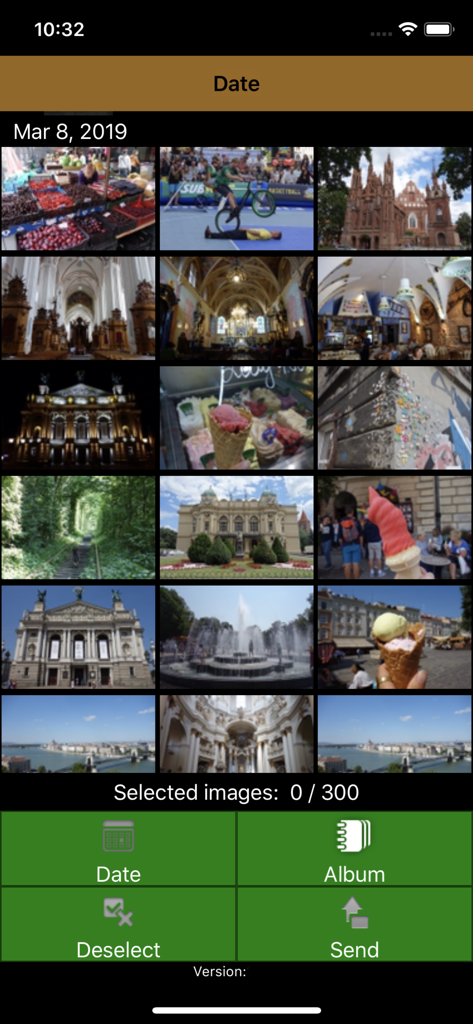
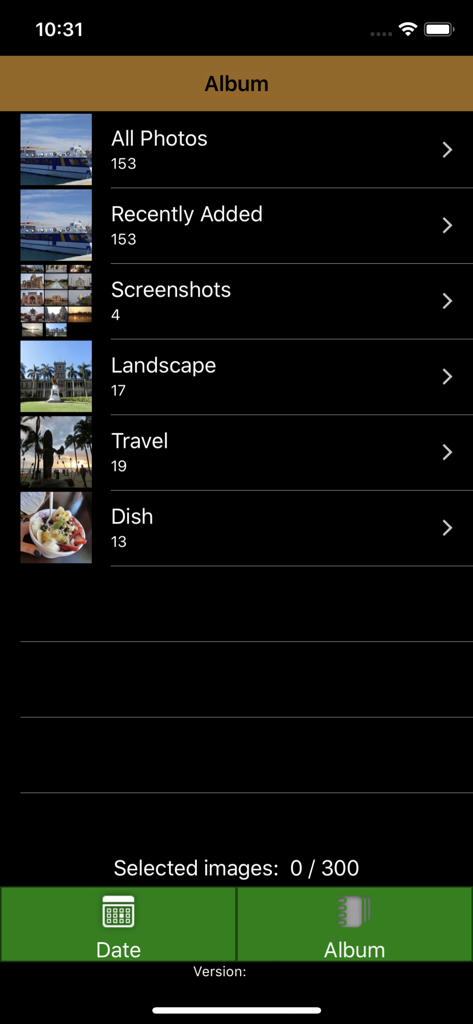
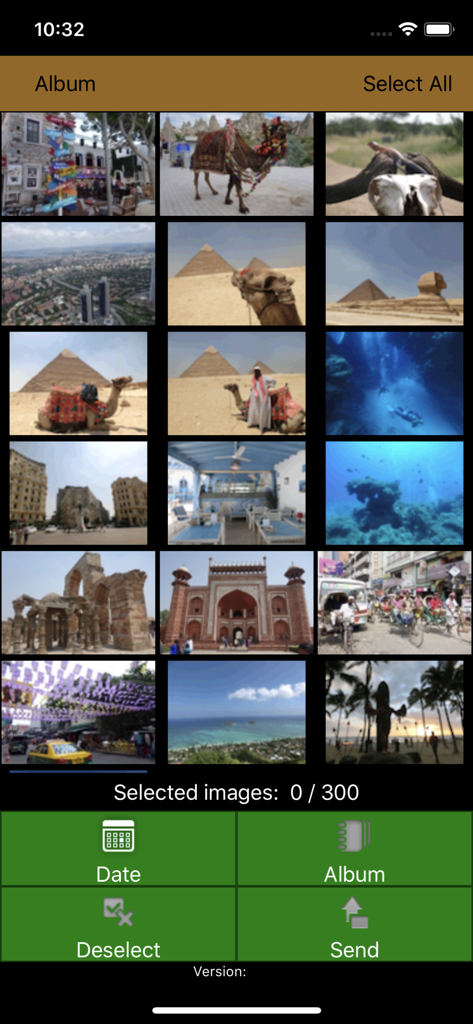
このアプリを際立たせるツール、 4M+ 人のユーザーが選択.
面倒なケーブルはもう不要。Wi-FiでiPhoneをキオスクに直接接続し、数秒でコードレス転送。
自宅でリラックスしながらお気に入りの写真を選べます。キオスクでの時間を短縮し、もっと一日を楽しみましょう。
スマホのギャラリーを、家族アルバム、家の装飾、心のこもったギフトに最適な美しいプリントに変えましょう。
Trusted by 4M+ 人がこのアプリを愛用しています.
"忙しい母親として、自宅で好きな写真を選んで、薬局に行ったときにキオスクに素早く転送できるのが気に入っています。ケーブルを使うよりも、家族アルバム用のプリントを簡単に、速く手に入れることができます。"
"娘の卒業祝いに写真をプリントする方法を探していて、このアプリでプロセスがシームレスになりました。Wonder Print Stationへの接続は簡単で、数分で高品質なプリントを手に入れることができました。"
ユーザーレビューの分析.
感情スコア
概要
The mobile app receives overwhelmingly negative feedback from users, with many reporting it to be completely unusable. Common complaints include frequent app crashes and freezing, persistent Wi-Fi and cable connectivity issues, and extremely slow performance, often leading to wasted time and inability to complete photo printing, especially with large photo libraries. While a small number of users found the app easy to use and efficient when it successfully connected, the vast majority experienced significant frustrations with its reliability and user interface. One user also noted difficulty printing after updating to iOS 17.1.1, though this was not a widespread complaint.
主なテーマ
について知っておくべきこと FUJIFILM WPS Photo Transfer.
説明
最新バージョン
2.3.12
サイズ
7.5 MB
リリース日
2015年3月12日
アプリをダウンロードして、自宅でベストショットを選び、FUJIFILM Wonder Print Station キオスクでのシームレスなワイヤレスプリントをお楽しみください。
について知っておくべきこと FUJIFILM WPS Photo Transfer
FUJIFILM WPS Photo Transferは、Wi-Fi接続を介してFUJIFILMの「Wonder Print Station」キオスクに画像を送信するために設計されたiOSアプリケーションです。
FUJIFILM WPS Photo Transferアプリを使用すると、ユーザーはiOSデバイス上の写真を選択できます。選択後、スマートフォンはWonder Print Stationの注文端末に接続され、印刷用に画像が転送されます。
FUJIFILM WPS Photo Transferは、FUJIFILMの「Wonder Print Station」キオスク専用です。他のキオスクシステムでは機能しません。
FUJIFILM WPS Photo Transferアプリケーションには、iPhone 7以降のデバイスが必要です。完全な互換性と機能性を確保するために、iOS 15以降で動作します。
インストール時に、「すべての写真へのアクセスを許可」を求められたら、それを押してください。アクセスが拒否された場合は、設定、プライバシーとセキュリティ、写真の順に進み、「WPS Photo Transfer」を「すべての写真へのアクセス」に設定してください。
はい、ユーザーはFUJIFILM WPS Photo Transferアプリケーション内で最大300枚の画像を選択し、キオスクに転送できます。
似た機能とユーザー体験を持つアプリ

PlusMinusOne, Inc.

Princh ApS
FUJIFILM Business Innovation Corp.

KOPIKS, OOO

Sharp Corporation

FamilyMart Co.,Ltd.

VISIONOTS Co.,Ltd

WEPA Inc.

Xerox Corporation