HVC Viewer

HVC Viewer

ダウンロード: App Store
Spark by MWM logo
ロゴ: HVC Viewer

HVC Viewer:インタラクティブARでレンズコンサルテーションを変革

患者が自分の未来の視界を「体験」できるようにします。業界をリードするARツールを使用して、レンズ性能を視覚化し、購入の躊躇を減らし、診察室でのあなたの専門知識を近代化します。

開発元

Hoya Holdings NV

カテゴリ

Lifestyle

ダウンロード

96K+

ユーザー評価

3.7/5

評価数

100

対応言語

1

視覚的なコンサルテーション

このインターフェースを利用する 96K+ 人のユーザー.

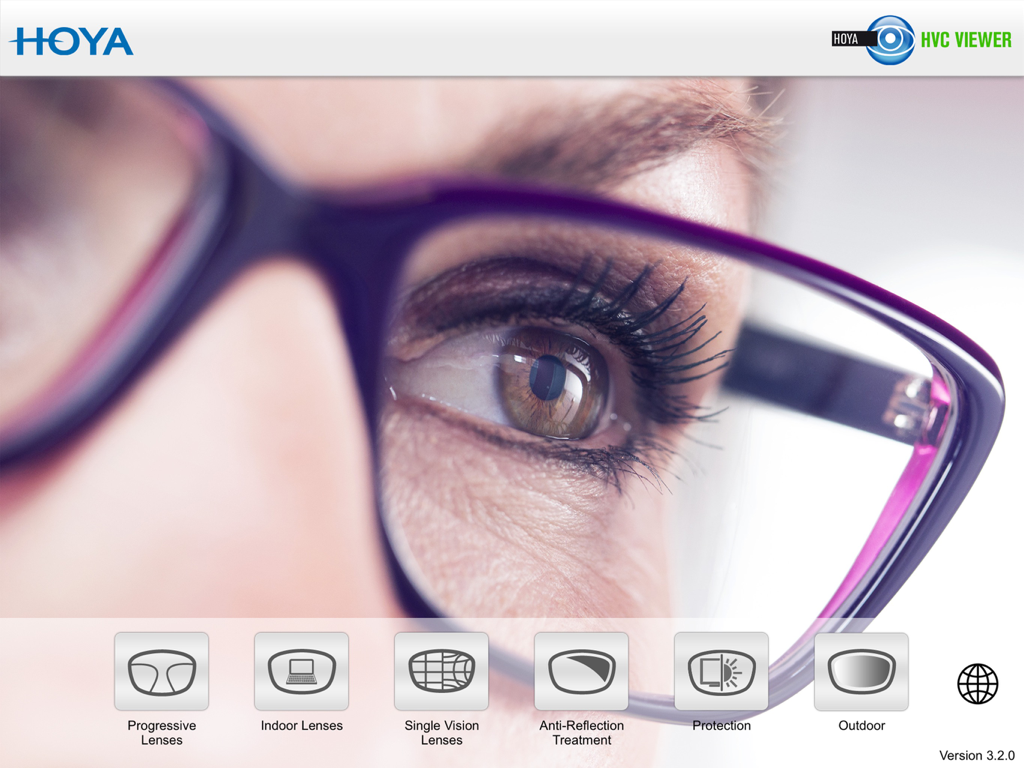
HOYA Vision Consultant Viewerアプリのメインインターフェース、様々なレンズデモンストレーションモジュールを表示

HOYA Vision Consultant Viewerアプリのメインインターフェース、様々なレンズデモンストレーションモジュールを表示

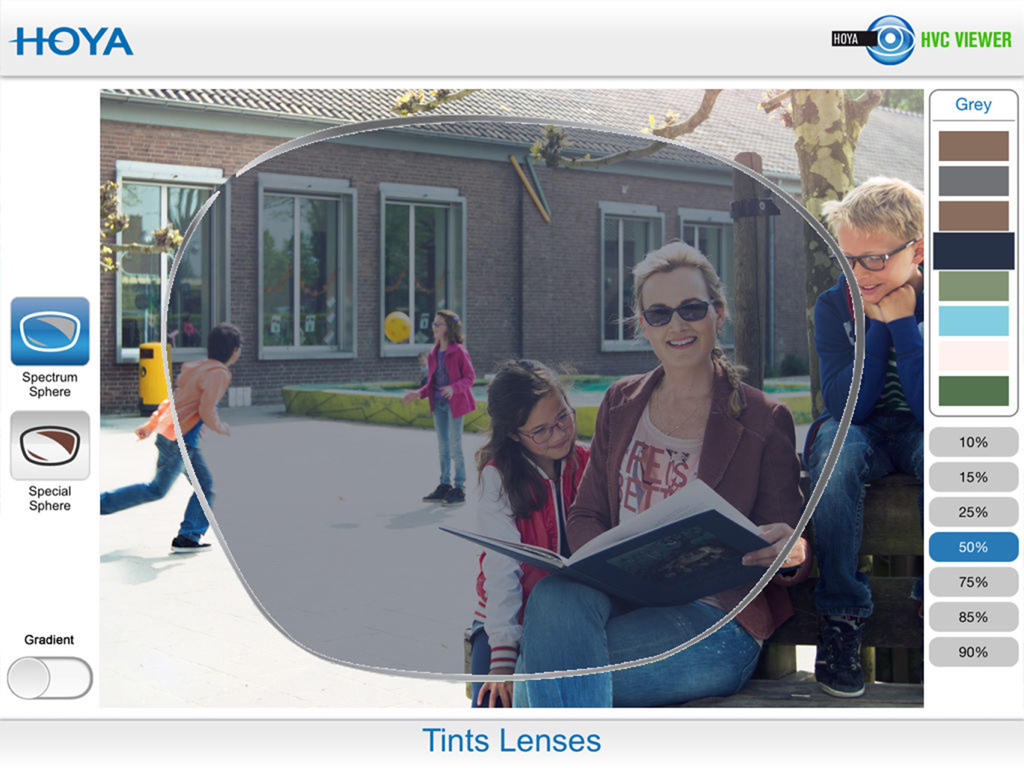
HVC Viewerアプリで50パーセントの濃度のグレー着色レンズのARシミュレーション

HVC Viewerアプリで50パーセントの濃度のグレー着色レンズのARシミュレーション

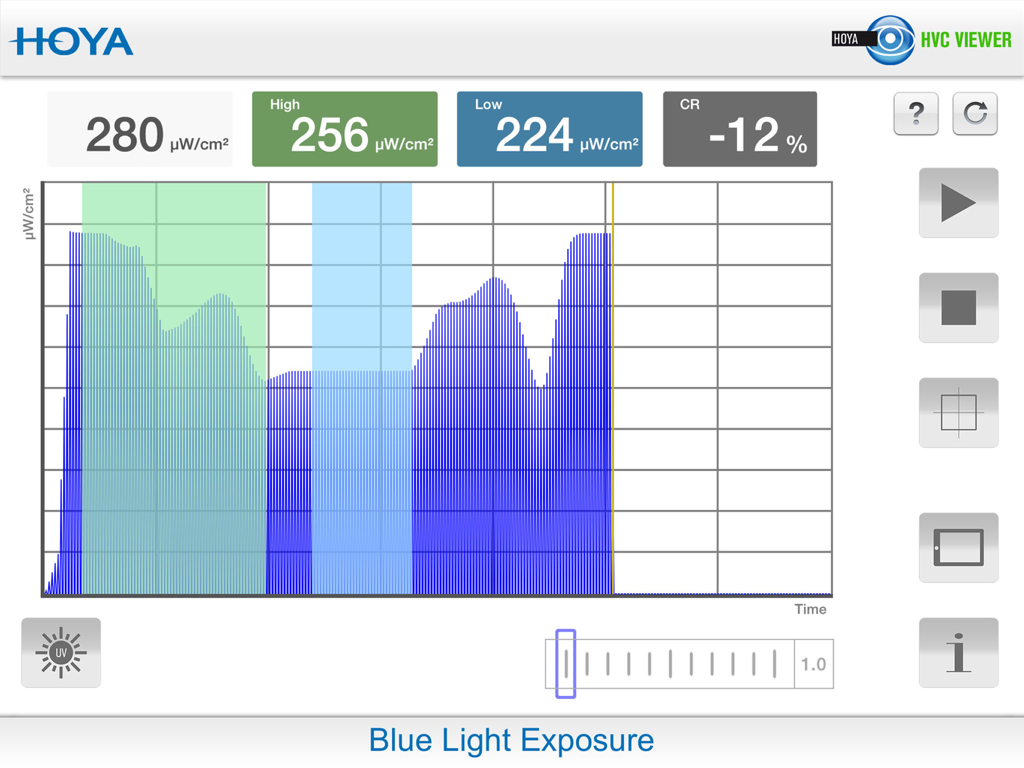
HOYA Vision Consultant Viewerアプリのブルーライト暴露インターフェース

HOYA Vision Consultant Viewerアプリのブルーライト暴露インターフェース

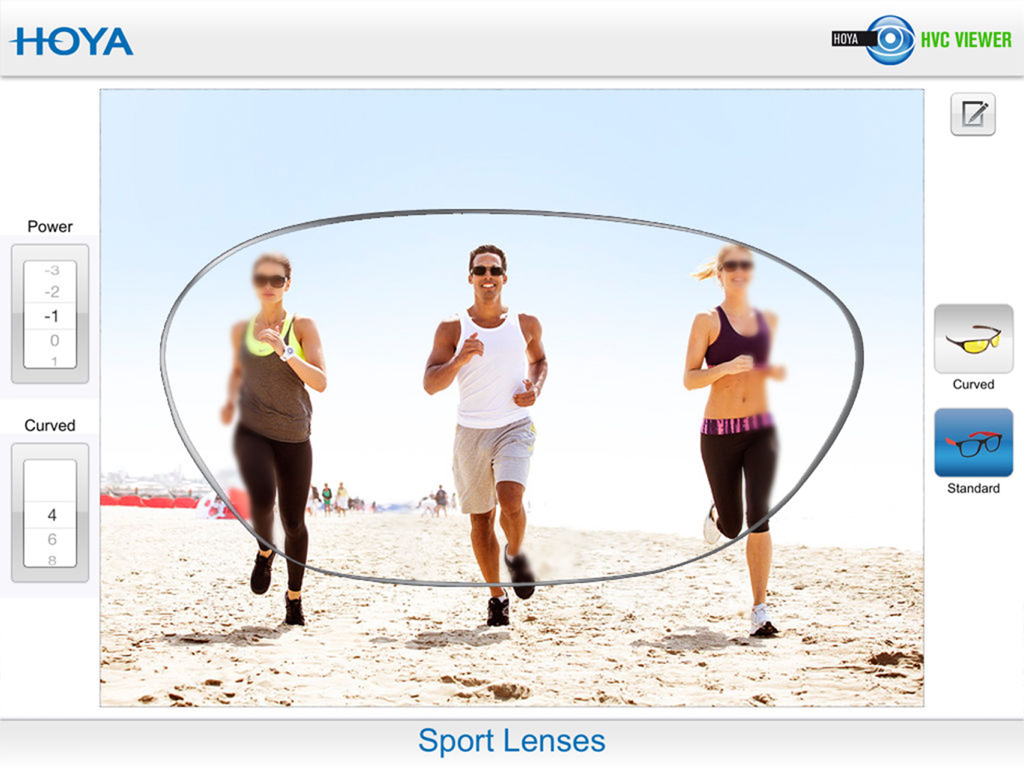
ビーチでのアスリート向けのHOYAスポーツレンズの視覚性能と周辺視野の鮮明さを示すシミュレーション

ビーチでのアスリート向けのHOYAスポーツレンズの視覚性能と周辺視野の鮮明さを示すシミュレーション

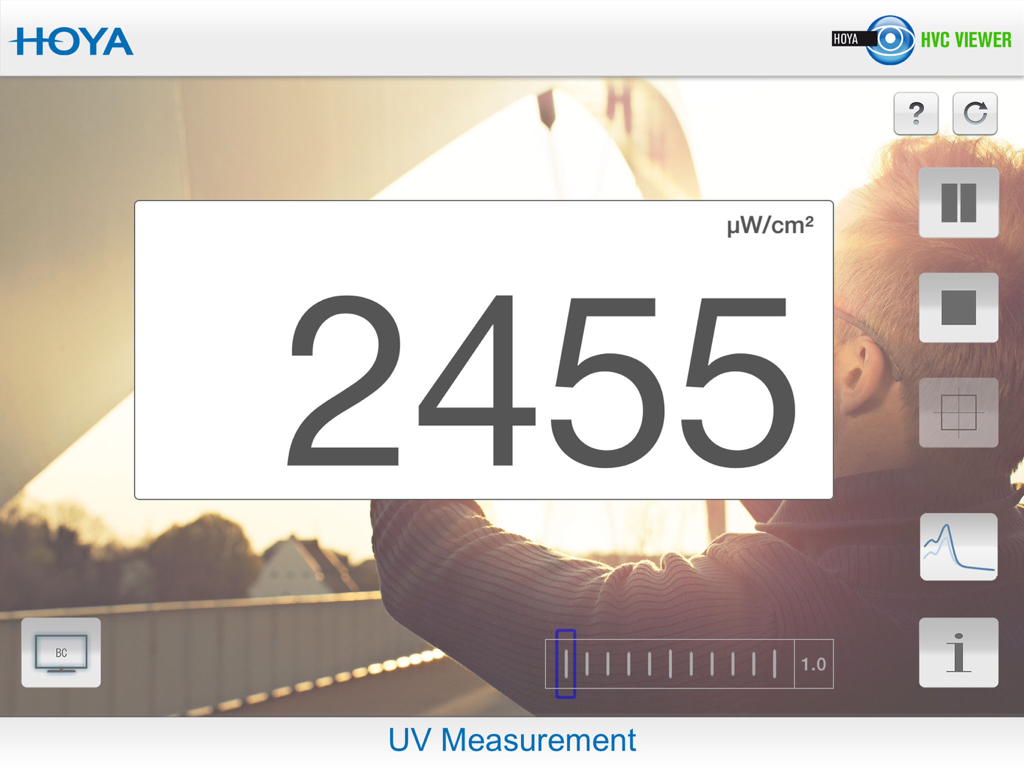
HVC ViewerアプリのUV測定画面、UV強度のデジタル表示

HVC ViewerアプリのUV測定画面、UV強度のデジタル表示

あなたの光学販売を強化

このアプリを際立たせるツール、 96K+ 人のユーザーが選択.

👓

インタラクティブなデザイン比較

患者がプレミアムな遠近両用レンズと屋内レンズの鮮明さを視覚化するのを助け、購入後の後悔や適応の不満を減らします。

没入型ARシミュレーション

リアルタイムの拡張現実を使用して、反射防止コーティングや偏光フィルターの利点を即座に実演します。

👤

処方箋固有のデモ

度数と軸のパラメーターを調整して、患者に正確な処方箋がどのように機能するかを示すことで、すべてのコンサルテーションをカスタマイズします。

世界中のユーザーに愛されています

Trusted by 96K+ 人がこのアプリを愛用しています.

"

"HVC Viewerは私の患者コンサルテーションを完全に変えました。静的な図でレンズの歪みを説明しようとする代わりに、iPadを渡すだけです。目に見えない技術を実体化させ、それ以来、プレミアムな遠近両用レンズのコンバージョン率が急上昇しました。"

Dr. Sarah Mitchell, Optometrist
"

"AR機能は私たちの光学ブティックにとってゲームチェンジャーです。患者はしばしば高級コーティングや屋内レンズの価格に懐疑的ですが、アプリを通じてリアルタイムで違いを見たとき、その価値は明白になります。これは、私たちの専門知識における患者の混乱とレンズの作り直しを大幅に減らしました。"

James Rodriguez, Licensed Optician

アプリについて

について知っておくべきこと HVC Viewer.

説明

Combine efficient business with the freedom to go wherever you please with the Hoya Vision Consultant Viewer application for your iPad. This is the first app with fully interactive Augmented Reality for the perfect, consumer-oriented sales consultation. A simple way of making the visual effects of different spectacle lenses easier to understand for spectacle wearers. Your clients can instantly see the difference in performance between lenses in a ‘real life’ situation. Anytime, anywhere.... In your practice or testing room. The Hoya Vision Consultant Viewer application consists of five modules: Module 1: Progressive lenses •Demonstrate the difference in performance across the range of progressive designs. •Depending on designs, fields of view and areas of distortion will change. •Easily adjust the lens power and addition to represent the clients prescription. Module 2: Single vision lenses •Demonstrate the difference between a bi-aspherical, aspherical and standard designs. •Show how different distortion levels may affect visual and binocular perception. •For a more precise experience, you can adjust the sphere, cylindrical power and axis of the lens. Module 3: Indoor lenses •Explain the variety of indoor solutions available based on the functional needs of your clients, from standard reading glasses to the most sophisticated premium indoor lens. •The visual representation will adapt based on the chosen design. Module 4: Anti-Reflection coatings •Easily demonstrate the benefits of an anti-reflection coating in terms of comfort, such as glare reduction, contrast improvement and increased sharpness of vision. Module 5: Polarised lenses •Show how polarised lenses enhance visual contrast and reduce glare creating increased wearer comfort. Module 6: Photochromic Lenses •This feature highlights the benefits of wearing photochromic lenses demonstrating how comfortable and natural vision can be achieved in all lighting conditions. •Compare the performances between clear and photochromic lenses (available in brown and grey). Let your customer ‘experience’ the variety of lens options in order to choose the best lens for their visual needs. All the features at your fingertips! Visit your Hoyanet website or contact your local Hoya area sales manager for further information.

最新バージョン

3.3.7

サイズ

274.0 MB

リリース日

2012年8月30日

ARテクノロジーであなたの専門知識を向上させましょう

iPad用のHVC Viewerでチームを装備し、複雑なレンズの利点を明確でインタラクティブな体験に変え、患者満足度と販売を促進します。

ダウンロード: App Store