Inkflow Plus Visual Notebook

Inkflow Plus Visual Notebook

ダウンロード: App Store
Spark by MWM logo
ロゴ: Inkflow Plus Visual Notebook

Inkflow Plus: 視覚的思考のためのワードプロセッサ

ペンと紙と同じくらい簡単にアイデアをキャプチャし、思考を楽に並べ替え、スケーリングして全体像を把握しましょう。

ダウンロード: App Store

開発元

Qrayon, LLC

カテゴリ

Business

ダウンロード

352K+

ユーザー評価

4.7/5

評価数

2K+

対応言語

1

動きの中での思考

このインターフェースを利用する 352K+ 人のユーザー.

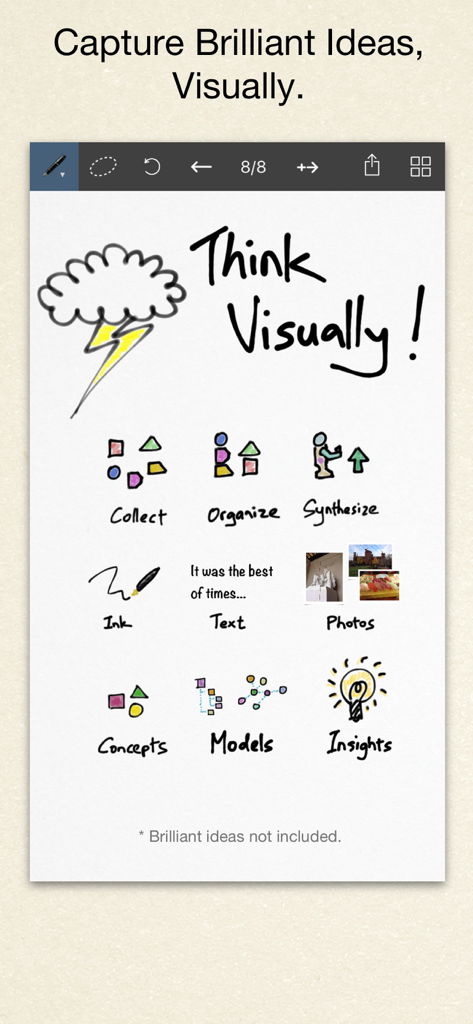
Inkflow Plusアプリのデジタルキャンバス。アイデア整理のためのスケッチ、テキスト、写真などのビジュアルシンキングツールが表示されています。

Inkflow Plusアプリのデジタルキャンバス。アイデア整理のためのスケッチ、テキスト、写真などのビジュアルシンキングツールが表示されています。

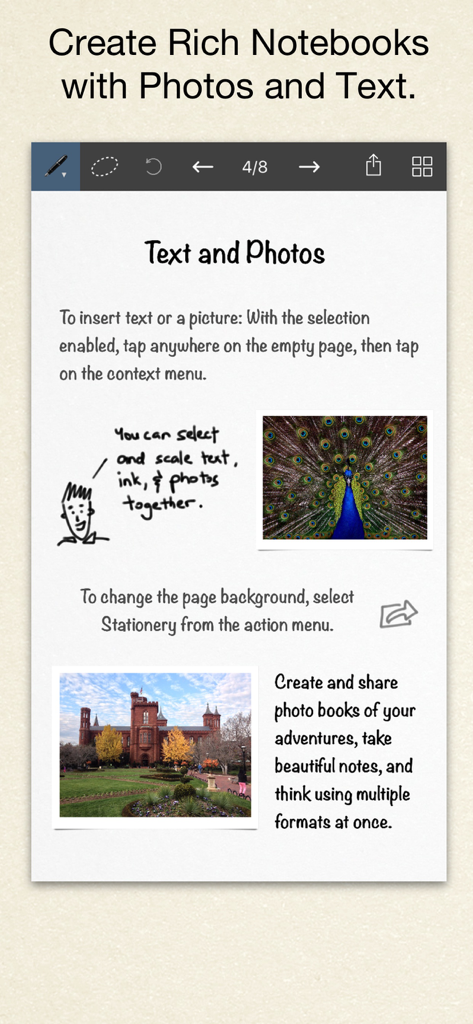
Inkflow Plusのデジタルノートページ。テキスト、手書きスケッチ、写真のミックスが特徴です。

Inkflow Plusのデジタルノートページ。テキスト、手書きスケッチ、写真のミックスが特徴です。

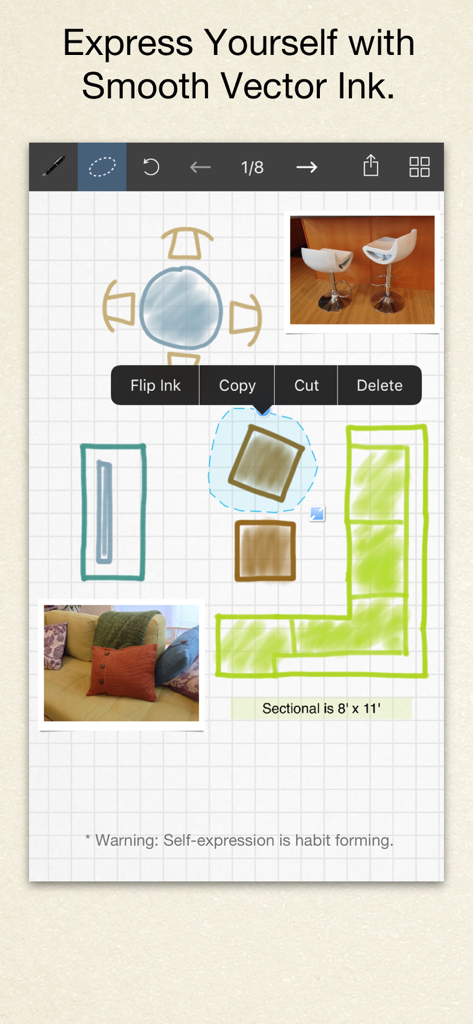
Inkflow Plusで描かれた手描きの部屋レイアウトデザイン。ベクターインクと写真の統合を示しています。

Inkflow Plusで描かれた手描きの部屋レイアウトデザイン。ベクターインクと写真の統合を示しています。

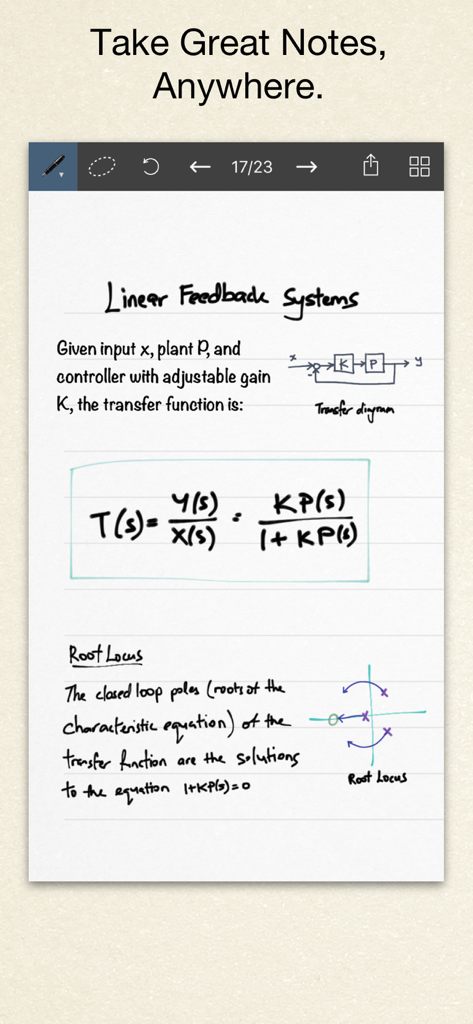
Inkflow Plus Visual Notebookの手書きエンジニアリングノート。図と数式が含まれています。

Inkflow Plus Visual Notebookの手書きエンジニアリングノート。図と数式が含まれています。

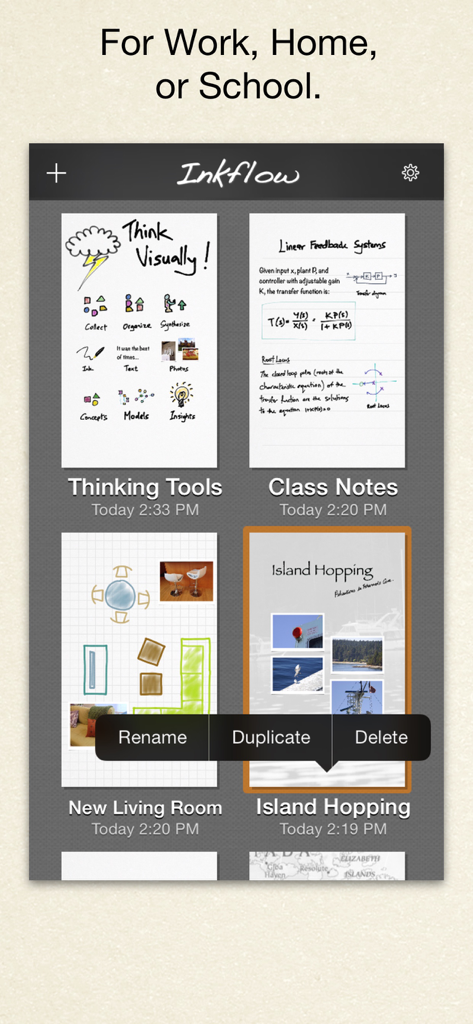
Inkflow Plusアプリのインターフェース。仕事、家庭、学校用のビジュアルノートのギャラリーを表示しています。

Inkflow Plusアプリのインターフェース。仕事、家庭、学校用のビジュアルノートのギャラリーを表示しています。

クリエイティブワークフローをマスターする

このアプリを際立たせるツール、 352K+ 人のユーザーが選択.

🧩

ページを超えた思考

ワードプロセッサのようにスケッチを選択、移動、スケーリングできます。指でコンセプトを並べ替えて、消しゴムを使わずに全体像を構築しましょう。

📸

革新的なInkportツール

物理的なスケッチを瞬時にデジタルベクターインクに変換します。紙のメモの写真を撮って、デジタルワークスペースにシームレスに統合しましょう。

🔍

無限解像度ズーム

超高速で遅延のないズームで詳細に飛び込みましょう。ベクターインクはどのレベルでもシャープなままなので、デザインやメモはプロフェッショナルで正確に保たれます。

世界中のユーザーに愛されています

Trusted by 352K+ 人がこのアプリを愛用しています.

"

"Inkflow Plusは私のブレインストーミングセッションを完全に変えました。デザイナーとして、線形テキストに縛られるのは嫌いです。UIフローをスケッチアウトし、その後、要素を指で文字通り拾い上げて移動してロジックを再編成できる能力は、ゲームチェンジャーです。さらに、Inkportツールは純粋な魔法です。ナプキンスケッチをアプリに取り込んで、シャープなベクターインクとして作業を続けることができます。これは、私の紙のジャーナルとデジタルワークフローの完璧な橋渡しです。"

Elena Rodriguez, Senior UX Designer
"

"App Storeのあらゆるノートアプリを試しましたが、Inkflow Plusは私の複雑な研究図に最も自然に感じられる唯一のアプリです。インクは信じられないほど滑らかで、高級万年筆で書いているような感覚です。フル解像度ズームにより、ピクセル化することなく小さな注釈を追加できます。理解が深まるにつれて思考をリサイズおよび再編成できるため、単なるノートではなく、真の思考ツールです。"

David Miller, PhD Candidate

アプリについて

について知っておくべきこと Inkflow Plus Visual Notebook.

説明

Visual Thinkers Rejoice! Inkflow works like a word-processor for visual thinking. Capture your ideas as easily as with pen and paper, then arrange and reorganize them with your fingers! INKFLOW PLUS This is the full featured Plus Edition of Inkflow. It is the same as the in-app purchase from the basic edition Inkflow. Please download this only if you haven't already upgraded in-App. DIGITAL WRITING DONE RIGHT Inkflow's ink feels like a really smooth fountain pen. Great for expressive writing or sketching. Effortlessly scale or move anything you select. This will change the way you think about ink: Jot down a list of concepts then rearrange them to fit into the bigger picture. literally move your thoughts around the page, and assemble big ideas with your fingers. This works great for brainstorming and planning. It's also perfect for prototyping layouts, sketching, and drawing. FULL RESOLUTION ZOOM Zoom and pan with two fingers. Inkflow's ink stays sharp no matter how much you zoom in, so you can add fine details at full quality. It's also lightning fast and lag free. This allows writing and drawing with incredible precision, with or without a stylus. INKPORT: COPY AND PASTE FROM THE REAL WORLD Only Inkflow Plus includes the revolutionary Inkport tool. Inkport uses your iPad's camera to instantly convert your written notes and sketches into Inkflow's native vector ink. Easily pull in materials from multiple sources and go from paper to iPad without missing a beat. Inkport is going to change the way you use paper in your workflow. TEXT, PHOTOS, and PAPER BACKGROUNDS TOO Insert text boxes and photos anywhere on the page and resize them seamlessly with the ink. You can also choose from a selection of different paper backgrounds. EASILY CREATE and SHARE Inkflow let's you export your books to PDF, high-resolution JPEG, and share them via Twitter, Email, or with other Apps. PLUS FEATURES This edition includes the full set of expanded features, including: - Inkport - A customizable, full color palette, - Pencil, Eraser, and Paint Brush tools, - Rotate, Cut, Copy, Paste Ink, - Page Management, - Notebooks with unlimited pages, - An additional 50+ fonts on the iPad, - Custom paper backgrounds, - And more! Universal App for iPad, iPhone and iPod Touch: Upgrade once and get Inkflow Plus on all your compatible devices connected to your iTunes account! GREAT FOR CLASS We built a standalone Plus Edition mainly so that Educational institutions can take advantage of the volume purchase program (check with your school's Apple rep for details). A PLATFORM FOR CREATIVITY We strongly believe that the iPad is not just a consumption device. It's a creativity device. Thanks for supporting us in our journey of building Creative Apps like Inkflow. We hope you enjoy it!

最新バージョン

7.2

サイズ

35.4 MB

リリース日

2012年8月13日

全体像を再構築する準備はできましたか?

35万人のビジュアルシンカーに参加して、散らかったスケッチを明確な戦略に変えましょう。今すぐInkflow Plusをダウンロードして、アイデアのためのワードプロセッサの力を体験してください。

ダウンロード: App Store