livesign - doc signing & VOI

livesign - doc signing & VOI

ダウンロード: App Store
Spark by MWM logo
ロゴ: livesign - doc signing & VOI
livesign - 安全な書類署名と本人確認

物理的な公証人の手間を省き、数秒で法的書類に署名できます。livesignは軍事グレードの生体認証技術を使用して瞬時に本人確認を行い、最も重要な取引を簡単かつ不正行為から保護します。

ダウンロード: App Store

開発元

thelawstore.com.au pty ltd

カテゴリ

Business

ダウンロード

139K+

ユーザー評価

4.8/5

評価数

700

対応言語

1

目に見えるセキュリティ

このインターフェースを利用する 139K+ 人のユーザー.

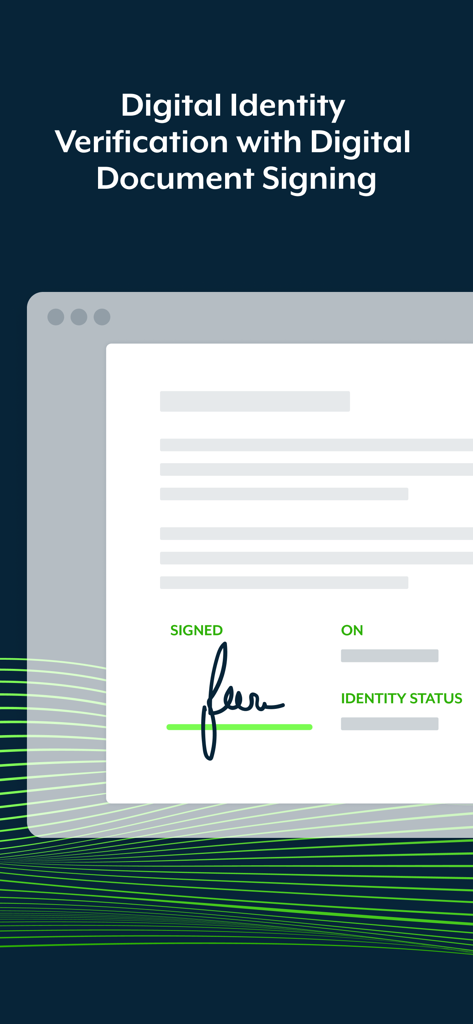
署名と本人確認ステータスが表示されたデジタル文書

署名と本人確認ステータスが表示されたデジタル文書

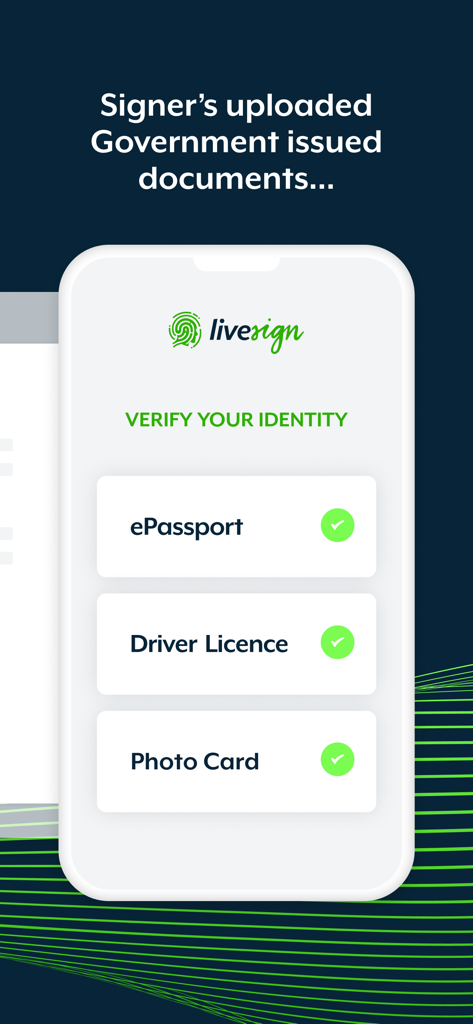
eパスポートや運転免許証などの政府発行の書類で本人確認を行うlivesignアプリ画面

eパスポートや運転免許証などの政府発行の書類で本人確認を行うlivesignアプリ画面

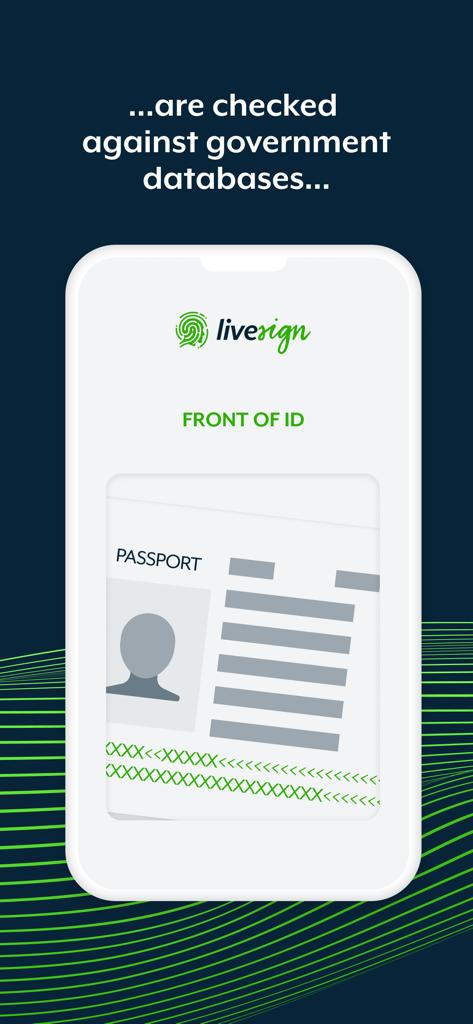
政府データベースと照合して本人確認を行うためにパスポートをスキャンするlivesignアプリを表示するスマートフォン画面

政府データベースと照合して本人確認を行うためにパスポートをスキャンするlivesignアプリを表示するスマートフォン画面

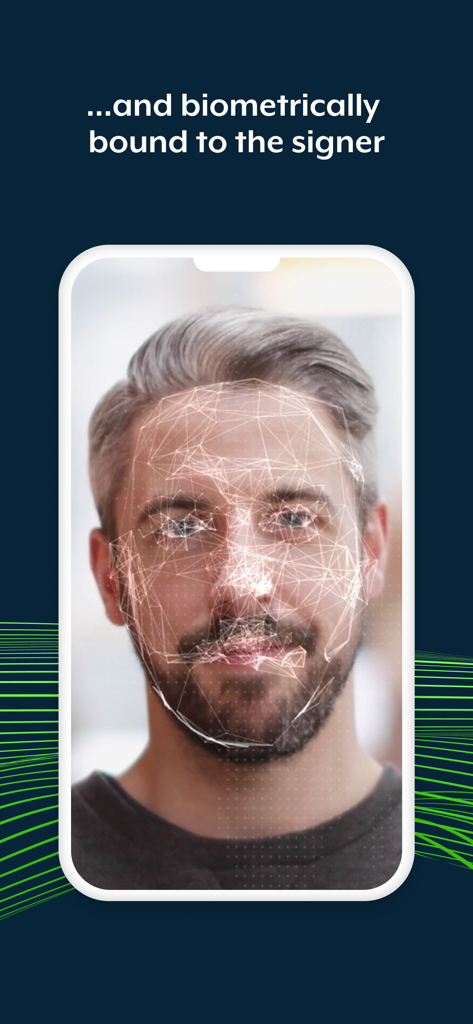
livesignアプリ内で安全な本人確認のために男性の顔の生体認証スキャンを表示するスマートフォン

livesignアプリ内で安全な本人確認のために男性の顔の生体認証スキャンを表示するスマートフォン

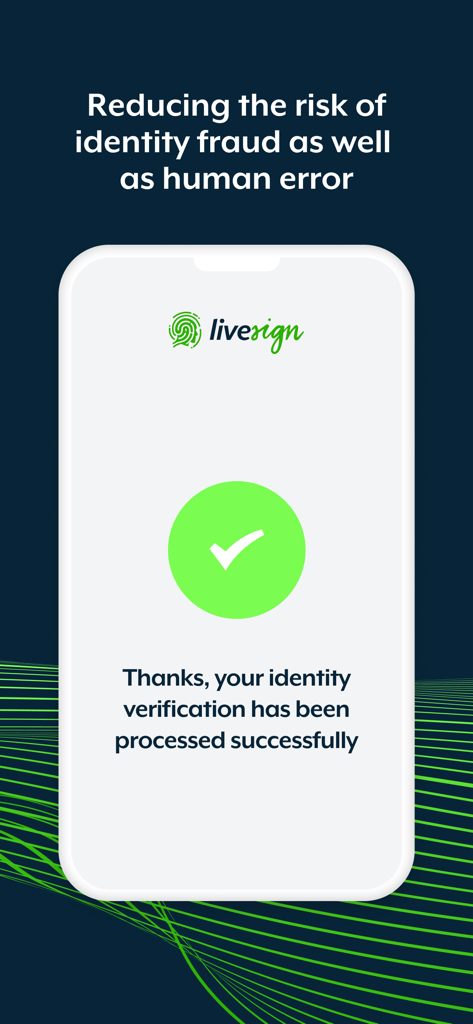
緑色のチェックマークが付いた本人確認成功メッセージを表示するlivesignアプリ画面

緑色のチェックマークが付いた本人確認成功メッセージを表示するlivesignアプリ画面

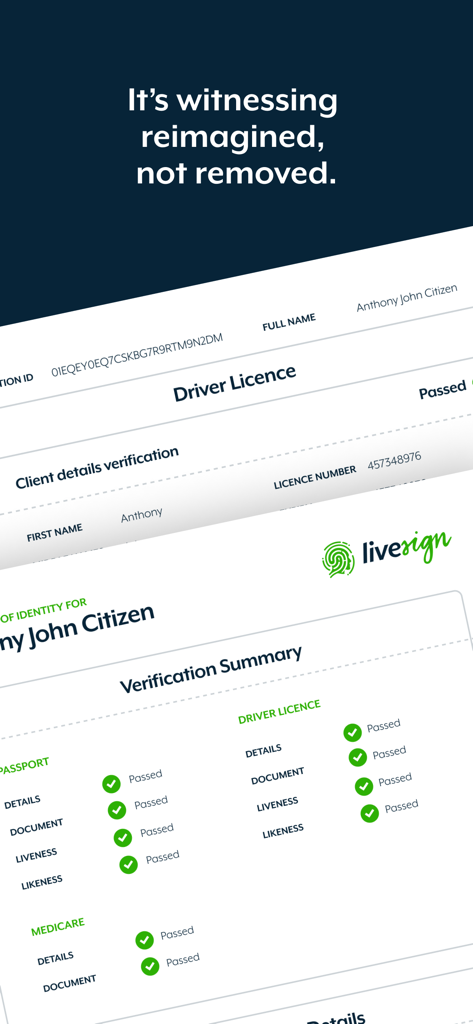
書類と生体認証の本人確認ステータスが表示されたlivesignアプリのデジタル本人確認サマリーレポート

書類と生体認証の本人確認ステータスが表示されたlivesignアプリのデジタル本人確認サマリーレポート

本人確認の再定義

このアプリを際立たせるツール、 139K+ 人のユーザーが選択.

🛡️

銀行グレードの生体認証バインディング

署名時に、NFCチップスキャンとパッシブライブネスチェックにより、政府発行のIDを署名に確実に紐付け、絶対的な確実性を確保します。

数秒で確認、数時間待つ必要はありません

弁護士事務所への移動は不要です。どこからでも、合理化された簡単なプロセスで本人確認(VOI)と書類署名を完了できます。

🔒

プライバシーを最優先するデータ保護

機密性の高いID書類は携帯電話に保存されません。すべてのデータは暗号化され、完全にプライベートであることを保証するために、法律代理人のみに共有されます。

世界中のユーザーに愛されています

Trusted by 139K+ 人がこのアプリを愛用しています.

"

"自宅の物件引き渡しで忙しい最中、身元確認のために弁護士事務所へ行くのを面倒に感じていました。livesignのおかげで非常に簡単になりました。パスポートのNFCチップスキャンは数秒で完了し、データが携帯電話に保存されていないと知って完全に安心しました。法的書類を扱うすべての人にとって、これはまさにゲームチェンジャーです。"

Sarah Jenkins, 新築住宅購入者
"

"高額な契約を定期的に扱う者として、セキュリティは最優先事項です。これは、デジタルな利便性と厳格な本人確認のギャップを実際に埋める、私が使用した最初のアプリです。生体認証のライブネスチェックはシームレスで、私の法律チームは不正のリスクなしに、どれだけ迅速に手続きを完了できるかを気に入っています。"

Michael Rodriguez, テック系創業者

アプリについて

について知っておくべきこと livesign - doc signing & VOI.

説明

Welcome to the livesign app: the most advanced, straightforward and convenient digital identity verification and document signing solution. livesign works in combination with document signing platforms that utilise the livesign verification API for VOI, so you can be confident the person behind the keyboard is who they say they are. It's witnessing reimagined, not removed. livesign uses biometric and cryptographic technology that binds the person behind the device at the point of signing, to their ePassport, Driver's License or any other government issued photo ID. How does livesign work? • ePassports have a contactless NFC chip that is digitally encrypted by the issuing country to prevent cloning as well as protected to safeguard against unauthorised access • livesign uses the smartphone camera and Optical Character Recognition (OCR) technology to scan the Machine Readable Zone (MRZ), which are the two lines at the bottom of the passport, for the password information needed to unlock the chip • The complex cryptography that is needed to verify the authenticity of and information on the chip provides a secure, smart and simple way to verify the authenticity of your signer's identity, in seconds • The ePassport chip contains reliable government issued information about the holder, including their full name, birth date and nationality. This is done without any manual input by the user to remove the opportunity for accident or deliberate data-entry error • The chip also contains a high-resolution photo at a much higher quality than the photo printed on the identity document, providing the highest possible source image. This government issued image then biometrically bound to the signer via a passive liveness verification to reduce look-alike fraud • By synchronizing the digital signing and digital identity process, livesign technology provides clarity and certainty that the person signing your digital documents is who they say they are. Benefits of livesign: • Higher compliance and lower risk of fraud • Digital signing with accurate and reliable witnessing • Identity check at the exact moment of signing • Secure, smart and simple way to verify the authenticity • Witnessing and signing in just seconds • An effortless customer experience How to verify your identity with livesign: • You will need to install livesign if you have been asked to verify your identity while signing documents issued by your legal representative. • Enter the phone number of the device you are using via the livesign window that appears at the time of signing a document • Multiple signers can share the same device simply be entering the same phone number • You will be required to take pictures of your government issued ID and confirm certain details • You will be required to take a selfie to confirm your identity • In the interest of security none of your documents or details are stored within the livesign app on your phone • Copies are encrypted on livesign secure web servers and will be shared with your legal representative only

最新バージョン

v1.5.9

サイズ

41.3 MB

リリース日

2021年6月9日

数秒で本人確認と署名を安全に行う

生体認証による本人確認のゴールドスタンダードを体験してください。迅速、安全、そして最も重要な取引のために法律専門家も推奨します。

ダウンロード: App Store