Logic Art-Nonogram Puzzle Game

Logic Art-Nonogram Puzzle Game

ダウンロード: App Store
Spark by MWM logo
ロゴ: Logic Art-Nonogram Puzzle Game

Logic Art - 数理パズルゲーム:論理と創造性が出会う場所

何千もの魅力的なピクチャークロスパズルでリラックス。毎日のちょっとした休憩から、巨大な100x100の傑作まで、自分のペースで脳を研ぎ澄まし、美しいピクセルアートを明らかにしましょう。

開発元

FURYU Corporation

カテゴリ

Games

ダウンロード

1M+

ユーザー評価

4.5/5

評価数

62K+

対応言語

2

論理のキャンバス

このインターフェースを利用する 1M+ 人のユーザー.

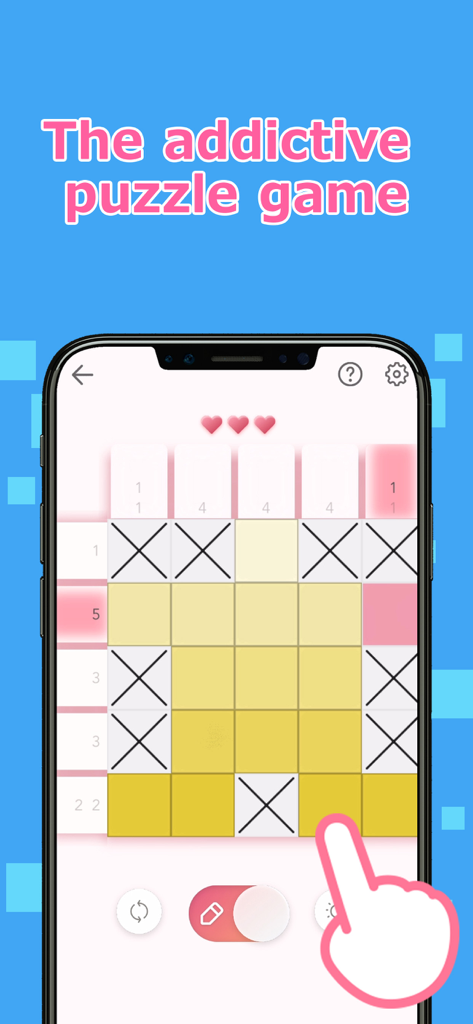
Logic Art数理パズルゲームのゲームプレイ画面。黄色いマスとX印のある5x5グリッドが表示されています。

Logic Art数理パズルゲームのゲームプレイ画面。黄色いマスとX印のある5x5グリッドが表示されています。

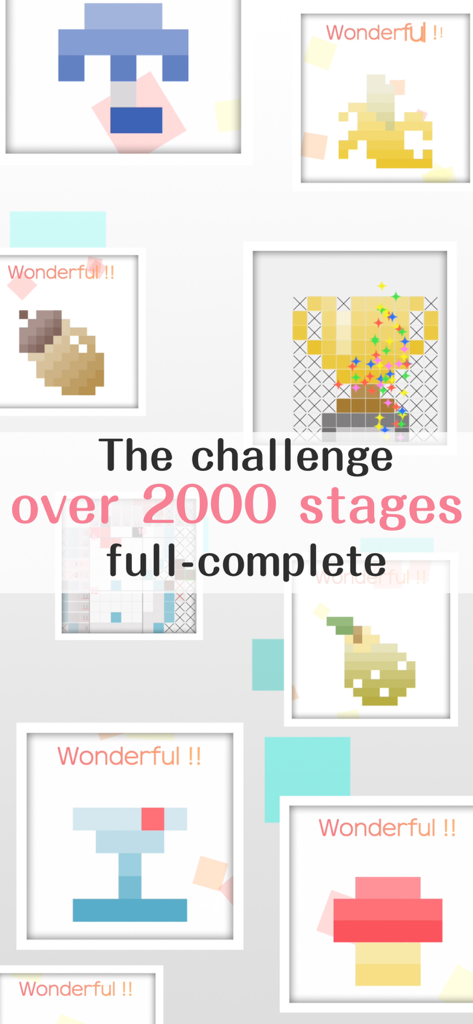
Logic Artゲームの完成したピクセルアートパズルのコラージュ。2000以上のステージが含まれています。

Logic Artゲームの完成したピクセルアートパズルのコラージュ。2000以上のステージが含まれています。

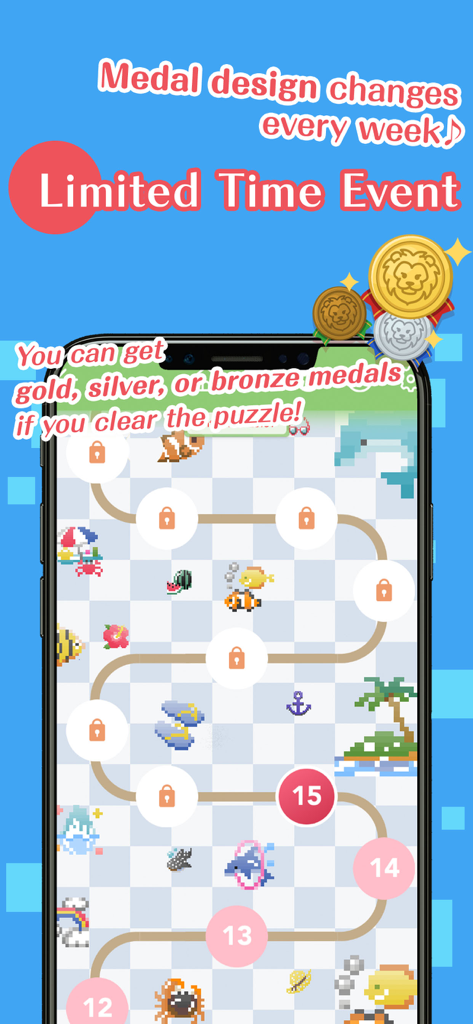
Logic Art数理パズルゲームの期間限定イベント画面。レベルマップと報酬メダルが表示されています。

Logic Art数理パズルゲームの期間限定イベント画面。レベルマップと報酬メダルが表示されています。

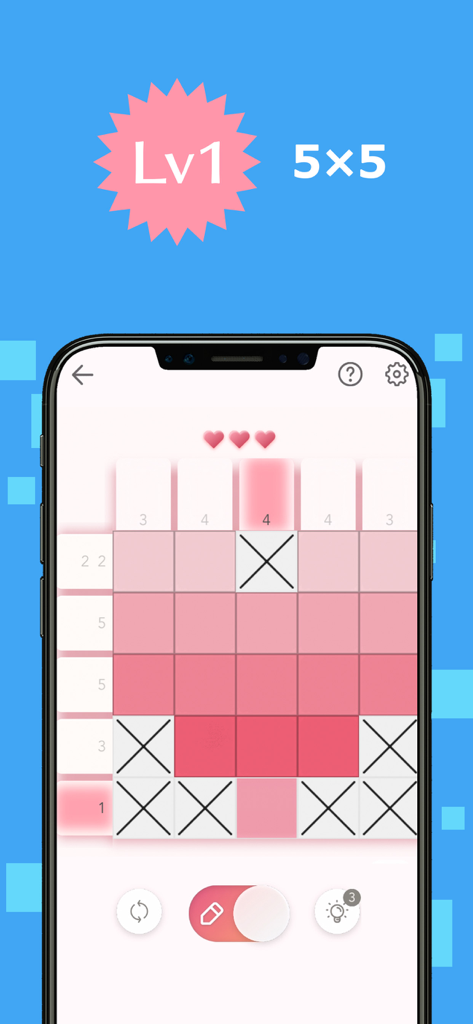
Logic Artモバイルアプリのレベル1 5x5数理パズル。ピンクのピクセルアートグリッドが表示されています。

Logic Artモバイルアプリのレベル1 5x5数理パズル。ピンクのピクセルアートグリッドが表示されています。

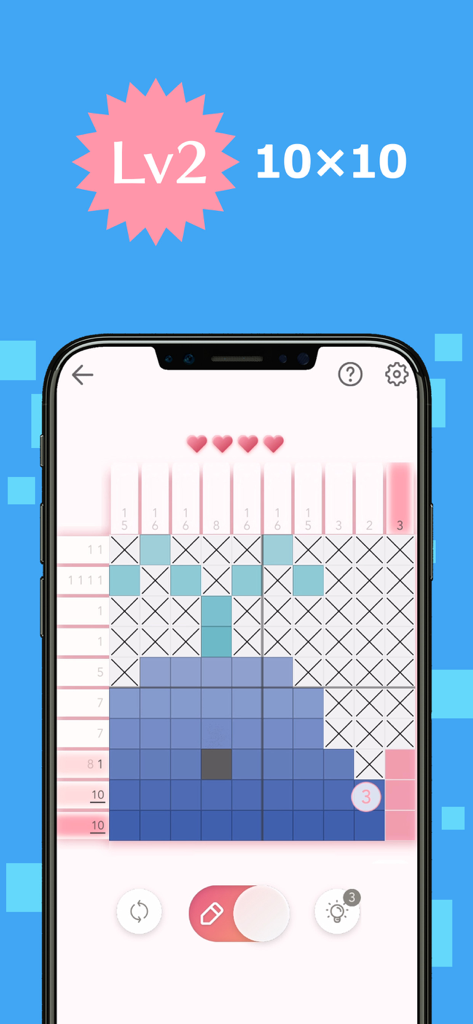
クジラのピクセルアートを形成する10x10数理パズルを表示するモバイル画面。

クジラのピクセルアートを形成する10x10数理パズルを表示するモバイル画面。

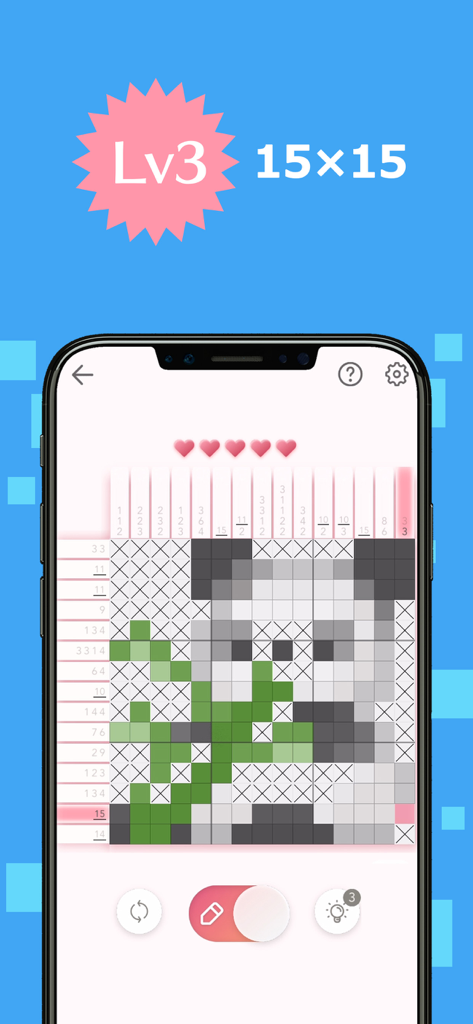
パンダのピクセルアートイラストを明らかにする15x15数理ロジックパズルグリッド。

パンダのピクセルアートイラストを明らかにする15x15数理ロジックパズルグリッド。

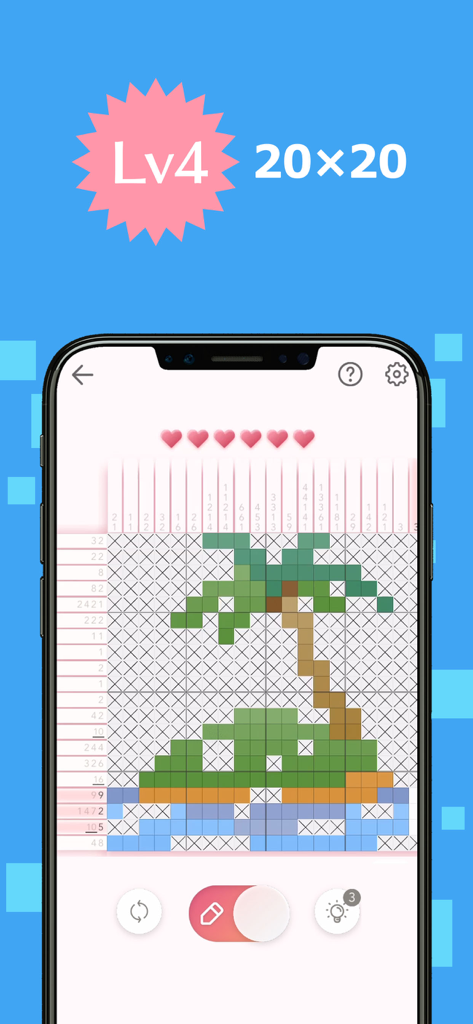
ヤシの木のピクセルアートを形成するレベル4パズルグリッドを示すLogic Art数理パズルゲームプレイ。

ヤシの木のピクセルアートを形成するレベル4パズルグリッドを示すLogic Art数理パズルゲームプレイ。

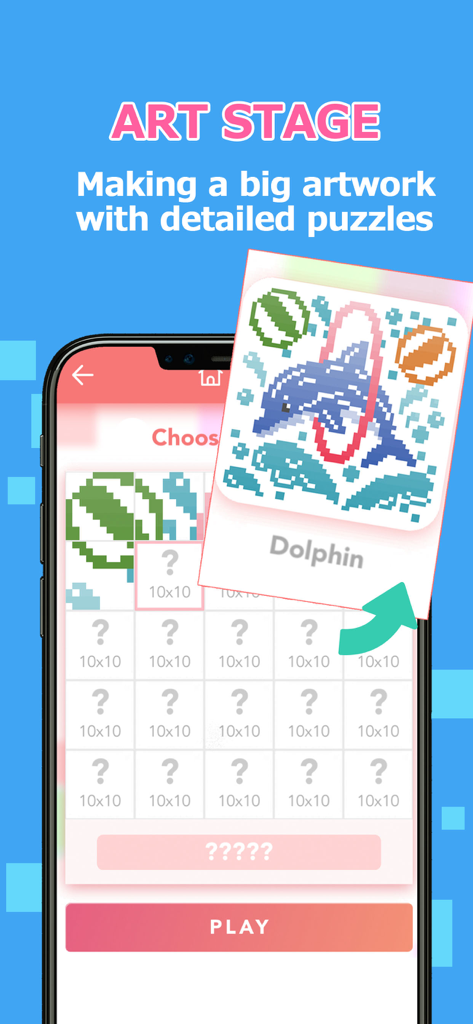
Logic Artのアートステージ機能を示すモバイルゲームスクリーンショット。プレイヤーは複数のパズルを完成させて、大きなイルカのピクセルアートを明らかにします。

Logic Artのアートステージ機能を示すモバイルゲームスクリーンショット。プレイヤーは複数のパズルを完成させて、大きなイルカのピクセルアートを明らかにします。

論理のアートをマスターする

このアプリを際立たせるツール、 1M+ 人のユーザーが選択.

🧘‍♀️

ストレスフリーなソルビング

自動保存と穏やかなBGMで、短い休憩や夜のリラックスに最適な、落ち着いた体験をお楽しみください。

🧩

あらゆるスキルレベルのパズル

簡単な5x5グリッドから巨大な100x100の特別ステージまで、あなたのペースと専門知識に合った完璧なチャレンジを見つけてください。

🎨

あなたの傑作を明らかにする

あなたの論理が生き生きとするのを見てください。グリッドを完成させて鮮やかなピクセルアートをアンロックし、毎日の継続に対して報酬メダルを獲得しましょう。

世界中のユーザーに愛されています

Trusted by 1M+ 人がこのアプリを愛用しています.

"

"Logic Artは私にとって朝の日課になりました。毎朝コーヒーを飲みながらデイリーステージから一日を始めるのが好きです。インターフェースはとてもクリーンで、パズルはストレスを感じることなく脳を目覚めさせるのにちょうど良い難易度です。小さなピクセルアートの絵が完成していくのを見るのは、信じられないほど満足感があります!"

Sarah M.
"

"数独やクロスワードパズルが好きな私にとって、このアプリはまさに求めていたものでした。特別ステージは巨大で、タブレットで何時間も集中してリラックスできます。自動保存機能には本当に感謝しています。手間なく、中断したところからすぐに再開できます。間違いなく最高の数理パズル体験です。"

James R.

アプリについて

について知っておくべきこと Logic Art-Nonogram Puzzle Game.

説明

We've never seen anything like the fun puzzle game called Logic Art with free to play! It is the right way of killing time and play a short time. Also, If you need to relax or want to be a refresh, Logic Art would help you to change your mind. Let's play a simple nonogram puzzle, Logic Art. − How to play Logic Art The game's goal is to complete a puzzle with numbers of left and above parts, which are tips for solving it. The numbers show how many squares are filled out, and if the numbers are over two, they must have one blank square between each number. It has four different difficulty levels Level one is the easiest level that everyone can solve all stages without any tips. On the other hand, level four has the most difficult stages. If you are stuck in a stage, no hesitate to use the hint button. Also, you can use the hint repeatedly. Although you don't complete a stage when you have to stop the game, you can directly close the game because it has an automatic save function. Don't worry about the lose your game data. − About Special Stage The special stage is a challenging mode that you have to solve 25 quizzes to complete one artwork. It has different sizes' puzzles such as 25×25 for beginner, 100×100 for master, etc. We are recommending you to start from the 25×25 stage firstly. − About Daily Stage The Daily stage is updating a new stage every day. You could also get a reward medal in the game if you complete it full of a month. You can play any past stages whenever you want. − Logic Art's functions ■Pen button Using for filling out blank squares you can paint multi squares if you keep pushing and moving the button on your display. Also, you don't need to remember how many squares you would fill out already. The left side of the column would show the numbers of served areas. (× button has also the same function) Please careful that if you put your marking in a wrong place, your energy power would be less. ■× button Using for marking as unnecessary squares If you know a square that is obviously blank, you should put X mark on it. ■Reset button Using for delete a stage data If you want to restart and delete the stage data, you should push with the button. Never give up ! ■Bulb button Using for seeing a hint If you tap the bulb button, somewhere's the answer would be appeared soon. You can use the button only three times per day, however, if you watch advertising, you can use hints continuously. ■Heart button If you mark in the wrong place, your energy power would be less. The button would appear in the auto check mode on only. ■Backward, forward button You can move forward and backward. The button would appear in the auto check mode off only. ■About game mode You can choose the mode such as auto-check and map color from the setting. ■Auto-check If you turn the auto-check mode on, you can easily notice where is the wrong choice square. It also is for beginners. However, if you mark in the wrong place, your energy power would be less. In addition, even though your energy power becomes zero, you can keep playing the game by watching advertising. You can change your setting whenever you want from the setting button. ■Coloring If you turn the coloring mode on, you can see all squares by finalized painted color. Usually, it would be all pink in color if you choose the auto-check off mode. You can enjoy guessing what is an artwork's theme If you want to turn it on the mode, you can set it up from the setting button. ■Auto save You can stop the game whenever you want because the game has an auto-save function. However, if you uninstall the app itself, the game's data would be deleted together. ■BGM You can change a back ground music setting from the setting button. ■Free to play ■Smooth effect, and making refresh feeling with the game

最新バージョン

1.12.1

サイズ

188.8 MB

リリース日

2019年9月26日

次の傑作を明らかにする準備はできましたか?

今日、100万人以上のパズル愛好家に加わりましょう。Logic Artを無料でダウンロードして、精神的な明晰さと創造的なリラクゼーションの完璧なブレンドを体験してください。

ダウンロード: App Store