Mail: Email, Cloud, Calendar

Mail: Email, Cloud, Calendar

ダウンロード: App Store
Spark by MWM logo
ロゴ: Mail: Email, Cloud, Calendar
Mail: メール、クラウド、カレンダーのためのAI搭載ハブ

アプリの切り替え疲れをやめましょう。Gmail、Outlook、Yahooを単一の統合ワークスペースに接続し、ニューラルネットワークが長いスレッドを要約し、スマートツールがワークライフバランスを最適化します。

ダウンロード: App Store

開発元

V Kontakte OOO

カテゴリ

Productivity

ダウンロード

27M+

ユーザー評価

4.8/5

評価数

2M+

対応言語

23

完全なコントロールの概要

このインターフェースを利用する 27M+ 人のユーザー.

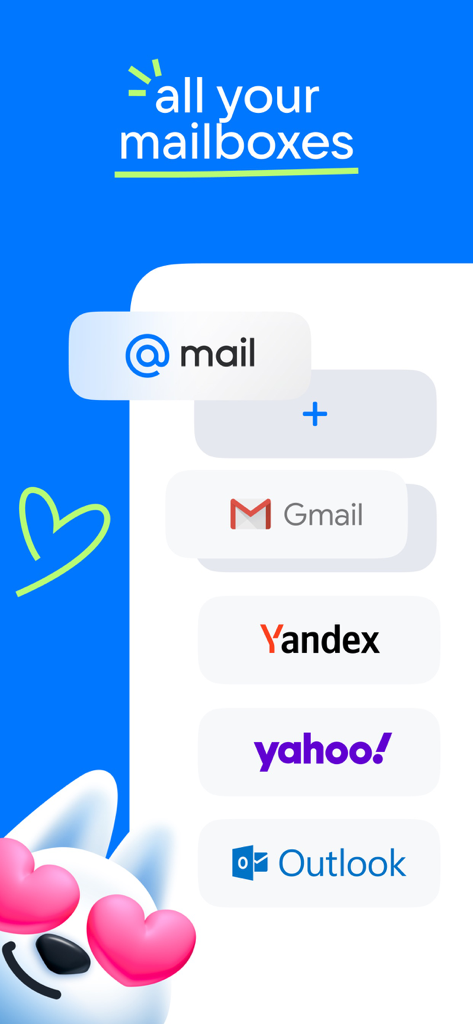
GmailやOutlookなどの複数のメールプロバイダーを1つのアプリに統合する様子を示すグラフィック

GmailやOutlookなどの複数のメールプロバイダーを1つのアプリに統合する様子を示すグラフィック

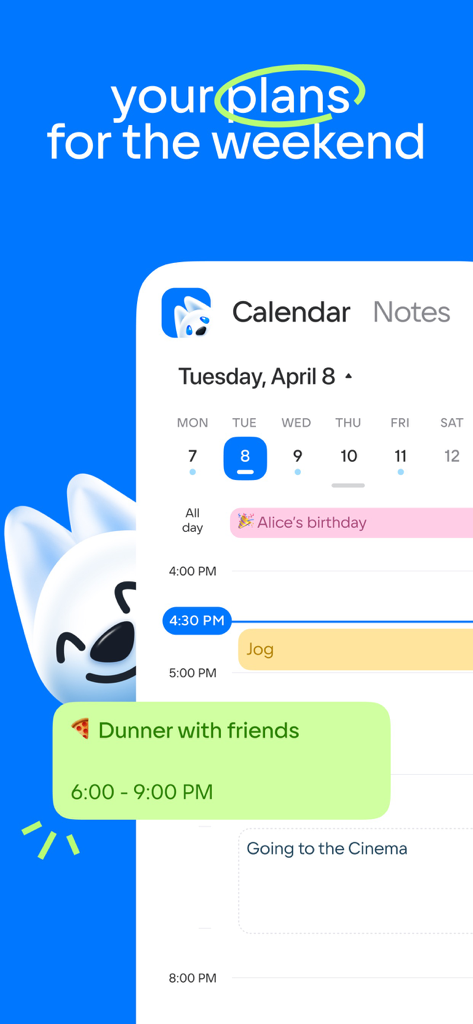
Mailアプリのカレンダービュー。個人計画やイベントを含む毎日のスケジュールが表示されています

Mailアプリのカレンダービュー。個人計画やイベントを含む毎日のスケジュールが表示されています

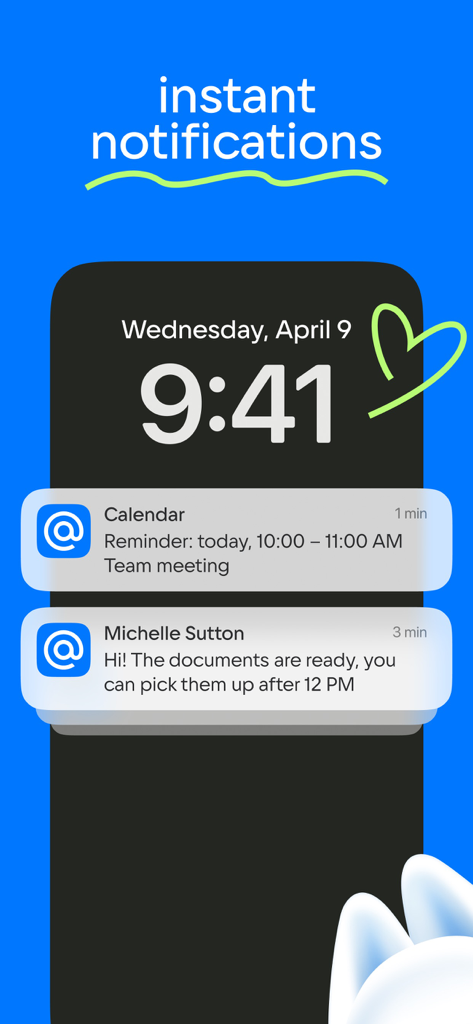
iPhoneのロック画面に、Mailアプリからの即時メールとカレンダーの通知が表示されています

iPhoneのロック画面に、Mailアプリからの即時メールとカレンダーの通知が表示されています

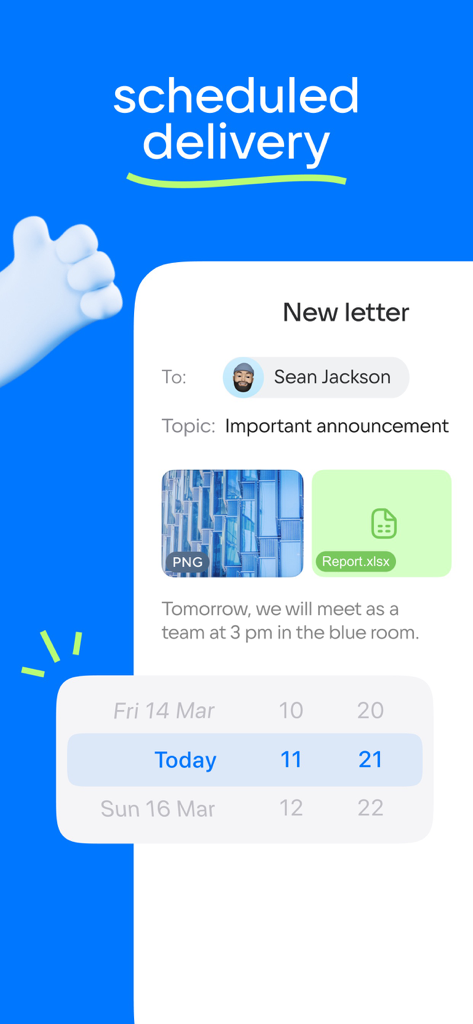
日付と時刻ピッカーを使用してメール配信をスケジュールするためのインターフェイス

日付と時刻ピッカーを使用してメール配信をスケジュールするためのインターフェイス

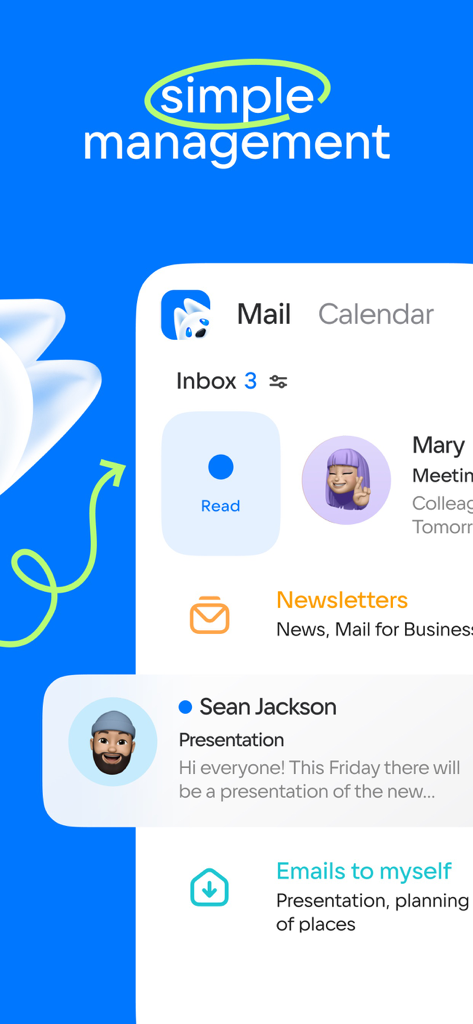
メールとカレンダーのタブで、メール受信トレイと管理機能を表示するモバイルアプリのインターフェイス

メールとカレンダーのタブで、メール受信トレイと管理機能を表示するモバイルアプリのインターフェイス

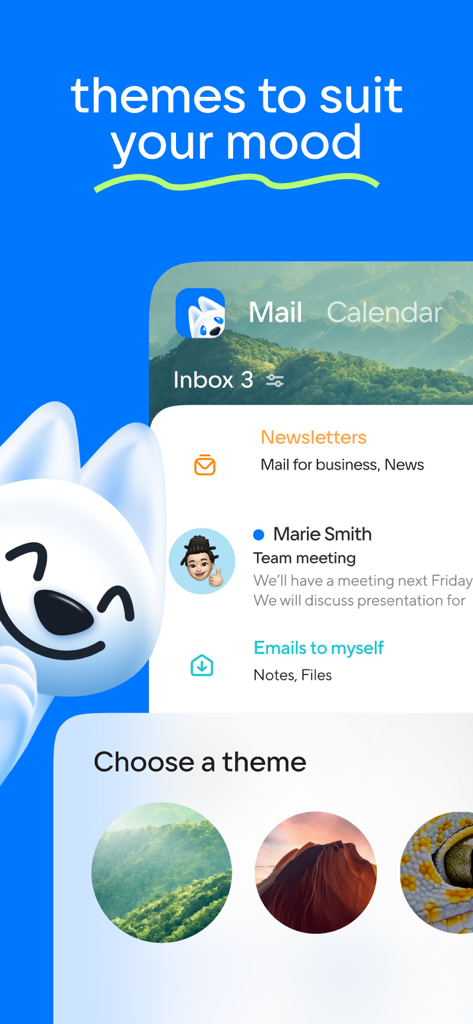
Mailアプリのスクリーンショット。受信トレイ用に、森や峡谷のようなカスタマイズ可能な背景テーマが表示されています

Mailアプリのスクリーンショット。受信トレイ用に、森や峡谷のようなカスタマイズ可能な背景テーマが表示されています

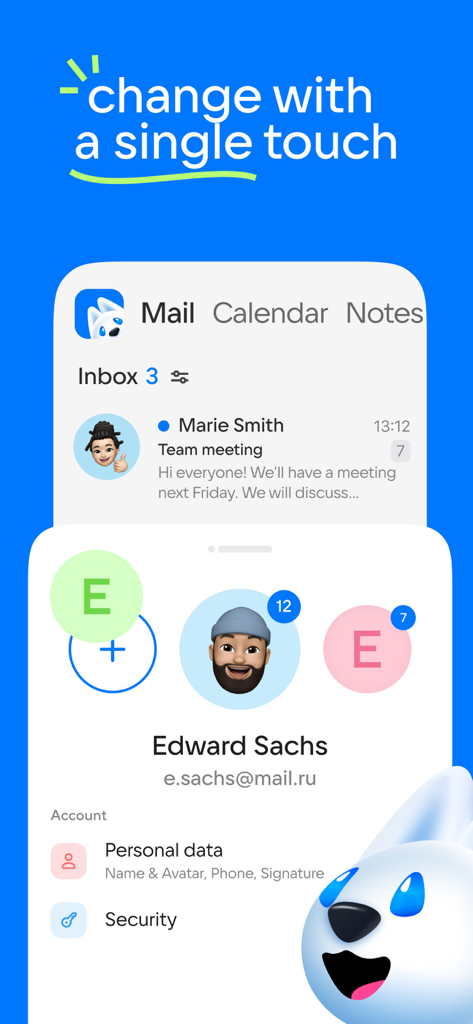
複数のアカウントプロファイルと切り替えオプションを表示するメールアプリのインターフェイス

複数のアカウントプロファイルと切り替えオプションを表示するメールアプリのインターフェイス

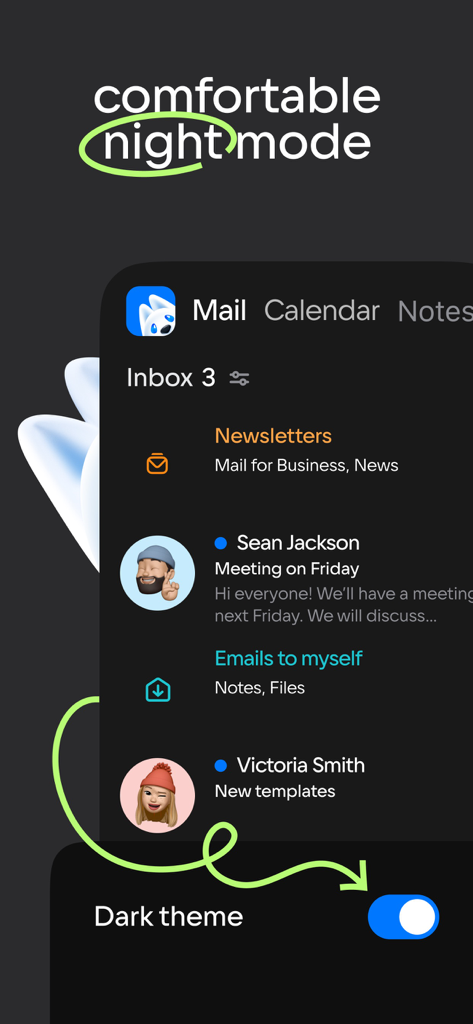
メールアプリのインターフェイス。ダークテーマが有効になった快適なナイトモードが表示されています

メールアプリのインターフェイス。ダークテーマが有効になった快適なナイトモードが表示されています

AI搭載の生産性で1日をマスターしましょう

このアプリを際立たせるツール、 27M+ 人のユーザーが選択.

🤖

AI駆動のメール要約

長いスレッドに溺れるのはやめましょう。当社のニューラルネットワークがメールを読み、瞬時にコンテキスト要約を提供するため、より迅速に行動できます。

📥

すべてを1つの受信トレイで

Gmail、Outlook、Yahooなどを接続しましょう。プロフェッショナルおよび個人のすべての Вアカウントをワンクリックで切り替えましょう。

🏝️

戦略的な休暇計画

給与とスケジュールに基づいて次の休暇に最適な日付を計算するスマートカレンダーで、休暇時間を最大限に活用しましょう。

世界中のユーザーに愛されています

Trusted by 27M+ 人がこのアプリを愛用しています.

"

"仕事と副業のために4つの異なるメールアカウントを使い分けるのは悪夢でした。AI要約機能はゲームチェンジャーです。長いスレッドを数秒で必要な情報だけを抽出してくれます。ついに、私の時間を尊重し、受信トレイゼロの目標を現実的に保ってくれるアプリが登場しました。"

Elena Rodriguez
"

"カレンダーの休暇計画ツールは純粋な天才です。今年は休暇時間を完璧に最大限に活用するのに役立ちました。メール、クラウドストレージ、プランナーがすべて1つのアプリにまとまったことで、ホーム画面の clutter が大幅に解消されました。忙しいプロフェッショナルにとって、これはまさに究極の生産性ハブです。"

David Sterling

アプリについて

について知っておくべきこと Mail: Email, Cloud, Calendar.

説明

Mail is now more than just an email client. Mail is a set of services for a productive life and work. For you in a single application: fast Mail service, a convenient Calendar, Notes, Cloud for photos, Documents, Shopping, News. Add accounts from other email clients to your mail: Yandex.Mail, Microsoft Outlook, Gmail from Google, Hotmail, Rambler, Yahoo - and switch between them with one click. Brief summaries of long letters. Let the neural network in the Mail app read all your long emails and give you a quick summary of the context so you don't waste time. The best dates for holidays in the Calendar app. The calendar will tell you which month is best to take a vacation and which days are best to include in it. Select the "Year" tab and enter your salary. Manage new email notifications. Customize only the push notifications and messages you need in the Mail app: select the folders you care about and comfortable times to receive the notifications. Accounts of all mail clients in one application. Collect all your emails in one application - read incoming emails that come to you via Microsoft Outlook, Yahoo, Gmail from Google, Yandex.Mail, Hotmail, Rambler, and Zimbra in one click. Only the services you need in the Mail app. A fast email app with a neural network, a useful Calendar, which will remind you of meetings and plans and to calculate vacation for you, Notes, Weather, News, Cloud for storing photos, documents and scans. Bring order to your newsletters. Newsletters with app updates, news about services, and offers from stores are collected on one page - unsubscribe from any that are irrelevant and keep the ones are relevant. Translations into other languages. We have added a convenient email translator. Useful if you read foreign newsletters or send business mails abroad. Just open the email or write the text and select the language - a translation will appear instantly. Grouping letters by subject and address. The email client collects all emails into threads, and also automatically sorts newsletters, news, notifications from social networks, and personal emails into folders. A planner for your affairs. Work meetings, reminders of important dates, checklists, calls. A link to call is just one click away when you add a meeting to your work calendar. The cloud is a safe place for documents and photos. The Cloud service will save files from emails and find scans of documents. Upload all your photos and videos to the cloud to free up your smartphone memory. Use the dark background in the Mail application to make it easier on your eyes. Choose a bright interface for Mail and Cloud to work with during the day, and use a dark interface at night. Contacts from your address book and email clients in your application. Choose who to send a letter to and the Mail app will suggest contacts from your address book and all accounts in your emails. Quick actions with emails. Manage your emails in the app and in your browser: Mark a new email as important, move it to a new folder, delete it, or leave it unread. Add other email client accounts to the Mail app: Rambler, Gmail from Google, Yandex.Mail, Microsoft Outlook, Hotmail, Yahoo. A convenient offline mode for reading emails. The application will save your mails in the smartphone’s local storage so that you can read them without access to a network, such as when on a plane or in remote parts of nature. WRITE TO US We love to hear from you. Tell us what you think of the Mail app. Use the "Write to the developer" section or write a letter to mailapps@corp.mail.ru. A COUPLE MORE LINES Mail is a reliable email client and application that comes with all the services you need for work. Suitable for working with Mail, Yandex.Mail, Rambler, Gmail from Google, Yahoo, Hotmail, Microsoft Outlook and other services that support the IMAP, POP, and SMTP protocols.

最新バージョン

15.70.0

サイズ

468.3 MB

リリース日

2012年3月29日

AIで受信トレイゼロを目指しませんか?

Gmail、Outlook、Yahooアカウントを1つの強力なツールに統合する2700万人のプロフェッショナルの仲間入りをしましょう。ニューラルネットワークの要約、安全なクラウドストレージ、スマートスケジューリングを今日から利用しましょう。

ダウンロード: App Store
FAQ

よくある質問

について知っておくべきこと Mail: Email, Cloud, Calendar

Mail: Email, Cloud, Calendar は複数のメールアカウントをサポートしていますか?

はい、Mail: Email, Cloud, Calendar は、Yandex.Mail、Microsoft Outlook、Gmail、Hotmail、Rambler、Yahoo、Zimbra などのさまざまなメールクライアントのアカウントを統合し、1つのアプリケーションでそれらすべてを管理できます。

Mail: Email, Cloud, Calendar は長いメールの要約を提供しますか?

はい、Mail アプリにはニューラルネットワークが搭載されており、長いメールの短い要約を提供するため、ユーザーはメッセージ全体を読むことなくコンテキストをすばやく把握できます。

Mail: Email, Cloud, Calendar のカレンダーはホリデーの計画に役立ちますか?

はい、Mail: Email, Cloud, Calendar のカレンダー機能は、ユーザーがホリデーに最適な日付を見つけるのに役立ちます。給与情報を基に最適な月と日を提案します。

Mail: Email, Cloud, Calendar でメール通知をカスタマイズできますか?

はい、Mail: Email, Cloud, Calendar では、新しいメール通知をカスタマイズできます。特定のフォルダとプッシュ通知を受信する快適な時間を選択できます。

Mail: Email, Cloud, Calendar アプリケーションにはどのようなサービスが含まれていますか?

Mail: Email, Cloud, Calendar は、高速メールサービス、便利なカレンダー、メモ、写真やドキュメントのクラウドストレージ、ショッピング、ニュースなどのコアサービスを提供します。

Mail: Email, Cloud, Calendar にはメール翻訳機能がありますか?

はい、Mail: Email, Cloud, Calendar には便利なメール翻訳機能が含まれています。ユーザーは、テキストを開いたり作成したりして言語を選択することで、外国のニュースレターやビジネスメールを即座に翻訳できます。

Mail: Email, Cloud, Calendar はニュースレターをどのように管理しますか?

はい、Mail: Email, Cloud, Calendar はニュースレターを 1 ページにまとめます。ユーザーは関連性のないニュースレターを簡単に購読解除し、アプリ内で直接購読を管理できます。

Mail: Email, Cloud, Calendar にはダークモードがありますか?

はい、Mail アプリは夜間の快適な視聴のためにダーク背景オプションを提供しています。ユーザーは必要に応じて明るいインターフェイスと暗いインターフェイスを切り替えることができます。

Mail: Email, Cloud, Calendar を使用してオフラインでメールを読むことはできますか?

はい、Mail: Email, Cloud, Calendar はメールをローカルストレージに保存してオフラインで読み取ることができます。この機能により、ユーザーは飛行機内など、インターネット接続なしでメールにアクセスできます。