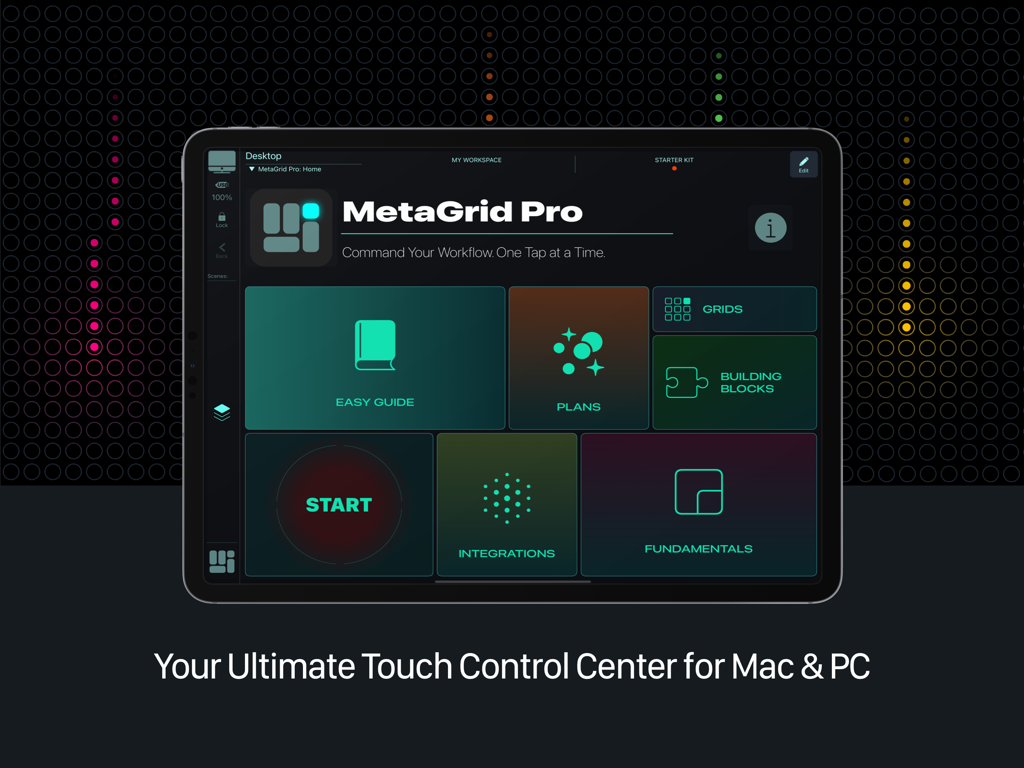
Experience a touch-native controller that goes beyond hardware and traditional control apps.
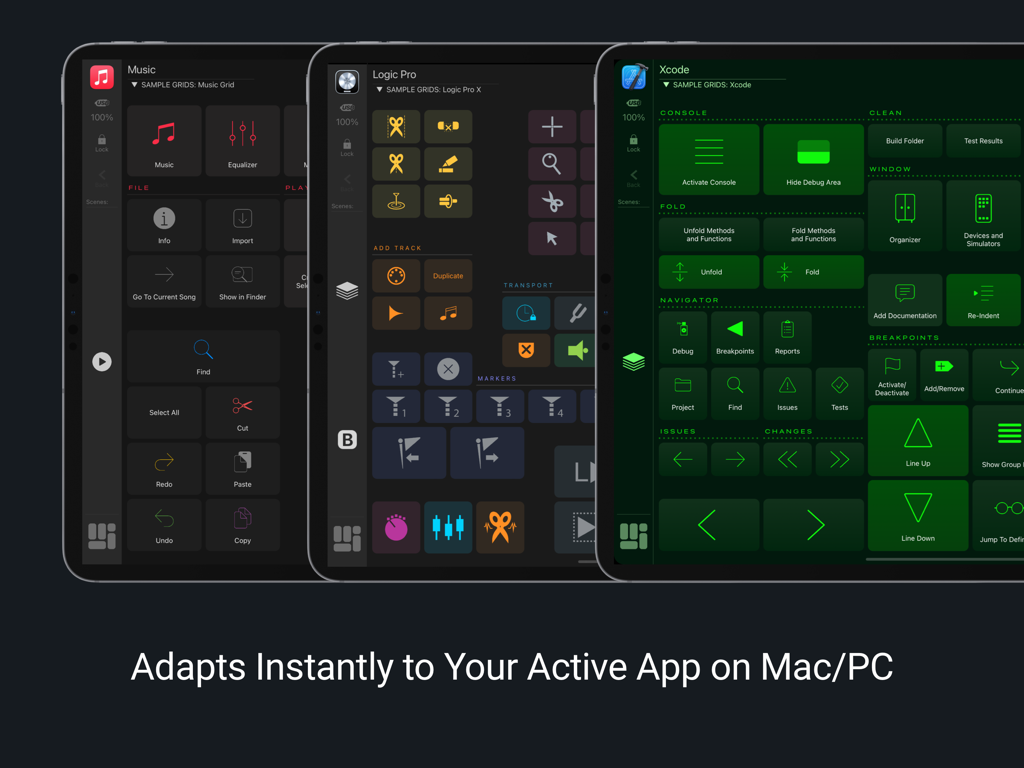
Switch apps, and MetaGrid Pro instantly adapts to show the right tools.
Work faster with deep app integrations, customizable layouts, powerful macros, advanced DAW/MIDI control, and a growing library of ready-to-use presets.
CORE FEATURES:
• Adaptive Interface
Your layouts update the moment you switch apps, windows, or tools. MetaGrid Pro adapts in real time — changing controls based on the active app, frontmost window, incoming MIDI, keyboard shortcuts, or Apple Scripts. For supported DAWs, it can also switch layouts based on track selection to stay in sync with your workflow.
• Deep App Integration
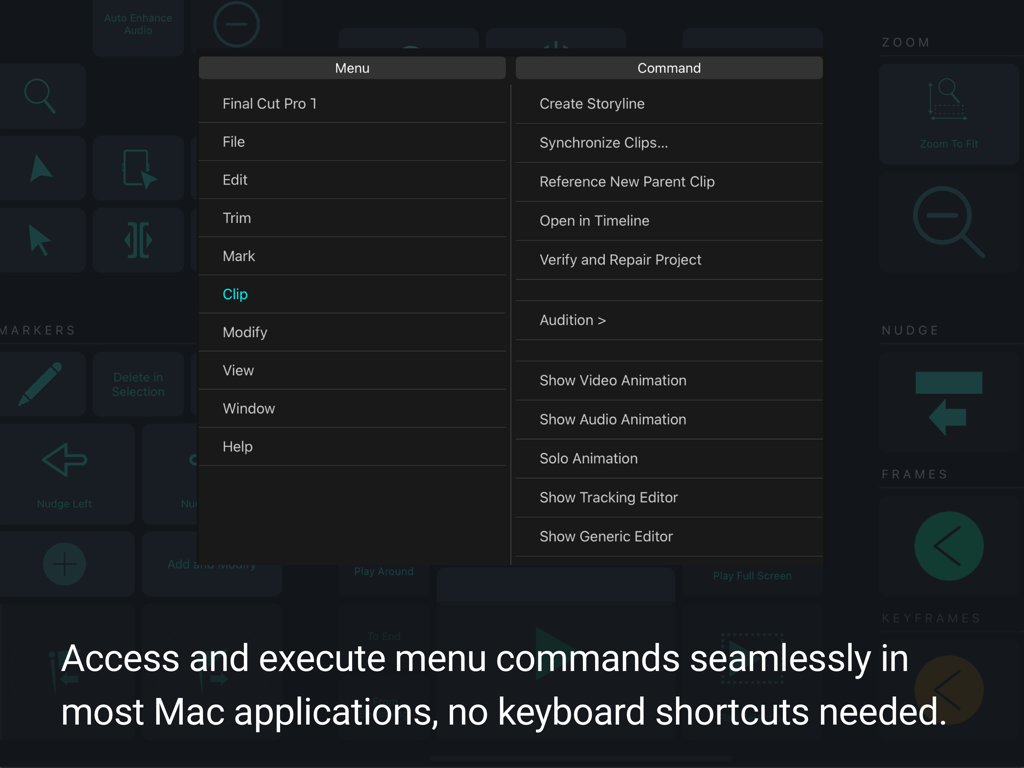
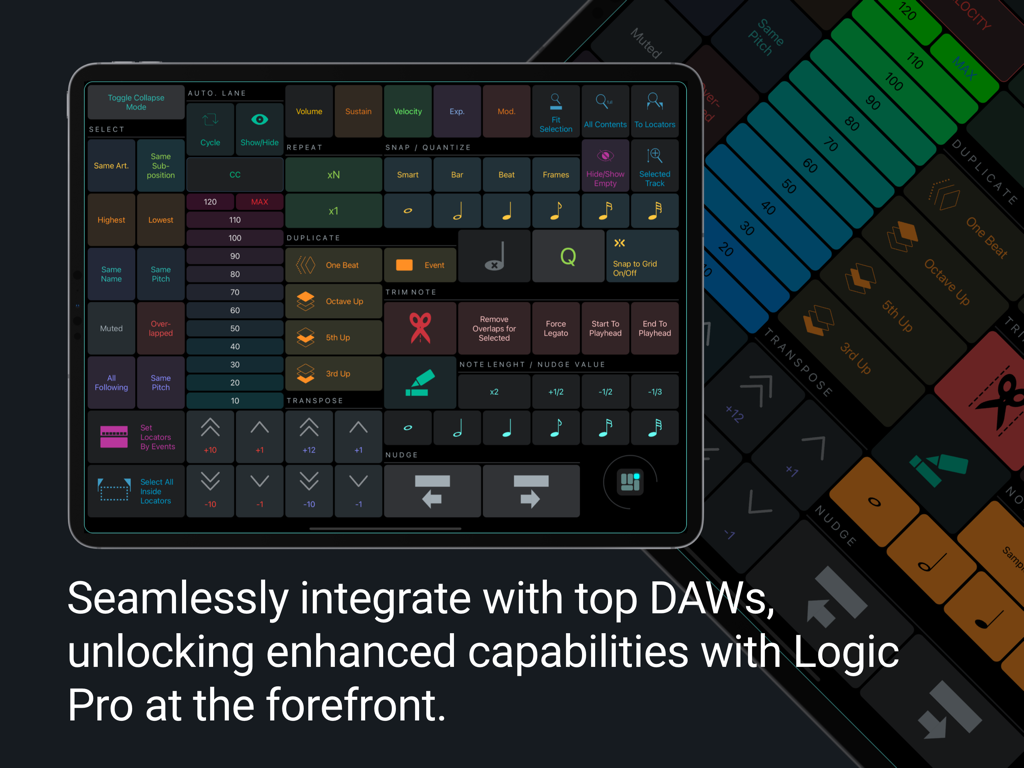
Control creative apps on Mac and PC more efficiently. On macOS, access every menu command in tools like Photoshop, Figma, Blender, and DaVinci Resolve — even ones without shortcuts. Run Apple Shortcuts and Keyboard Maestro macros directly, with no shortcut assignments required.
• Full Customization
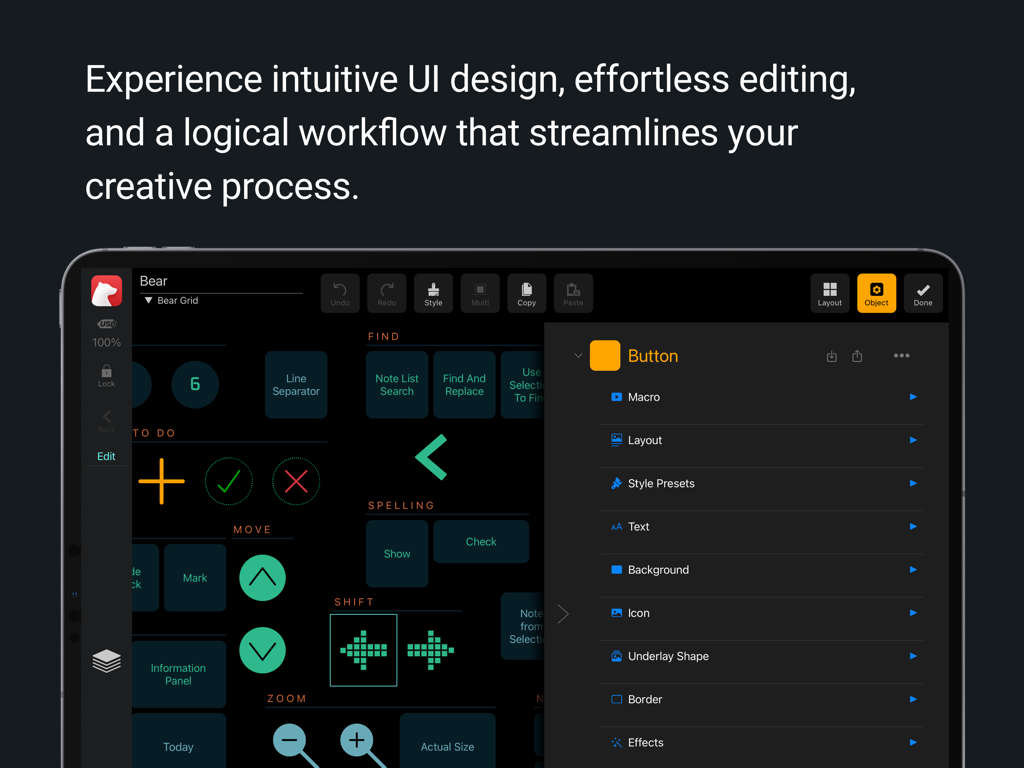
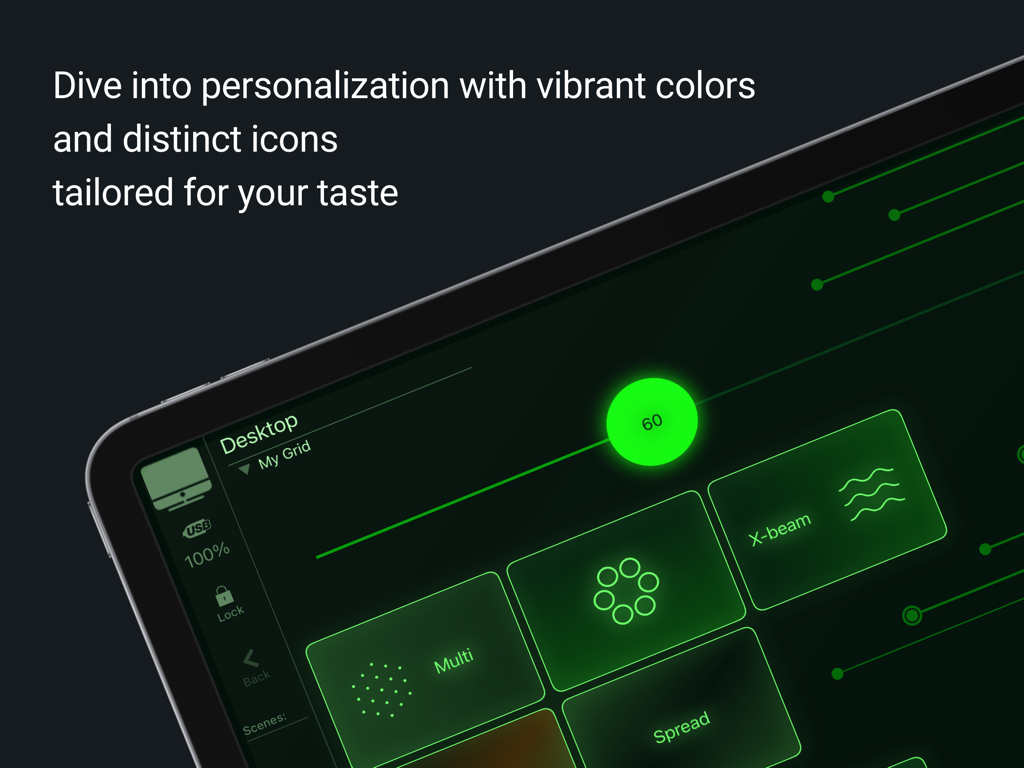
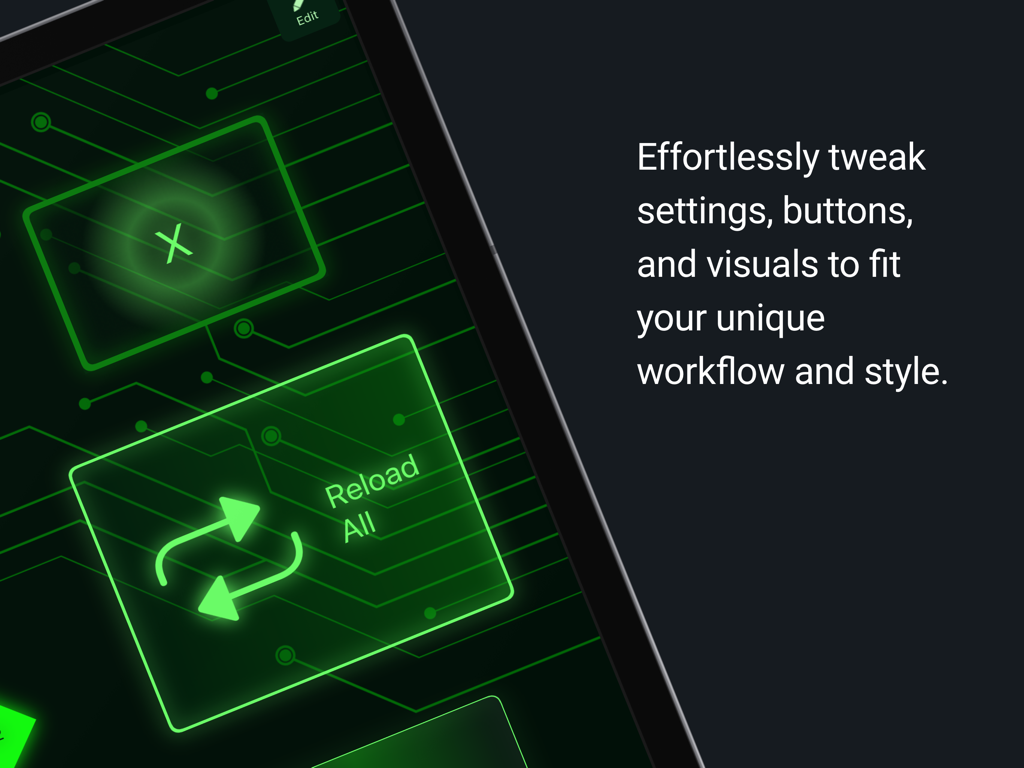
Design every detail of your workspace. Resize any object, arrange flexible layouts, and style each grid with skins, adjustable chrome, and backgrounds — including curated textures and images. Every object is fully customizable with palettes, colors, layout options, thousands of icons, or your own artwork.
• Presets
Start fast with ready-to-use presets for major Apple apps, leading DAWs (Cubase, Ableton Live, Studio One, UAD Luna), audio tools like iZotope RX, design apps like Blender and Figma, and game audio systems like Wwise and FMOD. All presets are editable for Premium users, with optional expert-built multi-grid presets available for advanced workflows.
• Master Control
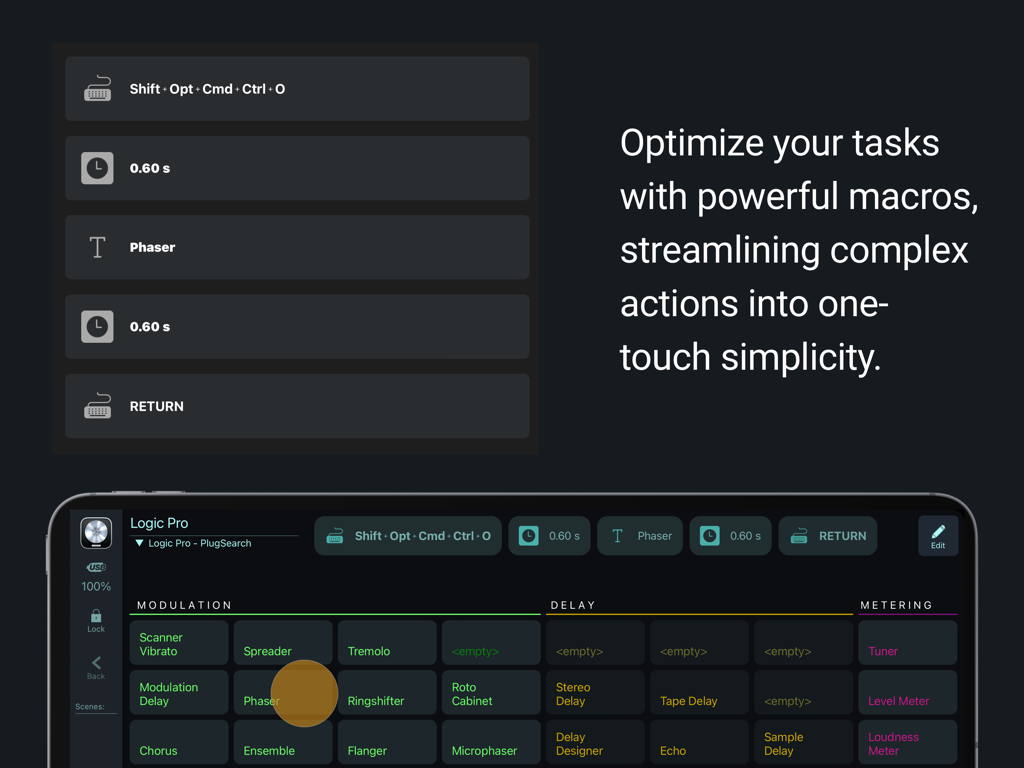
Turn repetitive tasks into instant actions with multi-step macros. Combine shortcuts, text insertions, menu commands, MIDI messages, pauses, and more — all from a single tap.
• Gesture Pads
Control apps with futuristic, highly responsive gesture pads. Multi-finger taps, swipes, and pans offer fast, intuitive navigation and fluid interaction.
• Advanced Button Types
Use momentary and latching switches, menu-driven buttons, multiple button layouts, and interactive switch groups that adapt to your workflow and provide clear feedback.
• Advanced DAW / MIDI Tools
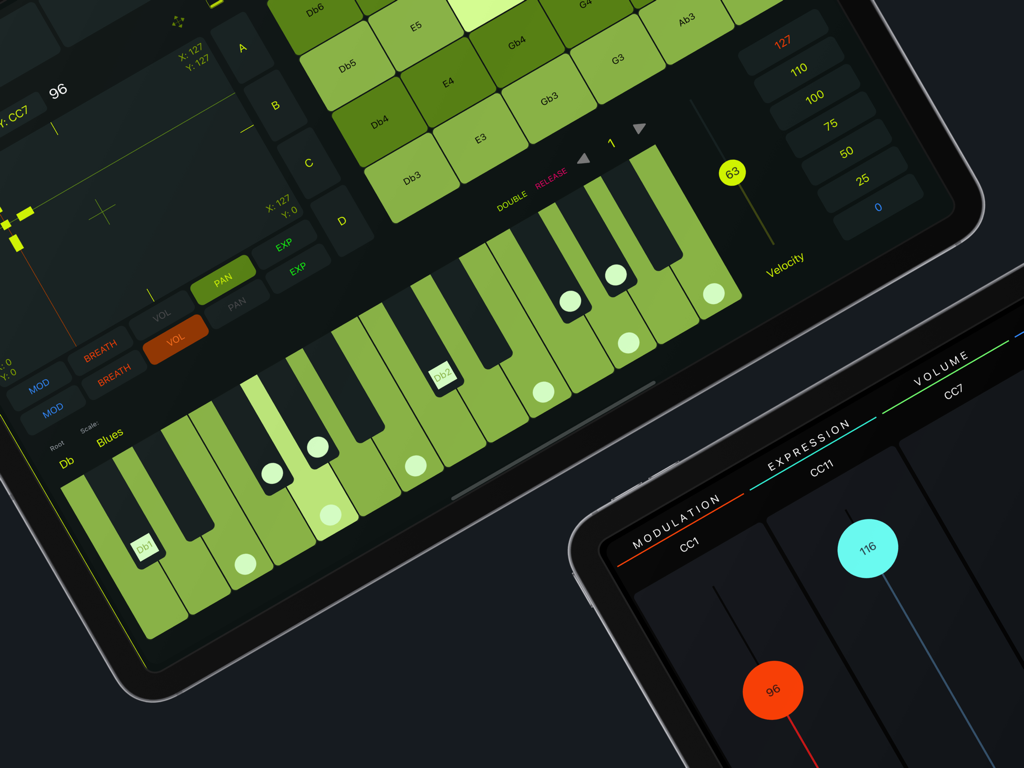
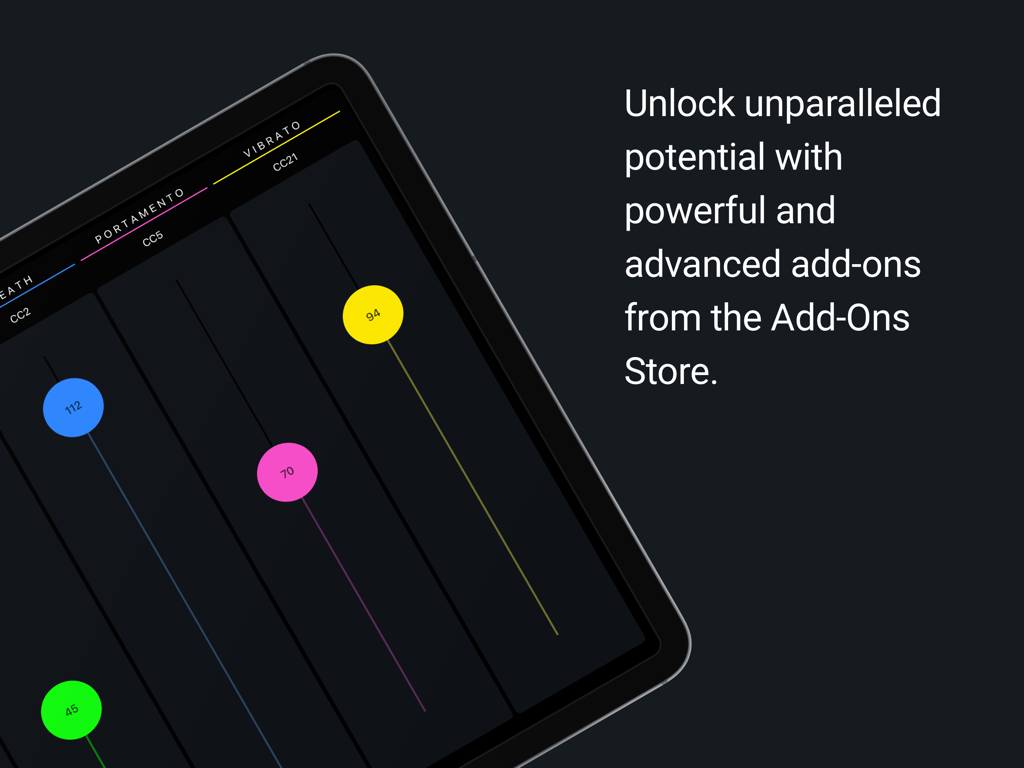
Control your DAW with shortcut-free integration. Access extensive command sets in Cubase, Nuendo, Logic Pro, Studio One, and Ableton Live. MetaGrid Pro can switch layouts based on track selection or active editors in supported DAWs. Perform and shape sound with the Piano Keyboard, Drum Pads, and XY Pad — all from a touch-native interface.
GENEROUS FREE VERSION:
• One fully customizable workspace
• Functional MIDI fader grid
• Preview all presets (macros disabled)
GO PREMIUM FOR COMPLETE CONTROL:
• Unlimited workspaces, grids, and profiles
• Macro triggering everywhere
• Fully functional presets for major Apple apps
• Popular presets for leading Mac and PC apps
• Optional expert-made presets for advanced workflows
• Advanced DAW command integration
• Import and export profiles, workspaces, grids, and objects
FROM US TO YOU:
MetaGrid Pro is designed to give you more power, more speed, and more freedom than traditional controller tools. Going Premium helps us push that vision even further.
COMMAND YOUR WORKFLOW. ONE TAP AT A TIME.
Terms of Use (EULA):
https://www.apple.com/legal/internet-services/itunes/dev/stdeula/