
Microsoft Translator




リアルタイムの音声、テキスト、画像翻訳で、言語の壁を突破しましょう。正確さ、信頼性、そしてシームレスなつながりを重視するグローバルなプロフェッショナルのために設計されています。
開発元
カテゴリ
Productivityダウンロード
14M+ユーザー評価
評価数
581K+対応言語
24このインターフェースを利用する 14M+ 人のユーザー.
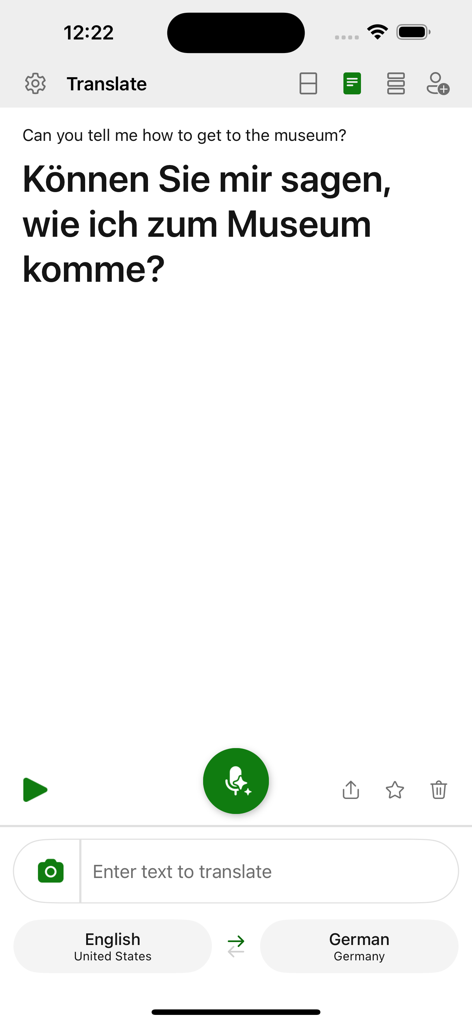
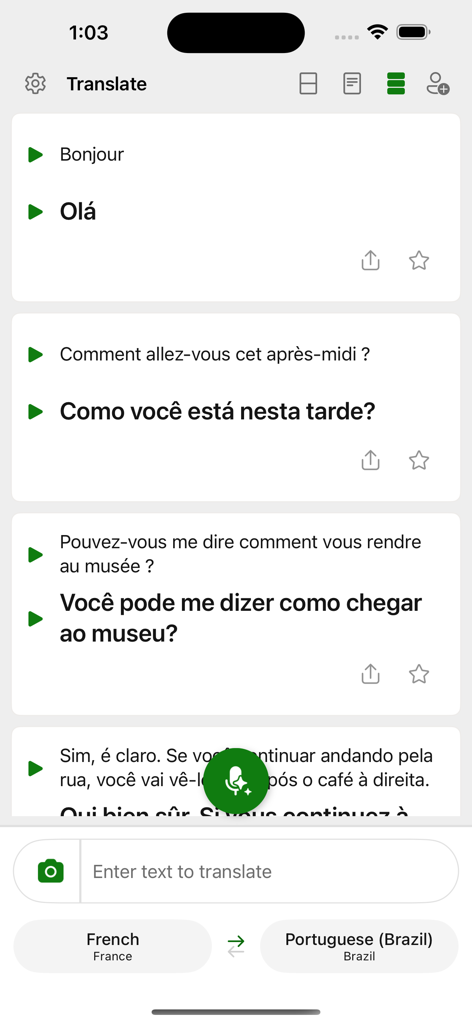
このアプリを際立たせるツール、 14M+ 人のユーザーが選択.
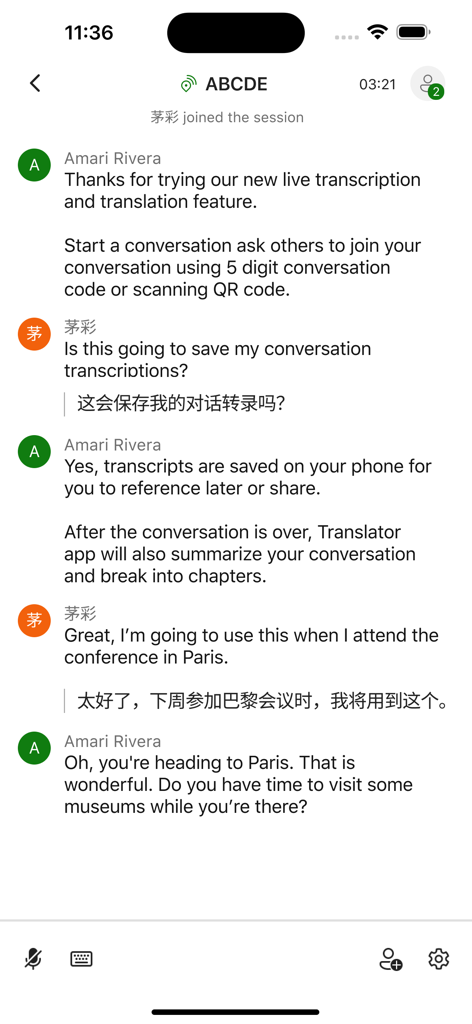
プロフェッショナルなコラボレーション向けに設計された、リアルタイムの文字起こしと検索可能なチャプター機能により、国際会議でも同期を保つことができます。
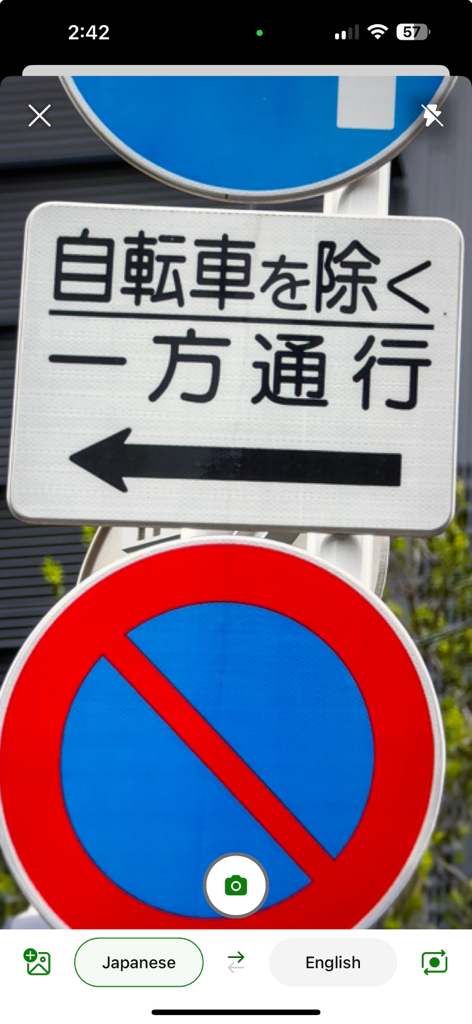
言語パックをダウンロードすれば、オフライン時でも看板、メニュー、音声を翻訳でき、制限なく旅行できます。
最も機密性の高いビジネス翻訳やプライベートな通信において、Microsoftエコシステムのセキュリティを信頼してください。
Trusted by 14M+ 人がこのアプリを愛用しています.
"東京とベルリンのチームと仕事をしているプロジェクトマネージャーとして、グループ会話機能は不可欠です。チャプターマーカー付きのリアルタイムの文字起こしを追えるため、アプリがシームレスに言語の壁を処理している間、私は戦略に集中することができます。これはまさに、現代のプロフェッショナルのためのエンタープライズグレードのツールです。"
"南米への一人旅の間にMicrosoft Translatorを使用しましたが、まさに画期的なものでした。カメラでのメニュー翻訳から、音声機能を使った現地の人々との実際の会話まで、自信を持ってつながりを感じることができました。オフラインパックは、すべての旅行者にとって必須のアイテムです。"
ユーザーレビューの分析.
感情スコア
概要
This app receives predominantly negative feedback, with many users reporting critical issues that hinder its core functionality. A major point of dissatisfaction is the pervasive "Conversation Mode" which frequently fails, preventing users from starting new conversations or engaging in group translations, often displaying "cannot start new conversation" errors. Many users also encounter persistent network connectivity problems, even with stable internet, leading to the app being unusable for live translation. While some users praise its accuracy and consider it "the best" when working, and appreciate that it's free, recent updates are blamed for breaking features, declining overall usability, and specific bugs like the removal of speech rate control and issues with the camera feature. Users also express frustration over the lack of an offline mode and unresponsive customer support.
主なテーマ
について知っておくべきこと Microsoft Translator.
説明
最新バージョン
25.10.2
サイズ
28.8 MB
リリース日
2015年8月6日
信頼性の高いリアルタイムのコミュニケーションのためにMicrosoft Translatorを信頼している、1,400万人以上のプロフェッショナルや世界的な冒険家の仲間に加わりましょう。今すぐダウンロードして、100以上の言語でテキスト、音声、画像を無料で翻訳しましょう。
について知っておくべきこと Microsoft Translator
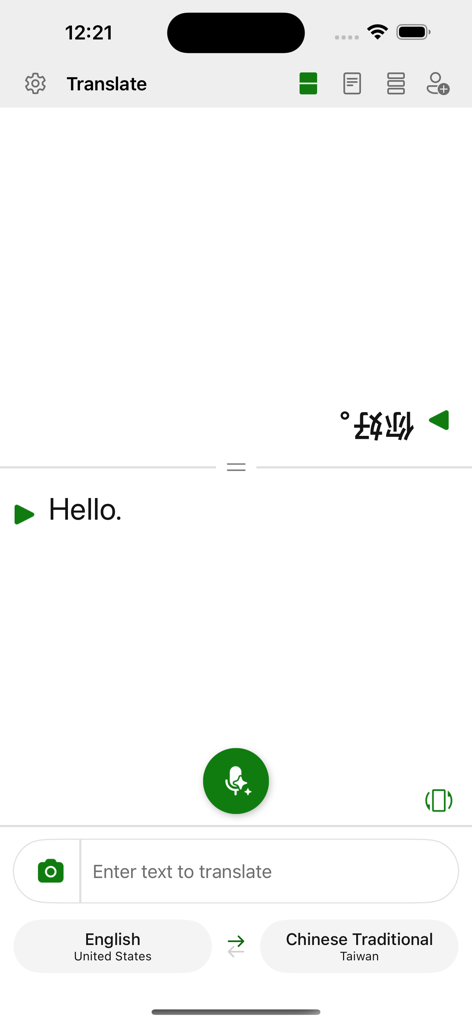
Microsoft Translatorは、100以上の言語でテキスト、音声、画像、グループ会話を翻訳することで、言語の壁を取り払う無料アプリです。旅行、仕事、学校のために世界中の人々をつなぎます。
はい、Microsoft Translatorは無料のアプリです。ユーザーが言語の壁を越えてコミュニケーションできるよう、テキスト、音声、画像、グループ会話の翻訳を無料で提供しています。
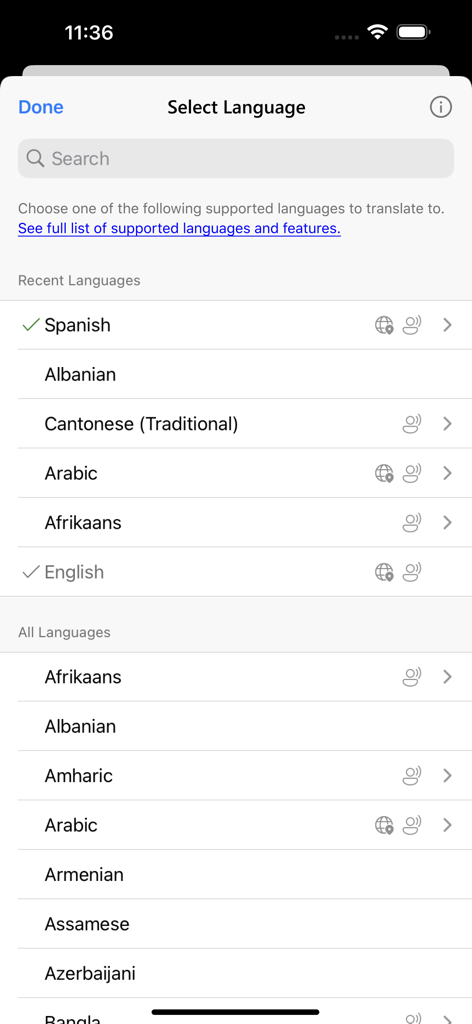
Microsoft Translatorは、翻訳のために100以上の言語をサポートしています。ユーザーは、アプリ内の提供されたリンクから、サポートされている言語と機能の完全なリストを表示できます。
はい、Microsoft Translatorは画像内のテキストを翻訳できます。このアプリにはカメラアイコンがあり、ユーザーは標識やメニューなど、画像内のテキストをキャプチャして翻訳できます。
はい、Microsoft Translatorは会話のトランスクリプトを直接お使いの携帯電話に保存します。このアプリは会話を要約し、章に整理して、簡単なナビゲーションや将来の参照または共有を可能にします。
はい、Microsoft Translatorはリアルタイムで正確な音声翻訳を提供します。ユーザーは、話された言葉を翻訳することで、異なる言語を使用する他の人と口頭でコミュニケーションをとることができます。
Microsoft Translatorは、ライブの文字起こしと翻訳を提供することで、グループ会話を促進します。トランスクリプトをお使いの携帯電話に保存し、要約して、簡単なナビゲーションと参照のために章に分割します。
似た機能とユーザー体験を持つアプリ

DeepL SE

Tencent Technology (Shenzhen) Company Limited

Beijing Qicai Muzhi Technology Co.,Ltd.

TINY BOLT (HK) CO., LIMITED

INNOVAPP LLC

Shanghai Baowu Network Technology Co., Ltd.

Hebei jiudao network technology co., ltd

Son Hoang

AmazinPro Technology Solutions And Training Company Limited
