Mojo: AI Video & Reels Editor

Mojo: AI Video & Reels Editor

ダウンロード: App Storeダウンロード: Google Play
Spark by MWM logo
ロゴ: Mojo: AI Video & Reels Editor

Mojo:AIで数秒でプロフェッショナルなソーシャルコンテンツを作成

4,000万人以上のクリエイターや中小企業オーナーに加わりましょう。1,200以上のユニークなテンプレート、自動キャプション、トレンドのサウンドで、あなたのリールやTikTokを簡単に目立たせ、ブランドを向上させましょう。

ダウンロード: App Store

開発元

Archery Inc.

カテゴリ

Photo & Video

ダウンロード

24M+

ユーザー評価

4.9/5

評価数

832K+

対応言語

35

あなたの美学を形作る

このインターフェースを利用する 24M+ 人のユーザー.

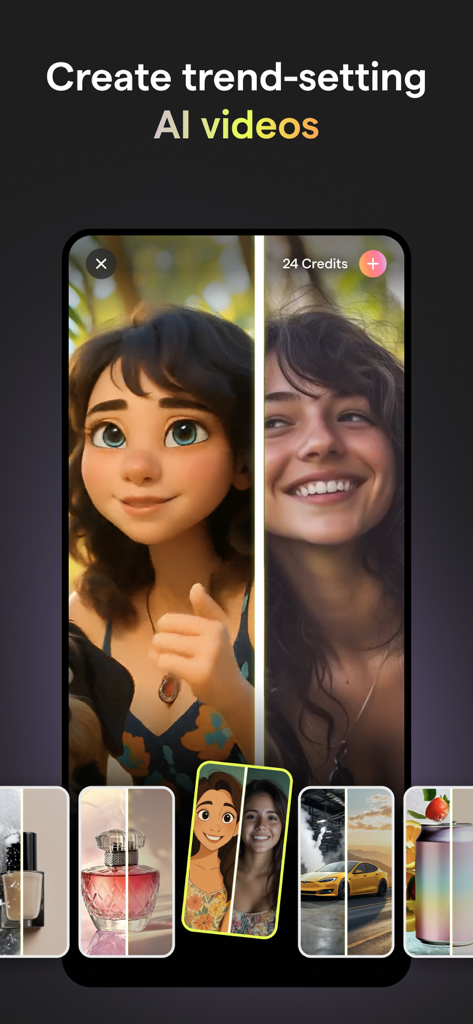
Mojoアプリのインターフェース。実際の写真がアニメキャラクターにAIで変身する様子を表示。

Mojoアプリのインターフェース。実際の写真がアニメキャラクターにAIで変身する様子を表示。

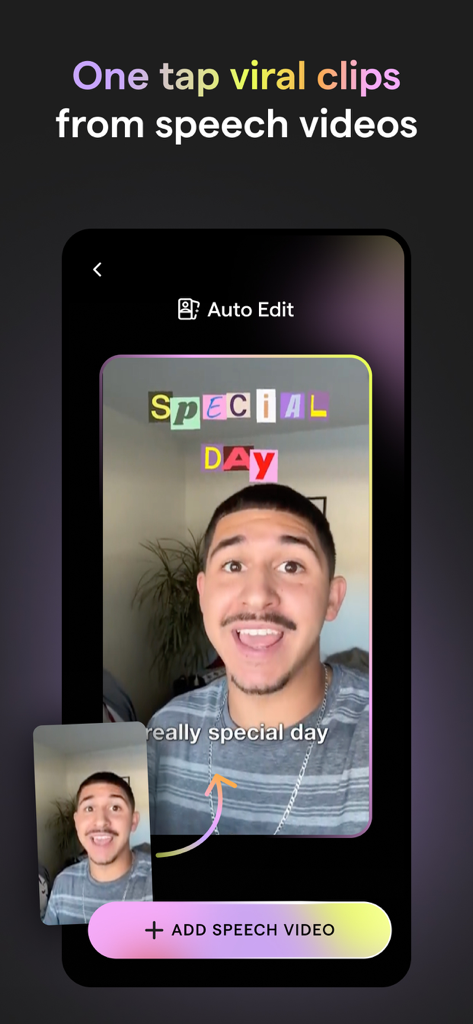
Mojoアプリのインターフェース。スピーチ動画からカラフルなキャプション付きのバイラルクリップを作成する自動編集機能を表示。

Mojoアプリのインターフェース。スピーチ動画からカラフルなキャプション付きのバイラルクリップを作成する自動編集機能を表示。

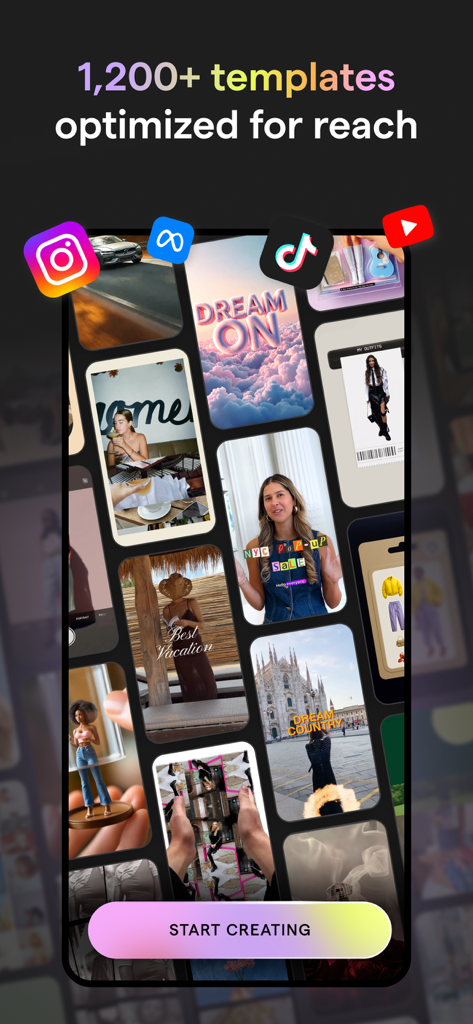
Instagram、TikTok、YouTubeに最適化されたMojoアプリの様々な動画テンプレートのグリッド。

Instagram、TikTok、YouTubeに最適化されたMojoアプリの様々な動画テンプレートのグリッド。

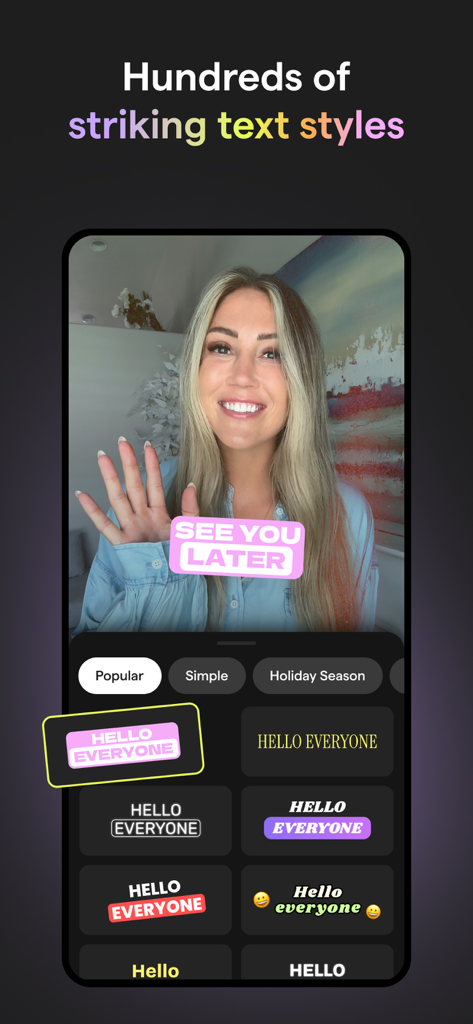
Mojoアプリのインターフェース。ソーシャルメディア動画用の様々な印象的なテキストスタイルとエフェクトを表示。

Mojoアプリのインターフェース。ソーシャルメディア動画用の様々な印象的なテキストスタイルとエフェクトを表示。

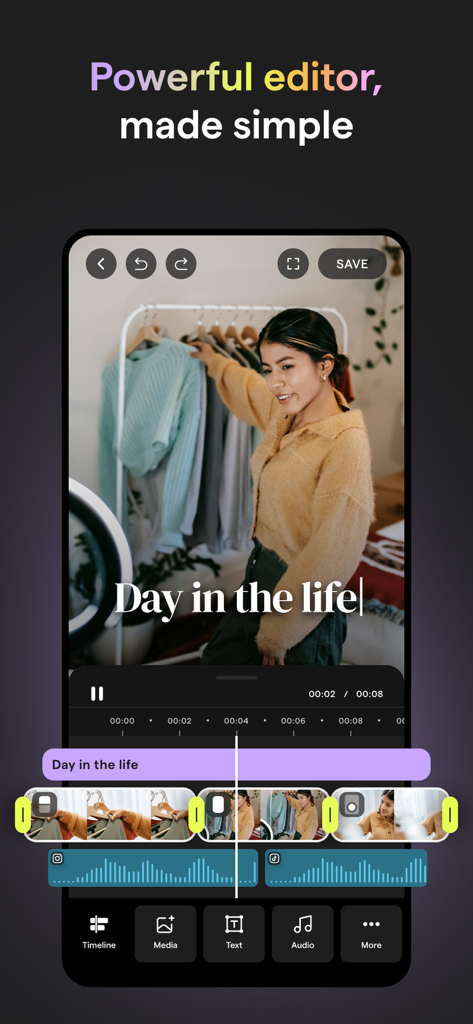
Mojoアプリのビデオエディタのユーザーインターフェース。ソーシャルメディアコンテンツ作成用のビデオタイムラインとテキストオーバーレイを特徴とする。

Mojoアプリのビデオエディタのユーザーインターフェース。ソーシャルメディアコンテンツ作成用のビデオタイムラインとテキストオーバーレイを特徴とする。

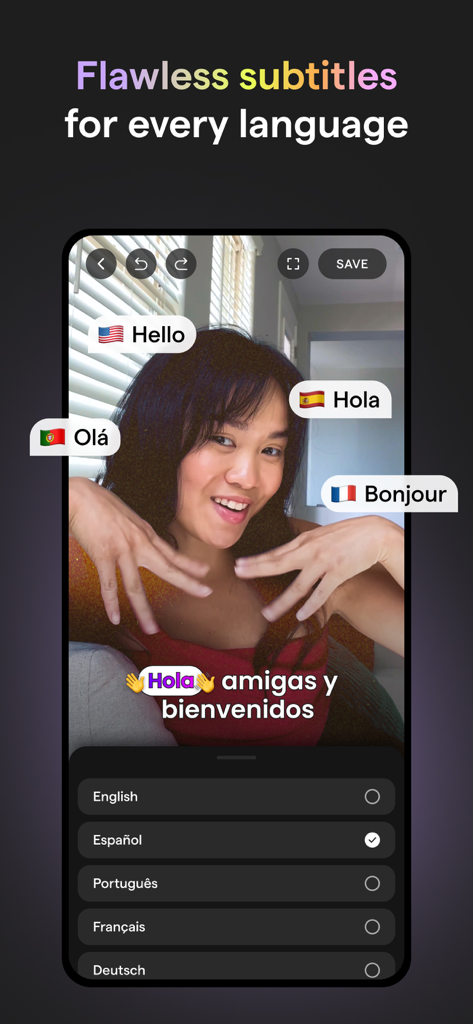
Mojoアプリのインターフェース。複数の言語でのソーシャルメディア動画用の自動キャプションと字幕翻訳を表示。

Mojoアプリのインターフェース。複数の言語でのソーシャルメディア動画用の自動キャプションと字幕翻訳を表示。

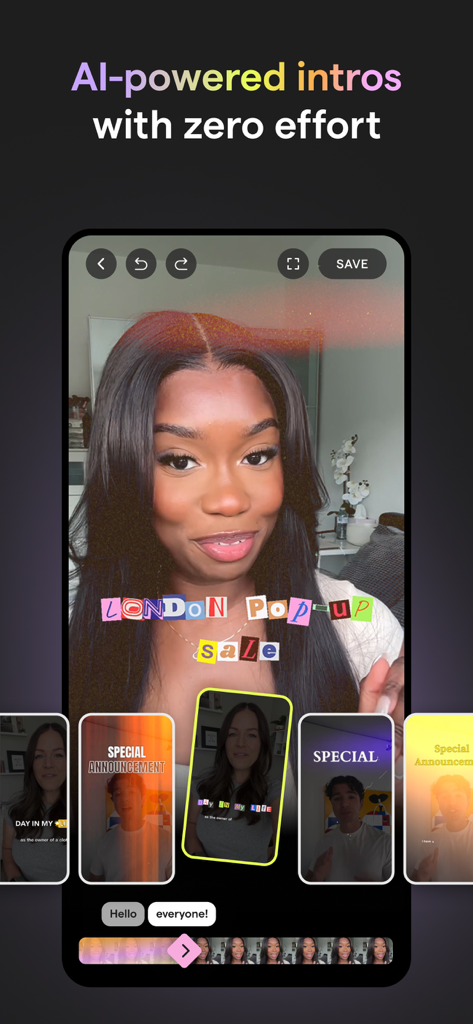
Mojoアプリのインターフェース。ソーシャルメディアコンテンツ作成用のAI搭載ビデオイントロとテンプレートを表示。

Mojoアプリのインターフェース。ソーシャルメディアコンテンツ作成用のAI搭載ビデオイントロとテンプレートを表示。

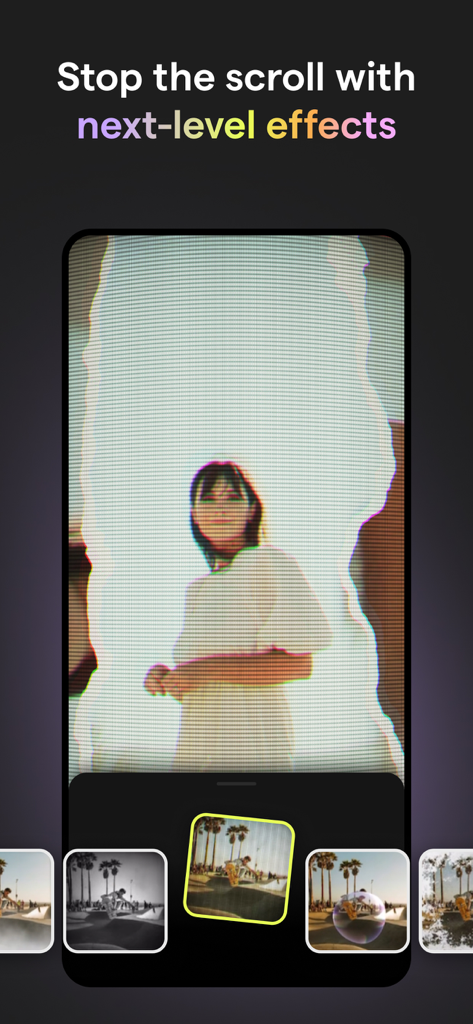
Mojoアプリのインターフェース。ソーシャルメディアリール用のクリエイティブなビデオエフェクトを表示。

Mojoアプリのインターフェース。ソーシャルメディアリール用のクリエイティブなビデオエフェクトを表示。

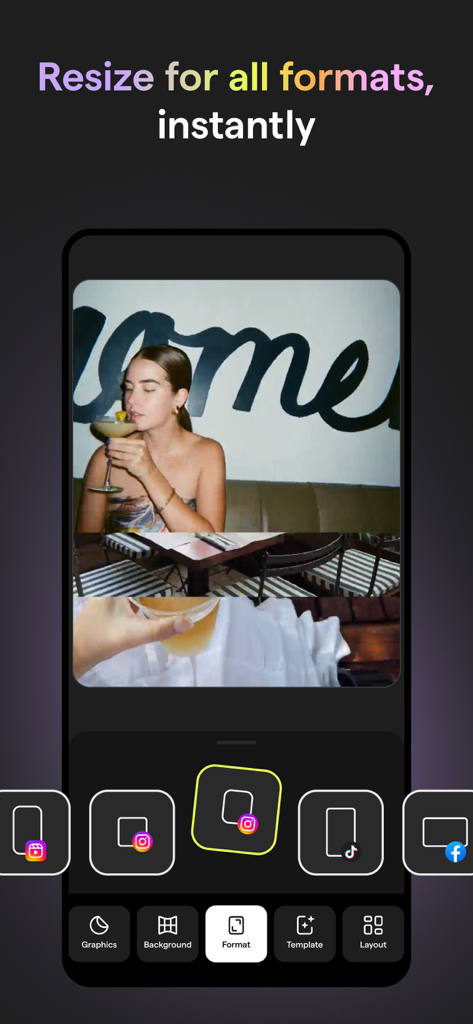
Mojoアプリのインターフェース。様々なソーシャルメディアプラットフォーム向けのインスタントビデオリサイズ機能を表示。

Mojoアプリのインターフェース。様々なソーシャルメディアプラットフォーム向けのインスタントビデオリサイズ機能を表示。

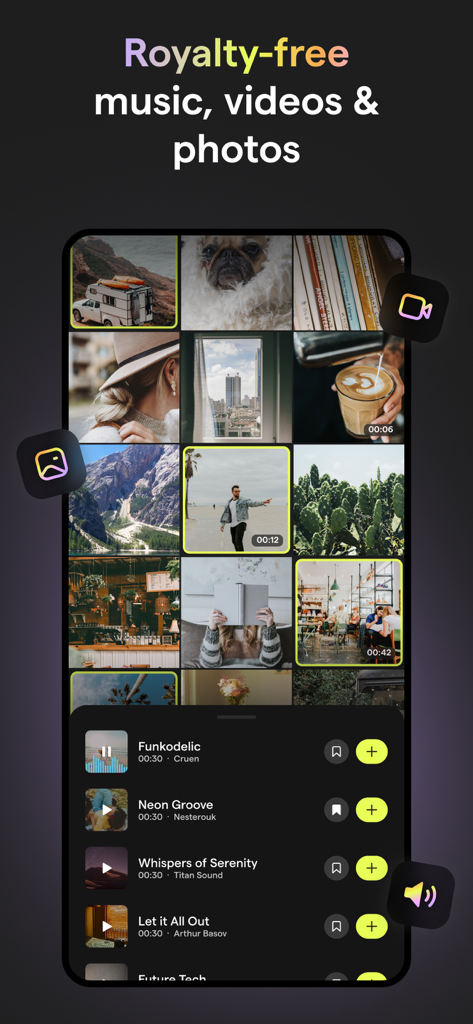
Mojoアプリのインターフェース。ソーシャルメディアコンテンツ作成用のロイヤリティフリーのミュージックビデオや写真のセレクションを表示。

Mojoアプリのインターフェース。ソーシャルメディアコンテンツ作成用のロイヤリティフリーのミュージックビデオや写真のセレクションを表示。

プロフェッショナルなコンテンツを簡単に作成

このアプリを際立たせるツール、 24M+ 人のユーザーが選択.

📈

バイラルの波に乗る

TikTokやInstagramリールのトレンドサウンドに自動的にマッチするユニークなテンプレートで、関連性を保ちましょう。

あなたのブランドを、よりスマートに

カスタムブランドフォント、カラー、ロゴを1,200以上のデザイナーテンプレート全体で同期させ、プロフェッショナルな外観を維持しましょう。

💬

スクロールを止めるキャプション

AI自動キャプションでエンゲージメントを最大80%向上させ、視聴者がミュートで視聴している場合でもメッセージを届けましょう。

世界中のユーザーに愛されています

Trusted by 24M+ 人がこのアプリを愛用しています.

"

"MojoはInstagramでの私のブランドの存在感を完全に変えました。中小企業のオーナーとして、編集に何時間もかける余裕はありませんが、テンプレートとブランドキットのおかげで、数分でプロレベルの動画を制作できます。背景リムーバーは私の製品リールにとって救世主です!"

Sarah Miller
"

"これは間違いなくクリエイターにとって最高のアプリです。自動キャプションは信じられないほど正確で、トレンドのサウンド統合はバイラルになるための推測作業をなくしてくれます。TikTokやYouTube Shorts用にコンテンツをワンタップで簡単にサイズ変更できるのが気に入っています。"

Jordan Rivera

アプリについて

について知っておくべきこと Mojo: AI Video & Reels Editor.

説明

Creating trending social content has never been simpler. Mojo is an app designed to help you make amazing video content for Instagram and TikTok and more. Mojo is made in Paris and has already been downloaded by over 40 million people worldwide. To use Mojo, simply download the app and start exploring one of our 1,200+ unique templates. After selecting the template you’d like to edit, choose from a number of our editing features to create the perfect video. You can then easily resize and share your content to any social platform with the touch of a button. While editing, you can choose from a number of our top features like adding auto-captions, text effects, filters, and creating a grid. You can also select one of our trending templates which is already paired perfectly with a trending sound from Instagram and TikTok! Mojo is an inclusive app made for everyone. Whether you’re a creator, small business owner, photographer, or a first-time social user - there will be something for you! Take a look at our top features and why our users love them: Trending sounds templates - Choose from our unique trending sounds templates that connect directly to trending sounds on Instagram and TikTok - Get inspired in our trending sounds collection and create videos with already identified trends Auto captions - Add auto-captions to maximize your views - Select from a variety of auto-caption styles to stand out on social - Translate your captions into a different language than the one you’re speaking - Remove unwanted silences and filler words automatically Text effects - Easily add aesthetic text effects to your videos - Select from a variety of styles like modern, retro, speech bubbles, and calls to action All-in-one video editor - Edit all of your videos on one platform - Trim your clips, add transitions, music, text, and animated elements on Mojo Background removal - Remove the background from any image in one tap - The perfect tool for business owners to showcase their products Brand kit - Upload your brand fonts, colors, and logos to the brand kit tool - Easily stay on brand while creating your content on Mojo AI templates - Transform your content with one of our AI templates by selecting a photo and watching our AI tools illustrate it into a work of art - Select any photo from your camera roll and watch Mojo turn it into a meme Royalty free music - Choose from our royalty-free tracks that can be used for commercial purposes - Upload your own music and add it to any of our templates Transitions - Seamlessly add transitions to your videos to elevate visual appeal - Elevate professionalism with a variety of available transitions like zoom in, fisheye, ripped paper, camera slides in different directions, and so many more - Apply your transitions to your whole video in just one tap Share across all social platforms - Share to Instagram, TikTok, YouTube, and other social platforms in just one tap - Mojo easily resizes your content depending on the platform you’re sharing to Edit the animations of all elements - Animate any element of your video and capture your viewer’s attention Animated stickers and graphics - Incorporate animated stickers and graphics into your videos Terms of Use: https://www.mojo-app.com/terms-of-use If you subscribe via Apple, your payment will be charged to the App Store Account at confirmation of purchase. Subscription automatically renews unless auto-renew is turned off at least 24 hours before the end of the current period. Account will be charged for renewal within 24 hours prior to the end of the current period at the rate of the selected plan. Subscriptions and auto-renewal may be managed by going to Account Settings on your iPhone after purchase. We're always open to feedback, email us yours at feedback@mojo.video. From Paris with love, The Mojo Team

最新バージョン

1.256.0

サイズ

309.7 MB

リリース日

2018年11月6日

4,000万人以上のクリエイターに加わり、ソーシャルブランドをレベルアップ

目立つ準備はできましたか?今すぐMojoをダウンロードして、1,200以上のテンプレート、トレンドのサウンド、AIツールにアクセスし、数秒であなたの写真をバイラルコンテンツに変えましょう。

ダウンロード: App Storeダウンロード: Google Play
FAQ

よくある質問

について知っておくべきこと Mojo: AI Video & Reels Editor

Mojo: AI Video & Reels Editorとは何ですか?

Mojoは、InstagramやTikTokなどのプラットフォーム向けのトレンド動画コンテンツ作成を簡素化するために設計されたアプリです。1,200以上のユニークなテンプレートと強力な編集機能を提供し、魅力的なソーシャルメディアコンテンツを作成できます。

Mojoアプリは動画作成用のテンプレートを提供していますか?

はい、Mojoアプリは1,200以上のユニークな動画作成用テンプレート、トレンドのサウンドテンプレートを含みます。ユーザーはテンプレートを選択し、様々な編集機能でカスタマイズできます。

Mojoは動画に自動キャプションを追加できますか?

はい、Mojoは動画の視聴数を最大化するために自動キャプションを追加できます。ユーザーは様々な自動キャプションスタイルから選択し、キャプションを翻訳し、不要な無音やフィラーワードを自動的に削除できます。

Mojoアプリは画像の背景削除をどのように処理しますか?

Mojoアプリには背景削除ツールが含まれており、ユーザーはワンタップで任意の画像から背景を削除できます。この機能は製品の紹介に役立ちます。

Mojoでブランドのフォントやロゴを使用できますか?

はい、Mojoにはブランドキットツールがあります。ユーザーはブランドのフォント、色、ロゴをアップロードして、アプリ内で作成されたすべてのコンテンツで一貫したブランディングを維持できます。

Mojoは商用利用可能なロイヤリティフリーの音楽を提供していますか?

はい、Mojoは商用利用が許可されたロイヤリティフリーのトラックを提供しています。ユーザーは自分の音楽をアップロードして、どのテンプレートでも使用できます。

Mojoのサブスクリプションを管理するにはどうすればよいですか?

購入後、iPhoneのアカウント設定に移動して、Mojoサブスクリプションと自動更新設定を管理できます。サブスクリプションは、期間終了の24時間前までにオフにしない限り、自動的に更新されます。