Paintstorm Studio Lite

Paintstorm Studio Lite

ダウンロード: App Store
Spark by MWM logo
ロゴ: Paintstorm Studio Lite
Paintstorm Studio Lite:iPadパワーユーザーのためのプロ仕様デジタルペインティング

デスクトップ級のブラシエンジン、オーガニックな剛毛カスタマイズ、そして本格的なアーティストのために設計された高度なストローク手ぶれ補正で、Apple Pencilの可能性を最大限に引き出します。

ダウンロード: App Store

開発元

Sergei Komarov

カテゴリ

Entertainment

ダウンロード

1M+

ユーザー評価

4.3/5

評価数

1K+

対応言語

1

あらゆるストロークに宿る熟練

このインターフェースを利用する 1M+ 人のユーザー.

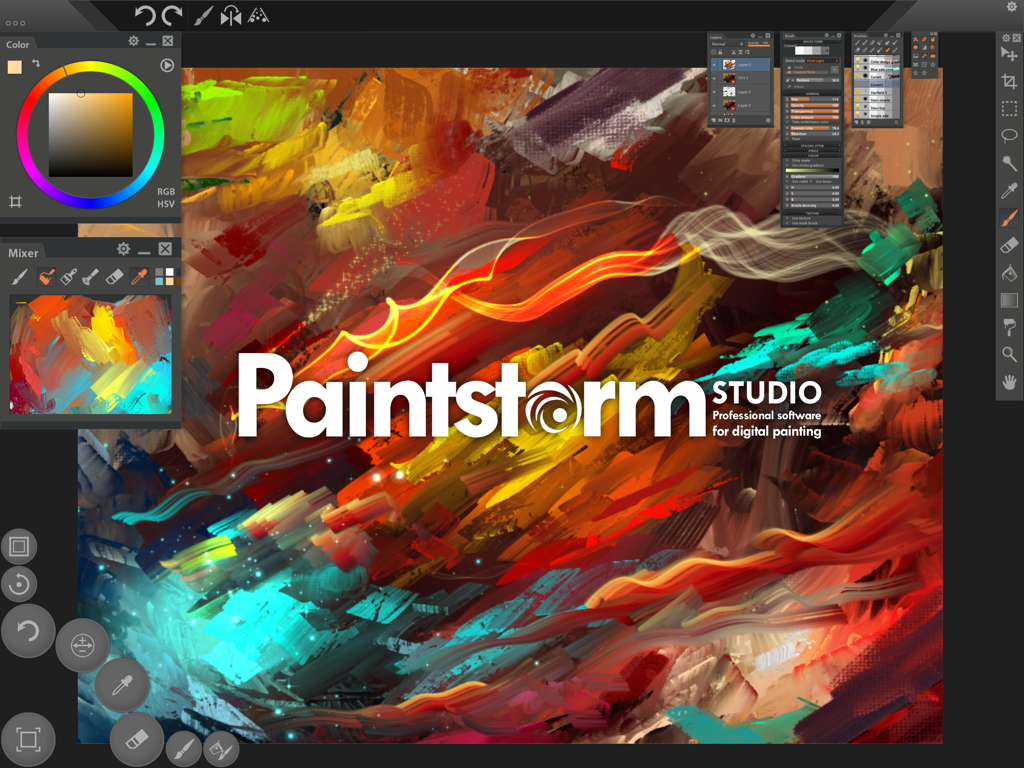
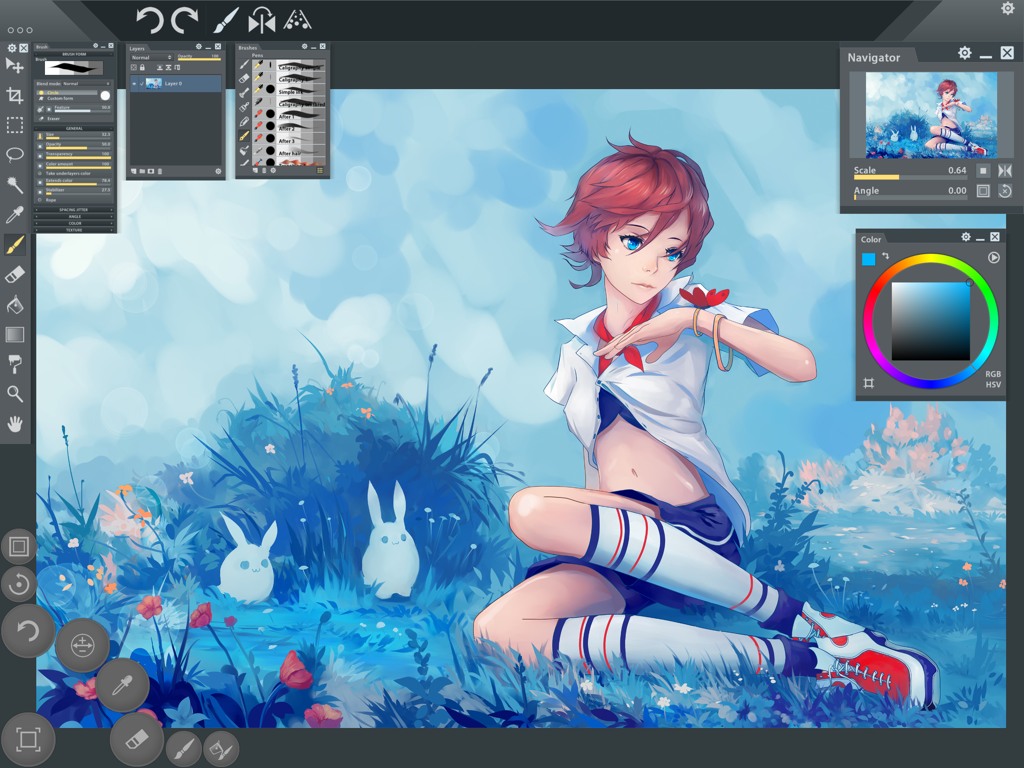
鮮やかなデジタルペインティングの筆致とプロのアーティスト向けパネルを表示するPaintstorm Studio Liteのインターフェース

鮮やかなデジタルペインティングの筆致とプロのアーティスト向けパネルを表示するPaintstorm Studio Liteのインターフェース

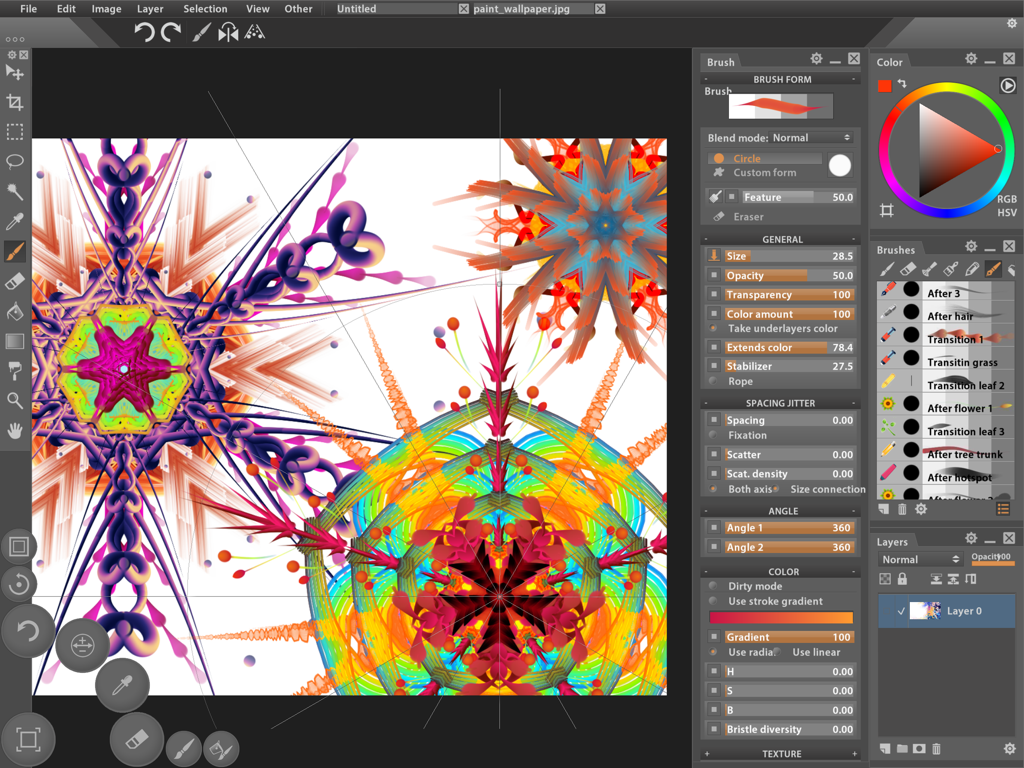
高度なブラシカスタマイズと対称的なアートワークを表示するプロ仕様のデジタルペインティングインターフェース

高度なブラシカスタマイズと対称的なアートワークを表示するプロ仕様のデジタルペインティングインターフェース

デジタルペインティングと高度なブラシ設定パネルを備えたPaintstorm Studio Liteのインターフェース

デジタルペインティングと高度なブラシ設定パネルを備えたPaintstorm Studio Liteのインターフェース

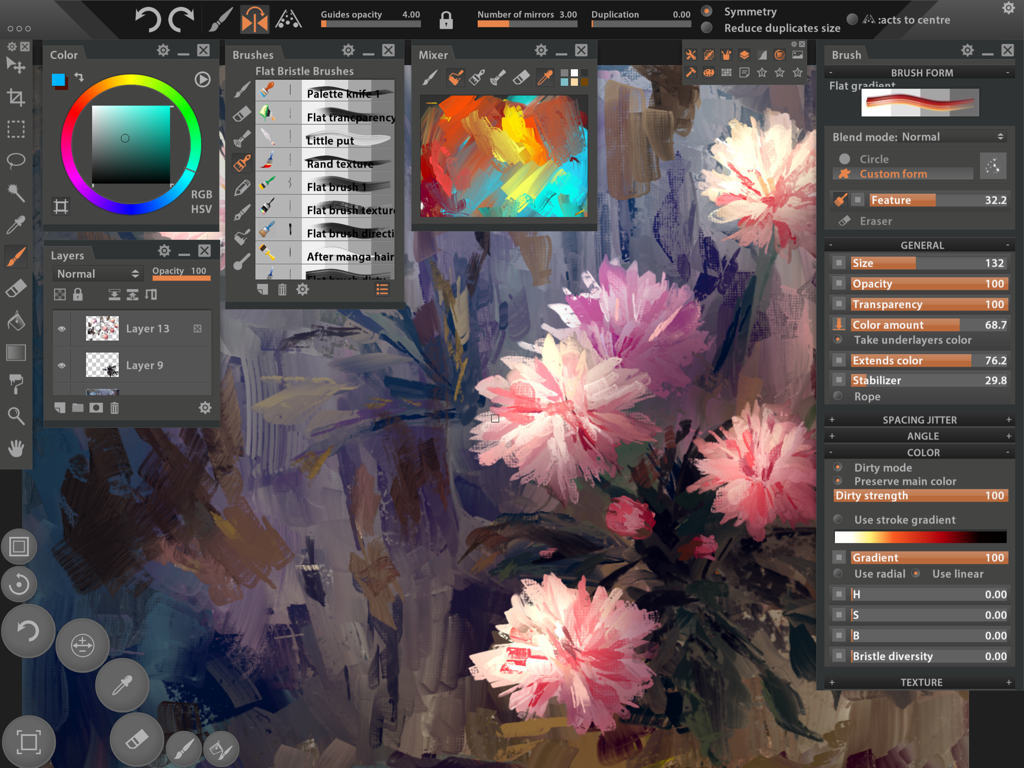
iPadインターフェース上で花の絵と複雑なブラシカスタマイズパネルを表示する、Paintstorm Studio Liteのプロ仕様デジタルペインティングワークスペース。

iPadインターフェース上で花の絵と複雑なブラシカスタマイズパネルを表示する、Paintstorm Studio Liteのプロ仕様デジタルペインティングワークスペース。

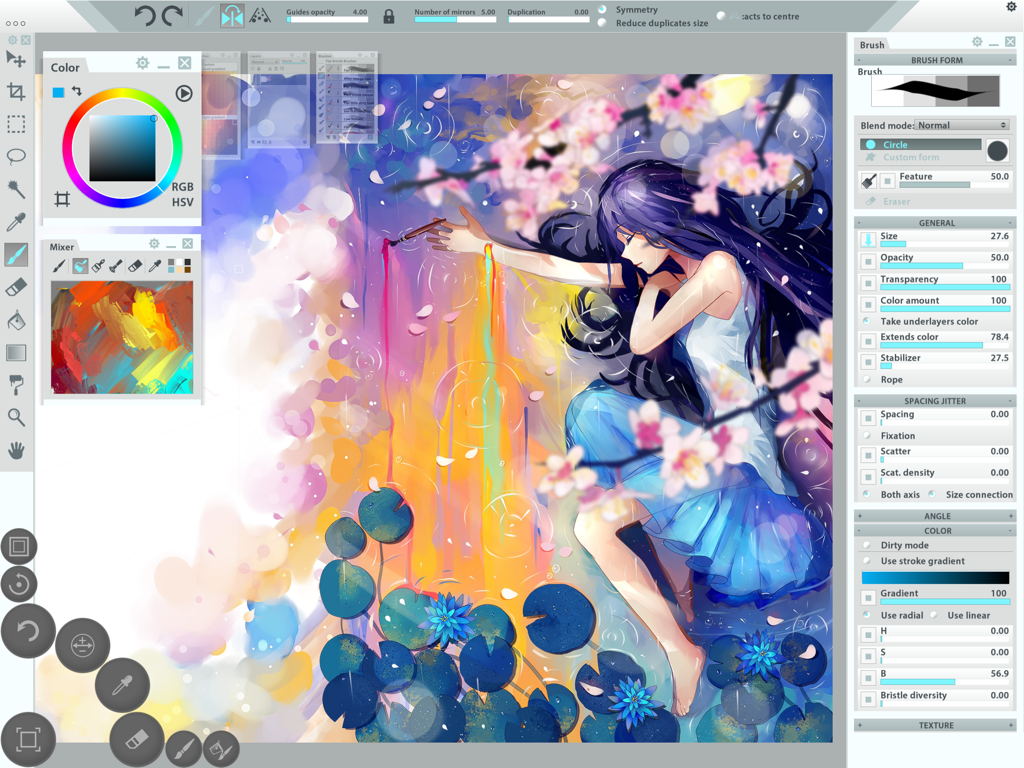
プロの描画ツールを使ってアニメイラストを表示するPaintstorm Studio Liteアプリのインターフェース。

プロの描画ツールを使ってアニメイラストを表示するPaintstorm Studio Liteアプリのインターフェース。

デジタルキャンバスをマスターする

このアプリを際立たせるツール、 1M+ 人のユーザーが選択.

🖌️

比類なきブラシ物理演算

本物の絵具のようなオーガニックな感触を再現する、プロ仕様の剛毛ブラシ、ダーティモード、下層カラーブレンディングで、単なるスケッチを超えた表現を。

✍️

プロ仕様のApple Pencil最適化

筆圧、傾き、方向に特化したサポートにより、すべてのストロークを精密に捉え、ハードウェアの可能性を最大限に引き出します。

⚙️

あなたのために構築されたスタジオ

カスタムパネル、ダイナミックなインターフェーススケーリング、詳細な設定により、iPadをプロ仕様のワークステーションへと変貌させ、思いのままに調整できます。

世界中のユーザーに愛されています

Trusted by 1M+ 人がこのアプリを愛用しています.

"

"iPadのあらゆる描画アプリを試してきましたが、Paintstorm Studio Liteは私が必要とするデスクトップ級のブラシカスタマイズを提供してくれる唯一のアプリです。カスタムパネルを作成できる機能とストロークスタビライザーの精度は、私のコンセプトアートのワークフローにおいて革命的です。手の中にプロのワークステーションがあるようです。"

マーカス T.、コンセプトアーティスト
"

"数十年油絵を描いてきた者として、デジタルに移行することには懐疑的でした。しかし、Paintstormの「ダーティブラシ」モードと剛毛設定は、私が見つけた中で最もリアルなものでした。Apple Pencilの傾きと筆圧を完璧に捉え、移行が完全に自然に感じられます。今では屋外スケッチの定番です。"

エレナ R.、ファインアーティスト

アプリについて

について知っておくべきこと Paintstorm Studio Lite.

説明

Paintstorm Studio is the first iOS App designed not only for simple sketches, but professional digital painting of any level, genre and technique. Paintstorm helps you to discover the magnificence and unleash the full potential of Apple Pencil and brings you to a whole new level of drawing. Creating an art masterpiece has never been so mobile. A major feature of Paintstorm Studio is the array of brushes to choose from. We did our best so that you can easily and quickly adjust the brushes suitable to your painting style. Anyone who has ever painted knows it's hard to overestimate the painting tool and the importance of all the seemingly insignificant details. We tried not to miss any of them. Our goal was to create an intuitive, simple-to-use but at the same time functionally powerful tool that brings the process of digital painting to a new level, making it as comfortable as possible. - Full control of all brush options (Incredible possibilities for brush settings) - Bristle brushes of any form and kind - Stroke post correction (You can take an action on any option. Not only on the stroke thickness) - Parameters binding to the perspective - Dynamic interface (Global interface scale, panels scale, opacity, color) - Custom panels - Full controlled mask-brush (Each brush can work as mask for other brush) - Takes underlayer's color while blending - "Close gaps" function when you fill or select - Dirty brush mode - Stroke stabilizer - Usable color mixer - Different gradient strokes - Mirror drawing - Standard tools pack (Lasso, Magic wand, Crop, Fill, Gradient and etc) - Control of the random amounts - Apple Pencil support (Pressure, Tilt, Direction) Lite version restrictions: - It is not possible to load and save psd files - A watermark is added to the picture Upgrade to the full version and get rid of the limits!

最新バージョン

2.50

サイズ

102.9 MB

リリース日

2016年3月31日

Apple Pencilの真の力を解き放つ

比類なきブラシカスタマイズで、プロ級のデジタルペインティングを体験。Paintstorm Studio Liteをダウンロードして、今日から傑作を描き始めましょう。

ダウンロード: App Store