Playlist Transfer for My Music

Playlist Transfer for My Music

ダウンロード: App Store
Spark by MWM logo
ロゴ: Playlist Transfer for My Music

My Music のプレイリスト転送: サービスを切り替えて、サウンドを維持。

Spotify、Apple Music、YouTube 間でライブラリ全体を数秒で簡単に移行できます。キュレーションされたプレイリストを置き去りにしないでください — 今すぐ音楽を転送して、生涯のリスニング統計をアンロックしましょう。

開発元

Virals Dijital Hizmetler Anonim Sirketi

カテゴリ

Music

ダウンロード

374K+

ユーザー評価

4.4/5

評価数

7K+

対応言語

1

サウンドを同期

このインターフェースを利用する 374K+ 人のユーザー.

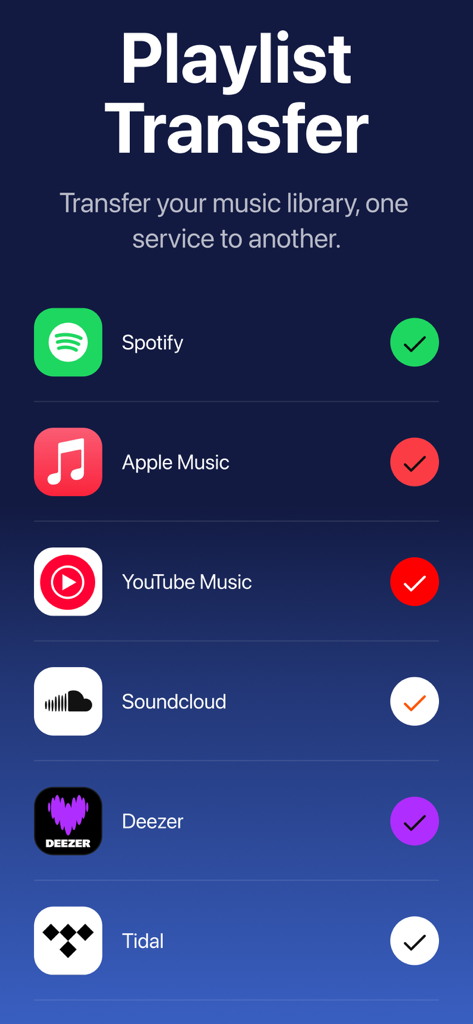
プレイリスト転送アプリでサポートされている Spotify や Apple Music などの音楽ストリーミング プラットフォームのリスト。

プレイリスト転送アプリでサポートされている Spotify や Apple Music などの音楽ストリーミング プラットフォームのリスト。

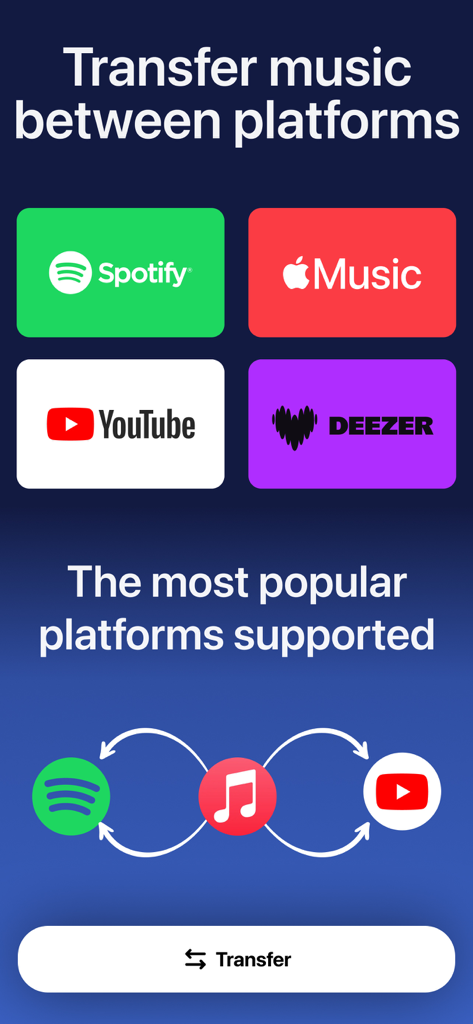
Spotify Apple Music YouTube および Deezer 間での音楽転送オプションを示すインターフェイス。

Spotify Apple Music YouTube および Deezer 間での音楽転送オプションを示すインターフェイス。

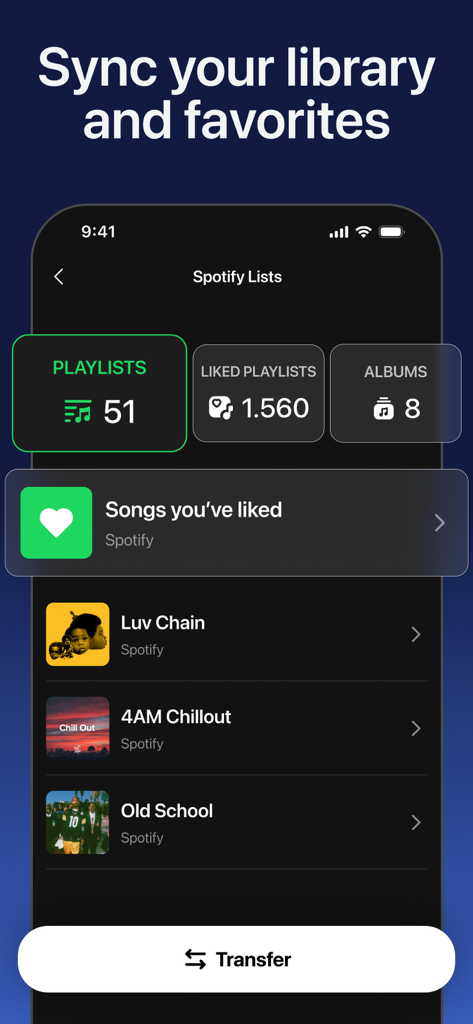
転送準備ができたプレイリストやアルバムを含む Spotify ライブラリを示すモバイルアプリのインターフェイス。

転送準備ができたプレイリストやアルバムを含む Spotify ライブラリを示すモバイルアプリのインターフェイス。

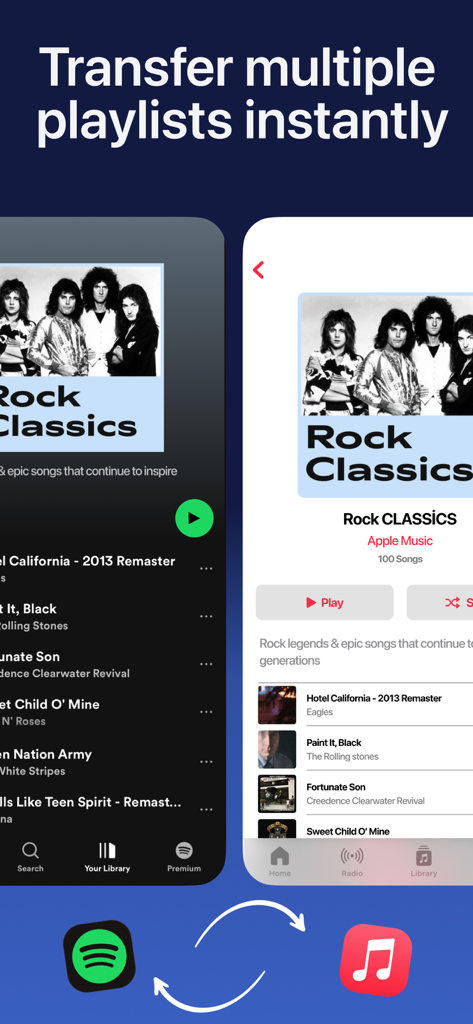
Spotify から Apple Music への Rock Classics プレイリストの転送を示すインターフェイス。

Spotify から Apple Music への Rock Classics プレイリストの転送を示すインターフェイス。

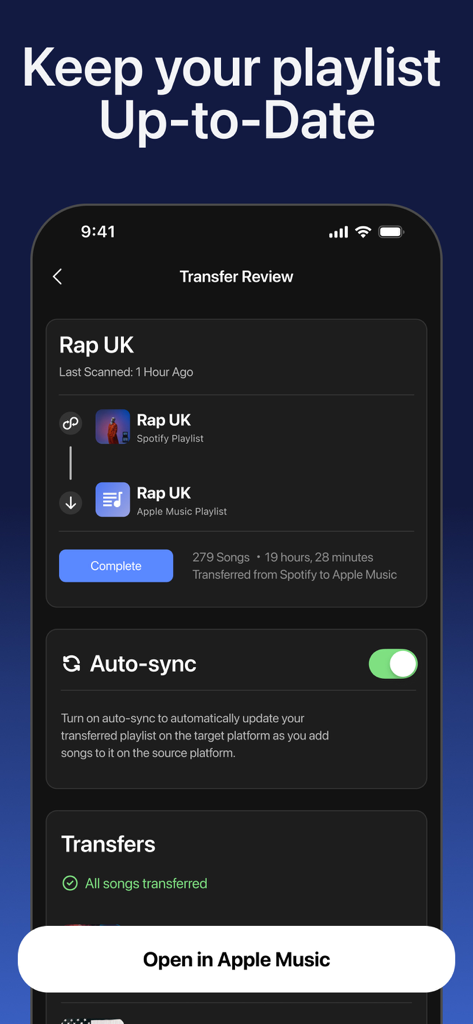
自動同期機能が有効になっている Spotify から Apple Music へのプレイリスト転送を示すインターフェイス。

自動同期機能が有効になっている Spotify から Apple Music へのプレイリスト転送を示すインターフェイス。

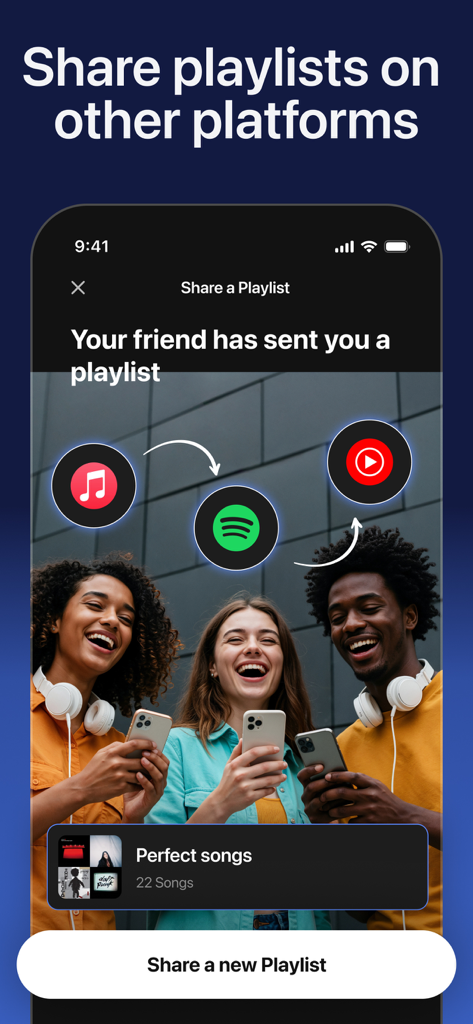
Spotify や Apple Music などのさまざまなストリーミングサービス間で友人と音楽プレイリストを共有する方法を示すモバイル画面。

Spotify や Apple Music などのさまざまなストリーミングサービス間で友人と音楽プレイリストを共有する方法を示すモバイル画面。

あなたの音楽を、境界なく

このアプリを際立たせるツール、 374K+ 人のユーザーが選択.

インスタントプラットフォーム移行

Spotify、Apple Music、YouTube 間で数千曲を簡単に移動 — 手動検索は不要です。

📊

リスニングDNAをアンロック

年間のまとめを超えて、トップアーティスト、トラック、お気に入りの曲のエネルギーレベルに関するリアルタイム統計を確認しましょう。

🎯

スマートマッチ発見

高度なエンジンが、すべてのストリーミングプロバイダーであなたのマニアックなトラックやアルバムに最適なマッチを特定します。

世界中のユーザーに愛されています

Trusted by 374K+ 人がこのアプリを愛用しています.

"

"最近 iPhone を Apple Music に切り替えましたが、5 年間の Spotify プレイリストを手動で再構築することを考えると悪夢でした。このアプリは 1 分以内にすべてを移動してくれました!シームレスで正確で、何時間もの退屈な作業を節約してくれました。"

Chloe Martinez
"

"転送機能は素晴らしいですが、音楽統計には actually 夢中です。ダンス可能性やエネルギー スコアをいつでも確認できるのは画期的です。リアルタイムで更新される、パーソナライズされた「Wrapped」レポートを持っているようなものです。あらゆる音楽オタクにとって必須です。"

Jordan Rivera

アプリについて

について知っておくべきこと Playlist Transfer for My Music.

説明

Playlist Transfer will help you to transfer your music from one platform to another. You can transfer your favorite albums, playlists, and songs to another music provider just in seconds with Playlist Transfer app. All you need to do is to connect your music services, choose the music you want to transfer and let Playlist Transfer app to discover compatible matches on the new music platform. Now you can enjoy your favorite music in your favorite platform Playlist Transfer makes it super easy to transfer music to other platforms. Move your entire music library into a new music platform in seconds. Share music without limits! Works across all streaming apps. Share your playlist story on social media platform to let your friends discover new music and playlists. Playlist Transfer app supports many different music services such as Spotify, Apple Music, YouTube, Tidal and more are coming. Frustrated with your streaming service? Download Playlist Transfer app now to transfer your favorite music across music platforms! Transfer your music from Spotify to Apple Music or Apple Music to Spotify. Don’t make your playlists again and again on every music service you use. Simply transfer your music with Playlist Transfer app. How to Transfer Your Music with Playlist Transfer app? 1. Login with your current music platform such as Spotify, Apple Music etc. 2. Select the music platform that you want to transfer your music 3. Pick your favorite songs, albums, playlists that you want to transfer 4. Review and confirm the music transfer 5. Let Playlist Transfer app to transfer your music in seconds Check your music stats with Playlist Transfer for Spotify Music Stats: - Your top tracks, top artists and top albums - How much you listen music on Spotify - Music stats and song features (popularity, danceable, energetic…) - Your lifetime Spotify streaming history for songs / artists / albums - Personalized statistics for every song, artist, album on Spotify - Find out popularity scores for every song, artist, album - Discover new music with suggested songs Supported Music Services - Spotify - Apple Music - YouTube - Soundcloud - Deezer Do you have any questions about Playlist Transfer app? We love receiving your feedback. You can reach us from: hello@virals.app You can find terms and privacy links of Playlist Transfer in here: https://www.virals.app/terms https://www.virals.app/privacy

最新バージョン

11.9

サイズ

214.1 MB

リリース日

2024年3月13日

切り替える準備はできましたか?プレイリストを持ち運びましょう。

手作業を辞めた 374,000 人以上の音楽愛好家に加わりましょう。ライブラリ全体を数秒で転送し、生涯ストリーミング統計を今すぐアンロックしましょう。

ダウンロード: App Store
FAQ

よくある質問

について知っておくべきこと Playlist Transfer for My Music

プレイリスト転送アプリは、どのように音楽を転送しますか?

プレイリスト転送アプリは、音楽サービスを接続し、転送する音楽を選択し、新しいプラットフォームで互換性のある一致を見つけることで機能します。数秒で転送を実行します。

プレイリスト転送は、どの音楽ストリーミングサービスをサポートしていますか?

プレイリスト転送は、Spotify、Apple Music、YouTube、Soundcloud、Deezer、Tidalをサポートしています。近日中にさらに多くのサービスが追加される予定です。

プレイリスト転送を使用して、一度に複数のプレイリストを転送できますか?

はい、プレイリスト転送では、ユーザーはサポートされている音楽プラットフォーム間で複数のプレイリストを瞬時に転送できます。数秒で音楽ライブラリ全体を移動します。

プレイリスト転送は、Spotifyの音楽統計を提供しますか?

はい、Spotify用のプレイリスト転送は音楽統計を提供します。トップトラック、アーティスト、アルバム、再生時間、人気スコア、生涯ストリーミング履歴を表示します。

プレイリスト転送でプレイリストを自動同期できますか?

はい、プレイリスト転送には自動同期機能が含まれています。この機能は、ソースプラットフォームに曲を追加すると、ターゲットプラットフォーム上の転送されたプレイリストを自動的に更新します。

プレイリスト転送アプリは、友達とプレイリストを共有できますか?

はい、プレイリスト転送アプリでは、ユーザーはソーシャルメディアプラットフォームでプレイリストのストーリーを共有して、友達が新しい音楽やプレイリストを見つけるのを支援できます。

プレイリスト転送アプリのサポートにはどのように連絡できますか?

質問やフィードバックがあれば、hello@virals.appにメールを送信して、プレイリスト転送アプリのサポートに連絡できます。