Scanner Vault: PDF & OCR Scan

Scanner Vault: PDF & OCR Scan

ダウンロード: App Store
Spark by MWM logo
ロゴ: Scanner Vault: PDF & OCR Scan

Scanner Vault:プロフェッショナルなモバイルオフィスをポケットに

契約書、領収書、手書きのメモを、会議室品質のPDFに簡単に変換できます。クラウドベースのOCRでテキストを即座に抽出し、どこからでもビジネス文書を管理できます。

ダウンロード: App Store

開発元

Appsverse Inc.

カテゴリ

Business

ダウンロード

1M+

ユーザー評価

4.6/5

評価数

15K+

対応言語

1

効率を実演

このインターフェースを利用する 1M+ 人のユーザー.

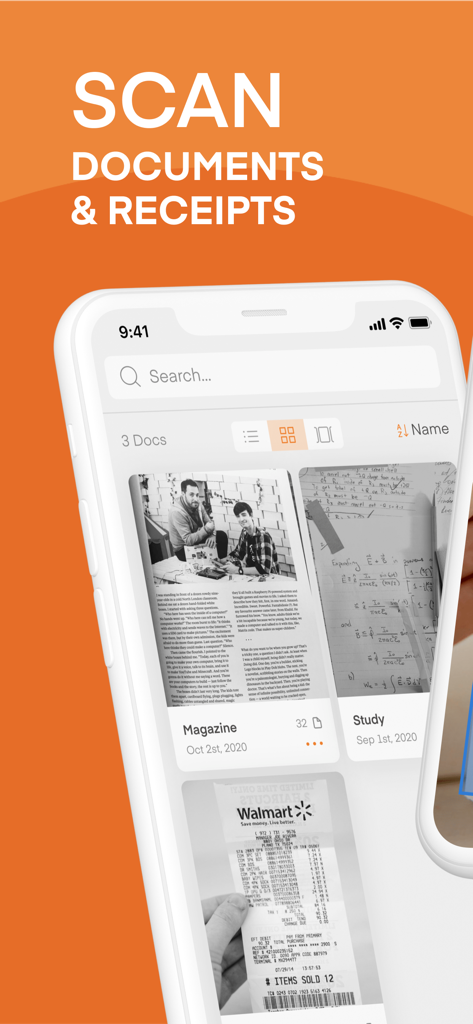
Scanner Vaultモバイルアプリのインターフェース。スキャンされたドキュメントや領収書が表示されています

Scanner Vaultモバイルアプリのインターフェース。スキャンされたドキュメントや領収書が表示されています

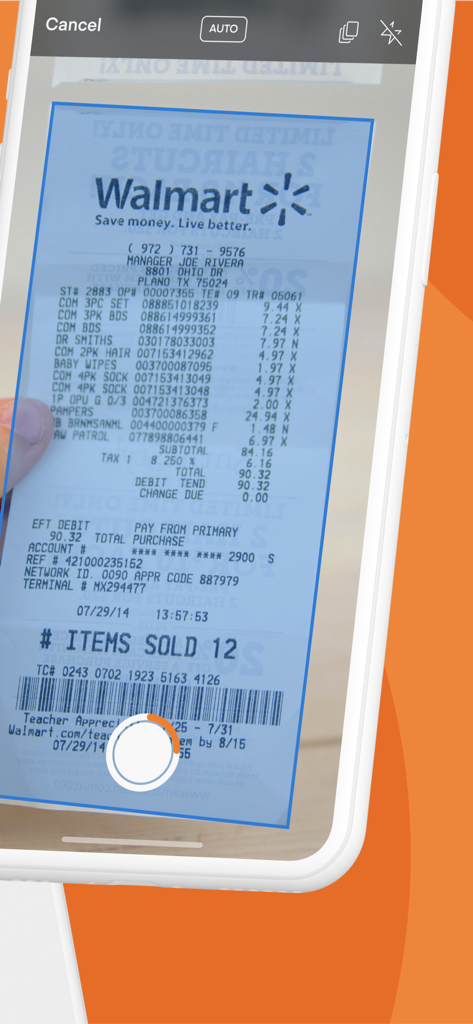
iPhone画面でScanner Vaultアプリを使用し、自動ページ検出でウォルマートの領収書をスキャンしている様子

iPhone画面でScanner Vaultアプリを使用し、自動ページ検出でウォルマートの領収書をスキャンしている様子

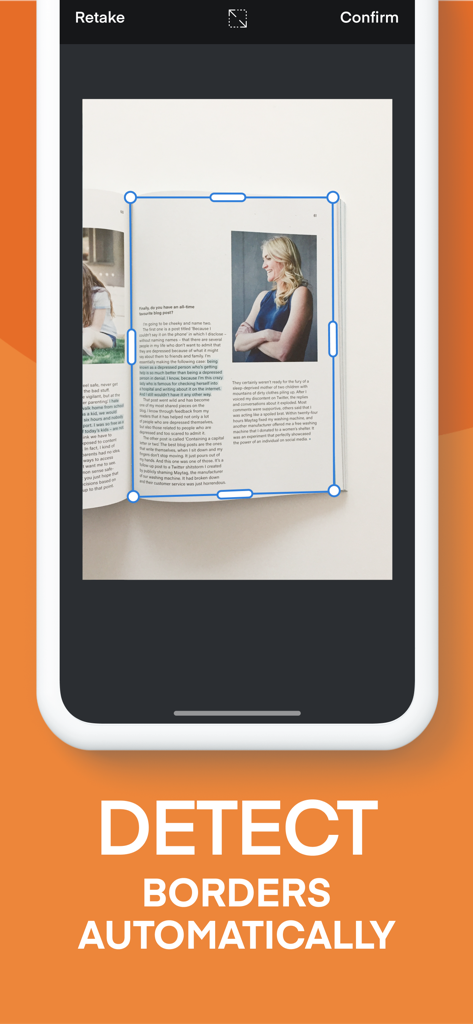
Scanner Vaultアプリのスキャナー画面。スキャン中に雑誌のページの境界線を自動検出しています。

Scanner Vaultアプリのスキャナー画面。スキャン中に雑誌のページの境界線を自動検出しています。

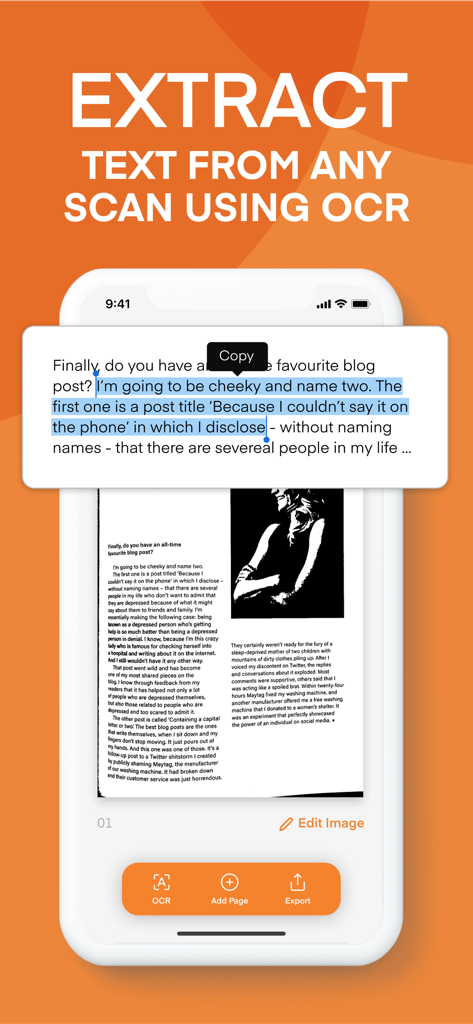
Scanner Vaultアプリのインターフェース。スキャンされたドキュメントからOCRテキスト抽出を示しています。

Scanner Vaultアプリのインターフェース。スキャンされたドキュメントからOCRテキスト抽出を示しています。

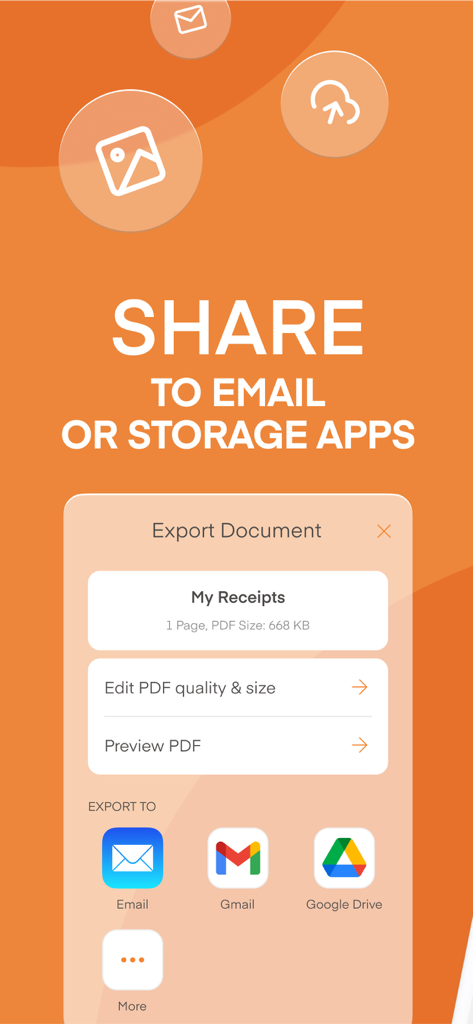
スキャンされたPDFドキュメントをGmailやGoogle Driveなどのメールやクラウドストレージサービスに共有するためのインターフェース

スキャンされたPDFドキュメントをGmailやGoogle Driveなどのメールやクラウドストレージサービスに共有するためのインターフェース

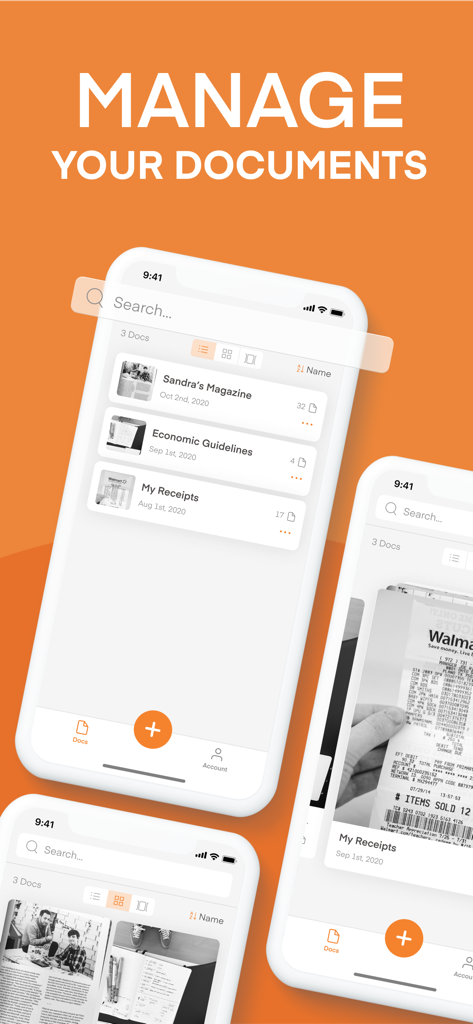
Scanner Vaultモバイルアプリのインターフェース。スキャンされたPDFドキュメントの整理と管理用

Scanner Vaultモバイルアプリのインターフェース。スキャンされたPDFドキュメントの整理と管理用

あなたの完全なモバイルスキャンソリューション

このアプリを際立たせるツール、 1M+ 人のユーザーが選択.

AI搭載スマートスキャン

ドキュメントの境界を自動検出し、不要なものを除去して、数秒で完璧でプロフェッショナルなスキャンを作成します。

📝

高精度OCR

手動での再入力を必要とせずに、あらゆるドキュメントからテキストを抽出して編集、コピー、または書き写すことができます。

💼

プロフェッショナルPDFツール

ビジネスを円滑に進めるために、暗号化されたPDFに直接署名、注釈付け、共有できます。

💼

プロフェッショナルPDFツール

ビジネスを円滑に進めるために、暗号化されたPDFに直接署名、注釈付け、共有できます。

世界中のユーザーに愛されています

Trusted by 1M+ 人がこのアプリを愛用しています.

"

"フリーランスコンサルタントとして、常に契約書や領収書を扱っています。Scanner Vaultは私のワークフローを完全に変えました。OCR技術は驚くほど正確で、手動でのデータ入力に費やす時間を数時間も節約してくれます。まるでポケットの中に高性能なオフィススキャナーがあるようです!"

サラ・ジェンキンス
"

"不動産業界では、スピードがすべてです。Scanner Vaultを使って、その場で署名されたドキュメントをデジタル化し、すぐにクライアントに送信します。スマートページ検出は、暗い場所でも完璧で、スキャンは常にプロフェッショナルに見えます。モバイルオフィスへの投資として、間違いなく最高です。"

マイケル・ロッシ

アプリについて

について知っておくべきこと Scanner Vault: PDF & OCR Scan.

説明

Scanner Vault scans printed or handwritten documents such as contracts, paper documents, books, receipts, business cards, etc with your iPhone or iPad easily. PDF Scanner allows you to scan with your camera or import from existing photos. The scanner app also allows you to manage and generate PDF documents to be saved, emailed and shared. PDF Scanner features include: + Smart Page Detection that detects your pages from the background to allow you to scan and capture your documents with ease + Convert your scan to black & white images or preserve its colors. + Edit Scan Images - Crop, adjust contrast, add text to your scanned documents. + Print your scanned documents. + Optical Character Recognition OCR technology that converts your scan documents to text to allow for easy transcription. + OCR support for multiple languages. + Share scan documents to friends and family Scanner Vault offers a subscription plan for Cloud based OCR service that turns your scan documents into text. - Premium cloud based OCR feature is $49.99/year with a 3 Day Free trial or $29.99/year - Your subscription automatically renews unless auto-renewal is turned off at least 24 hours before the end of the current subscription. - Your account will be charged for a renewed subscription within 24 hours prior to the end of current subscription. - Your account will auto renew once a month. - Payment will be charged to iTunes Account at confirmation of purchase - You can manage your subscription and switch off the auto-renewal by accessing your account settings after purchase. - You cannot cancel the current subscription during the active subscription period. - The price will be charge on a monthly or yearly basis and the price will be clearly shown depending on the service you subscribe to at the point of subscribing. Privacy Policy: https://www.appsverse.com/privacy Terms of Use: https://www.appsverse.com/terms

最新バージョン

4.09

サイズ

89.0 MB

リリース日

2018年8月7日

モバイルオフィスをアップグレードする準備はできましたか?

高画質のスキャン、即時OCR、安全なドキュメント管理のためにScanner Vaultを信頼する100万人以上のプロフェッショナルに加わりましょう。

ダウンロード: App Store