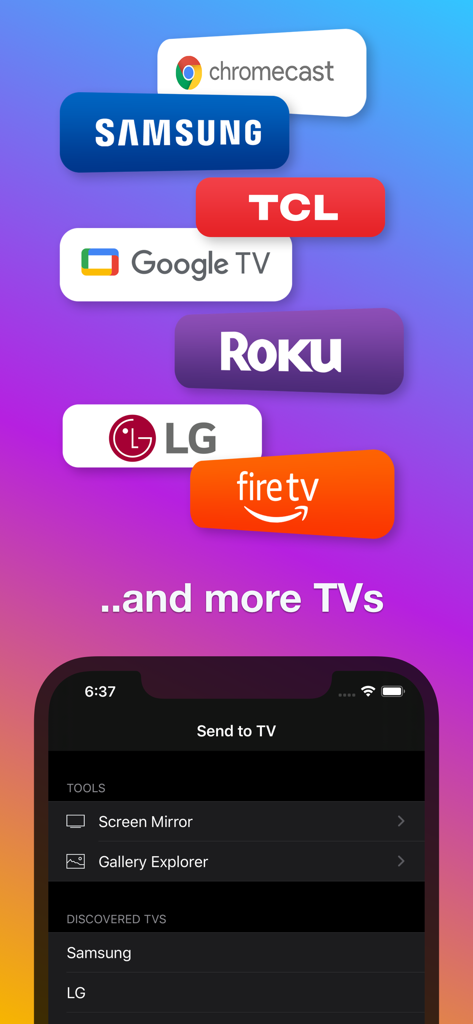
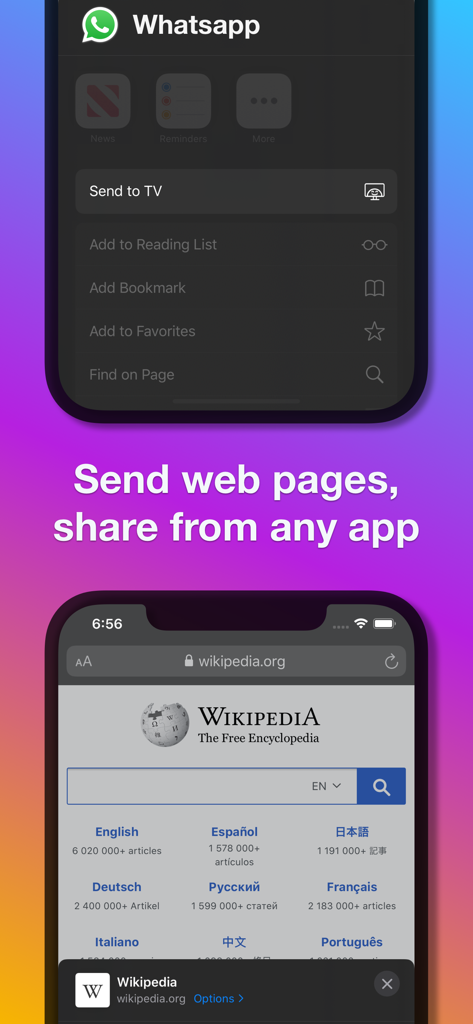
Make your iPhone or iPad compatible with all smart TVs, including Chromecast, Samsung, LG, Sony, Roku, Google TV, Amazon Fire, Panasonic, Hisense, TCL, and many other TV models. Mirror your screen, send photos, video files, and web pages from any app or browser to your smart TV.
With Send to TV, you can:
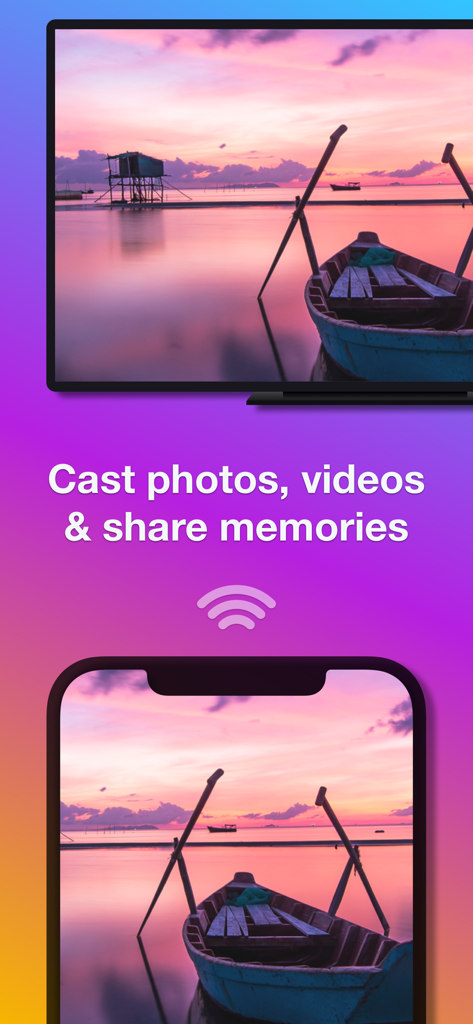
• Explore your phone's media gallery (as a slideshow) and enjoy the content on your TV.
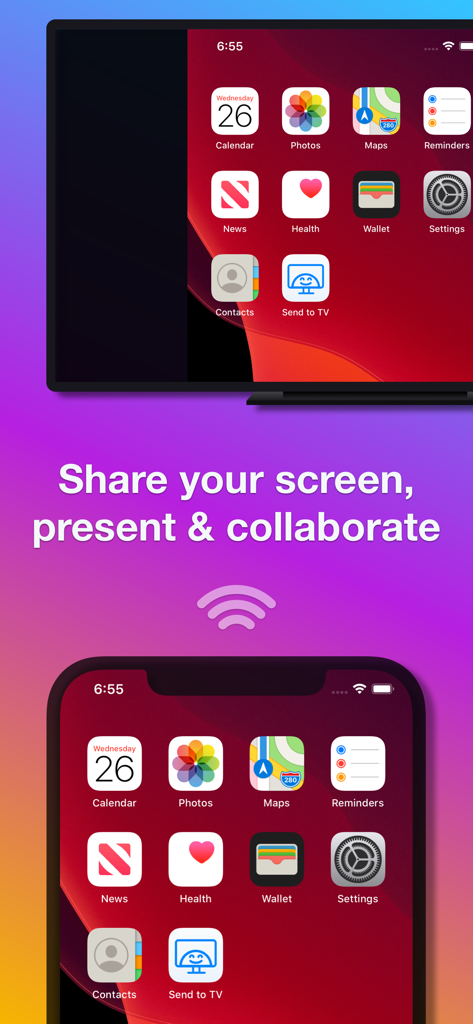
• Mirror your phone screen to your big TV and share presentations, check documents, navigate the web, and do much more.
• Send web pages from Safari, Facebook, Instagram, or any other web browser to your smart TV.
• Send photos and video files to your TV from any app. With this widget (action extension), you can cast videos to your smart TV from apps like Camera, Messenger, Dropbox, iCloud, WhatsApp (actually, from any app that can store, record, or edit video content).
• The app can also send media & mirror to other devices that support web browsing or video playback: PCs, Mac computers, tablets, game consoles, other TVs (Sony, Philips, Panasonic, TCL, and more), virtually any platform with a web browser.
SUPPORTED SMART TVs
All smart TVs are supported: Chromecast, Samsung, LG, Sony, Roku, Google TV, Amazon Fire, Panasonic, Hisense, TCL, and many other TVs or devices and computers with a web browser (for screen mirroring).
JUST PLUG AND PLAY
No extra cables, absolutely no configuration required - with Send to TV, you can cast web content (web pages) and videos to your smart TV.
SUPPORT
We read your support emails every day.
Write with confidence any question, feedback, or complaint, and you will receive an answer in a very short period of time.
We offer two auto-renewing subscription options:
• Basic, a 1-month subscription.
• Premium, a 12-month subscription.
• Lifetime access: one-time payment only.
Prices may vary by location.
Subscriptions will auto-renew unless canceled.
• Payment will be charged to the iTunes Account at confirmation of purchase.
• The subscription may be managed by the user, and auto-renewal may be turned off by going to the user’s Account Settings after purchase.
• No cancellation of the current subscription is allowed during the active subscription period.
• Subscription automatically renews unless auto-renewal is turned off at least 24 hours before the end of the current period.
• Your account will be charged for renewal for the amount of your current subscription within 24 hours before the end of the current period. All costs for subscriptions are mentioned above.
Privacy Policy
https://alexdenk.eu/subscriptions-privacy-policy.html
Terms of Use
https://alexdenk.eu/subscriptions-terms-of-use.html