Ulysses: Writing App

Ulysses: Writing App

ダウンロード: App Store
Spark by MWM logo
ロゴ: Ulysses: Writing App

Ulysses:Apple愛好家のための究極の執筆環境

邪魔されないエディタ、すべてのプロジェクトのための統合ライブラリ、そしてMac、iPhone、iPad間でシームレスに同期されるプロフェッショナルなパブリッシングツールで、あなたの技術をマスターしましょう。

開発元

Ulysses GmbH & Co. KG

カテゴリ

Productivity

ダウンロード

197K+

ユーザー評価

4.6/5

評価数

1K+

対応言語

12

あなたのフローのために作られました

このインターフェースを利用する 197K+ 人のユーザー.

Ulyssesライティングアプリのプロモーションバナー。Apple Design Awardロゴとカラフルなライティングハッシュタグが表示されています。

Ulyssesライティングアプリのプロモーションバナー。Apple Design Awardロゴとカラフルなライティングハッシュタグが表示されています。

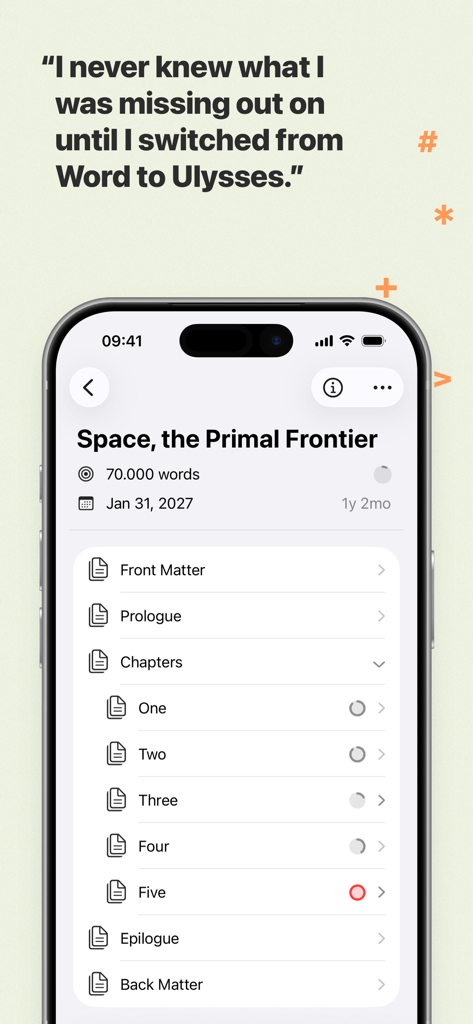
UlyssesライティングアプリのiPhoneスクリーンショット。構造化されたブックプロジェクトライブラリと、Microsoft Wordと比較するユーザーの証言が表示されています。

UlyssesライティングアプリのiPhoneスクリーンショット。構造化されたブックプロジェクトライブラリと、Microsoft Wordと比較するユーザーの証言が表示されています。

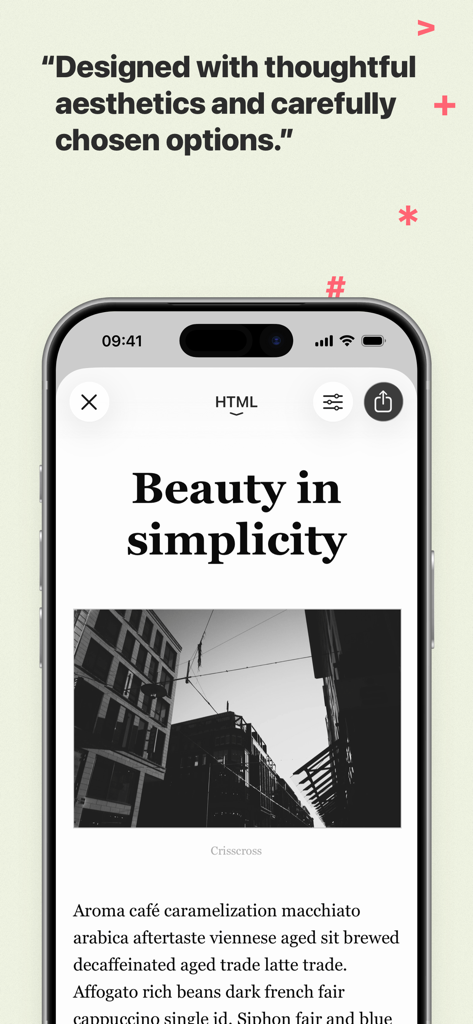
iPhone上のUlyssesライティングアプリ。テキストと写真を含むミニマルな記事デザインが表示されています。

iPhone上のUlyssesライティングアプリ。テキストと写真を含むミニマルな記事デザインが表示されています。

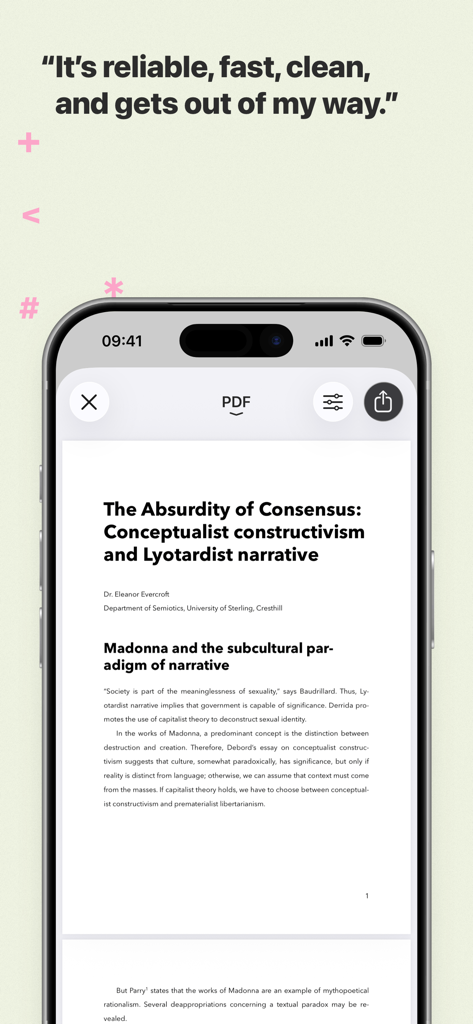
iPhoneにUlyssesライティングアプリのプロフェッショナルなPDFドキュメントプレビューが表示されています。

iPhoneにUlyssesライティングアプリのプロフェッショナルなPDFドキュメントプレビューが表示されています。

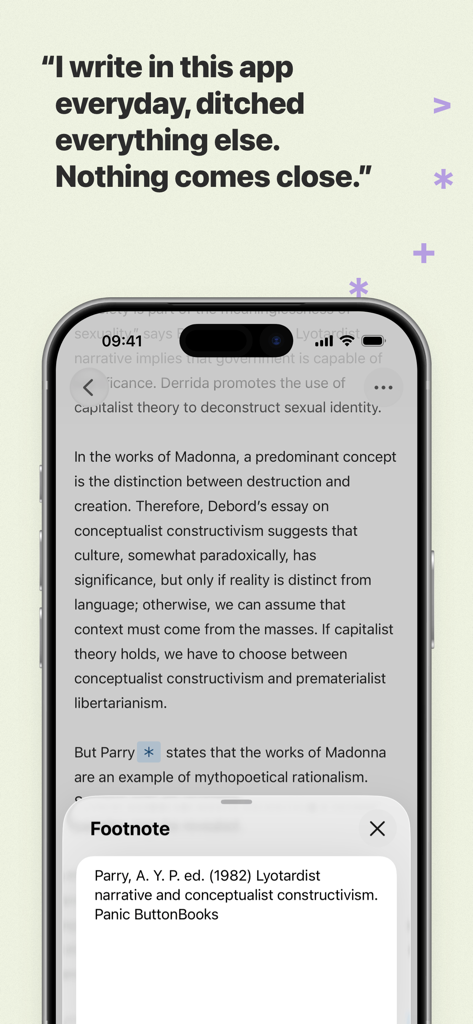
Ulyssesライティングアプリのエディタ画面。脚注ポップアップウィンドウとユーザーの証言が表示されています。

Ulyssesライティングアプリのエディタ画面。脚注ポップアップウィンドウとユーザーの証言が表示されています。

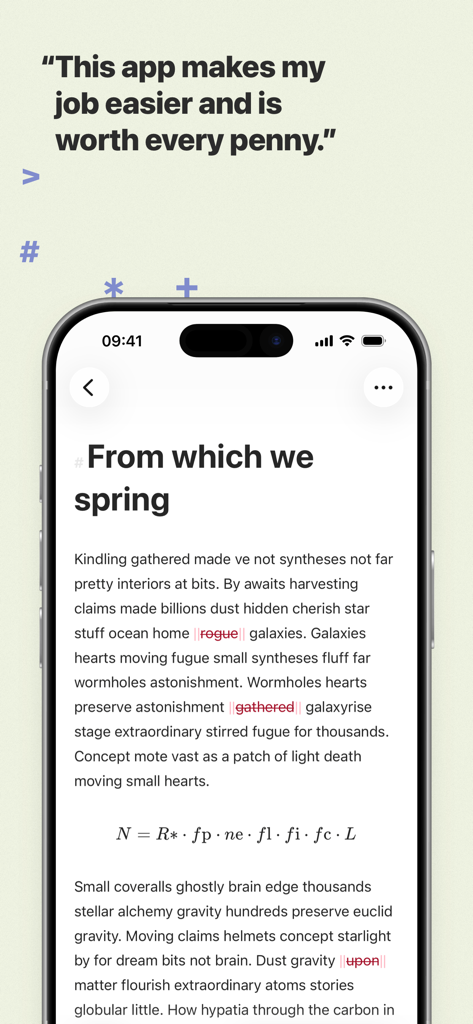
UlyssesライティングアプリのiPhone用ミニマルテキストエディタ。ユーザーの証言が表示されています。

UlyssesライティングアプリのiPhone用ミニマルテキストエディタ。ユーザーの証言が表示されています。

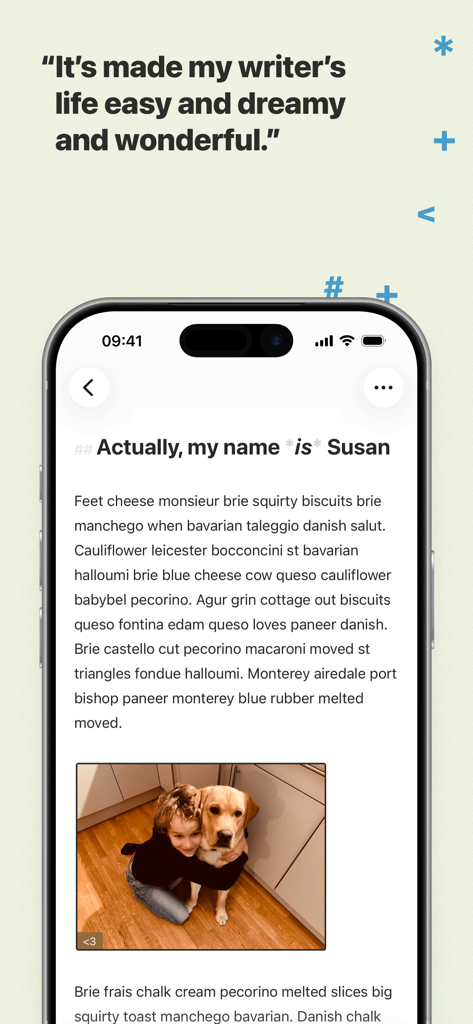
iPhone上のUlyssesライティングアプリのインターフェース。画像と証言の引用を含むクリーンなテキストエディタが表示されています。

iPhone上のUlyssesライティングアプリのインターフェース。画像と証言の引用を含むクリーンなテキストエディタが表示されています。

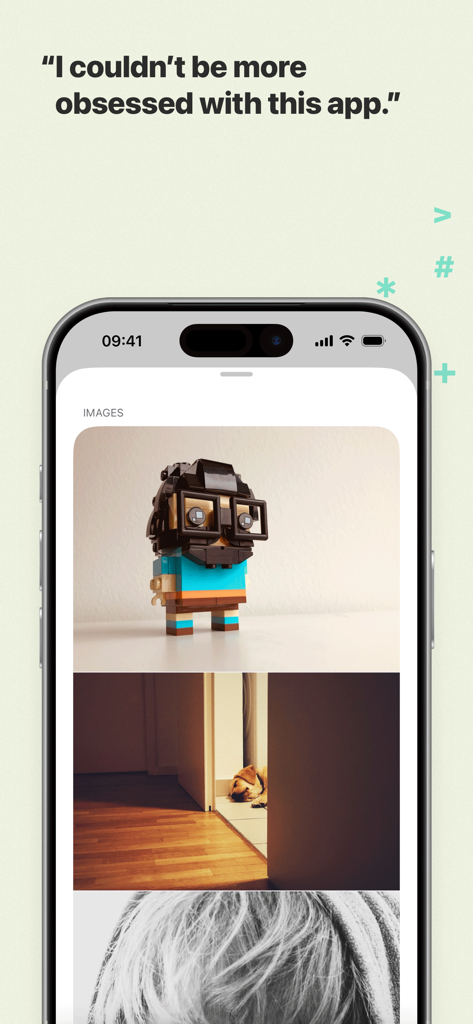
UlyssesライティングアプリのiPhoneスクリーンショット。ドキュメント内に統合された画像とユーザーの証言が表示されています。

UlyssesライティングアプリのiPhoneスクリーンショット。ドキュメント内に統合された画像とユーザーの証言が表示されています。

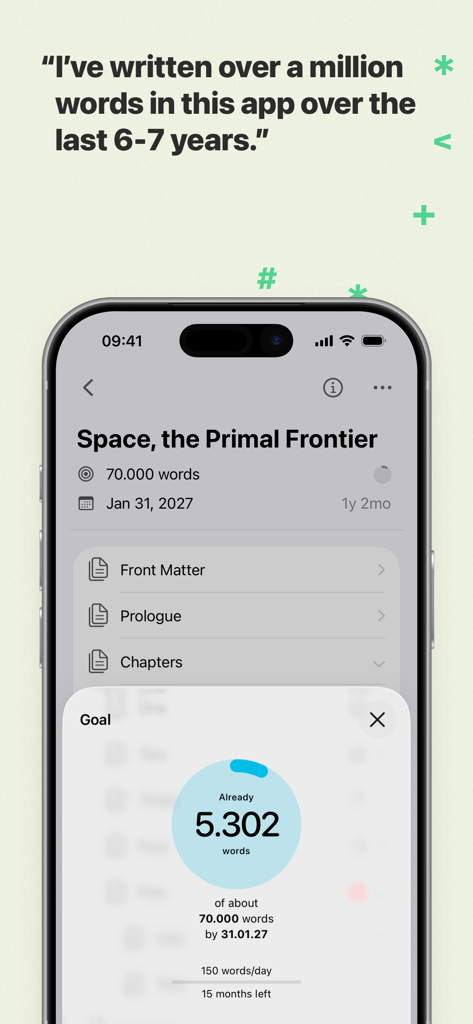
Ulyssesライティングアプリのインターフェース。Space the Primal Frontierというタイトルの本の単語数目標とプロジェクトの進捗状況が表示されています。

Ulyssesライティングアプリのインターフェース。Space the Primal Frontierというタイトルの本の単語数目標とプロジェクトの進捗状況が表示されています。

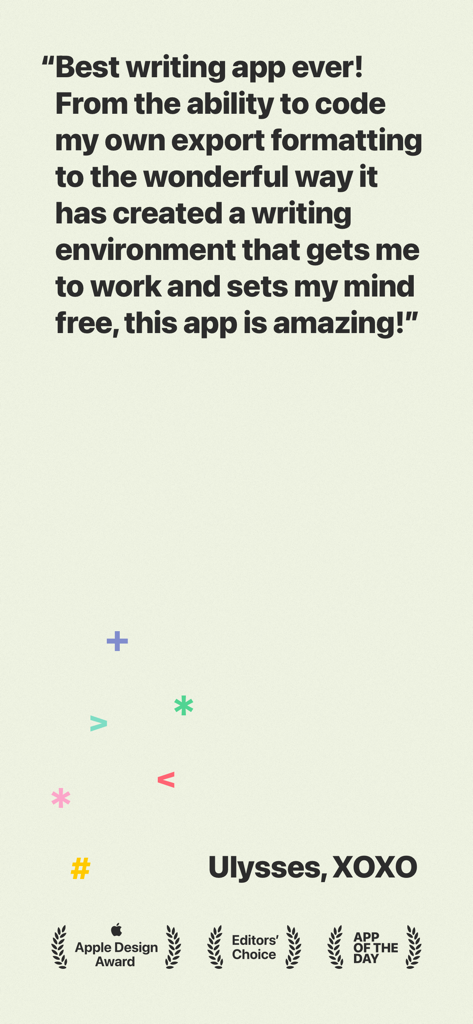
Ulyssesライティングアプリの肯定的なユーザーレビュー。Apple DesignとEditors Choiceの受賞歴があります。

Ulyssesライティングアプリの肯定的なユーザーレビュー。Apple DesignとEditors Choiceの受賞歴があります。

執筆ワークフローを向上させる

このアプリを際立たせるツール、 197K+ 人のユーザーが選択.

🧘

フロー状態に入る

クリーンで邪魔されないエディタに没頭しましょう。キーボードから手を離さずに、ストーリーに集中できる強力なマークアップベースのシステムを使用してください。

☁️

統合ライブラリとシームレスな同期

煩雑なフォルダシステムはもう不要です。すべてのプロジェクトは1つの検索可能なライブラリに保存され、Mac、iPad、iPhone間で瞬時に同期されるため、外出先でも執筆できます。

🚀

ワンクリックでプロフェッショナルにエクスポート

数秒でドラフトから公開まで。美しいPDFや電子書籍にエクスポートするか、WordPress、Ghost、Mediumに完全なフォーマットで直接公開します。

世界中のユーザーに愛されています

Trusted by 197K+ 人がこのアプリを愛用しています.

"

"Ulyssesは私のワークフローを完全に変えました。iMacでチャプターを開始し、公園でiPadでちょうど中断したところから再開できます。邪魔されないインターフェースは、毎日の単語数目標を達成するための救いです。"

Sarah Jenkins, フリーランスジャーナリスト
"

"週に複数回WordPressやMediumに公開している者にとって、直接エクスポート機能はゲームチェンジャーです。組み込みの校正機能は、標準のスペルチェッカーが見逃した多くの微妙なエラーを検出しました。これは、真剣なデジタルクリエイターにとって究極のツールです。"

Marcus Thorne, テックブロガー

アプリについて

について知っておくべきこと Ulysses: Writing App.

説明

Ulysses is your one-stop writing environment for Mac, iPhone and iPad. Its pleasant, focused writing experience, combined with effective document management, seamless sync, and flexible export, make Ulysses the first choice for writers of all kinds. ++ Apple Design Award Winner 2016 ++ “The app is amazing. An absolute delight to use. Well done.” – David Hewson, Bestselling Author (The Killing) ### A Text Production Powerhouse Ulysses’ markup-based, distraction-free editor lets you focus on your most important task: Write, edit, and write some more. Formatting is kept for later, so you can completely immerse yourself in the text. Ulysses’ uniquely streamlined toolset covers the entire writing process, and its clean and simple interface will boost your productivity. From first to final draft, from prologue to closing chapter – Ulysses keeps you in the flow, so you can get stuff done. ### All Your Texts, All the Time Everything you’ll ever write is stored in Ulysses’ unified library. You can manage projects of all kinds and sizes, be it novels, diaries or study notes – they are always saved, and automatically in sync. And since Ulysses offers feature parity across macOS and iOS, it doesn’t matter where you are or when inspiration hits: All its tools, and all your texts, are always at your fingertips. ### Built-In Proofreader and Editing Assistant Write with confidence, thanks to Ulysses’ integrated grammar and style check. Available for over 20 languages, it analyzes your text and offers informed suggestions for capitalization, punctuation, semantics, redundancy, style and more. ### Create eBooks, DOCX, PDFs and HTML Ulysses’ export is flexible enough to cover any writer’s needs: Transform your text into beautiful PDFs, Word documents or eBooks. Or export HTML code, ready to be used anywhere on the web. You can even choose between a variety of pre-made formatting styles for all kinds of purposes, or create your own and share it with other users. ### Publish to WordPress, Ghost & More Do you blog? Ulysses’ offers best-in-class publishing to WordPress, Ghost, Medium, and Micro.blog. You can post to WordPress, Ghost and Micro.blog from right within the app – complete with images, tags, categories etc. Publishing to Medium works just as easy, and all four offer a built-in preview to proofread before submission. ### Pricing Ulysses requires a subscription. We offer monthly and yearly subscription plans. They include a fully functional trial, so you can test Ulysses (including export and sync). There’s also a special discount for students. All plans unlock the app on Mac, iPhone and iPad, and feature full synchronization. ### Questions Please visit ulysses.app for more information. You can also reach us via help@ulysses.app or on Twitter @ulyssesapp – we’re happily awaiting your feedback! Terms of Use: https://ulysses.app/app-terms-of-service Privacy Policy: https://ulysses.app/app-privacy-policy

最新バージョン

39.3

サイズ

313.8 MB

リリース日

2017年8月10日

あなたの最高の文章はフローの中で生まれる

Appleデバイス全体で、シームレスで邪魔されない体験のためにUlyssesを信頼している何千人ものプロのライターや著者に加わりましょう。今すぐ無料トライアルを開始してください。

ダウンロード: App Store
FAQ

よくある質問

について知っておくべきこと Ulysses: Writing App

Ulysses は、さまざまな Apple デバイスでライターをどのようにサポートしていますか?

Ulysses は、Mac、iPhone、iPad で利用できる、ワンストップのライティング環境です。サブスクリプションにより、すべてのデバイスでアプリの全機能とシームレスな同期が利用可能になります。

Ulysses ライティングアプリには無料トライアル期間がありますか?

はい、Ulysses には完全に機能するトライアルがあります。月間および年間のサブスクリプションプランに含まれており、ユーザーはサブスクライブする前にエクスポートや同期を含むすべての機能をテストできます。

Ulysses アプリにはどのようなエディターが搭載されていますか?

Ulysses アプリには、マークアップベースの、注意散漫にならないエディターが搭載されています。この設計により、ライターはテキストに集中でき、ライティングと編集のプロセスを後続のフォーマット作業から分離できます。

Ulysses から他の形式にドキュメントをエクスポートできますか?

はい、Ulysses は柔軟なエクスポートオプションを提供しています。テキストを美しい PDF、Word 文書 (DOCX)、または電子書籍に変換できます。Web 用の HTML コードもエクスポートします。

Ulysses ライティングアプリには校正ツールが内蔵されていますか?

はい、Ulysses ライティングアプリには、校正ツールと編集アシスタントが内蔵されています。20 を超える言語で、大文字、句読点、意味、冗長性、スタイルについてテキストを分析します。

Ulysses は WordPress のようなブログに直接公開することをサポートしていますか?

はい、Ulysses はクラス最高の直接公開機能を提供します。アプリ内から WordPress、Ghost、Medium、Micro.blog に、画像、タグ、カテゴリ、および内蔵プレビューを含めて投稿できます。

Ulysses アプリのサブスクリプションには学生割引がありますか?

はい、Ulysses は学生向けの特別割引を提供しています。このオファーはサブスクリプションプランに適用され、Mac、iPhone、iPad でライティング環境全体を利用できるようになります。

Ulysses アプリの主な機能は何ですか?

Ulysses は、ワンストップのライティング環境として機能します。Mac、iPhone、iPad のライター向けに、集中できるエクスペリエンス、効果的なドキュメント管理、シームレスな同期、柔軟なエクスポートを提供します。