Vittle Pro Video Whiteboard

Vittle Pro Video Whiteboard

ダウンロード: App Store
Spark by MWM logo
ロゴ: Vittle Pro Video Whiteboard

Vittle Pro動画ホワイトボード:オールインワンのプロ仕様レコーディングスタジオ

PDFや写真を、魅力的でエンゲージメントの高い動画スクリーンキャストに瞬時に変えましょう。ナレーション、注釈付けを行い、レンダリング時間なしでインパクトのある1080pコンテンツを共有。教育者、トレーナー、ビジュアル思考を持つ方に最適です。

開発元

Qrayon, LLC

カテゴリ

Business

ダウンロード

113K+

ユーザー評価

4.8/5

評価数

1K+

対応言語

1

魔法の動きを見る

このインターフェースを利用する 113K+ 人のユーザー.

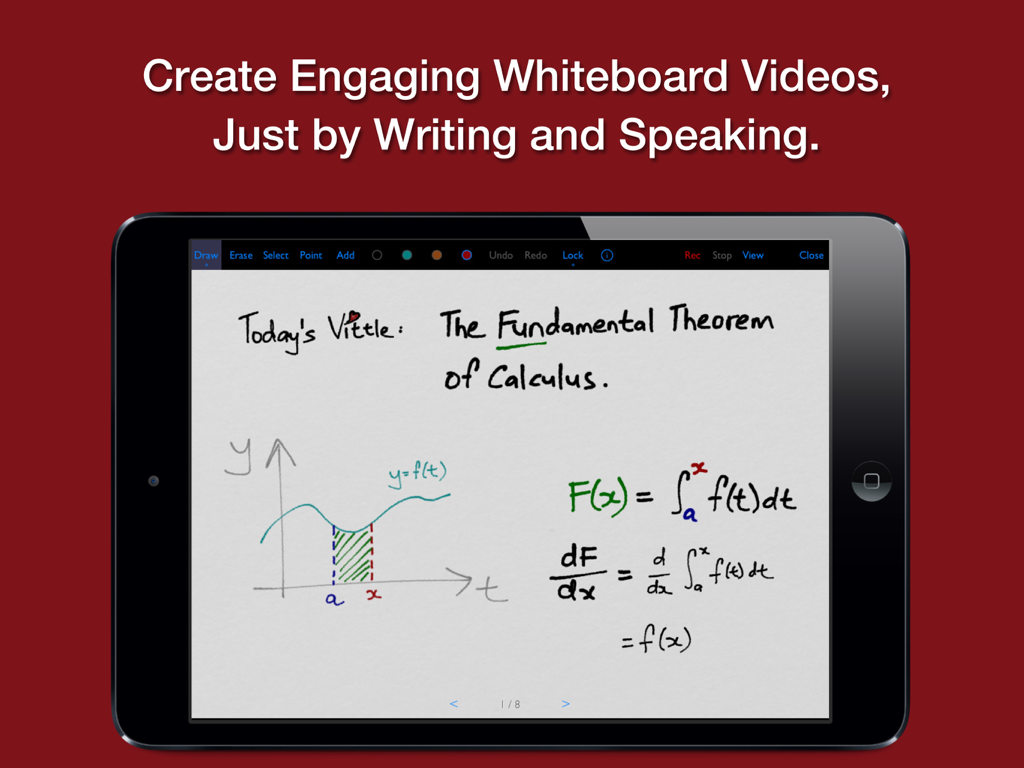
iPad画面に、デジタルホワイトボード上の手描きの微積分レッスンが表示されたVittle Proアプリが表示されています。

iPad画面に、デジタルホワイトボード上の手描きの微積分レッスンが表示されたVittle Proアプリが表示されています。

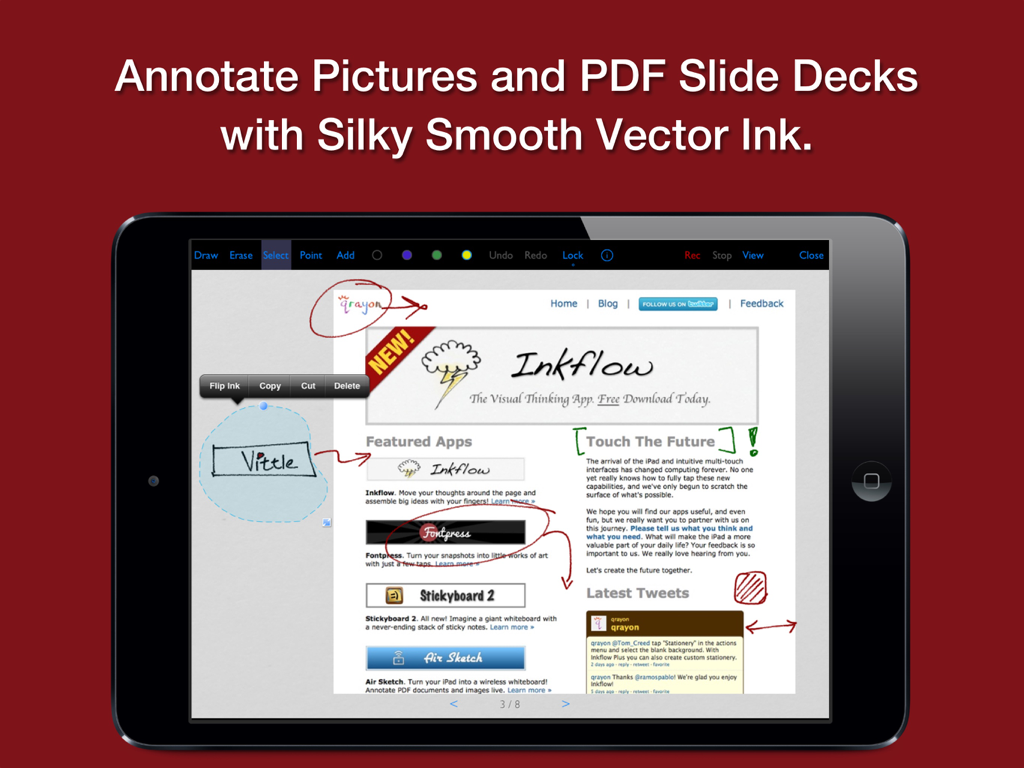
Vittle Proアプリを使用してPDFドキュメントに滑らかなデジタルインクで注釈を付ける様子を示したiPad画面。

Vittle Proアプリを使用してPDFドキュメントに滑らかなデジタルインクで注釈を付ける様子を示したiPad画面。

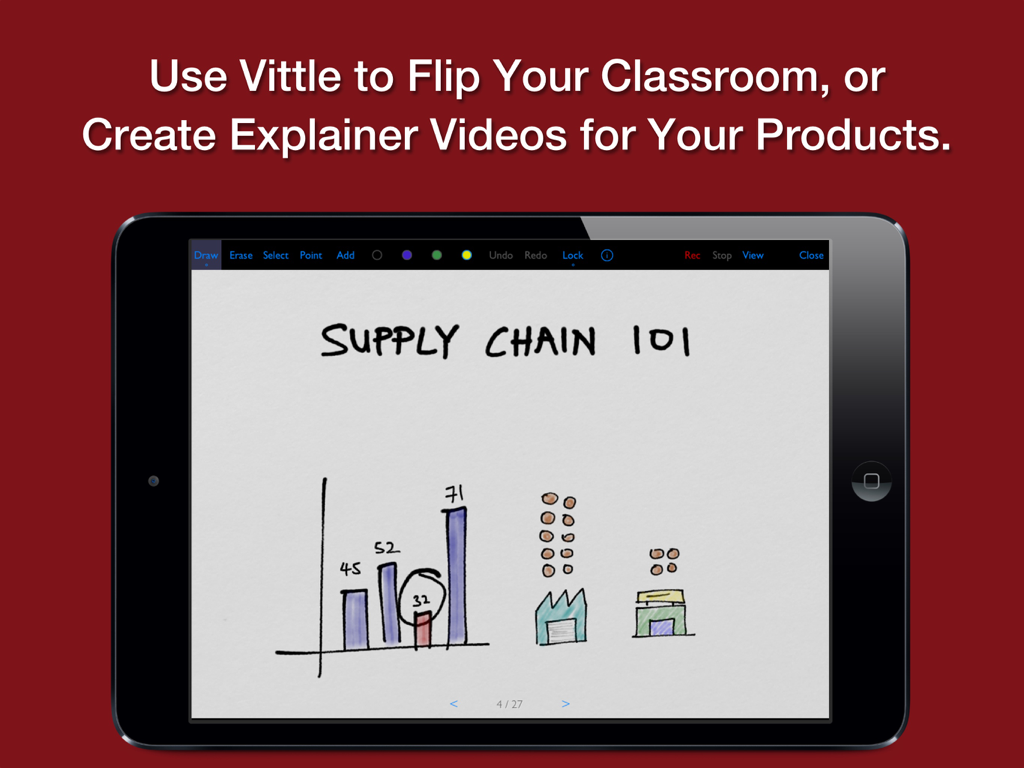
Vittle Proアプリのインターフェイス内で手描きのサプライチェーンレッスンが表示されたiPad。

Vittle Proアプリのインターフェイス内で手描きのサプライチェーンレッスンが表示されたiPad。

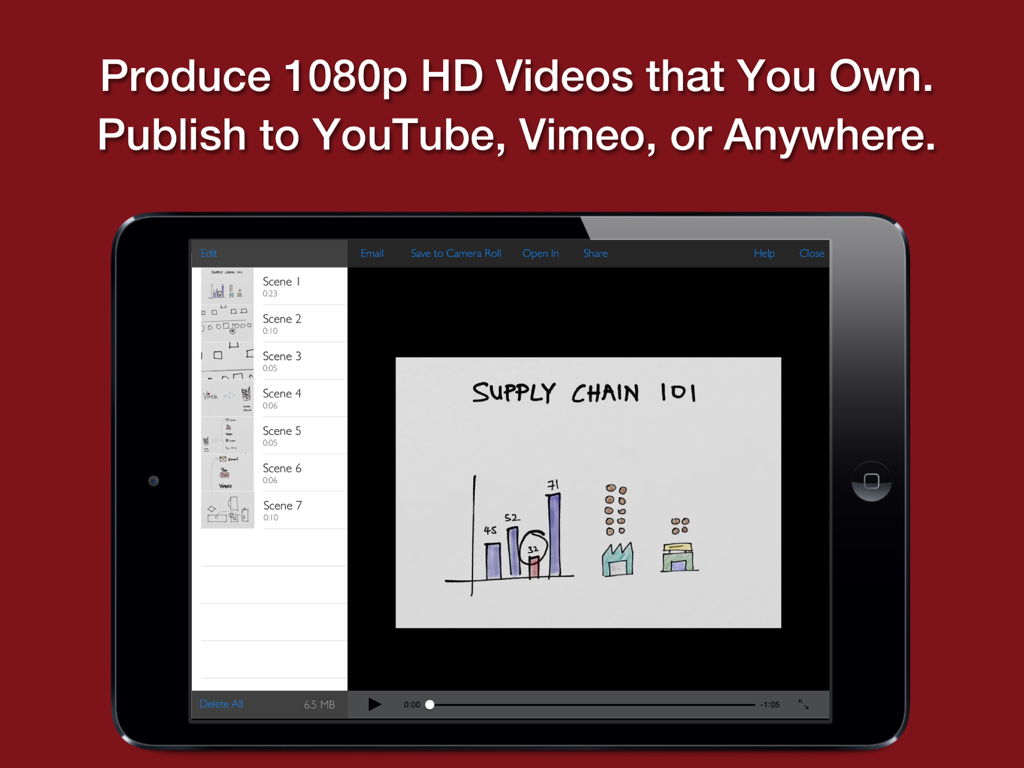
iPad画面に、手描きのサプライチェーンプレゼンテーションとビデオシーンリストが表示されたVittle Proアプリが表示されています。

iPad画面に、手描きのサプライチェーンプレゼンテーションとビデオシーンリストが表示されたVittle Proアプリが表示されています。

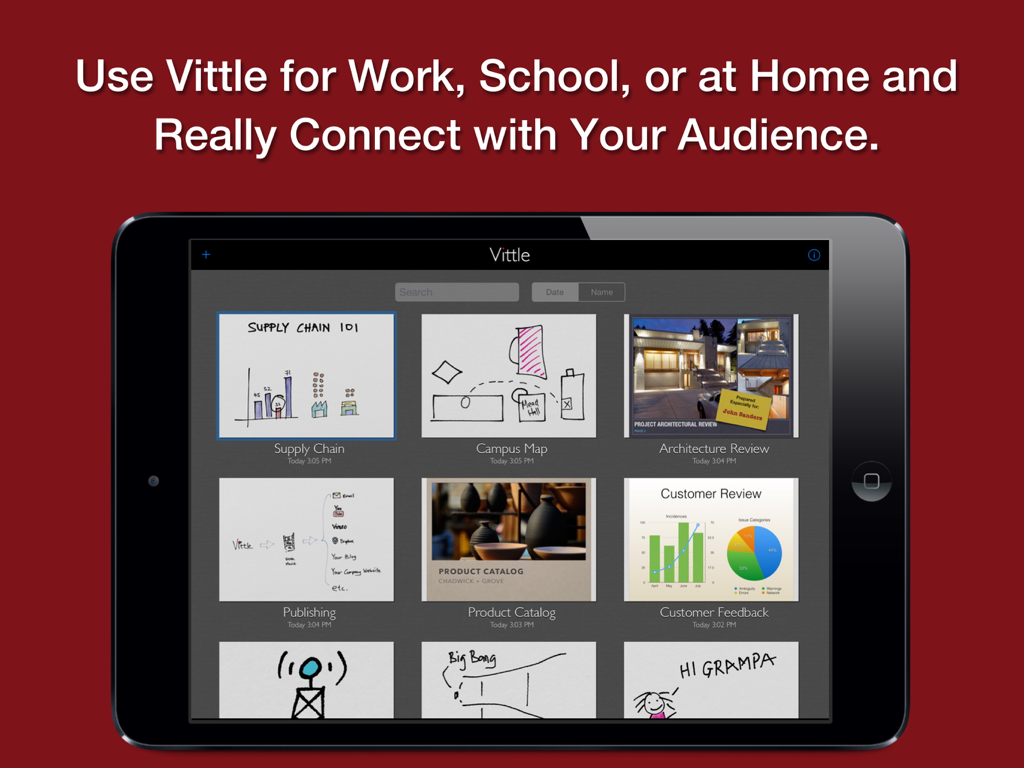
iPad画面に、さまざまな教育およびプロフェッショナルビデオサムネイルが表示されたVittle Proアプリのプロジェクトギャラリーが表示されています。

iPad画面に、さまざまな教育およびプロフェッショナルビデオサムネイルが表示されたVittle Proアプリのプロジェクトギャラリーが表示されています。

ビジュアルコミュニケーションを簡単にマスター

このアプリを際立たせるツール、 113K+ 人のユーザーが選択.

レンダリング時間ゼロ

エンコーディングを待つのはもうやめましょう。1080p HD動画はリアルタイムで処理され、話し終えたらすぐに共有できます。

✏️

流れるような注釈エンジン

自然で遅延のないホワイトボード体験のために、独自のInkflow Engineでスケッチ、書き込み、要素の移動を行いましょう。

🔒

完全なクリエイティブコントロール

プロ仕様のMP4ファイルを直接デバイスにエクスポートできます。クラウドロックインやサードパーティアカウントは不要です。コンテンツはあなたが所有します。

世界中のユーザーに愛されています

Trusted by 113K+ 人がこのアプリを愛用しています.

"

"数学の教授として、複雑な方程式を説明するには、これまで何時間ものビデオ編集が必要でした。Vittle Proを使えば、画面を録画して話すだけです。インクは信じられないほど滑らかで、レンダリング時間がないため、フリップドクラスルームでの講義をすぐにCanvasにアップロードできます。私のフリップドクラスルームにとっては、まさにゲームチェンジャーです!"

Dr. Sarah Jenkins
"

"Vittle Proは、当社の製品チームでの数多くの不要な会議を置き換えました。PDFデッキに素早く注釈を付け、Camera Lockを使用して特定のUIの詳細に焦点を当て、洗練された1080p動画を数分で開発者に送信できます。これにより、リモートワークフローがシームレスかつ非常にプロフェッショナルになります。"

David Chen, Senior Product Manager

アプリについて

について知っておくべきこと Vittle Pro Video Whiteboard.

説明

Create Video Screencasts from your Slides and Photos. Vittle lets you easily narrate and annotate your photos and PDF slide decks to create highly engaging videos. CREATE VIDEO SCREENCASTS, JUST BY WRITING AND SPEAKING Import a PDF from Keynote, PowerPoint, or elsewhere into Vittle. Drop in photos from your camera roll. Hit record, and start talking. It's that easy. Vittle works like a magic whiteboard that records what you write and say: - Annotate images and sketch using the ultra-smooth ink of our proprietary Inkflow Engine, - Resize and move anything around the page, - Zoom in to focus on key points, - Describe even complex topics in a clear and engaging way. - Record quick memos or entire lectures - hours and hours if you like, - Use any color you want with the fully customizable color palette, - Import PDFs of your slide decks, - Use sophisticated storytelling techniques with the Camera Lock tool, - And more. POST VIDEOS TO YOUTUBE, SHARE THEM WITH ANYONE Use Vittle to flip your classroom, or create engaging explainer videos for your products. Quickly annotate slides and share a video recording with your colleagues. Get your point across exactly and in an impactful way. Collaborate across time and space with any number of people. Create personalized videos for your family and friends. Narrate your adventures with your photos. Stay in touch no matter where you are. VIDEO FILES THAT YOU OWN AND CONTROL Vittle produces video files that you own. They can be easily shared on Facebook, YouTube, Vimeo, or elsewhere. You can also email videos directly, or securely post them to your company server. No third party service is needed. NO WAITING There's no lengthy encoding step or extra compressors to buy. Videos are ready the moment you stop recording, even on older devices. PRO FEATURES FOR PRO EDUCATORS Additional features in Vittle Pro include: + Import PDF slide decks and documents from Keynote, PowerPoint, and more. + Type text with multiple fonts. + 1080P HD (vs. 720P) Widescreen videos. + Adjust video speed 1.0 - 2.0x. + Camera lock and smooth pan. + Custom page background colors. + Color-Select (separate ink by color). + Flip selected ink. + Export to PDF and JPEG. + And more! THE FUTURE OF CREATIVITY We strongly believe that the iPad is a powerful creativity device. Vittle is a new kind of tool that's designed specifically with the iPad in mind. We can't wait to see what you'll do with it!

最新バージョン

6.5

サイズ

20.3 MB

リリース日

2013年5月9日

アイデアを即座にインパクトのある動画に

Vittle Proで時間を節約し、より分かりやすい説明をする113,000人以上のプロフェッショナルや教育者に加わりましょう。編集なし、待機時間なし。あなたのiPad、あなたの声、あなたのビジョンだけです。
ダウンロード: App Store
おすすめ

類似アプリ

似た機能とユーザー体験を持つアプリ