Watermarkly ― Watermark Maker

Watermarkly ― Watermark Maker

ダウンロード: App Store
Spark by MWM logo
ロゴ: Watermarkly ― Watermark Maker

Watermarkly: プロフェッショナルな一括透かしであなたのクリエイティブな作品を保護

写真、動画、PDFを数秒で保護します。起業家やクリエイターのために設計されたWatermarklyは、1,000以上のプレミアムフォントと、iPhone、iPad、Mac間でシームレスな同期を提供します。

開発元

Julia Nikitina

カテゴリ

Graphics & Design

ダウンロード

595K+

ユーザー評価

4.8/5

評価数

1K+

対応言語

11

一目でわかるプロフェッショナリズム

このインターフェースを利用する 595K+ 人のユーザー.

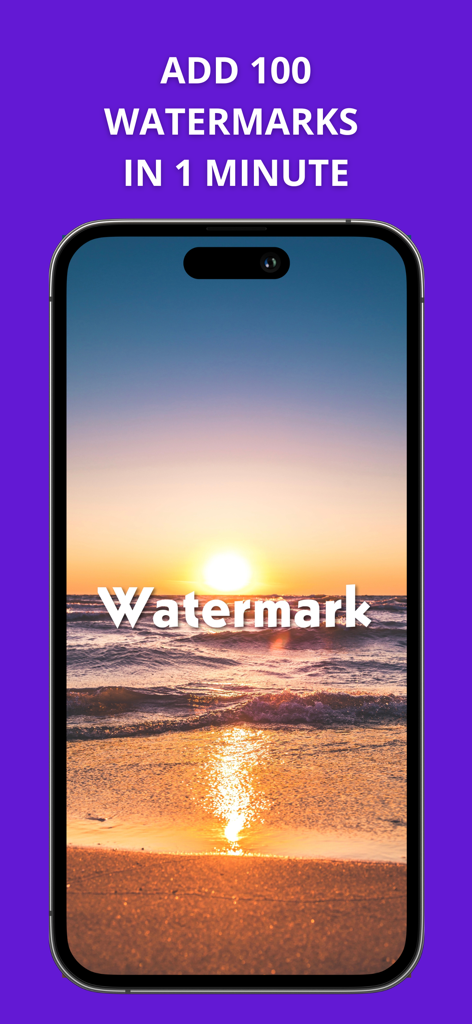
透かし加工された夕日の写真と、高速一括透かし加工を宣伝するテキストが表示されたスマートフォンの画面

透かし加工された夕日の写真と、高速一括透かし加工を宣伝するテキストが表示されたスマートフォンの画面

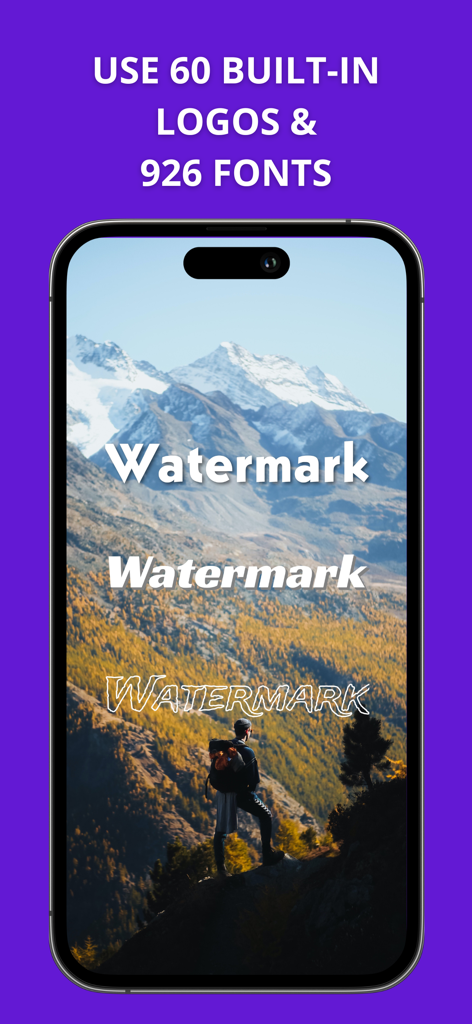
Watermarklyアプリのインターフェースに、iPhone上の風景写真の透かし加工に使用できるさまざまなフォントスタイルが表示されている

Watermarklyアプリのインターフェースに、iPhone上の風景写真の透かし加工に使用できるさまざまなフォントスタイルが表示されている

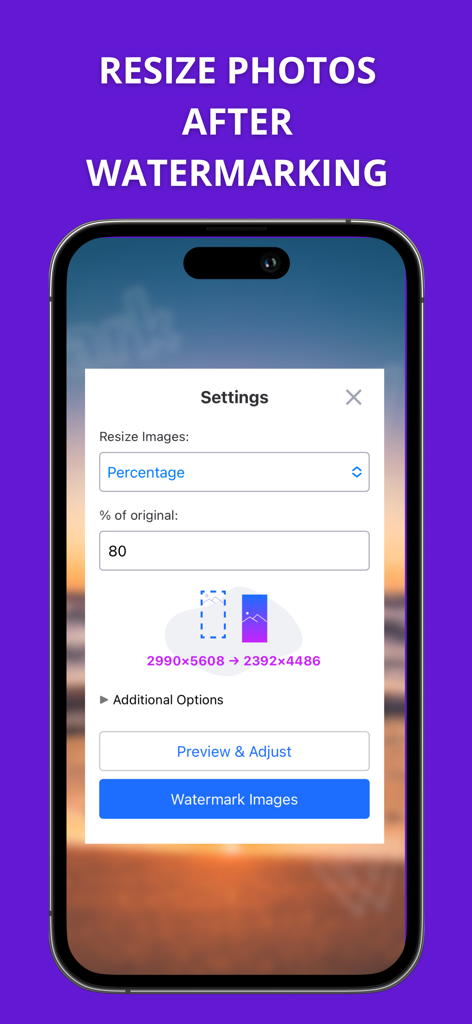
Watermarklyアプリで透かし加工後に写真のサイズを変更するための設定を表示するインターフェース

Watermarklyアプリで透かし加工後に写真のサイズを変更するための設定を表示するインターフェース

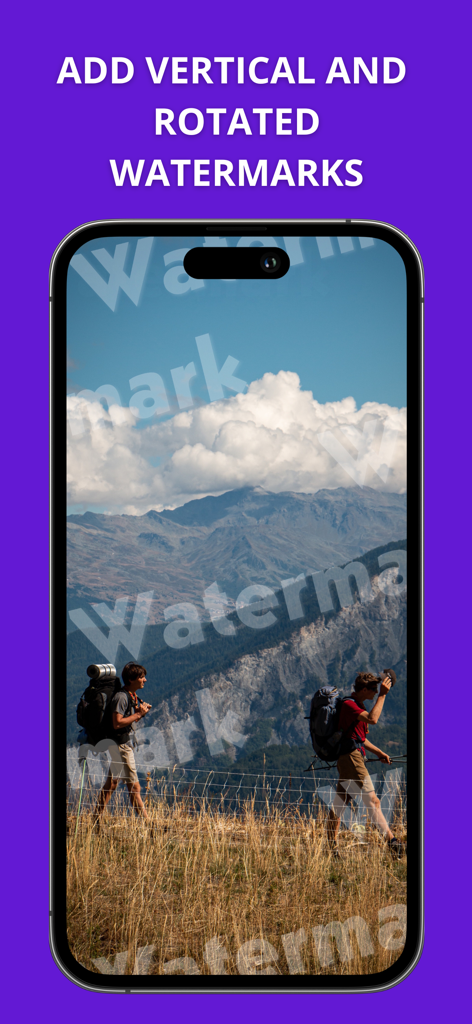
Watermarklyアプリのインターフェースに、風景画像に縦向きおよび回転したテキスト透かしが表示されている

Watermarklyアプリのインターフェースに、風景画像に縦向きおよび回転したテキスト透かしが表示されている

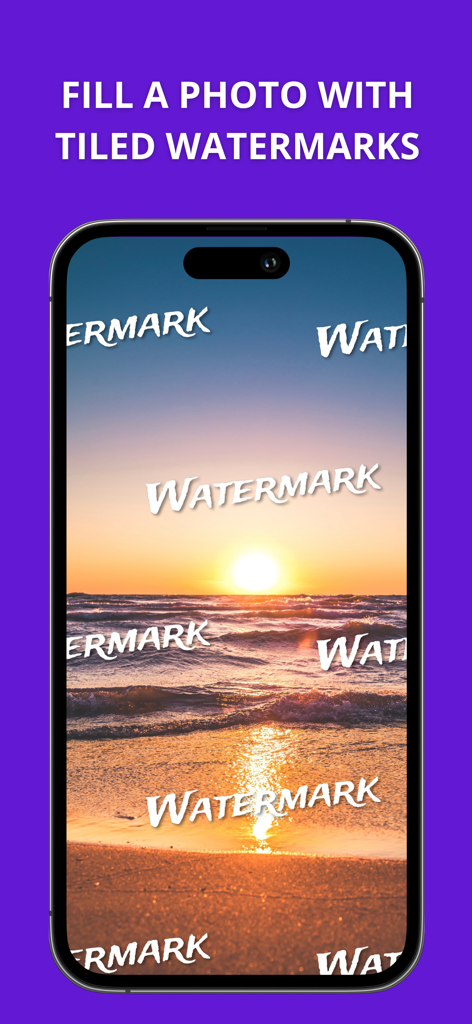
画像保護のために、タイル状のテキスト透かしで覆われた夕日のビーチ写真が表示されたiPhoneの画面

画像保護のために、タイル状のテキスト透かしで覆われた夕日のビーチ写真が表示されたiPhoneの画面

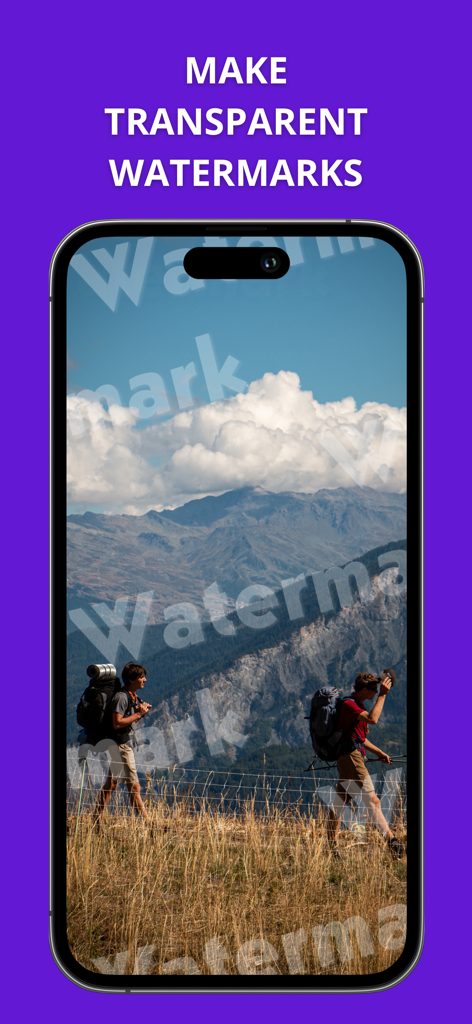
風景写真に透明なテキスト透かしが表示されたWatermarklyアプリのスクリーンショット

風景写真に透明なテキスト透かしが表示されたWatermarklyアプリのスクリーンショット

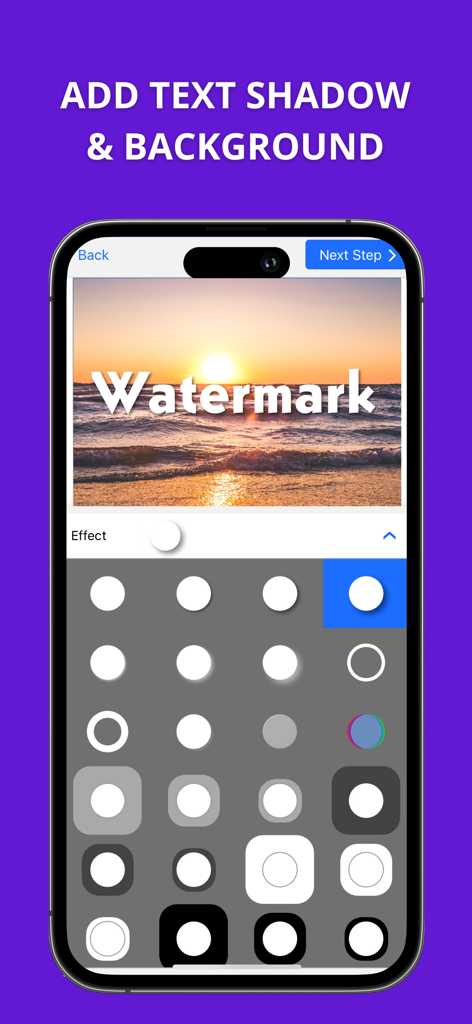
Watermarklyアプリのインターフェースに、夕日の写真と、選択可能なさまざまなシャドウおよび背景エフェクトが表示されている

Watermarklyアプリのインターフェースに、夕日の写真と、選択可能なさまざまなシャドウおよび背景エフェクトが表示されている

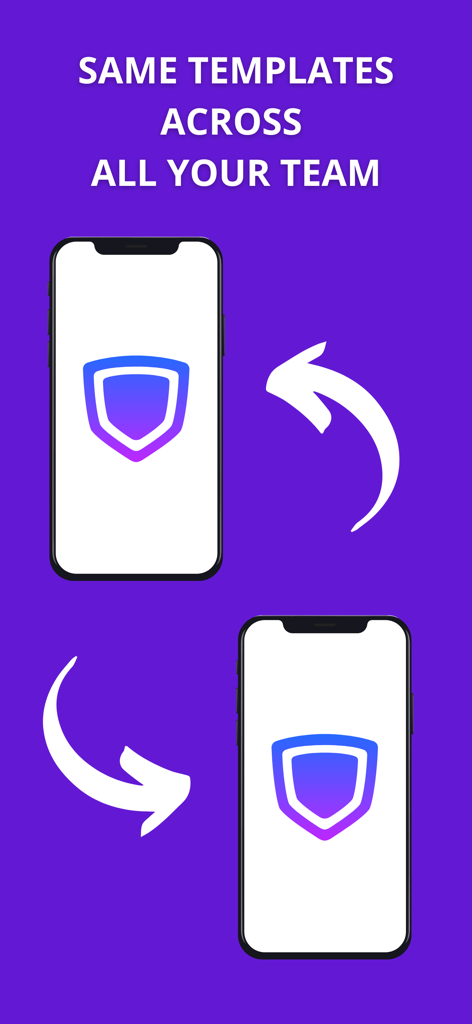
同期を示す矢印とともに、同一の透かしテンプレートが表示された2台のスマートフォン

同期を示す矢印とともに、同一の透かしテンプレートが表示された2台のスマートフォン

クリエイティブコンテンツを保護し、プロモーションする

このアプリを際立たせるツール、 595K+ 人のユーザーが選択.

超高速一括処理

一度に数百枚のファイルを透かし加工して、時間を節約しましょう。当社のエンジンは、縦向きと横向きの両方のショットに合わせてロゴのサイズと位置を自動的に調整します。

プロフェッショナルなブランドデザイン

1,000以上のフォントと、3Dやドロップシャドウのようなプレミアムエフェクトで際立ちましょう。視聴者からの信頼と権威を築くカスタムルックを作成できます。

🛡️

マルチフォーマットIP保護

写真、動画、PDFを盗難から安全に保ちます。iPhone、iPad、Mac間でテンプレートを同期し、シームレスでプロフェッショナルなワークフローを実現します。

世界中のユーザーに愛されています

Trusted by 595K+ 人がこのアプリを愛用しています.

"

"Etsyの小規模ビジネスオーナーとして、私の商品写真が無断で再投稿されることが絶えませんでした。Watermarklyは救世主です!一度に50枚の写真のバッチ全体に透かしを入れることができ、フォントライブラリのおかげで私のブランドにぴったりのプロフェッショナルな外観を作成できました。私のクリエイティブな作品にとって最高の保険です。"

Sarah Jenkins
"

"クロスデバイス同期は、私の写真ワークフローのゲームチェンジャーです。Macでテンプレートをデザインし、Instagramに投稿する前にiPhoneのショットに即座に適用できます。アプリが縦向きと横向きの両方の画像に合わせて透かしのサイズを自動調整してくれるのが気に入っています。忙しいプロにとって、これは大きな時間節約になります。"

Marcus Rivera

アプリについて

について知っておくべきこと Watermarkly ― Watermark Maker.

説明

Watermarkly is user-friendly, efficient, and straightforward app for watermarking images, videos and PDF files. With our batch-watermarking app, you can add multi-line text or upload your own logo, and customize them in less than no time. Watermarkly never changes the original images, videos or PDF files. Your watermarks will be added only to a copy. Create your perfect watermark In our app, you will find all the necessary tools to bring your vision to life. Watermarkly allows you to: • Add copyright symbol or image number to your text • Change the size of your watermark • Rotate it to any angle • Adjust its transparency • Fill your photo with repeated watermarks • Remove monochrome background from your logo You will have access to : • 33 effects like 3D or drop shadow effect • Vast library of 1000 fonts • Broad selection of colors, including gradient options Adjust your watermark on each photo, video or PDF file To make the watermarking process easier and faster, Watermarkly adjusts the size and position of your watermarks automatically if you upload a mixed batch of horizontal and vertical images. But the app still allows you to enlarge, shrink down and reposition your watermark manually on each photo. This can be done in the Preview section. Synchronize watermarks across all devices Your templates will be synchronized between all your devices. Watermarks that you applied to photos at least once are added to the list of the 10 recently used templates. This list gets synchronized automatically, and you can access it whether you are on your phone or computer. For instance, you design and apply a watermark in our app. Then you open Watermarkly in Safari on your Mac and see the same watermark on the list of recently used templates. You can select and further customize it or apply it to your photos straightaway. Protect your photos, videos and PDF files Unfortunately, in our day and age, it is very easy and not time-consuming for somebody to download your photo and pose it as their own. Image theft happens on social media more often than you think. Moreover, there have been a few cases of well-known brands stealing a small creator’s photo or painting from their account and using it as a print on their clothes. This way, the artists got neither money nor credit for their work. Watermarks can help to prevent your images from being stolen. Place your name or logo on them to claim your copyright. Promote your works Watermarks can be great not only for protecting your photos but also for getting your name out there. Internet is a peculiar thing; you never know where your images might end up. Even if you post your works on your Instagram account, there is a chance that your potential client might see them in a community on another social media platform with no link to your profile. By adding your logo, website address, or contact information to your images, you will give people who like your art and want to hire you the opportunity to find you easily and quickly.

最新バージョン

3.16

サイズ

23.8 MB

リリース日

2020年4月15日

あなたの作品を主張する。あなたのブランドを成長させる。

Watermarklyを信頼し、デジタルアセットを保護し、すべてのデバイスでプロフェッショナルな一括透かしで時間を節約している595,000人以上のクリエイターの仲間入りをしましょう。

ダウンロード: App Store
FAQ

よくある質問

について知っておくべきこと Watermarkly ― Watermark Maker

Watermarkly ― Watermark Makerとは何ですか?

Watermarklyは、画像、動画、PDFファイルにウォーターマークを付けるための、効率的で使いやすいアプリです。バッチ処理でのウォーターマーク付けを可能にし、元のコンテンツを変更せずにカスタムテキストやロゴを追加できます。

Watermarkly ― Watermark Makerはバッチウォーターマークに対応していますか?

はい、Watermarklyは画像、動画、PDFファイルに対してバッチウォーターマークに対応しています。ユーザーは複数のファイルに同時に効率的にウォーターマークを追加できます。

Watermarkly ― Watermark Makerは元の画像や動画を変更しますか?

いいえ、Watermarklyは元の画像、動画、PDFファイルを変更することはありません。ウォーターマークはコピーにのみ追加されるため、ソースファイルの完全性が保たれます。

Watermarkly ― Watermark Makerはウォーターマークのカスタマイズオプションとして何を提供していますか?

Watermarklyは、サイズ、回転、透明度、繰り返しウォーターマークの適用など、幅広いカスタマイズを提供します。ユーザーは著作権記号、画像番号を追加したり、33種類の効果から選択したりすることもできます。

Watermarkly ― Watermark Makerで利用できるフォントと効果はいくつありますか?

Watermarklyは、1000種類のフォント、3Dやドロップシャドウなどの33種類のエフェクト、そしてグラデーションオプションを含む幅広い色を提供し、ウォーターマークのデザインを豊かにします。

Watermarkly ― Watermark Makerは、横長画像と縦長画像に対してウォーターマークを自動調整しますか?

はい、Watermarklyは、横長画像と縦長画像が混在するバッチに対して、ウォーターマークのサイズと位置を自動調整します。ユーザーはプレビューセクションで手動で調整することもできます。

Watermarkly ― Watermark Makerは、ウォーターマークテンプレートをデバイス間で同期しますか?

はい、Watermarklyは、すべてのデバイス間でウォーターマークテンプレートを同期します。最近使用したテンプレートは自動的に同期され、どの電話やコンピュータからでもアクセスできます。

Watermarkly ― Watermark Makerは、写真の盗用からどのように保護しますか?

Watermarklyは、ユーザーが名前、ロゴ、連絡先情報をコンテンツに配置できるようにすることで、写真の盗用から保護します。これにより、著作権を主張し、不正使用を抑止します。

Watermarkly ― Watermark Makerでウォーターマークを付けた後、写真のサイズを変更することは可能ですか?

はい、Watermarklyでは、ウォーターマークを付けた後でも写真のサイズを変更できます。アプリには、元の寸法の特定の割合で画像をリサイズする設定が用意されています。

Watermarkly ― Watermark Makerは回転したウォーターマークを適用できますか?

はい、Watermarklyは回転したウォーターマークの適用をサポートしています。ユーザーは、デザインのニーズに合わせて、ウォーターマークを任意の角度に回転させたり、縦向きに適用したりできます。

Watermarklyで透明なウォーターマークを作成できますか?

はい、Watermarklyではウォーターマークの透明度を調整できます。この機能により、ウォーターマークが元のコンテンツを完全に覆い隠さないように、控えめなブランディングが可能になります。