
LG TV Screen Mirroring Cast



The easiest way to share photos, stream web videos, and give presentations on any LG Smart TV from 2012 onwards. No cables, no adapters, and no extra hardware required.
 Screen Mirroring Samsung TV
 Screen Mirroring Panasonic TV
 Sony TV Screen Mirroring Cast
 Firestick Remote & Cast FireTV
 Roku Remote Control・Cast to TV
 AirMote: Universal TV Remote
 Fire TV Screen Mirroring Cast
 Hisense TV Screen Mirroring
 LG TV Cast & Screen Mirroring
 Panasonic TV Screen Mirroring
 Universal TV Remote Control
 Roku Screen Mirroring + Cast
 Screen Mirroring Samsung TV
Publisher
Category
Photo & VideoDownloads
1M+User Rating
Total Ratings
26K+Locales
17Discover the interface used by 1M+ users.
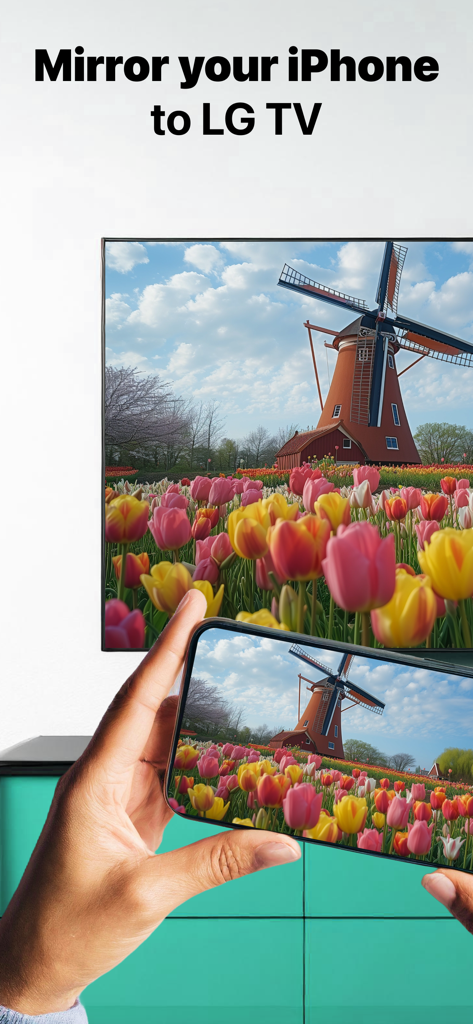
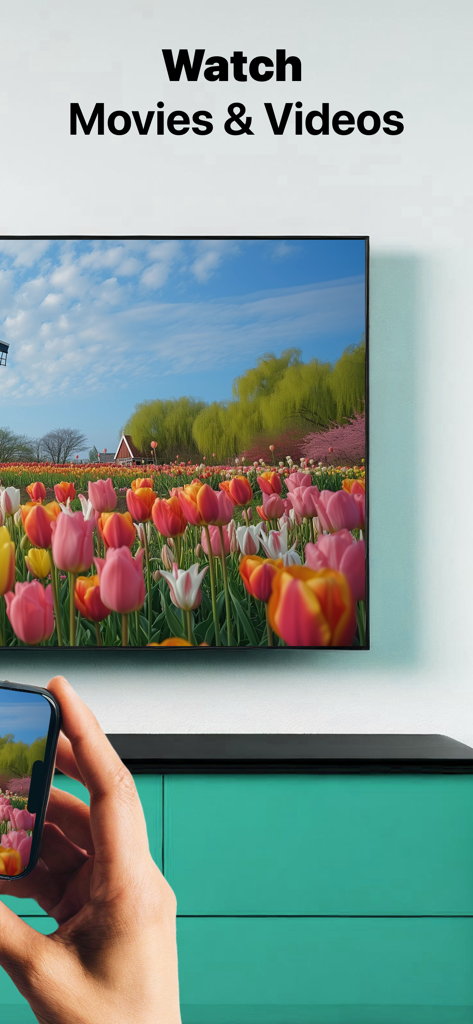
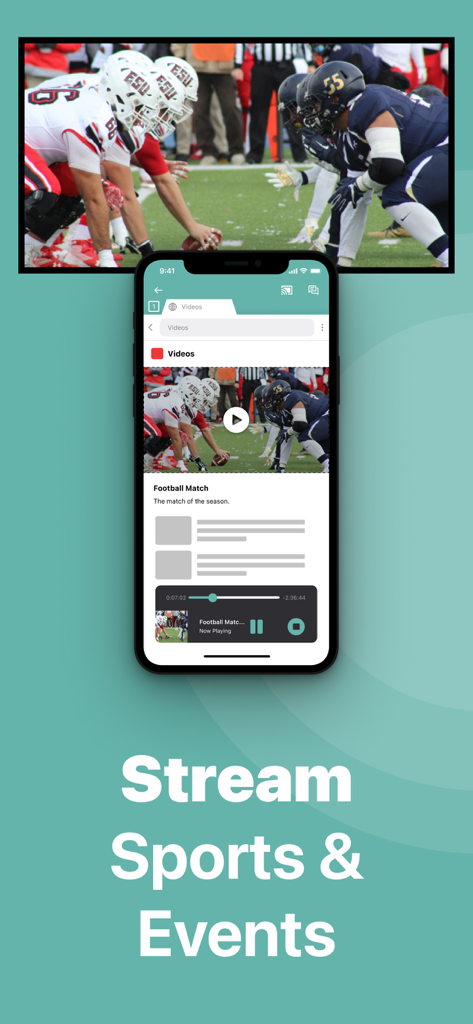
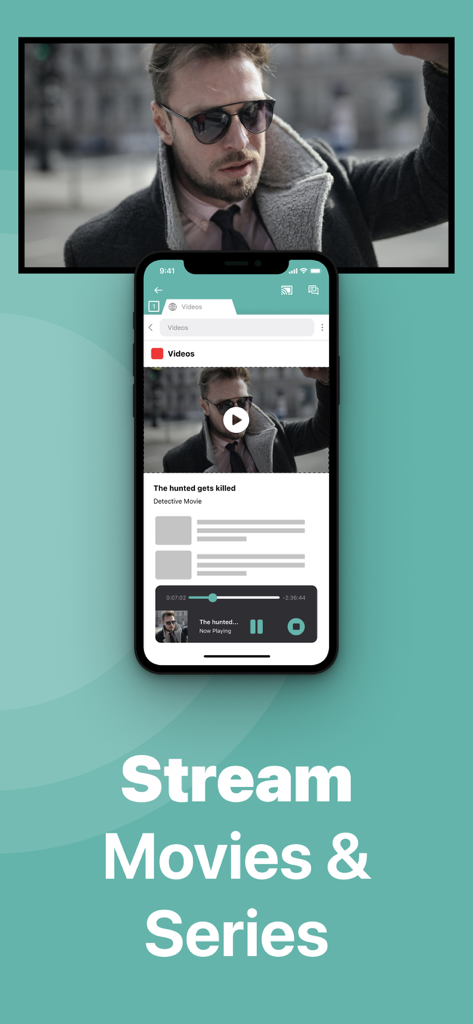
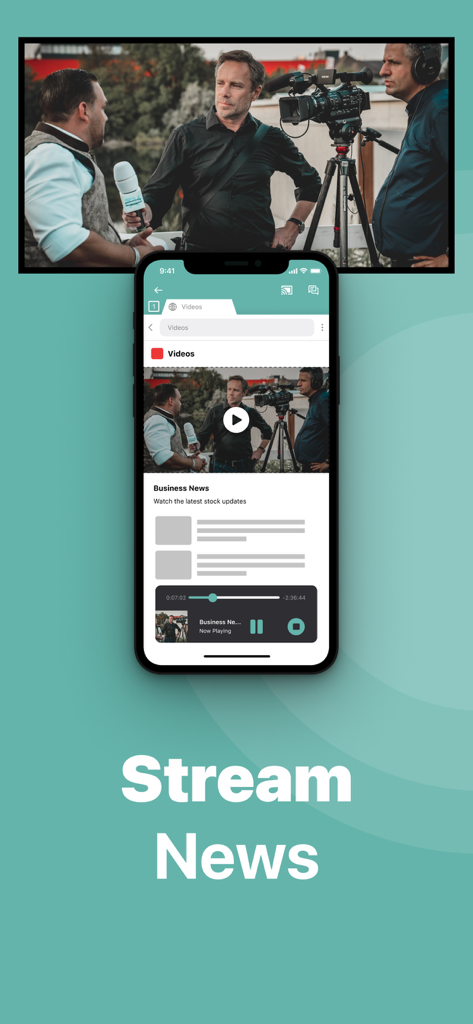
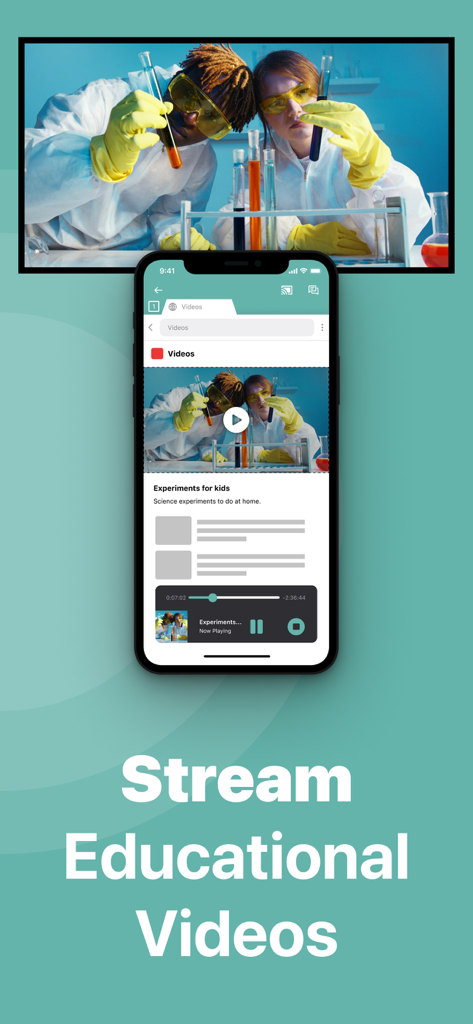
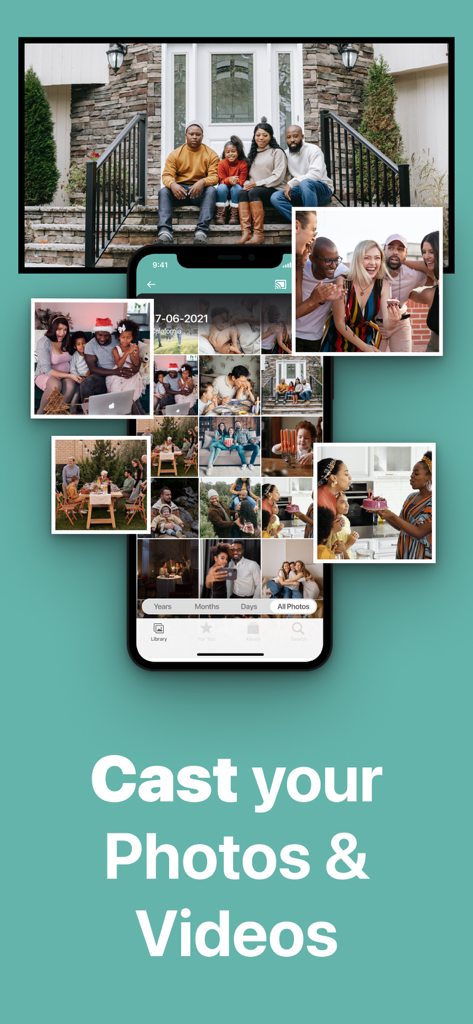
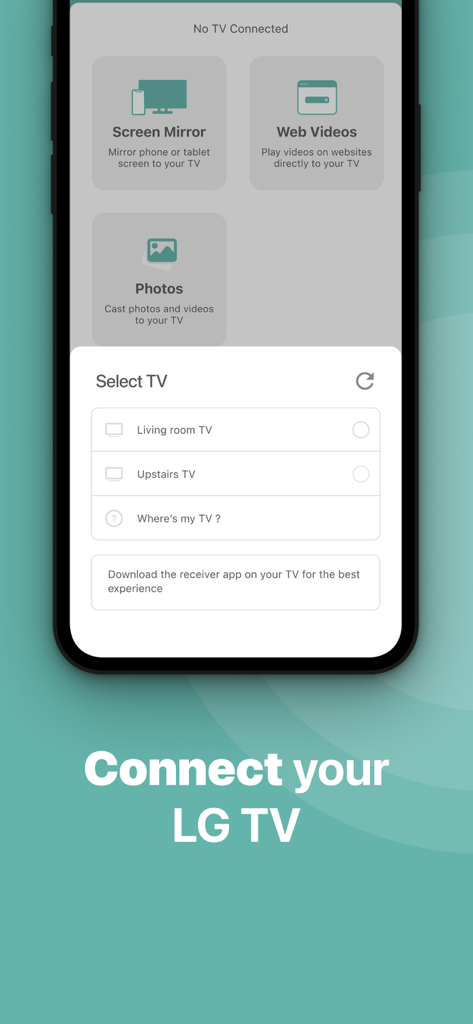
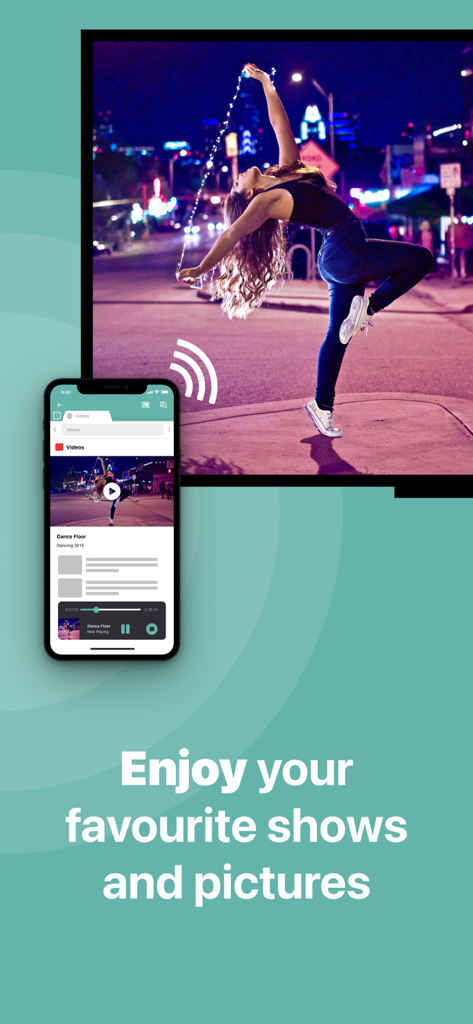
The tools that make this app stand out, trusted by 1M+ users.
Ditch the expensive adapters and messy cables. Mirror your screen instantly over your existing home Wi-Fi network for a cleaner, modern setup.
Relive your favorite moments by casting photos and home videos from your camera roll directly to the big screen for the whole family to enjoy.
Perfect for hosting professional presentations or following along with fitness apps on a larger display for a more immersive and productive experience.
Trusted by 1M+ people who love this app.
"I have an older LG TV in my living room that doesn't support AirPlay, and I didn't want to buy an expensive Apple TV box just to share photos. This app is a lifesaver! It found my TV instantly, and now I can show our family vacation videos and photos on the big screen without any messy wires. It's so simple and works exactly as described."
"Perfect for my morning workout routines. I mirror my fitness app from my iPhone to the TV so I can actually see the instructors clearly while I'm moving. The setup was incredibly fast, and even with the slight latency, it's perfect for video and presentations. Upgrading to the Pro version for the audio and 1080p was well worth it!"
Everything you need to know about LG TV Screen Mirroring Cast.
Description
Latest Version
5.1.16
Size
148.9 MB
First Released
Oct 17, 2017
Ditch the cables and expensive adapters. Join over 1 million users and start mirroring your iPhone or iPad to your LG TV today—no extra hardware required.
Everything you need to know about LG TV Screen Mirroring Cast
LG TV Screen Mirroring Cast allows users to mirror their iPhone or iPad screen to any LG Smart TV without wires or additional hardware. It supports mirroring any app.
Connect your iPhone/iPad and LG TV to the same local network. Launch the Mirror for LG TV app, select your TV, and allow the connection on your TV using its remote.
The LG TV Screen Mirroring Cast app is compatible with all LG Smart TV models from 2012 onwards. It works with any LG TV from this generation.
No, LG TV Screen Mirroring Cast cannot mirror content from apps like Netflix, Disney+, or AppleTV+. These applications block screen mirroring due to DRM restrictions.
No, the Mirror for LG TV app is not suitable for gaming. It has a latency of usually between 1 and 3 seconds, which impacts real-time interactions.
The LG TV Screen Mirroring Cast app mirrors movies, presentations, photos, sports, events, news, and educational videos from your iPhone or iPad to your LG TV.
No, LG TV Screen Mirroring Cast does not record your screen into files or send content to a server. It temporarily stores data in memory for streaming, then removes it.
The Pro Version adds audio to mirroring, provides free lifetime updates, and offers higher screen resolutions like 720p and 1080p for enhanced viewing.
You stop screen mirroring by clicking the red top bar on your iPhone/iPad or by opening the Mirror for LG TV app and selecting "Stop Mirroring."
No, the LG TV Screen Mirroring Cast app functions without any wires or additional hardware. It uses your existing local network connection between devices.
Users acquire the Pro Version of Mirror for LG TV through an in-app purchase within the application. This unlocks its advanced features.
Users manage their Pro subscription and auto-renewal settings by visiting their Account Settings in iTunes after purchase. Subscriptions renew automatically.
Apps with similar features and user experience

InstantBits Inc

Sichuan FalconAI Technology Co., Ltd.

Mihkel Pikk

Ozuna Limited

TOGGLE APPS SP Z O O

AER SOFTWARE COMPANY LIMITED

SAND STUDIO CORPORATION LIMITED

Hainan Delta Software Co., Ltd

Dalma Innovation Solutions d.o.o.