Sony TV Screen Mirroring Cast

Sony TV Screen Mirroring Cast

Download on App StoreDownload on Google Play
Spark by MWM logo

Publisher

AirBeamTV BV

Category

Photo & Video

Downloads

479K+

User Rating

3.8/5

Total Ratings

6K+

Locales

17

Experience the Big Screen

Discover the interface used by 479K+ users.
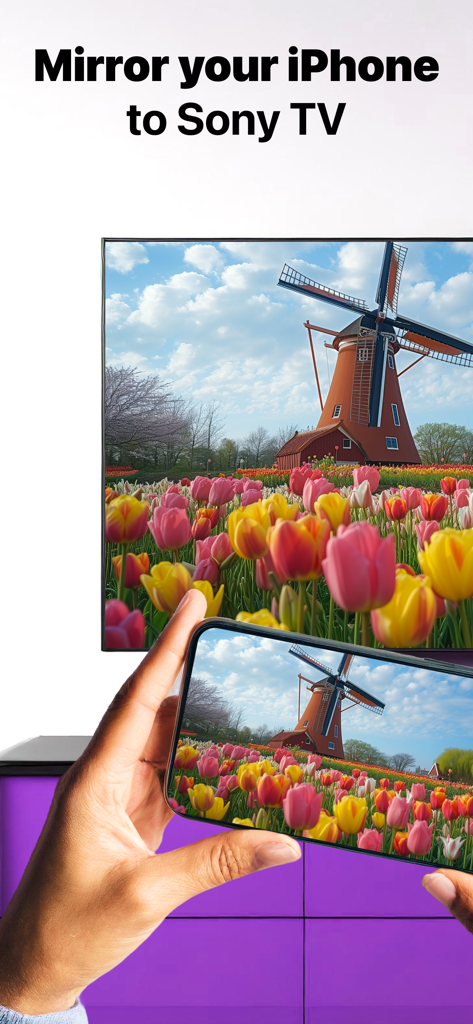
An iPhone screen mirroring a photo of a windmill and colorful tulips onto a Sony Smart TV

An iPhone screen mirroring a photo of a windmill and colorful tulips onto a Sony Smart TV

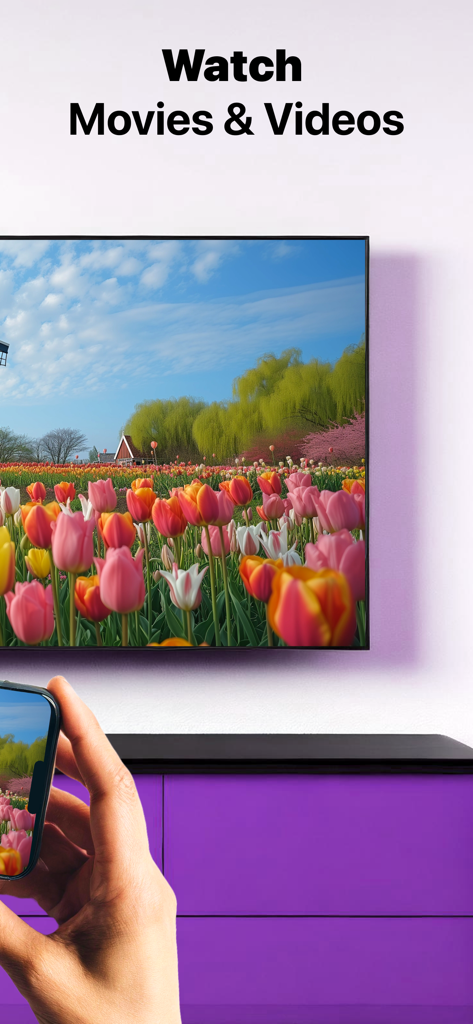
A person using an iPhone to wirelessly mirror a video of a tulip field onto a Sony Smart TV.

A person using an iPhone to wirelessly mirror a video of a tulip field onto a Sony Smart TV.

A person watching a Sony TV with text stating the app works with all Sony TVs

A person watching a Sony TV with text stating the app works with all Sony TVs

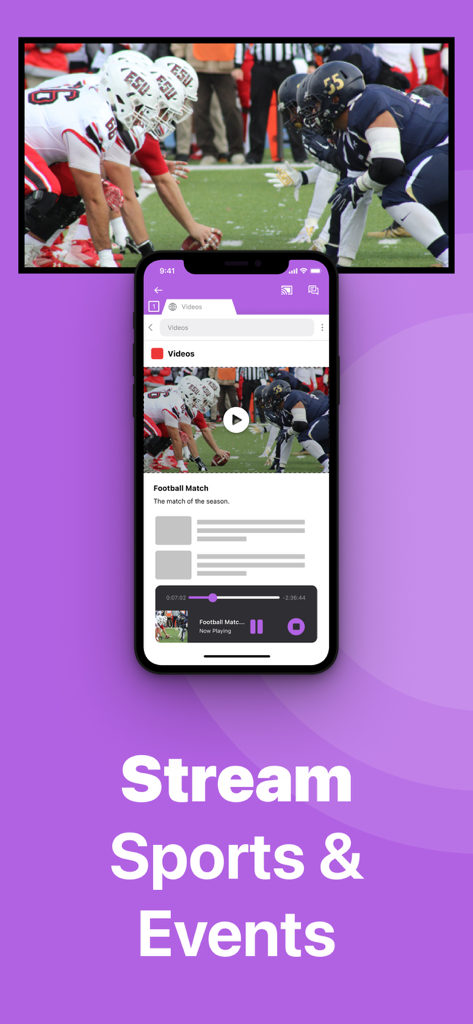
An iPhone mirroring a live American football game to a large Sony TV screen

An iPhone mirroring a live American football game to a large Sony TV screen

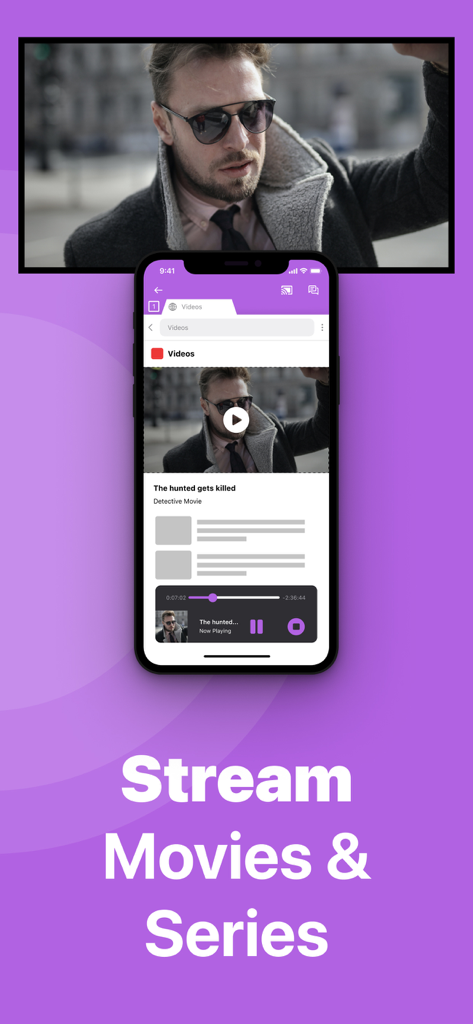
iPhone screen mirroring a movie to a Sony TV with text Stream Movies and Series

iPhone screen mirroring a movie to a Sony TV with text Stream Movies and Series

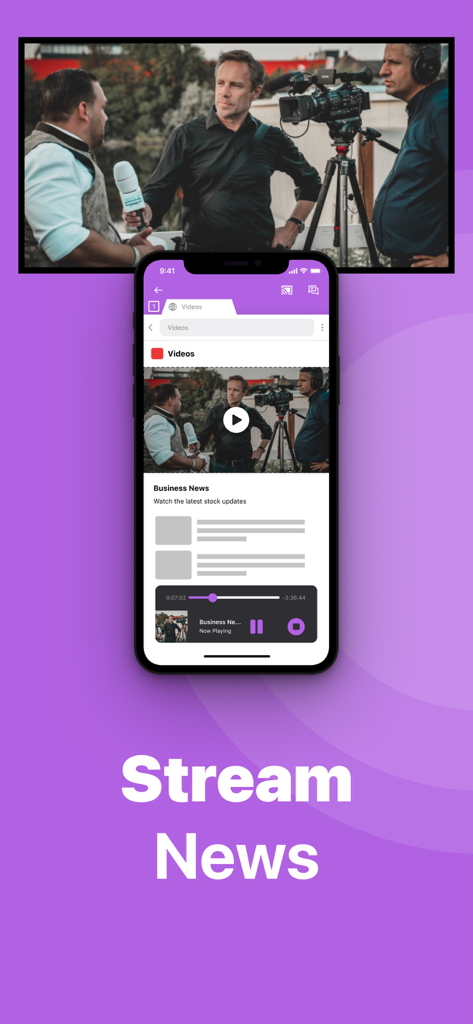
An iPhone mirroring a business news video to a large Sony Smart TV screen wirelessly.

An iPhone mirroring a business news video to a large Sony Smart TV screen wirelessly.

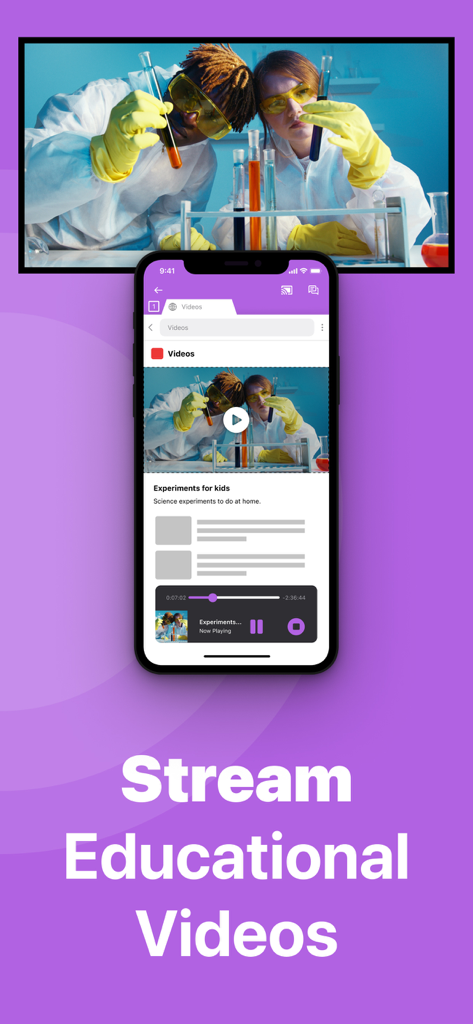
An iPhone mirroring an educational science video onto a large Sony Smart TV screen.

An iPhone mirroring an educational science video onto a large Sony Smart TV screen.

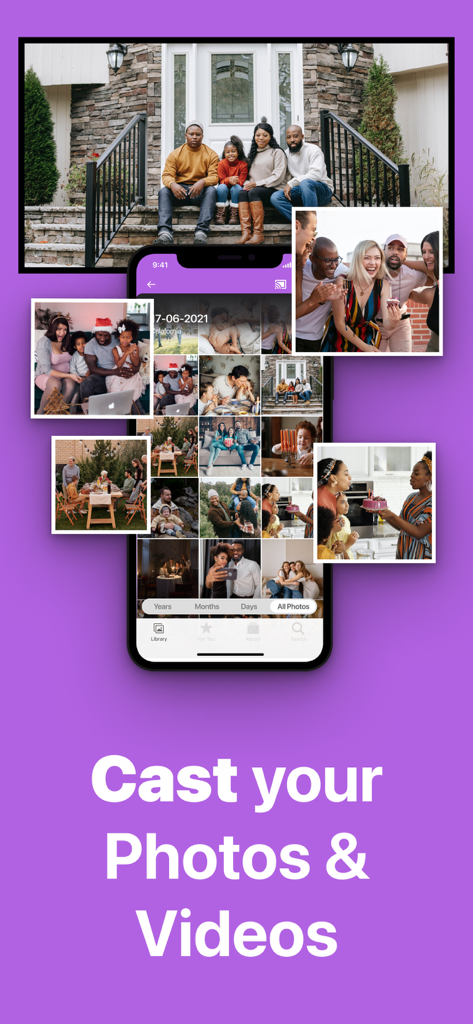
iPhone screen mirroring family photos and videos onto a Sony TV wirelessly

iPhone screen mirroring family photos and videos onto a Sony TV wirelessly

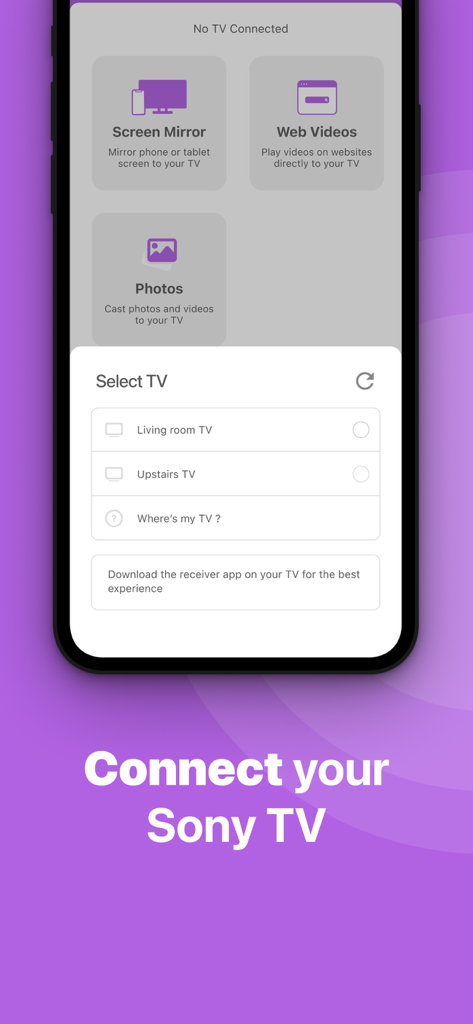
Smartphone interface of the Sony TV Screen Mirroring app showing a list of available smart TVs to connect.

Smartphone interface of the Sony TV Screen Mirroring app showing a list of available smart TVs to connect.

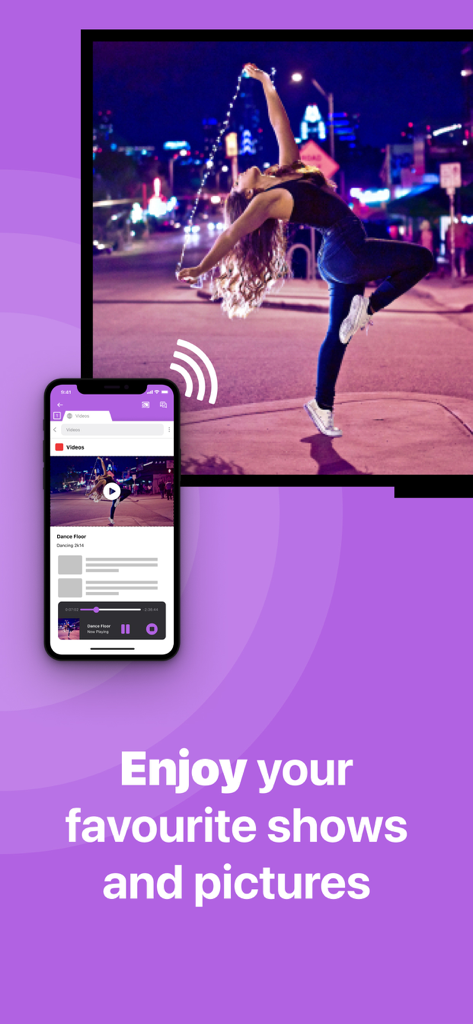
A smartphone wirelessly casting a dance video to a large television screen using the Sony TV Screen Mirroring app

A smartphone wirelessly casting a dance video to a large television screen using the Sony TV Screen Mirroring app

Everything You Need for a Seamless Connection

The tools that make this app stand out, trusted by 479K+ users.

🔌

100% Wireless Freedom

Ditch the expensive adapters and messy HDMI cables. Mirror your iPhone or iPad screen instantly using only your existing home Wi-Fi network.

🎬

Cast Any Web Video

Enjoy live news, niche sports, and web-based videos on the big screen, even if they don't have a native app on your Sony TV.

🖼️

Share Family Memories

Turn your Sony TV into a giant digital frame. Gather everyone around to relive vacation photos and home videos in high resolution.

Loved by users worldwide

Trusted by 479K+ people who love this app.

"

"As a parent constantly capturing my kids' soccer games and school plays, this app has been a lifesaver. We have a 2017 Sony Bravia that doesn't support AirPlay, and I didn't want to buy more hardware. This app lets me show the whole family our latest videos on the big screen in seconds. It is so much better than passing my phone around the room!"

David Miller
"

"I love how easy it was to get this working. I use my iPad for fitness routines and web-based cooking classes, but the screen is just too small for a workout. This app allows me to mirror everything to my Sony TV wirelessly without any messy HDMI adapters. It’s the perfect, cost-effective solution for anyone who wants to bridge the gap between iOS and Sony."

Sarah Jenkins

About the app

Everything you need to know about Sony TV Screen Mirroring Cast.

Description

Enjoy anything on the big screen without any hassle. Just wirelessly connect your phone or tablet to your Sony TV. Finally, you can get rid of those annoying and unsafe cables. You don't need expensive hardware either. In less than 5 minutes you can make your life easier and more comfortable. Get this app and screen mirror, cast or stream anything to your TV from your iOS device. This works on any Sony Smart TV from the 2012 models onward. In using the app, there will be a couple of seconds of latency (usually between 1 and 3). So this mirroring is not suitable for gaming. Enjoy series, movies, sport, live streams, breaking news or web videos. In big size of course! How the app works: 1. Make sure that your iPhone or iPad is connected to the same local network as your Sony TV. Don't use multiple VLANs, a VPN or subnets. 2. Launch the Mirror for Sony TV app. It will start looking for your Sony TV(s) on your local network. When a TV is found, please select it. When you use this app for the first time, depending on your model Sony TV, the TV might ask you to "allow" the connection. In that case, take your TV Remote Control and press OK to allow the connection from your TV to your iPhone or iPad. 3. Turn on notifications for this app. We will not spam you, but we will use this to let you know if your TV is working correctly or not. So please, please allow it, otherwise when things don't work as they should, you are left in the dark. 4. Click on Start Mirroring to start mirroring on the TV that is currently selected. After that, you can just go to any other app on your iPhone or iPad and the mirroring just continues to run. 5. To stop mirroring, there are two options. (1) click on the red top bar that you will see on your iPhone or iPad. (2) Go to the Mirror for Sony TV app and click on Stop Mirroring. Limitations and known issues: DRM Some apps block Screen Mirroring. This means that application developers can choose themselves if they want to block Screen Mirroring. For instance, Netflix, Disney and AppleTV+ have decided to block this. There is a simple test that you can do to see if the app that you want to mirror has blocked Screen Mirroring: Open that particular app and slide up Control Center on your iPhone/iPad. Then, click on Screen Recording and start recording the screen to your Camera Roll. Watch the app that you want to mirror and at some point stop the screen recording. Then go to your Photos app and watch the video that was recorded. If the recorded video shows the app you want to mirror, it works fine. If the video is empty, then the app you want to mirror does not allow Screen Mirroring. You can purchase the Mirror for Sony TV Pro Version through an in app purchase. The Pro Version has the following features: 1. Adds audio to the screen mirroring 2. Provides for free lifetime updates of the app 3. Gives the option to choose higher screen resolutions. * Payment will be charged to iTunes Account at confirmation of purchase. * Subscription automatically renews unless auto-renew is turned off at least 24-hours before the end of the current period. * Account will be charged for renewal within 24-hours prior to the end of the current period, and identify the cost of the renewal. * Subscriptions may be managed by the user and auto-renewal may be turned off by going to the user’s Account Settings after purchase. * Any unused portion of a free trial period, if offered, will be forfeited when the user purchases a subscription to that publication, where applicable. Feel free to check: Our Terms of Use: http://bit.ly/ABTV-TOU21 Our Privacy Policy: https://www.airbeam.tv/privacy-policy/ Support: If you have questions or would like to provide feedback, please send us an e-mail or chat with us on our Facebook page. When you like the app, please don't forget to give it a positive rating! Thanks in advance from the AirBeamTV development team! Please give us feedback by mailing to support@airbeam.tv

Latest Version

5.1.9

Size

157.0 MB

First Released

Nov 3, 2017

Experience Your iPhone on Your Sony TV—Cables Not Required

Join over 479,000 users who enjoy effortless, wireless mirroring. Download now and upgrade your home theater in less than 5 minutes.

Download on App StoreDownload on Google Play